Ecommerce Chatbot: How It Works and What to Expect
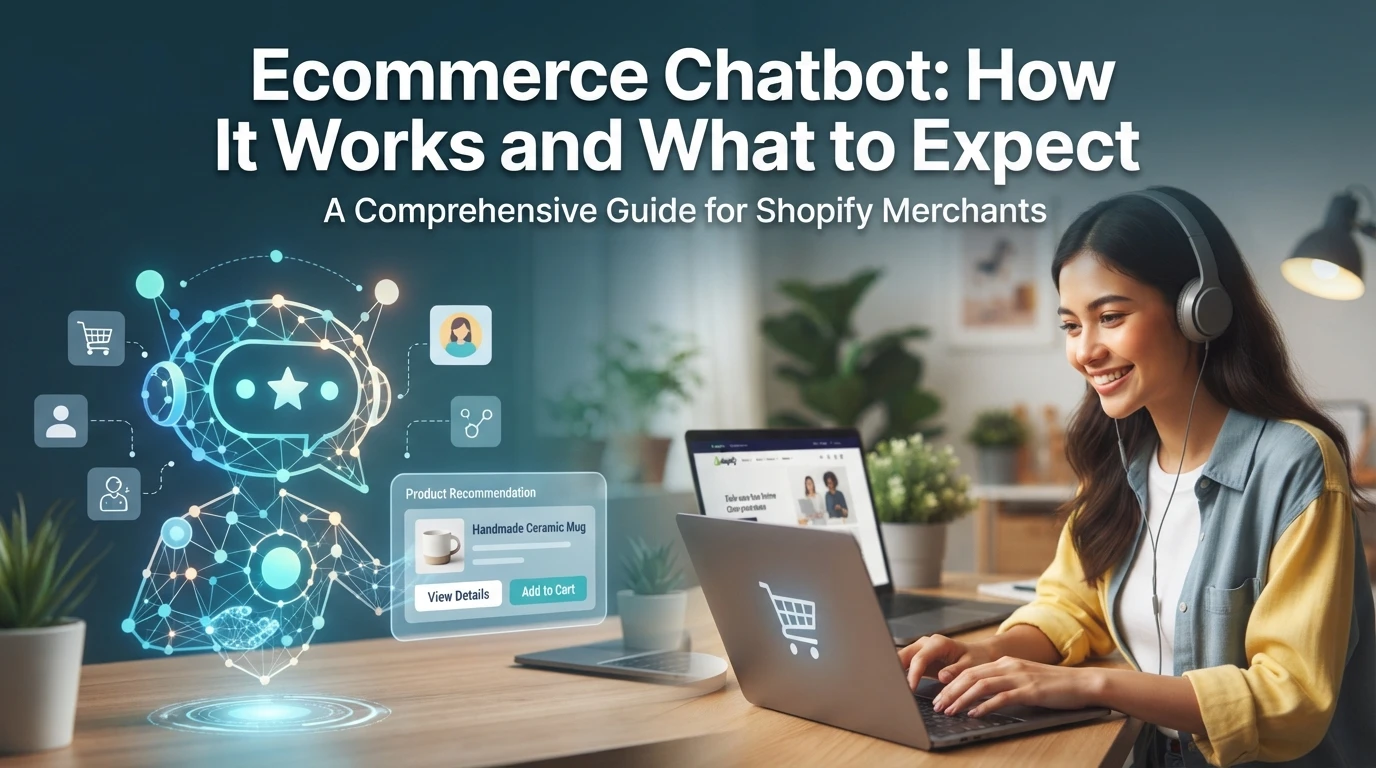
Quick Summary: Ecommerce chatbots answer shopper questions using live product, order, and policy data, recommend products, capture leads, and hand complex cases to humans. On Shopify, setup and tuning usually take four weeks, with performance measured through assisted conversions, revenue per chat, resolution rate, and returns triage load. Bots work best for routine questions, but angry refund disputes, complex orders, and other judgment-heavy issues still need human support. A shopper lands on your product page at 10pm and asks whether the medium runs small. Whether that session ends in an order or an abandoned tab depends on whether anything answers her. That's the job of an ecommerce chatbot: software that answers buyer questions instantly. This guide explains what these bots are, how they work, where they fit on Shopify, and what results to expect, written by the Kandid team.
What Is an Ecommerce Chatbot, and How Does It Work?
An ecommerce chatbot is software that talks with shoppers on your store's chat widget or social channels. It answers questions like "where is my order?", suggests products and collects contact details. Instead of replying from a fixed script, a modern chatbot pulls answers from your store data: product pages, order status and policies. That process is called catalog grounding, and it keeps replies accurate. A well-built chatbot follows four steps: it understands the shopper's message, matches it to a known intent, retrieves relevant store information, then answers or escalates. Here is that loop in order.
- Input: the shopper asks a question in chat.
- Intent detection: the bot works out what they want.
- Grounding: it checks your product and order data.
- Response: it replies, recommends products or hands off.
Human Handoff and the Channels It Runs On
No bot should guess its way through a hard question. Good setups detect frustration, refund requests or complex sizing questions and pass the chat to a human with full context. The same bot usually runs on several channels: your site's chat widget, WhatsApp, Instagram DMs and email. Merchants on Shopify connect it through the Shopify App Store, so order lookup works without extra plumbing.
Chatbot or AI Sales Agent?
The terms overlap, but the jobs differ.
| Classic chatbot | AI sales agent | |
|---|---|---|
| Answers from | Fixed rules and FAQs | Live store data |
| Best at | FAQs, lead capture | Product discovery, recommendations |
| Fails when | Question is off-script | Rarely, if grounded |
Kandid's AI sales assistant, for example, is built on the agent model: it reads your catalog and order data to guide shoppers to the right product.
What an Ecommerce Chatbot Actually Does for Your Store
An ecommerce chatbot answers shopper questions on your store automatically. It reads your product data, replies in seconds and hands complex cases to a human.
Pre-Purchase Questions and Product Discovery
Before checkout, shoppers ask about sizing, fabric, shipping and stock. A well-built Shopify AI chatbot uses catalog grounding, so answers come from your real product data, not guesses. It also guides product discovery and suggests relevant items, which is how product recommendations surface naturally mid-conversation.

Order Status, Returns Triage and Lead Capture
After purchase, the bot handles order lookup by pulling live shipping data from Shopify. It runs returns triage by checking policy rules before a human sees the ticket. It can also capture emails for abandoned carts.
What Shopify Itself Already Does
Shopify Inbox already offers free live chat and basic auto-replies. What it lacks is a full AI sales agent that recommends products, handles discovery and escalates cleanly across channels.
How to Measure What an Ecommerce Chatbot Is Worth
Pick four measures and give them one attribution window, say 14 days:

- Assisted conversion rate: chats that ended in an order.
- Revenue per chat: order value tied to chat sessions.
- Resolution rate: questions answered without human handoff.
- Returns triage load: refund chats the bot absorbs.
Traps: counting every post-chat purchase as the bot's win, or ignoring last-click overlap.
The Costs Vendors Do Not Quote
Quote the monthly fee, but add setup time, catalog grounding upkeep, and overage charges for extra chats. Those line items decide real chatbot ROI measurement.
What to Expect and When a Chatbot Is the Wrong Tool
The First Four Weeks
Expect mostly setup work early. Week one is installing the widget and connecting your catalog, so answers stay grounded in real product data. Weeks two and three are about tuning replies and watching where shoppers get stuck. By week four, judge it on order lookups and human handoff quality.
Where a Chatbot Does Not Belong
Don't use a bot for angry refund disputes, complex custom orders, or anything legal or pricing-sensitive that needs a human decision. It also can't replace genuinely personal styling advice. If most of your tickets need judgment calls, a chatbot will frustrate shoppers instead of helping them.
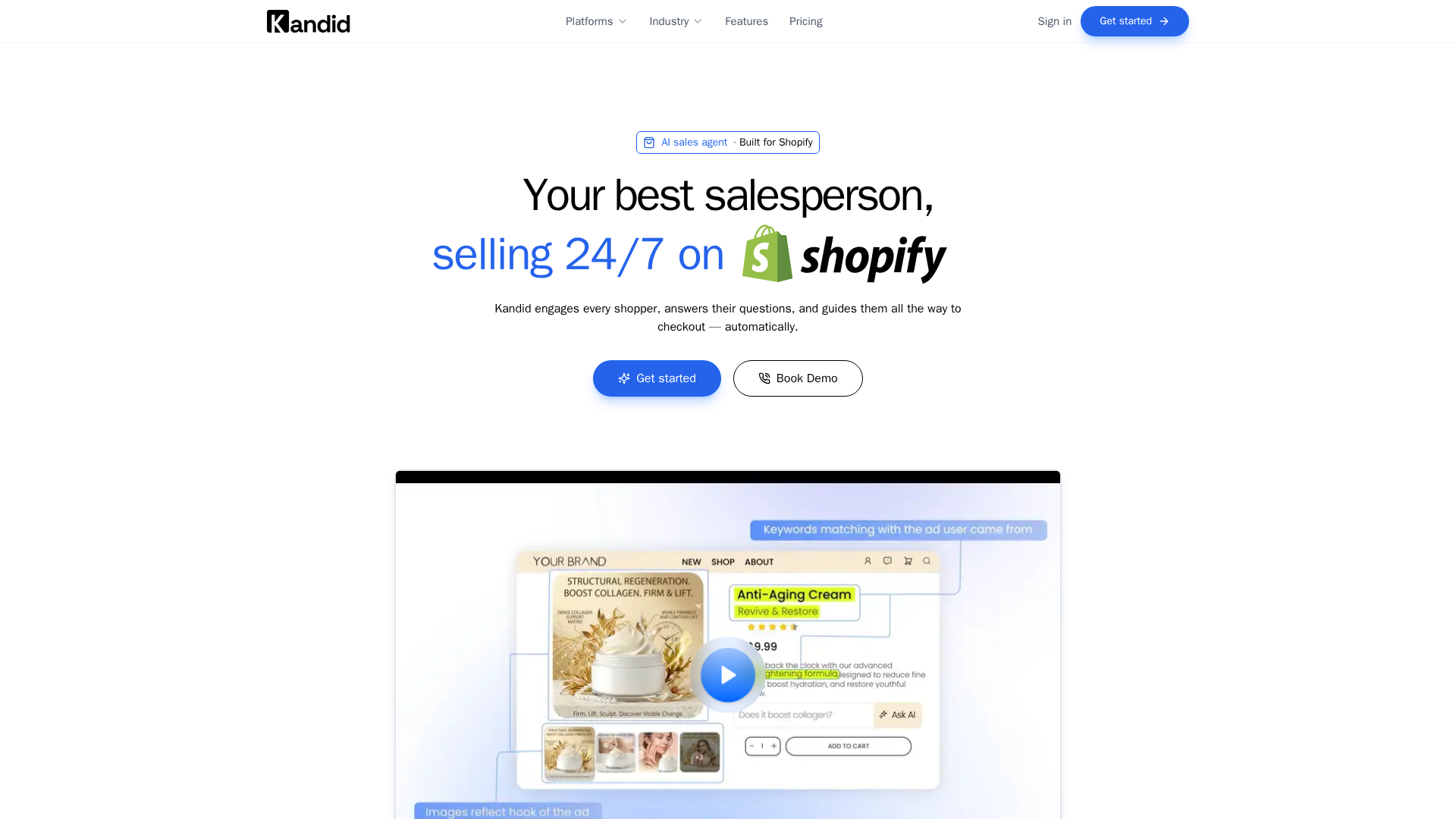
If sizing questions at 10pm keep costing you sales, see how Kandid answers them with your own store data, hands off to your team when needed, and reports results you can actually measure.
Frequently Asked Questions
Q1: What is an ecommerce chatbot and how does it work?
It's software that answers shopper questions instantly. It detects the intent, checks your live product and order data (catalog grounding), then replies, recommends products or hands off to a human.
Q2: How long does chatbot setup take on Shopify?
Most of week one goes to installing the widget and connecting your catalog. Expect tuning through weeks two and three, with meaningful order lookups by week four.
Q3: Which metrics prove my chatbot is working?
Track assisted conversion rate, revenue per chat, resolution rate and returns triage load, using one attribution window such as 14 days to avoid inflated wins.
Conclusion
An ecommerce chatbot works best when it understands intent, stays grounded in your product and order data, hands off cleanly to humans, and gets judged on honest metrics within one attribution window. Set it up, tune it weekly, and expect clarity on its worth by week four.