Ecommerce Chatbot Setup Checklist for Shopify Store Launches
Quick Summary: Launching a Shopify store without a chatbot plan costs sales, so work through a pre-launch checklist covering testing, training, and handoff rules. Set up takes under an hour, but plan 2-5 hours for tuning and test in incognito, especially on mobile, before going live. Track chat-to-order, response, escalation, and revenue metrics for 30 days, and keep human handoff for refunds or complaints. AI-assisted shoppers convert nearly 50% better than organic search visitors, so the effort pays off.
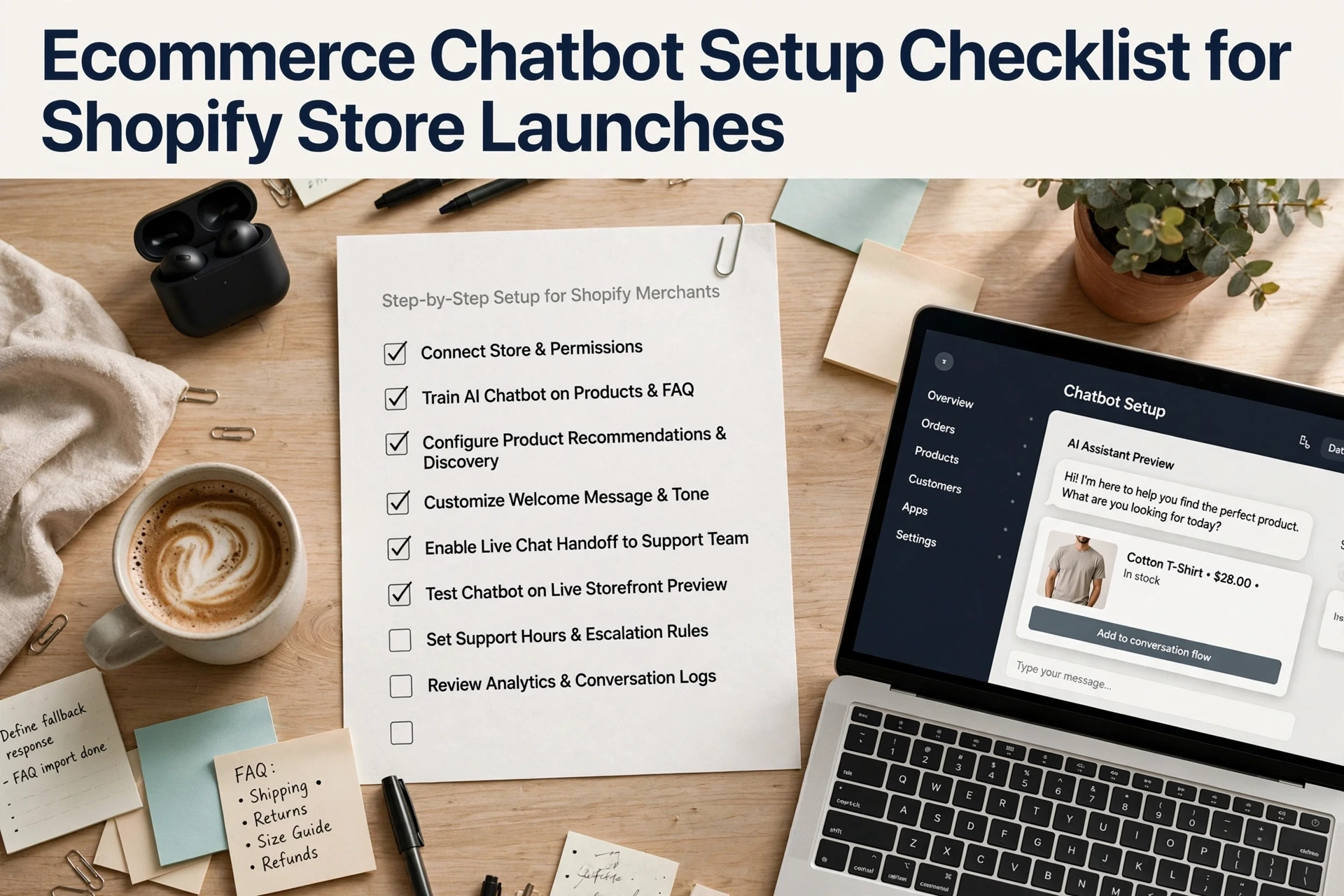
Launching a store without a chatbot plan costs you sales on day one. This Shopify ecommerce chatbot setup checklist walks through every step in order, so nothing slips. We've set up AI chat for Shopify stores across the US, India and the UK. Use the Shopify ecommerce chatbot setup checklist below before launch day. Work through each item, and the checklist becomes your launch-week safety net.

Ready to launch? Run this Shopify ecommerce chatbot setup checklist, then let Kandid handle the rest. Its AI sales assistant answers shopper questions and recommends products from day one. See how it works.
Frequently Asked Questions
Q1: What should merchants verify before launching a Shopify chatbot?
Test everything in a private or incognito window first. Check that the bot answers questions about your top 10 products correctly, since AI tools like Kandid, Rep AI, and Zipchat all rely on how well they read your store data. Confirm order tracking works with real order numbers, that human handoff triggers when the bot is unsure, and that product recommendations make sense. Also check mobile, because most shoppers arrive on phones. Fix broken answers before going live, not after.
Q2: How long does it take to set up a chatbot on a new Shopify store?
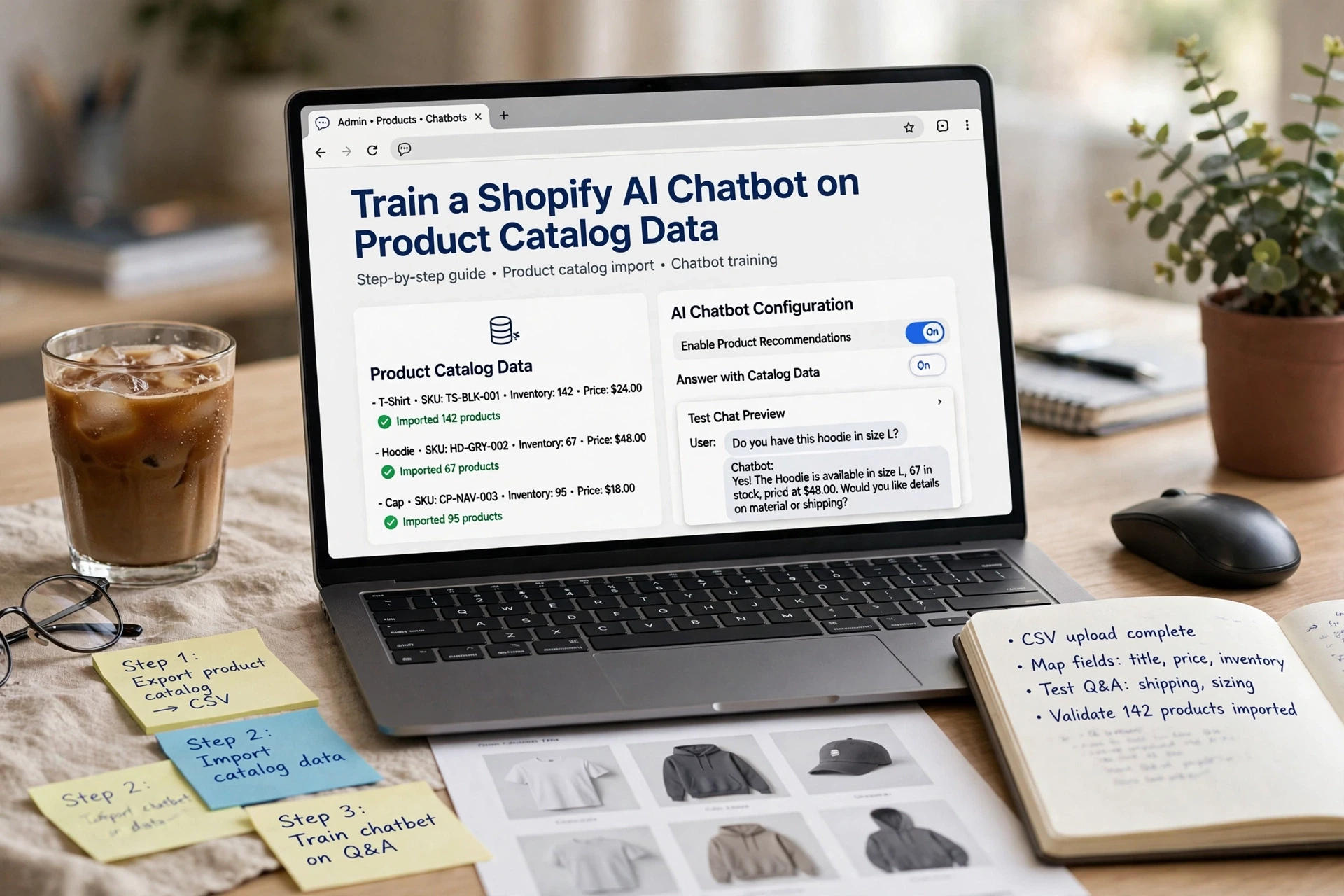
Most plug-and-play tools install in under an hour. Apps like Chatty, Tidio, or Kandid pull your product catalog straight from Shopify, so the basic setup is quick. The real work is training and testing: writing answers to your common questions, setting handoff rules, and reviewing responses. Plan for 2 to 5 hours of tuning before launch, plus a week of watching live chats to catch mistakes the test run missed.
Q3: Do I need a chatbot if my store already has email support?
Email answers take hours. Shoppers who get a fast reply buy more, and a chatbot replies in seconds. It also handles the repeat questions - shipping times, size charts, return policies - so your team only deals with the complex cases. If you sell into the US, UK, or India, a bot also covers time zones you cannot staff. Keep email for detailed issues, but let the bot carry the first response.
Q4: What is human handoff and why does it matter?
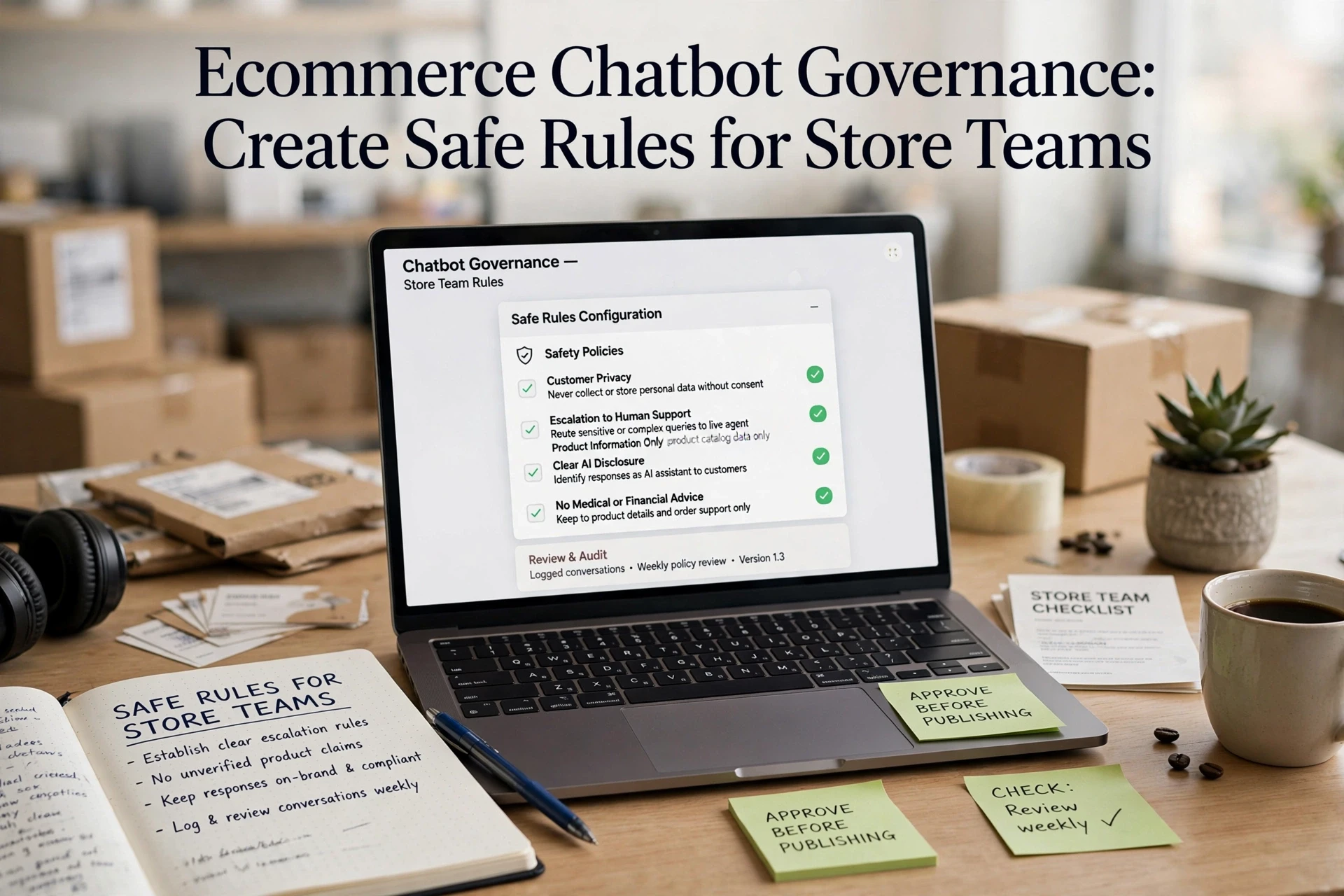
Human handoff means the chatbot passes the conversation to a real person when it cannot help. This matters because bots fail on refunds, complaints, and unusual requests. A shopper stuck in a loop will leave and often never come back. Set clear rules in your checklist: hand off on refund words, on two failed answers in a row, or when the shopper asks for a person. Tools like Gorgias and Kandid both support this, so use it.
Q5: How do I measure whether the chatbot is actually helping?
Track four numbers before and after launch. First, chat-to-order rate: how many chats end in a purchase. Second, response rate: what share of chats get answered. Third, escalation rate: how often you need a human. Fourth, revenue from chats if your tool reports it. Most platforms, including Kandid and Tidio, show these in a dashboard. Give it at least 30 days of data before judging, and compare against the same month last year to rule out seasonal swings.
Conclusion
A chatbot setup comes down to a few things: pick a tool that fits your budget, feed it your catalog and policies, test every flow before launch, and keep a human handoff for tricky cases. The payoff is real. Shopify's own data shows AI-assisted shoppers convert nearly 50% better than organic search visitors. Work through this checklist step by step, measure results against a baseline, and stores using chat report strong gains in conversions and order value.