
Ecommerce Product Recommendations: Personalize Cross-Sells by Category

Someone buying a coffee machine needs filters and descaler, not a blender. Yet most stores show random upsells because their ecommerce product recommendations by category logic ignores what the shopper is actually browsing. This guide fixes that with a category-mapping framework: match cross-sell intent to each product type, choose the right Shopify setup, and measure results by funnel stage. It draws on what we've learned building Kandid's AI sales agent for Shopify merchants.
Understand Recommendation Intent Before Choosing Products
Every good recommendation starts with one question: what is the shopper trying to do? Ecommerce product recommendations by category work best when you first map intent. A complement adds to the purchase; an alternative replaces it.
Separate Complements from Alternatives
A customer buying running shoes may want socks, insoles or a gym bag. Those are complements, and they lift order value without slowing the sale. Someone comparing two similar jackets wants an alternative, so show it before checkout, not after.
Map this per category:
| Category | Complements | Alternatives |
|---|---|---|
| Skincare | Cleanser with serum | Different SPF levels |
| Electronics | Charger, case | Rival models |
| Apparel | Belt, shoes | Similar fits |
Get this wrong and you recommend competitors at the worst moment. Tools like Kandid's AI sales agent can guide this choice by reading product context.

Map Each Product Category to Useful Cross-Sell Pairings
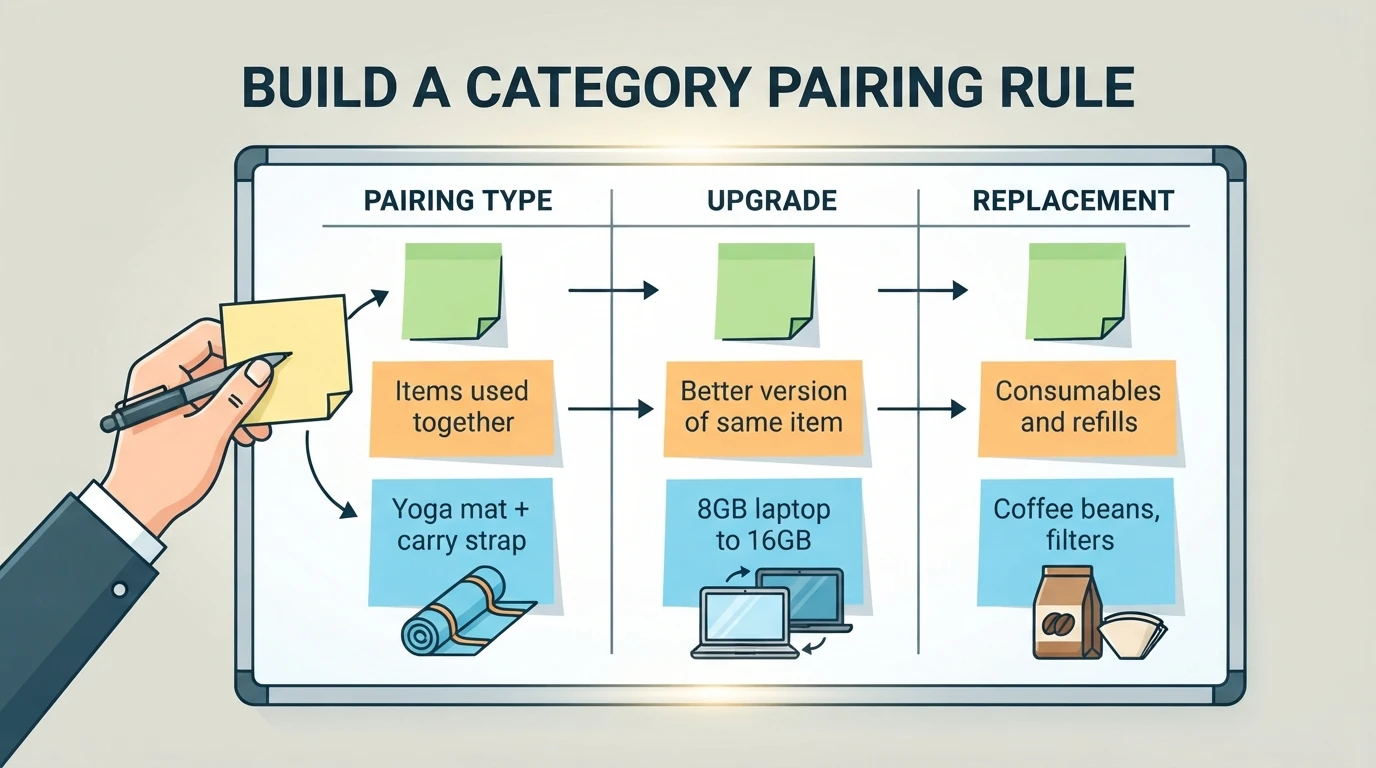
Build a Category Pairing Rule
Not every product pairs with every add-on. Useful ecommerce product recommendations by category follow a simple rule: match the shopper's intent, not just the cart.
Start with three pairing types:
| Pairing type | Rule | Example |
|---|---|---|
| Complement | Items used together | Yoga mat + carry strap |
| Upgrade | Better version of same item | 8GB laptop to 16GB |
| Replacement | Consumables and refills | Coffee beans, filters |
Complements raise order value with zero pushback because the shopper needs them anyway. Upgrades work best at the product page, before the cart is set. Replacements belong in post-purchase emails, timed to the product's usage cycle.
Check compatibility before you automate. Pairing a phone case with a tablet looks helpful and returns nothing. Most Shopify merchants maintain a simple spreadsheet of valid pairs, then hand those rules to their recommendation tool. An AI sales assistant can apply these pairings in chat, so shoppers only see items that genuinely fit.
Choose Where and How Recommendations Appear
Match Placement to Shopping Context
A recommendation only works where the shopper is ready to see it. On product pages, cross-sells answer "what else fits with this?" Place compatible accessories or bundles right below the buy button. On cart pages, aim for low-friction add-ons that raise order value without delaying checkout. During browse and search, use cross-sells to catch intent mid-session.
Chat changes this. A Shopify AI sales agent can read the shopper's question and suggest products inside the conversation, so the recommendation arrives with context instead of a generic widget. Use on-site widgets for predictable pairings; use chat for edge cases like sizing, compatibility, or gift questions.
Test one placement at a time. Changing three at once hides which slot actually moved revenue.
Measure Relevance and Improve the Pairings
Review the Recommendation Funnel
Track four numbers per category: impressions, clicks, add-to-cart rate, and revenue per recommendation. A pairing with high clicks but few add-to-carts usually means the price or size mismatch shows up late. Low clicks point to a relevance problem, so fix the mapping before touching the design.
Compare each cross-sell's attach rate against the category baseline. Anything below it for two weeks gets re-mapped or dropped. Then test one change at a time: swap the anchor product, adjust the price gap, or reorder placements. Give each test a full purchase cycle before judging it.
If an AI assistant handles the recommending, review its suggested pairs monthly and prune ones shoppers ignore. Tools like Kandid's AI sales agent surface which product suggestions convert, so you improve pairings with data rather than guesswork.

Category-based cross-sells only work when shoppers see them at the right moment. Kandid's AI sales assistant recommends fitting products during chat. See how it works at Kandid.
Frequently Asked Questions
Q1: How do you personalize ecommerce cross-sell recommendations by product category?
Map each category to compatible partners, like cases to phones or serums to cleansers. Then match intent: complements on product pages, upgrades in cart.
Q2: Which Shopify apps support category-based cross-sells?
Most recommendation apps do. Kandid's AI sales assistant pulls product data to suggest category-fit items during chat.
Q3: How do I measure cross-sell performance?
Track attach rate and revenue per session by category in Shopify Analytics, then test one mapping change at a time.
Conclusion
Map each category to its natural cross-sell intent, check product compatibility before recommending, and measure results at the funnel stage. Done well, personalized product recommendations turn one-time orders into larger, repeat purchases.