Ecommerce Chatbot Training for Support Staff
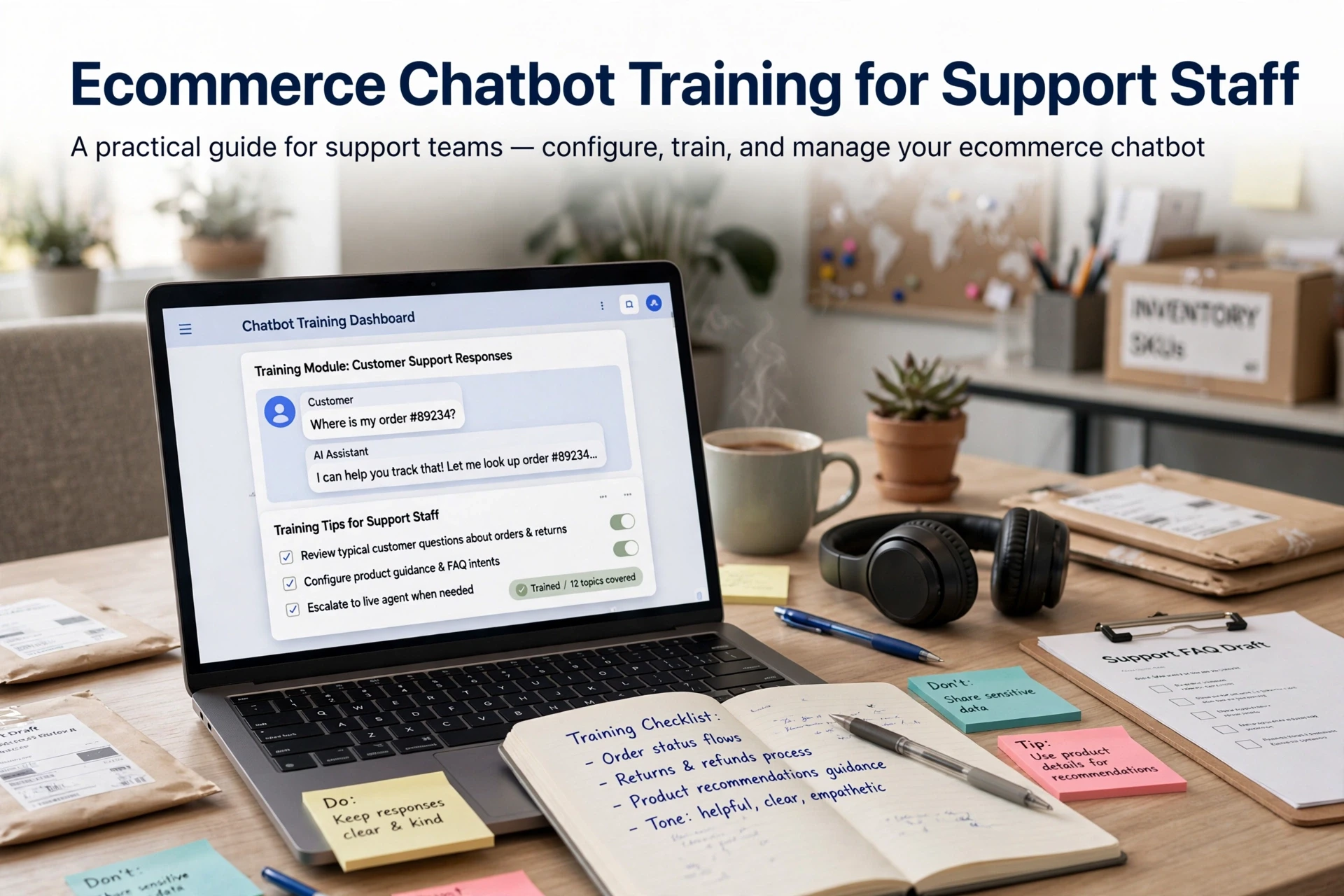
Quick Summary: Train support staff by mapping what the chatbot handles well, setting clear escalation rules, giving agents a one-page handoff checklist, and practicing five real scenarios each month. Agents should read the transferred context, escalate refunds, chargebacks, and angry shoppers early, and never argue with the bot in front of a customer. Review 20 to 30 chats weekly, fix wrong answers at their source, retest changes, and share results so the team and bot improve together.
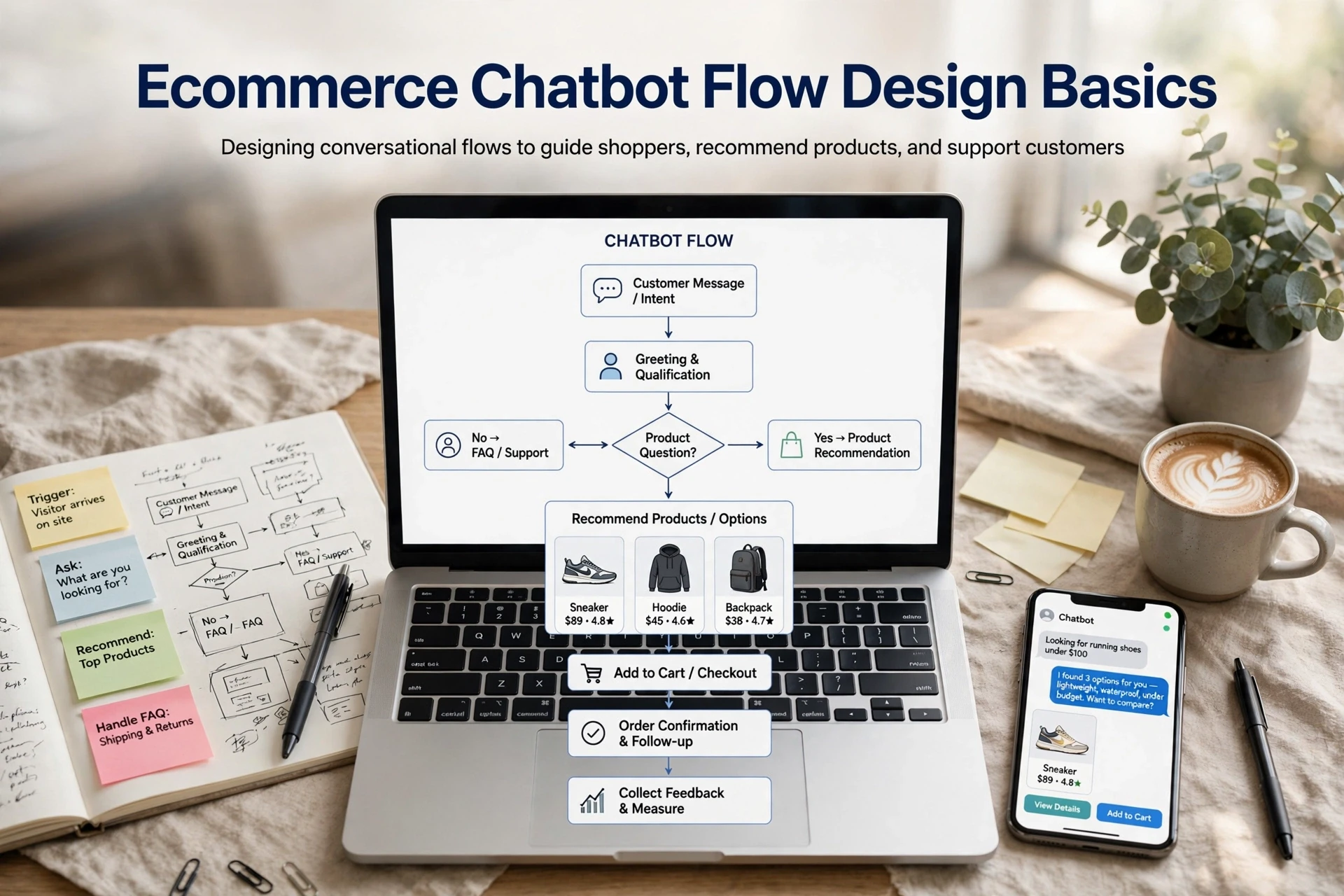
When your AI chatbot hands a shopper to a person, the conversation splits: the machine writes the first half and your team writes the second. Trouble starts when an agent takes over blind, with no idea what the bot already said. Good ecommerce chatbot staff training fixes that seam. This guide gives you a four-part curriculum - prepare, teach, drill, review - with escalation intake steps and a weekly correction loop built on Shopify handoff guidance.
Before You Start: Prepare the Bot and the Team
Audit What the Bot Can Actually Answer Today
Run 30 real shopper questions through the bot before any ecommerce chatbot staff training session. Log what it answers well, badly, or refuses. Include returns, sizing, shipping and order tracking. That gap list tells your agents where they will inherit messy conversations and where your policies need writing into the bot first.

Set the Rules the Team Will Use
Write simple chatbot escalation rules: the questions agents must hand over immediately, like refunds or angry shoppers. Set a response-time target and one shared template for summarizing context so the shopper never repeats their story. Publishing your policies clearly, as Shopify advises, reduces the disputes that trigger handoffs. If you are still choosing a platform, this choosing guide helps.
How Do I Train Support Staff to Work With an Ecommerce Chatbot?
Train staff in four steps: map what the chatbot can and cannot answer, set clear chatbot escalation rules, give agents a one-page human handoff checklist, then drill real scenarios weekly.
Teach the Capability Map, Not the Feature List
Skip the settings tour. Agents need to know which questions the bot handles well, such as shipping status and simple ecommerce return and refund policy questions, and which ones it fails. Run 30 real shopper questions through the bot and record the results. That map builds trust faster than any demo.
Set Three Non-Negotiable Rules for Agents
- Check the summary first: read the bot's conversation summary and context transfer before replying, so shoppers never repeat themselves.
- Never argue the bot's answer: correct it quietly and fix the answer content later.
- Escalate early on emotion or money: refunds, chargebacks and angry shoppers go to a human immediately.
Give Agents a One-Page Handoff Intake Checklist
A simple human handoff checklist for ecommerce support keeps intake consistent: order number, shopper issue, what the bot already tried, and promised next step. Nothing else.
Run Drills on Real Conversations Until the Team Stops Guessing
Which scenarios should agents drill? Five, repeated monthly until handoffs feel routine.
Five Scenario Types to Drill Every Month
| Scenario | What Agents Practice |
|---|---|
| Returns and refunds | Checking policy, then escalating when the bot is unsure |
| Order status | Reading the bot's summary before replying |
| Wrong or damaged item | Empathy first, then escalation with full context |
| Price and stock questions | Letting the bot answer, stepping in only when it stalls |
| Angry shopper | Taking over fast and resetting the tone |
Pair each drill with your chatbot escalation rules, so agents learn the triggers, not guesses.

Score the Session, Not the Chatbot
Grade the agent: did they read the context transfer, escalate on time, and confirm the fix? Log every miss, and fix the trigger or knowledge gap the same week. Score the next drill against those notes.
Review Conversations Weekly and Feed Corrections Back Into the Bot
A Shopify store should review chatbot conversations once a week. Set a fixed slot, pull a sample, and log every wrong answer. The loop looks like this:
- Export 20-30 recent chats, including the 30 test questions you ran at launch.
- Flag wrong answers, missed handoffs and broken tone.
- Fix the source: update the product copy, FAQ or policy page.
- Retest before the fix goes live.
The Weekly Review Loop
Assign one person, ideally a senior agent, to own the review. Score each flagged chat against your chatbot escalation rules and note repeat question rate, which signals a knowledge gap. Feed corrections into the bot's knowledge base weekly, not monthly.
Report the Result Honestly
Share the review with the whole team: what the bot got wrong, what it passed, and what changed. Honest reporting builds agent trust. It also shows whether the bot is ready for more traffic, fewer guardrails or expanded scope.

Train your team with drills like these, then put Kandid behind them. See how its AI sales agent handles your real shopper questions: https://kandid.ai/shopify-ai-sales-agent.
Frequently Asked Questions
Q1: How do I train support staff to work with an ecommerce chatbot?
Map the bot's strengths, set escalation rules, give agents a one-page handoff checklist, then drill five scenarios monthly.
Q2: How often should we review chatbot conversations?
Weekly. Pull 20-30 chats, log wrong answers, and fix the knowledge gap the same week.
Q3: What belongs on a handoff intake checklist?
Order number, shopper issue, what the bot tried, and the promised next step.
Conclusion
Ecommerce chatbot staff training comes down to four moves: map what the bot answers well, set clear escalation rules, hand every agent a one-page checklist, and drill five scenarios until handoffs feel routine. Pair that with a weekly review loop, and your team stops guessing at the seam where the bot ends and the human begins.