Ecommerce Chatbot Daily Maintenance Routine
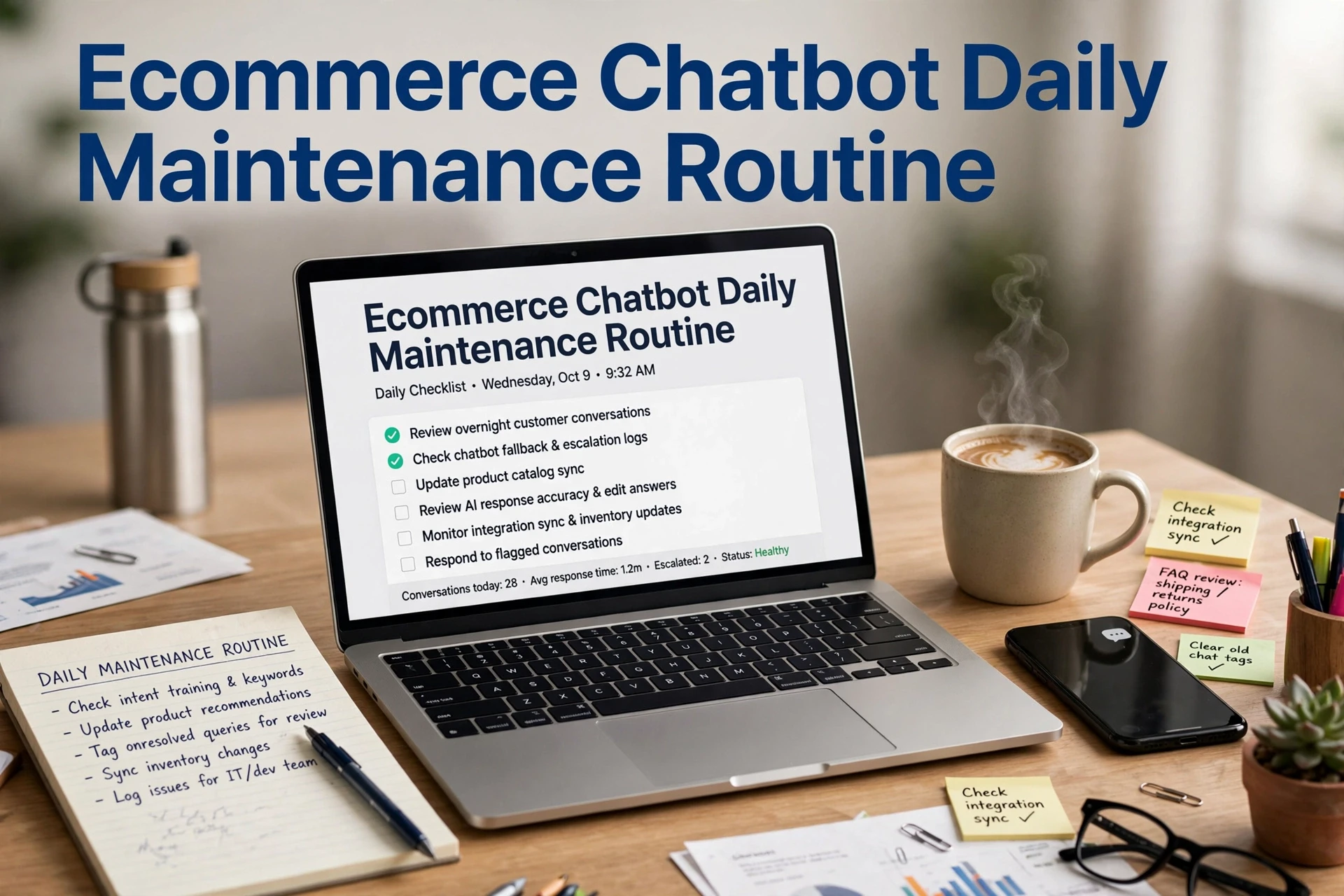
Quick Summary: A 15-minute daily review of past chats keeps ecommerce chatbots accurate by catching wrong shipping, inventory, and return answers before shoppers find them. Assign a primary owner and backup, check catalog and policy changes, verify handoffs, and turn repeated questions into permanent fixes, then add weekly escalation tests and a monthly knowledge base refresh. Consistent checks prevent stale answers and costly revenue leaks, while tools such as Kandid can help keep Shopify product data current. At 8:55 am your Shopify chatbot tells a shopper the linen shirt ships in two days. The threshold changed to one day last night, and the size they asked about sold out Monday. Nothing broke. The bot just repeated yesterday's truth, so the shopper left. This guide fixes that with a short daily ecommerce chatbot maintenance routine covering shipping answers, product data and handoffs, plus the weekly and monthly checks so you always know how often to maintain it.
Before You Start: Set Up Your Baseline and Ownership
Ecommerce chatbot daily maintenance only works when someone owns it. Set both pieces up before your first review.
Assign One Owner and a Backup
Name one person who checks the bot each morning and one backup for their days off. If nobody owns the routine, it quietly stops happening within two weeks.

Write Down What the Bot Currently Tells Shoppers
Before changing anything, note what your Shopify chatbot says about shipping times, returns, and stock. This baseline shows whether an answer drifted later, and it doubles as your starting chatbot maintenance checklist. Picking your first owner is part of learning how to choose an ecommerce chatbot platform properly.
Step 1: Run the 15-Minute Morning Conversation Review
Your daily ecommerce chatbot maintenance routine starts the same way every morning: a numbered 15-minute review of yesterday's conversations. Scan for wrong answers first, check each handoff, then fix one repeat question. That's the whole habit.
Scan for Confident but Wrong Answers First
Open yesterday's transcripts and skim for answers that sounded sure but weren't. Shipping dates, stock levels, and return windows go stale fastest. Your chatbot doesn't know it's wrong, so the shopper finds out instead.
Check Every Handoff That Reached a Person
Open each conversation a bot escalated to your team. Ask two things: did the handoff happen fast enough, and did the human see the full context? Missed or slow handoffs are your biggest silent revenue leak.
Turn Repeat Questions Into Permanent Fixes
Group yesterday's questions by theme. When the same question appears three or more times, treat it as a knowledge gap, not a support burden. Add or correct the answer in your chatbot's source pages once, and it stays fixed.
Step 2: Sweep Product and Policy Data for Freshness
Yesterday's fixes meant nothing if today's answers pull stale data. Stale catalog and policy answers are the first errors to fix, ahead of tone or response speed, because they cost real sales. This is where ecommerce chatbot product data accuracy lives or dies.

Check Yesterday's Catalog, Inventory and Promotion Changes
Open Shopify and list what changed: new SKUs, price edits, sold-out items, ended discounts. Each change can surface in chat as a wrong answer.
| Change in Shopify | Where it surfaces in chat |
|---|---|
| Price edit | Pricing answers |
| Sold-out variant | Availability and "in stock?" replies |
| Ended promo | Discount claims |
Re-check Shipping, Delivery and Returns Rules
Confirm cutoffs, carriers and return windows match your current policy pages. One outdated returns rule creates dozens of wrong replies.
Confirm Recommendations Still Match Live Stock
Test five suggested products against live inventory. If your assistant, including Kandid's AI sales agent, recommends items it cannot sync, fix the sync before it embarrasses you. Catalog sync failures are the most common cause of out-of-stock handling errors.
Step 3: Layer Weekly and Monthly Checks Over the Daily Routine
How Often Should You Maintain an Ecommerce Chatbot?
Run a short review every day, a deeper check weekly, and a full audit monthly. The daily 15-minute pass catches urgent errors; weekly work fixes patterns like stale shipping answers; monthly work refreshes the knowledge base and product data. Together they keep your ecommerce chatbot accurate without eating your day.
| Cadence | Task | Owner | Time |
|---|---|---|---|
| Daily | Conversation review | Support lead | 15 min |
| Weekly | Escalation rules test | Support lead | 30 min |
| Monthly | Knowledge base refresh | Growth lead | 1-2 hrs |
Re-Test Escalation Rules and Handoff Coverage
Once a week, test the chatbot escalation rules yourself. Ask refund, sizing, and complaint questions as a shopper would, then confirm the human handoff fires and reaches someone. Live chat coverage hours shift with staffing, so update routing when schedules change. This guide on escalation triggers for support teams covers the setup.
Read the Numbers, Then Refresh the Knowledge
Check resolution rate, handoff rate, and chatbot-attributed revenue each week. Falling resolution rates usually point at stale content, so run a chatbot knowledge base refresh monthly, right after you fix what the numbers flagged.

Keep that 15-minute routine running. Kandid gives your Shopify store an AI sales assistant built on current product data, so daily fixes stay small. See how it fits your store.
Frequently Asked Questions
Q1: How often should I maintain an ecommerce chatbot?
Run a 15-minute review daily, test escalation rules weekly, and refresh your knowledge base monthly. This cadence keeps answers accurate without consuming your team's day.
Q2: What should I check first in a daily conversation review?
Scan yesterday's transcripts for confident but wrong answers on shipping dates, stock levels and return windows. They go stale fastest and cost the most sales.
Q3: How do I know if my chatbot's product data is stale?
Compare Shopify changes, like price edits, sold-out variants and ended promos, against what the bot told shoppers. Also test five recommendations against live inventory.
Conclusion
A 15-minute daily conversation review catches stale answers before shoppers do. Add weekly escalation tests and a monthly knowledge base refresh, and your Shopify chatbot stays accurate without eating your day. Consistency beats big fixes every time.