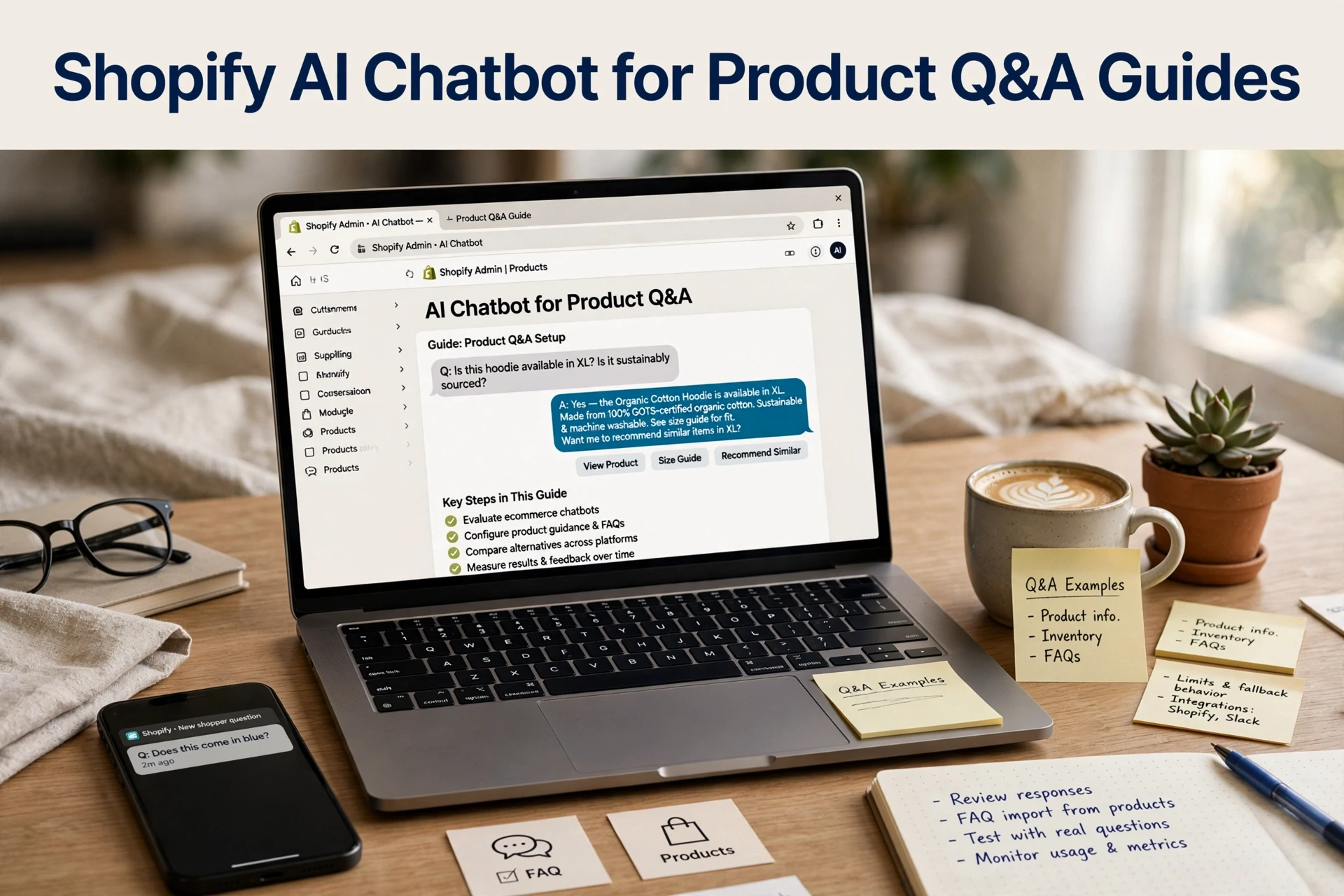
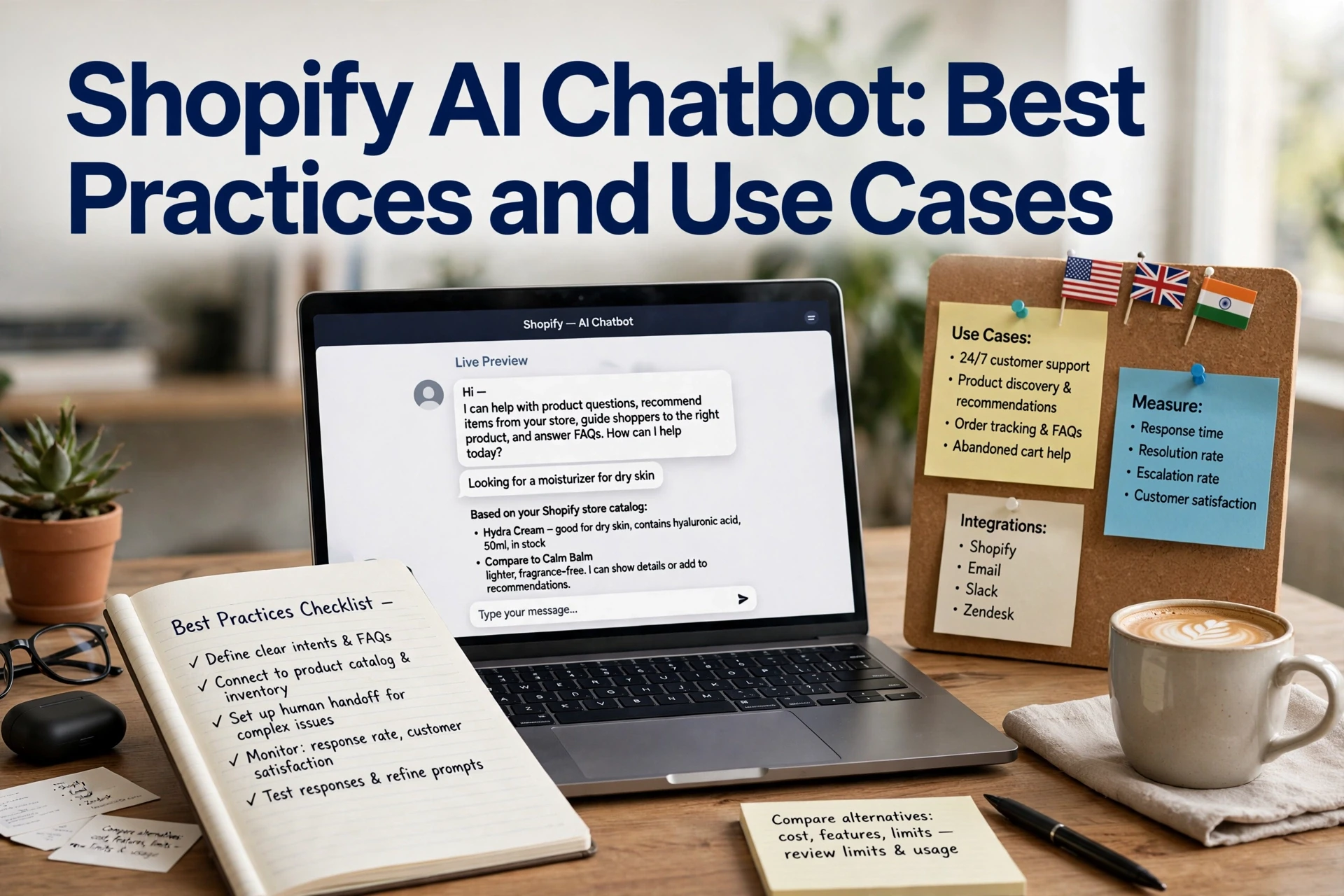
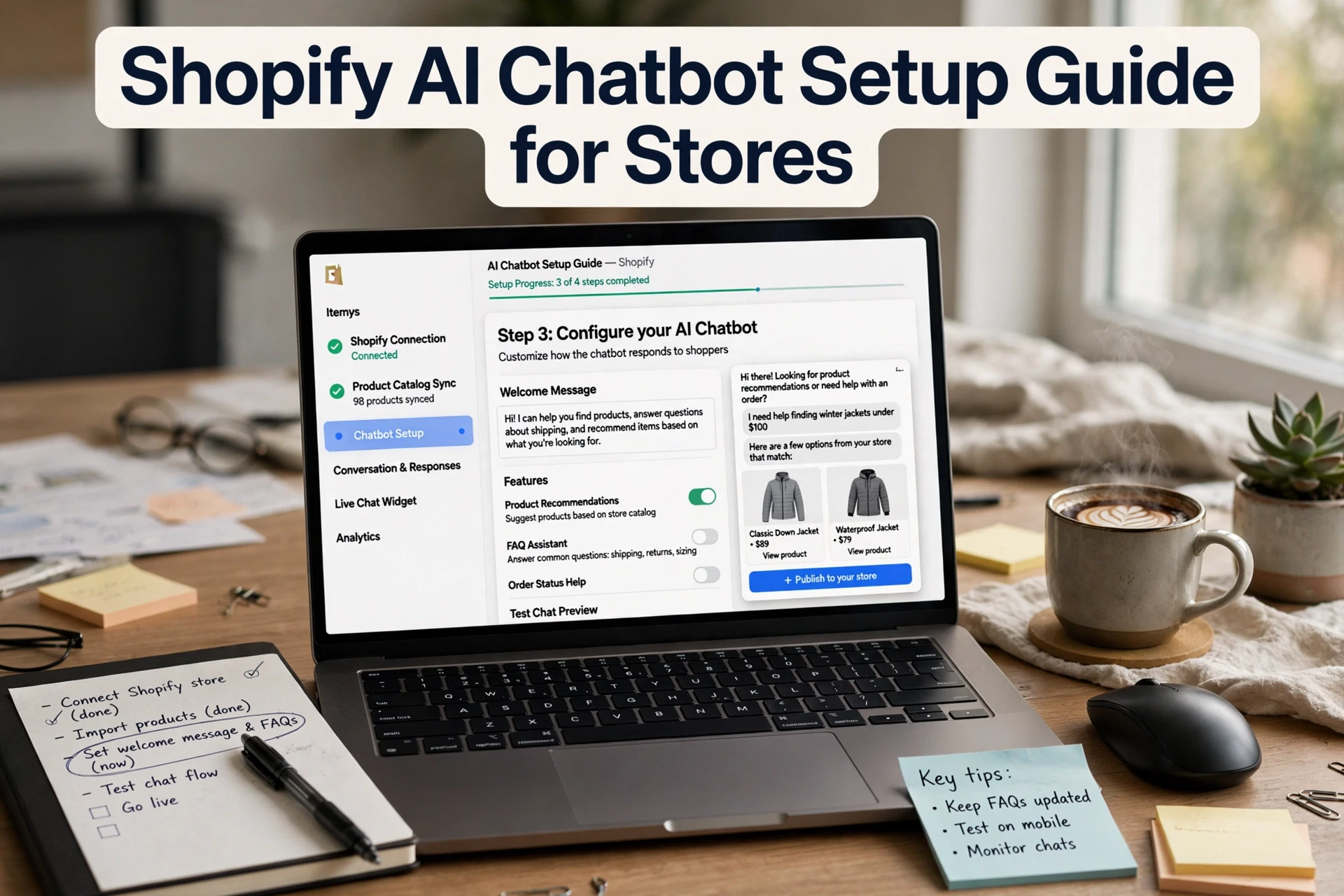
Shopify AI Chatbot Personalization Techniques
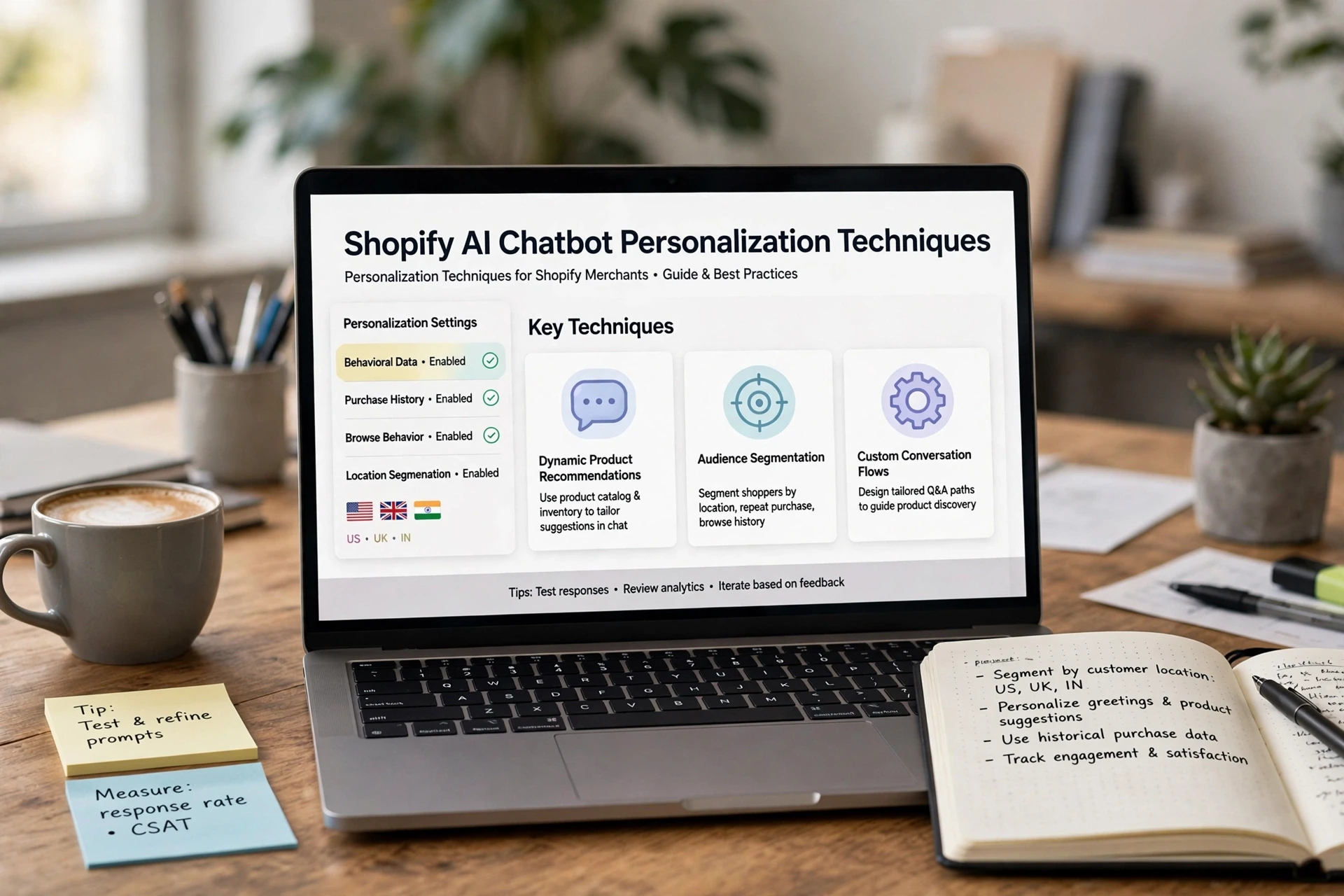
Quick Summary: Personalize Shopify chatbot conversations in layers: keep core instructions stable, open with specific browsing or cart context, and ground recommendations in clean, current catalog data. Focus on a few actionable segments, such as new visitors, returning customers, and cart abandoners, while reading intent from what shoppers say. Test one change at a time against a two-week baseline and separate influenced revenue from incremental revenue rather than claiming guaranteed gains.
Two shoppers open your store chat in the same minute. One gets a generic "Hi! How can I help you today?" The other gets a reply naming the running shoes she was just browsing. Same bot, same catalog, very different odds of a reply. That gap is what Shopify AI chatbot personalization closes: using context like browsing history and cart contents to tailor each conversation. This guide walks through the personalization layers worth configuring, where personalization should stop, and how to measure the revenue it actually adds.
Step 1: Personalize the Opening Message and Core Instructions
Most bots open with "Hi there! How can I help?" That wastes the first impression. Personalizing a Shopify AI chatbot message starts with the instruction block the bot reads before it speaks:
- State what the store sells and for whom.
- List tone rules and banned phrases.
- Add return, shipping and sizing policies.
- Define when to hand off to a human.
That block stays stable while messages adapt per visitor.
Write a Base Instruction Block Instead of a Welcome Script
Keep the core instructions static so the bot's knowledge stays consistent across sessions. Put policies, product categories and brand voice in one reusable block. Then vary only the surface message. This split means an update touches one place, not twenty greeting variants. It also works for deeper chatbot setup and operations changes later.

Open With Context, Not a Generic Greeting
Use what the page or shopper reveals. On a product page, reference that product. For a returning visitor, skip the intro and offer order help. Keep the opener short and specific, then step back and let the shopper lead the conversation.
Step 2: Ground Recommendations in Your Own Catalog Data
An AI chatbot can only recommend what it can see, so catalog quality decides recommendation quality. Three fields matter most for Shopify AI chatbot product recommendations:
| Field | Why it matters | Minimum quality bar |
|---|---|---|
| Product title | What the bot matches to shopper wording | Includes material, use case and variant |
| Description | Powers "which one fits me" answers | Covers benefits, not just specs |
| Availability | Stops out-of-stock suggestions | Synced in near real time |
Start with your bestsellers, because bad data on high-traffic products hurts fastest. A platform like Kandid reads store and product data directly, so clean fields flow straight into chat answers. Fix titles and descriptions in Shopify admin first, then sync.
Fix the Fields That Drive Discovery
Audit five products your chat mentions most. Check each title for size, material and use case. Rewrite descriptions to answer buyer questions like "is this machine washable?" Ship searchable attributes too, so the bot can filter by color, fit or price range.
Constrain Recommendations to What You Can Actually Sell

Tag discontinued variants and low-stock items clearly. Set guardrails so the bot excludes out-of-stock SKUs, one-time bundles and items you cannot ship to the shopper's region. Nothing breaks trust faster than a recommendation that leads to a dead product page.
Step 3: Personalize by Visitor Segment and Intent Signal
Pick Three Segments You Can Actually Act On
Which segments deserve personalization? Start with these:
| Segment | Signal | Message approach | Limitation |
|---|---|---|---|
| New visitor | First session, no cart | Help discovery, ask what they need | Low context, keep questions short |
| Returning customer | Past orders | Reference last purchase category | Avoid showing items they returned |
| Cart abandoner | Items left in cart | Answer objections about that item | Needs accurate order data |
Three is enough. More segments create rules nobody maintains.
Read Intent From Language, Not From Assumptions
Segment data tells you who the shopper is. Intent detection tells you what they want right now. "Is this true to size?" signals purchase doubt, so answer with fit details, not a greeting. Set rules that read phrases, then act. Kandid's assistant grounds replies in your product data, so size and shipping questions get specific answers.
Step 4: Test Personalization Without Overclaiming Results
Measure if chatbot personalization works by running a two-week baseline first: record chat-influenced conversion rate, average order value and product discovery rate per session. Then change one layer, re-measure over the same period, and compare like for like.
Change One Layer at a Time and Keep a Baseline
Tweak one thing per test: a greeting, a segment rule or a recommendation prompt. If you change several at once, you cannot tell what moved the number. Note the start date, sample size and any traffic shifts (a sale, an ad push), because those skew results too.
Separate Influenced Revenue From Incremental Revenue
A chat that appears in a buyer's session influenced the sale; it may not have caused it. For incremental value, compare sessions with engaged chats against similar sessions without them, and be honest about the limits. No attribution model proves causation. Report ranges, not guarantees.
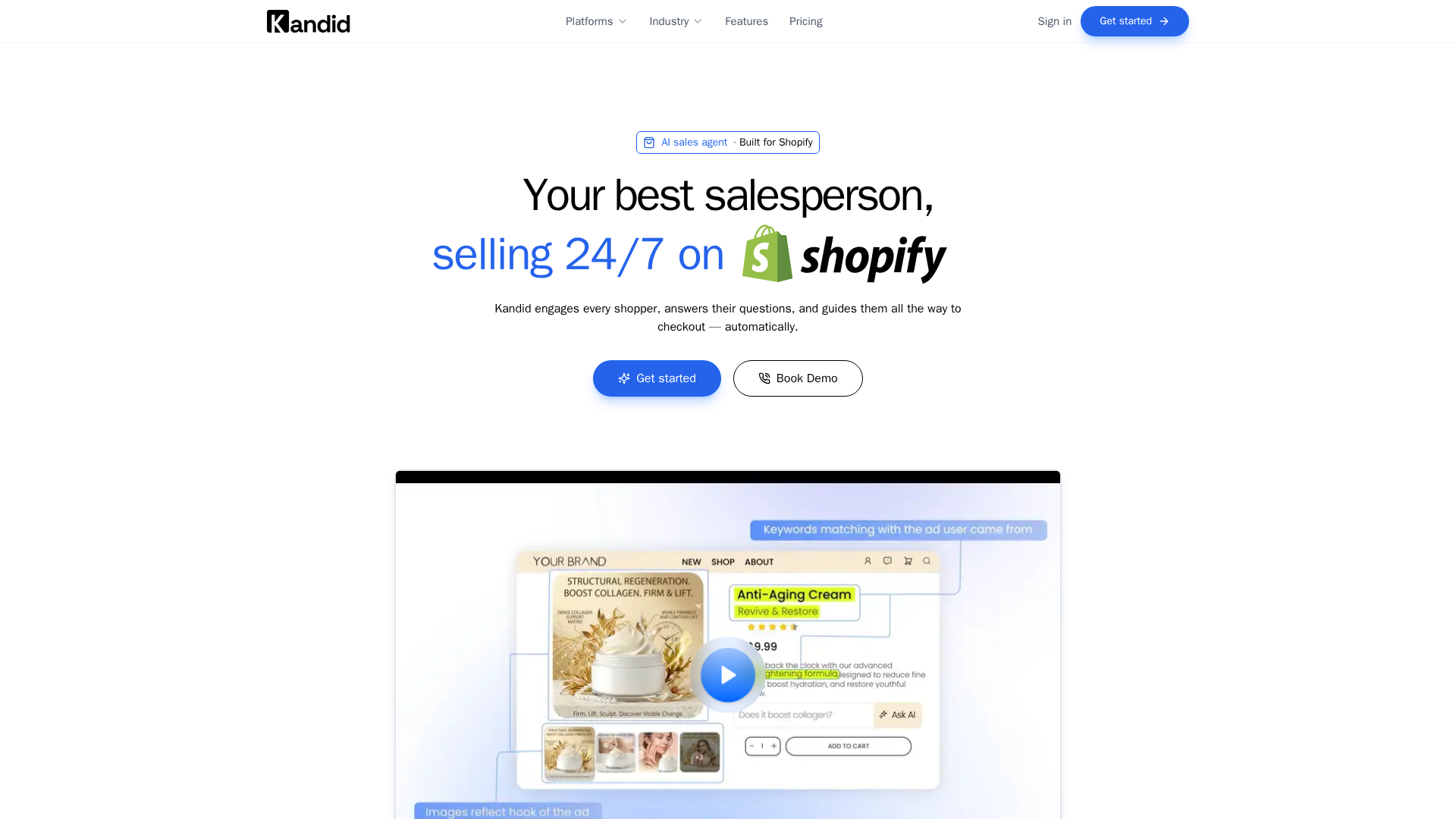
Ready to layer personalization into your store's chats? See how Kandid answers, recommends and measures revenue, then start with one layer this week.
Frequently Asked Questions
Q1: How do I personalize Shopify AI chatbot messages?
Start with a stable instruction block, then layer context: reference the viewed product, past orders or cart items. Change one layer at a time and re-measure.
Q2: Does chatbot personalization require customer accounts?
No. Browsing page, cart contents and session intent work without login. Order history personalization needs the shopper to identify themselves first.
Q3: How long before I see results?
Run a two-week baseline first, then test one change over another two-week period before comparing conversion or order value.
Conclusion
Shopify AI chatbot personalization works in layers: a stable instruction block, clean catalog data, a few actionable segments and one-at-a-time tests. Report revenue honestly, as ranges rather than guarantees, and let a purpose-built AI sales assistant for Shopify handle the grounding work.