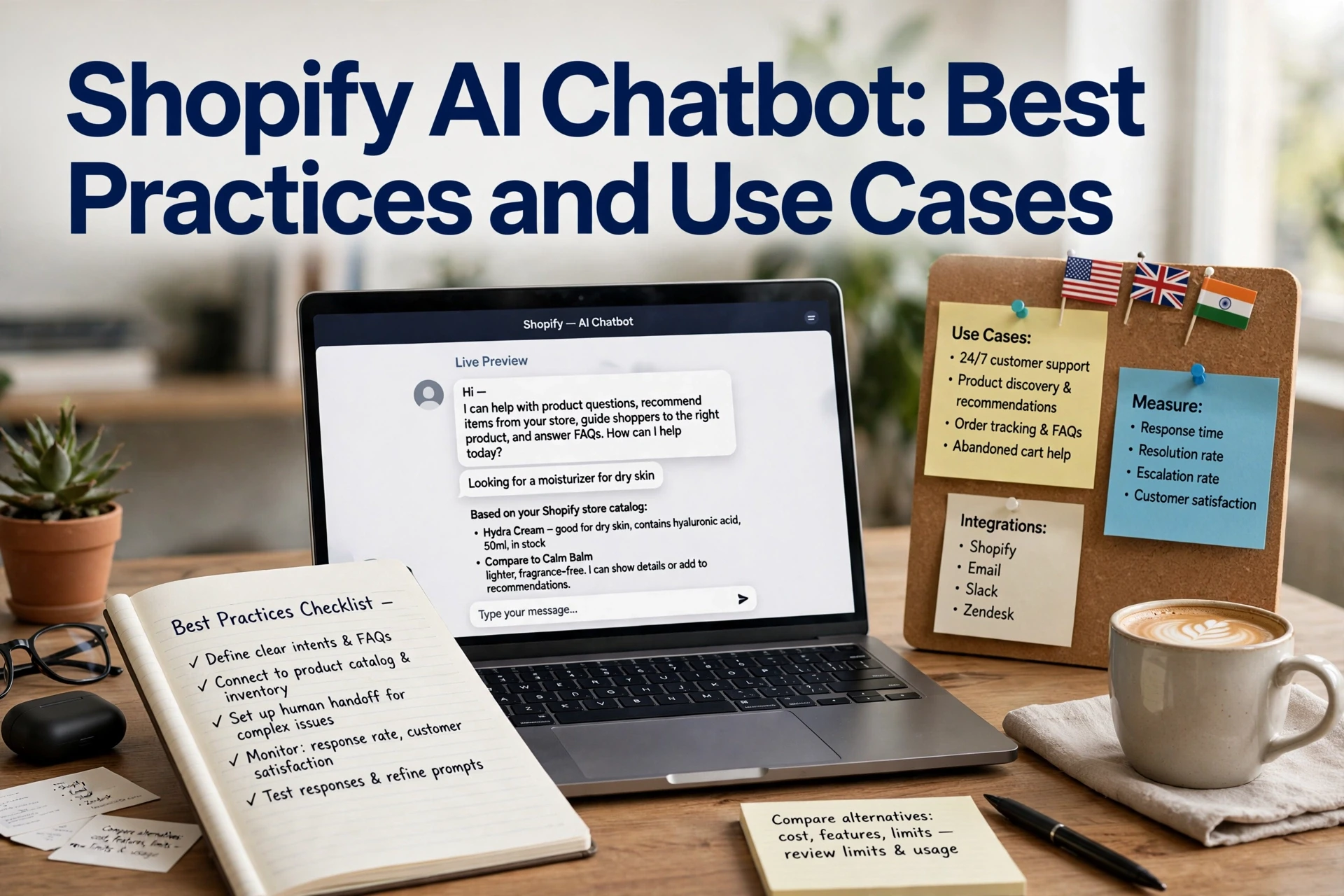
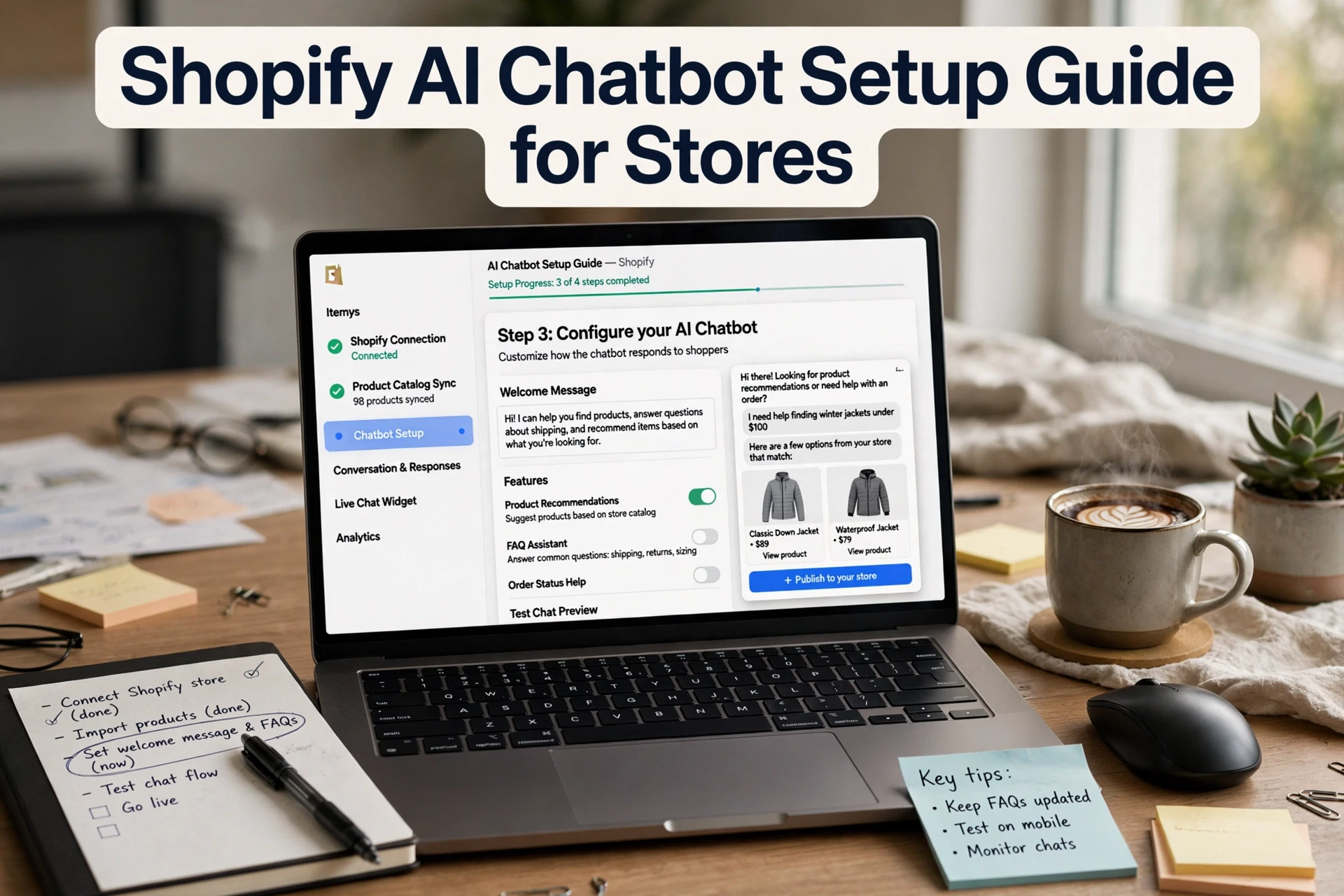
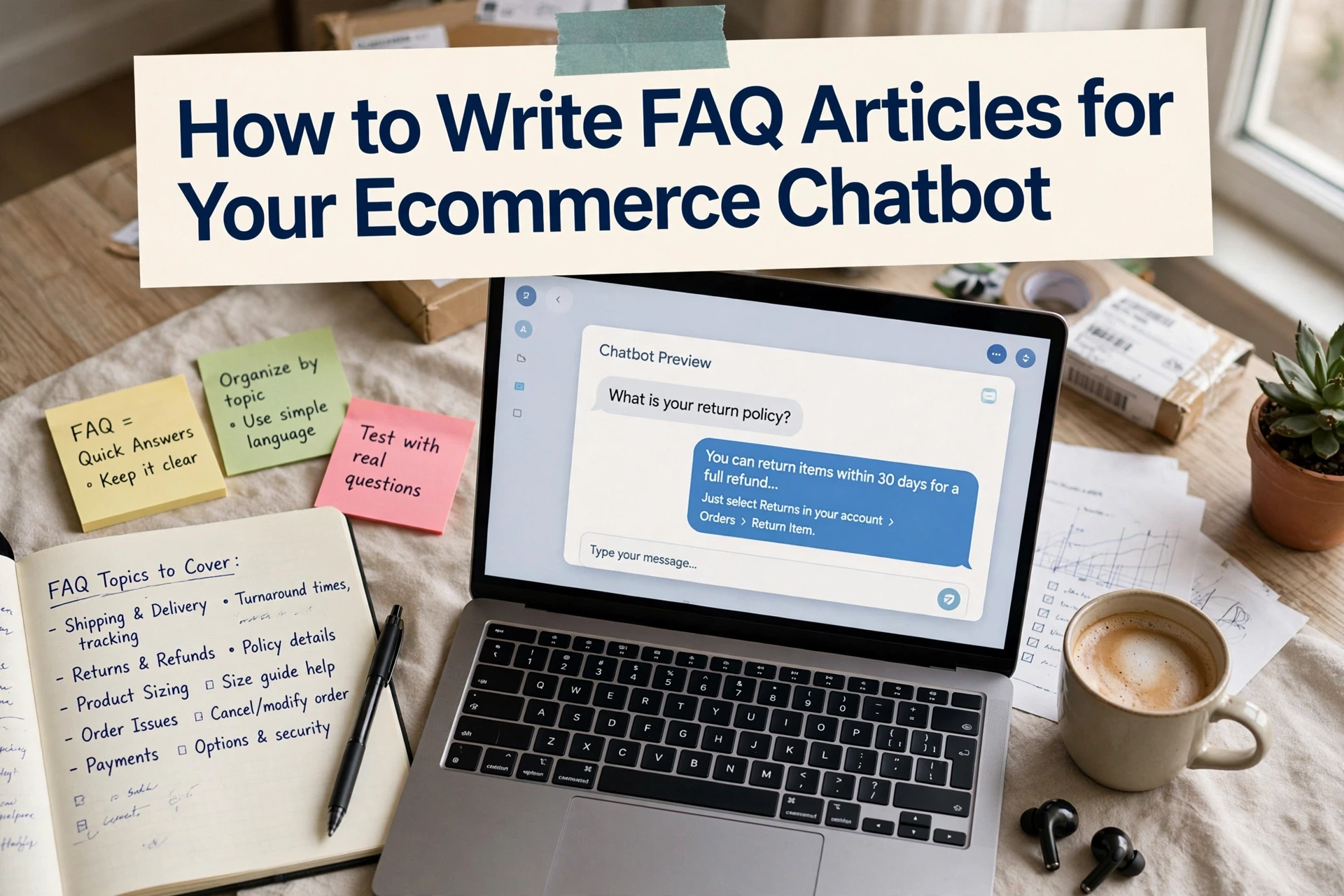
Shopify AI Chatbot for Product Q&A Guides
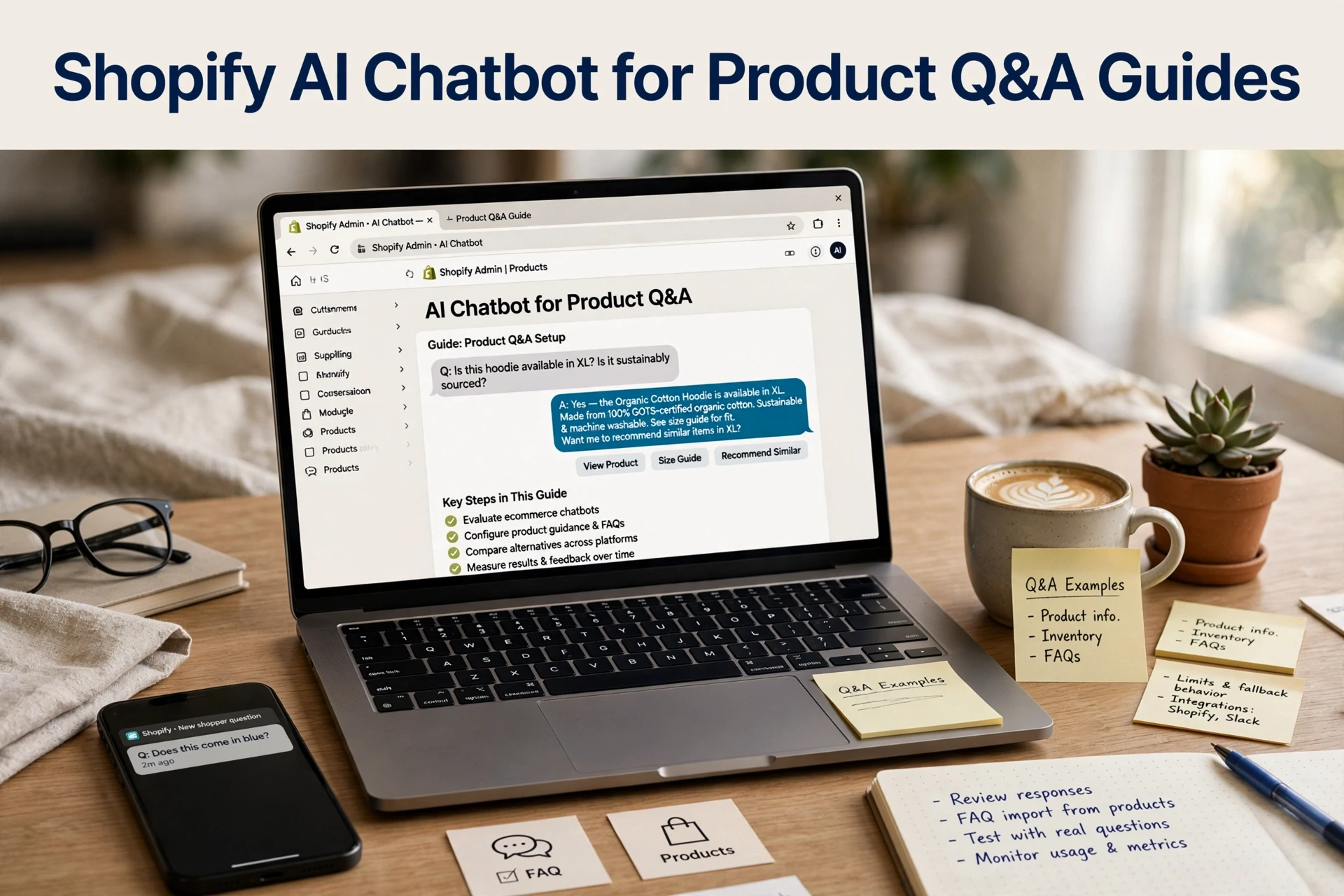
Quick Summary: A Shopify product chatbot gives accurate answers only when your catalog, metafields and policy pages contain the details shoppers need. Map your top 20 to 30 real support questions, separate answerable questions from escalations, then configure the bot with a clear role, tone, fallback rules and human handoff for refunds, damaged items and bulk orders. Test the same questions weekly at first, fix stale source data before changing the bot, and use platforms such as Kandid that let you attach corrected catalog sources.
A shopper asks if your running shoe suits wide feet, and your Shopify AI chatbot product Q&A answers from a two-word title instead of the size guide in your description. That gap between what your bot knows and what shoppers need costs sales quietly. This guide shows how to audit catalog answers, write the details worth adding to product metafields, and review chat quality so replies match your real product information. It draws on current Shopify chatbot practice for merchants and D2C teams.
Step 1: Map the product questions your store actually gets
A Shopify AI chatbot can only answer product questions well if you know which ones shoppers ask. Before configuring anything, pull six months of real conversations and sort them into two groups: questions your catalog data can answer, and questions that need a human.
Build a question list from your own support data
Export logs from Shopify Inbox, your helpdesk and any live chat you already run. Tally the top 20 to 30 questions by theme: sizing, materials, shipping and returns policy, stock, compatibility. Your own transcripts beat any generic list of "common ecommerce questions".

Separate answerable questions from escalation questions
Then split each question into "answerable" or "escalate". Catalog answers cover specs, availability and fit from product descriptions and metafields. Refund disputes and damaged orders need a chatbot human handoff. Most setups, including tools like Kandid, handle both if you define the split early. For deeper examples, see these chatbot use cases.
Step 2: Prepare the product and policy content the chatbot reads
Your Shopify AI chatbot for product Q&A pulls answers straight from your store data. Most question types map to one source:
| Question type | Shopify data source |
|---|---|
| Price, stock, variants | Product listings and inventory |
| Size, material, care | Product metafields |
| Shipping and returns policy | Policy pages |
| Fit or compatibility | Metafields or product descriptions |
If a question from your Step 1 list has no clear source here, the chatbot will guess.
Fill those gaps before launch. Add metafields for material, care instructions, sizing and country of origin. Check that your shipping and returns policy page covers timelines, fees and exceptions in plain words. For a deeper walkthrough of how to train a chatbot on catalog data, keep each field short and factual so answers stay accurate.
Step 3: Configure the chatbot to answer, recommend and hand off
Give the assistant one job and one tone
Pick a single role for your Shopify AI chatbot product Q&A: answer shopper questions, suggest relevant items, or both. One clear job keeps replies consistent. Then set the tone, usually friendly and direct, matching your brand voice. Most platforms let you paste sample replies so the assistant sounds like your team, not a generic bot.

Set escalation and fallback rules
Define when the chatbot hands off to a human: refunds, damaged items, bulk orders and anything it cannot answer with confidence. Route these to your team through chatbot human handoff with full conversation context, so shoppers never repeat themselves. For unsupported questions, write a polite fallback: "Let me connect you with our team." Test five edge cases before launch, including a refund request and an out-of-stock item.
Step 4: Test, review and improve answer quality
Run a scored test pass
To improve product answer accuracy, send your Shopify AI chatbot product Q&A the same 20 to 30 questions you tallied earlier. Score each reply: correct, partially correct or wrong. Note whether sizing, shipping and returns policy, or stock answers cite the right source. Retest weekly for the first month.
Fix the source, not the symptom
Wrong answers usually come from stale catalog data, not the bot. Update product metafields, fix missing specs and rewrite policy pages first, then retest. If a good source still produces a poor reply, review chat transcripts to find the gap. Most platforms, including Kandid, let you attach the corrected source so catalog answers improve without retraining from scratch.
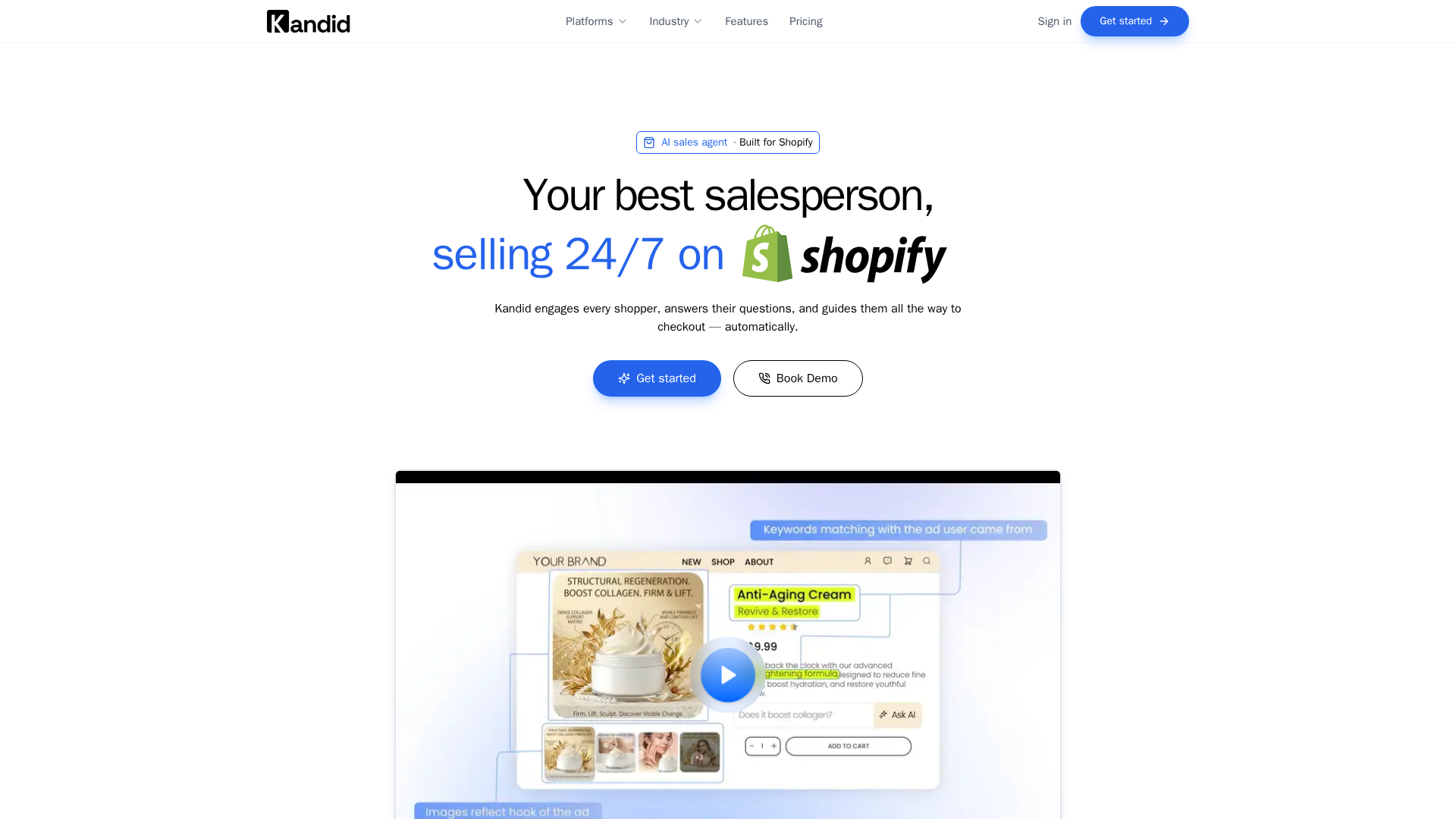
If your Shopify AI chatbot product Q&A still misses sizing or stock questions, see how Kandid answers from your own catalog. Learn more at Kandid.
Frequently Asked Questions
Q1: How can a Shopify AI chatbot answer product questions?
It reads your store data, not guesswork. Answers draw on:
- Product listings and inventory (price, stock, variants)
- Product metafields (size, material, care)
- Policy pages (shipping and returns policy)
- Descriptions or metafields (fit, compatibility)
Keep each field short and factual so catalog answers stay accurate.
Q2: How often should I review my chatbot's product answers?
Run a scored test weekly for the first month, then monthly. Send the same 20 to 30 real questions and mark each reply correct, partially correct or wrong, then fix stale sources first.
Q3: When should a chatbot hand off to a human instead of answering?
Escalate refunds, damaged items, bulk orders and questions it cannot answer confidently. Route these through chatbot human handoff with full conversation context so shoppers never repeat themselves.
Conclusion
Good product Q&A comes from clean sources, not clever prompts. Map real shopper questions, fill product metafields, set clear chatbot human handoff rules, and review catalog answers weekly at first. Fix stale data before blaming the bot, and your Shopify AI chatbot product Q&A will keep improving.