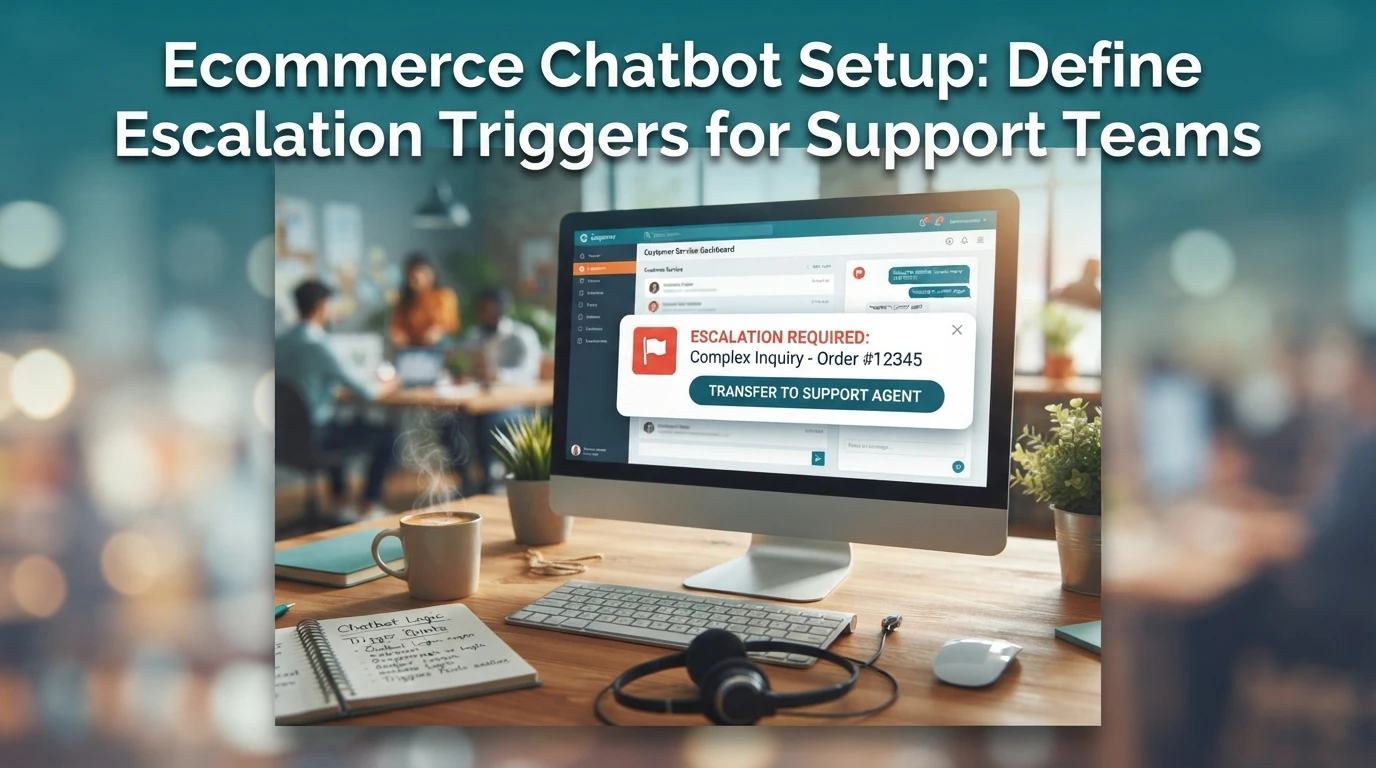
Ecommerce Chatbot Setup: Define Escalation Triggers for Support Teams
Quick Summary: Bad chatbot escalation rules push frustrated shoppers straight to a 1-star review. The article breaks triggers into three buckets: customer requests for a human, AI signals like low confidence or repeated loops, and sentiment cues such as profanity or refund threats. It recommends layering in ecommerce-specific triggers, like escalated orders past the ship date or high-value repeat buyers, plus a shared rule sheet and monthly review of deflection, CSAT, and handoff failure rates. It also mentions Kandid as a tool that handles AI-to-human handoff for Shopify stores.
A shopper asks about a damaged order. Your bot loops the same answer three times, so she stops, opens Trustpilot, and writes the 1-star review you could have prevented. Well-written ecommerce chatbot escalation triggers decide whether support feels instant or punishing. This guide shows Shopify and D2C teams how to set customer-driven, AI-driven, and sentiment-driven triggers, with concrete scenarios and a worksheet to define when your AI hands off to a human.
The Three Trigger Buckets Your Shopify Chatbot Must Cover
Every escalation rule falls into one of three buckets: what the customer asks for, what the AI decides, and what the shopper feels. Cover all three and your ecommerce chatbot escalation triggers catch almost every risky conversation before it damages the order.
Customer-driven triggers: when the shopper asks for a human
This is the simplest rule. If a shopper types "agent," "human," or "speak to someone," route them immediately. Don't make them repeat the request twice, and never offer another FAQ first. Set up a clean handoff flow so the request lands in a live queue with order context already attached.
AI-driven triggers: when the bot is unsure or looping
Your bot should escalate on its own when confidence drops or a conversation loops. Configure these signals:
- Low confidence: the AI's answer falls below a trust score, so it says "let me get a human" instead of guessing
- Repeated questions: the shopper asks the same thing two or three times
- Out-of-scope topics: refunds policy exceptions, legal disputes, or wholesale terms the bot wasn't trained on
- Failed actions: a return request or order lookup errors out

Sentiment-driven triggers: frustration and emotion
Anger rarely announces itself politely. Watch for profanity, ALL-CAPS messages, exclamation stacking, or phrases like "this is ridiculous" and "third time I'm asking." Send these to a human at once, because a frustrated shopper who bounces often leaves a review instead of a ticket.
Ecommerce-Specific Triggers Most Bot Settings Miss
Order-state triggers tied to Shopify data
Generic bots treat every question the same. Your order data tells you when to escalate, so use it. Set triggers for order states: a shopper asking about an unfulfilled order past the promised ship date, a failed delivery scan, or a refund request on a delivered order. These map to Shopify statuses like fulfilled, in transit, and out for delivery. When a question and the order state conflict, that is a reliable signal to hand off. Most ecommerce chatbot escalation triggers skip this layer entirely.

Customer-value and risk triggers
Value and risk deserve faster humans. Flag repeat buyers, VIP-tier customers, and orders above a threshold you set, say $200. Escalate cart abandonment with high-value items, chargeback threats, and refund demands within 30 days of purchase. First-time buyers asking simple questions can stay with the bot. Tier your rules so a $500 repeat customer never waits behind a coupon request, and document each tier so agents know why a chat arrived.
How to Document and Test Your Trigger Rules
Write triggers as plain rules, not keyword lists
Log every escalation trigger in one shared sheet: the trigger type, the exact condition, the example customer message, and who owns it. "If the AI cannot answer an order status question twice, hand off" beats a vague keyword list. Review the sheet monthly.
Measure deflection, CSAT, and handoff failure after each change
Change one trigger at a time, then track three numbers for two weeks: bot deflection rate, CSAT on bot chats, and failed handoffs. If CSAT drops or handoffs rise, roll the change back and note why.

Tight escalation triggers keep shoppers with real problems out of the bot and your team focused on sales. See how Kandid handles AI-to-human handoff.
Frequently Asked Questions
Q1: What chatbot escalation triggers should ecommerce support teams define?
Cover three types: customer-driven (requests for a human), AI-driven (low confidence or repeated failure), and sentiment-driven (frustration or refund threats).
Q2: How often should I review escalation triggers?
Monthly, or after any major campaign when ticket volume shifts.
Q3: Should order tracking requests always escalate?
No. Let the bot handle tracking automatically; escalate only failed lookups or delivery disputes.
Conclusion
Good escalation triggers come from three sources: customers who ask for a person, AI gaps your logs reveal, and frustrated or high-value messages. Map each to a Shopify scenario, set a fallback, and review handoffs weekly so your AI sales agent knows exactly when to step aside.