Ecommerce Chatbot Operations: Set Service-Level Targets for Bot Replies

Quick Summary: A single "reply in 5 seconds" bot target hides real performance problems. Ecommerce teams should set separate reply SLAs by query type: under 10 seconds for order status, under 15 seconds for product questions, under 20 seconds for recommendations, and under 15 seconds for refund or complaint intents that escalate to a human within 60 seconds. Each intent needs its own escalation threshold and one Shopify outcome to track, like WISMO tickets deflected or first contact resolution rate, reviewed weekly. Kandid maps these targets to measurable Shopify results for D2C brands running AI sales chatbots across web, WhatsApp, and Instagram.
Your store sets a flat five-second bot reply target. CSAT drops anyway, and nobody can tell whether the bot is slow or answering the wrong question. That confusion comes from treating all queries the same. Setting ecommerce chatbot response time targets by intent type, with escalation thresholds, fixes it. This guide shows how to build those targets and measure each one in Shopify, so your ecommerce chatbot response time targets reflect what shoppers actually need. Kandid has helped D2C teams run Shopify AI chatbots across the US, India and the UK, and this method maps ecommerce chatbot response time targets to outcomes you can track.
Why a Single Bot Reply Target Does Not Work
A single "reply in 5 seconds" rule looks clean on a dashboard, but it fails in practice. Shoppers ask different kinds of questions, and each type has its own tolerance. A bot that answers a sizing question fast but stumbles on order tracking loses trust in both directions.
Product discovery needs speed, not just any speed
During product discovery, hesitation kills the sale. A shopper comparing two options expects an answer within seconds, or they bounce to another tab. Set tight targets here, and pair them with a relevance check: a fast reply that recommends the wrong product is worse than a slightly slower, accurate one.
Order status and post-purchase tolerates slower, structured replies
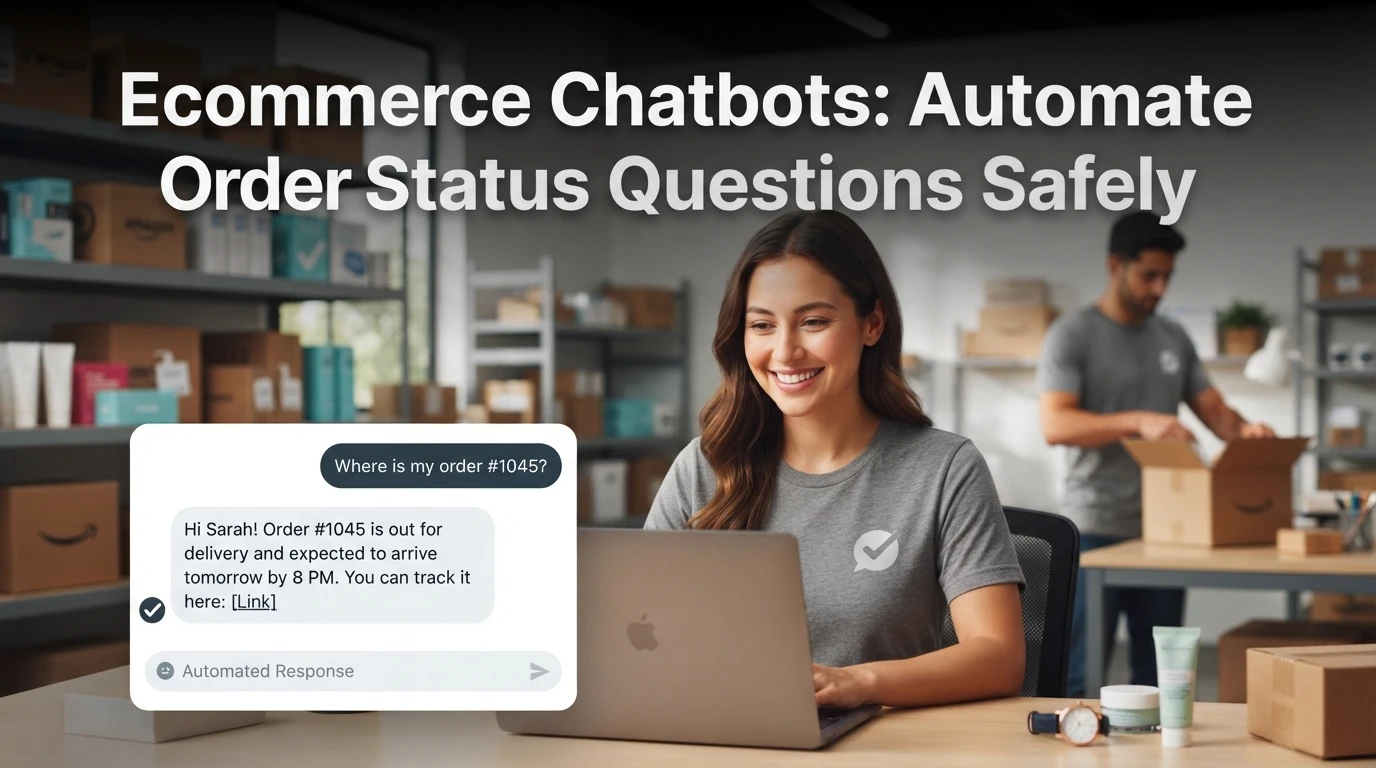
Post-purchase questions follow a different rhythm. "Where is my order?" is usually asked calmly, and shoppers accept a reply in a minute if it includes a tracking link and a clear next step. The risk here is not speed but accuracy, since a wrong status creates a support ticket. Give these intents looser time targets and stricter formatting rules.
Set Targets by Intent and Channel
A single "reply in 5 seconds" target hides what your bot actually does. Different shopper questions need different speeds, and each target should map to one thing you can measure in Shopify, like ticket deflection or assisted orders.
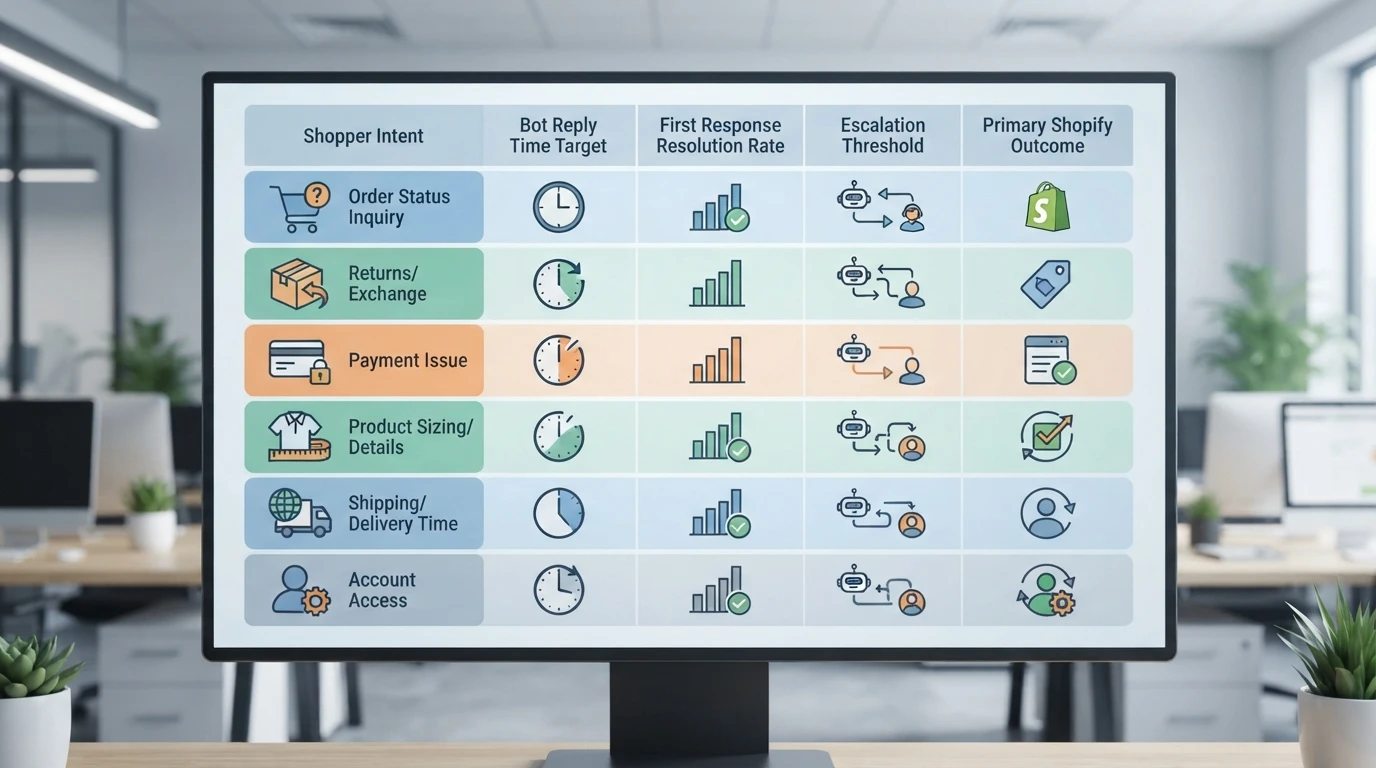
Target table: bot reply SLAs by intent
| Intent | Reply target | Shopify outcome to track |
|---|---|---|
| Order status ("where is my order?") | Under 10 seconds | WISMO tickets deflected |
| Product question (size, stock, specs) | Under 15 seconds | Product page to chat conversion |
| Recommendation / discovery | Under 20 seconds | Products added to cart |
| Refund or complaint | Under 15 seconds, then hand off | Escalation time to human |
| Post-purchase how-to | Under 30 seconds | Repeat purchase rate |
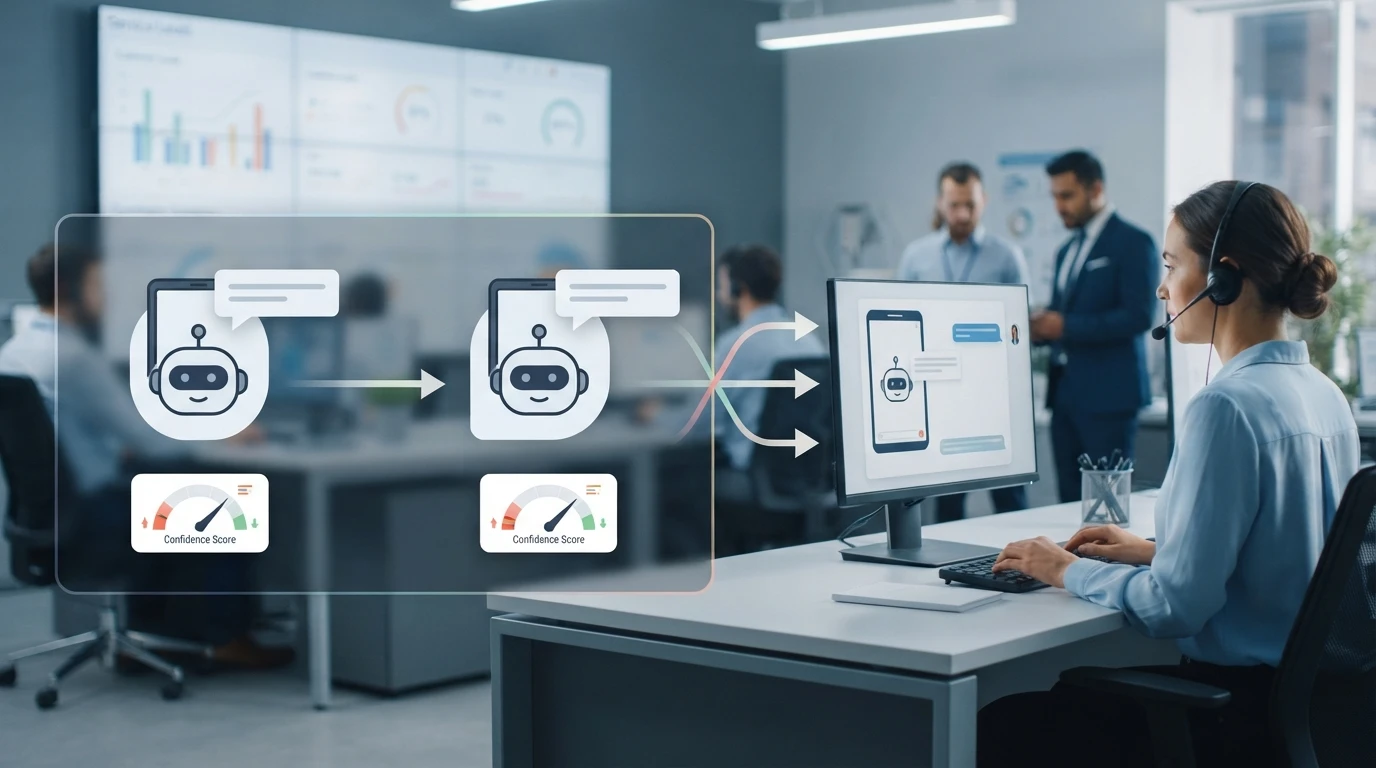
Set escalation thresholds too: if the bot cannot answer in two turns, route to a human within 60 seconds. That rule matters more than any speed target, because a confident wrong answer costs more than a slow right one.
Channel-specific adjustments for WhatsApp and Instagram
Shoppers on WhatsApp expect near-instant replies, so tighten targets by 20 to 30 percent. On Instagram DMs, buyers browse casually and tolerate slower first responses, but keep follow-ups under an hour. Trim message length per channel too: short bursts on WhatsApp, one clear answer on Instagram. Configure channels separately in your Shopify AI sales agent settings rather than copying web chat rules.
Define Escalation Thresholds and a Breach Rule
What counts as a bot SLA breach
A breach is not just a slow first reply. Track three: first response over your target, low-confidence answers, and no handoff when the bot hits its escalation limit. Set the limit by intent. Order status can escalate after one failed lookup; sizing or refund questions after two weak answers. When a breach happens, route the chat to a human within 60 seconds and log the intent so you can fix the gap. A setup checklist helps you wire these thresholds before launch.
Review Cadence and the One Shopify Metric That Proves the Target
Review your bot SLAs weekly at first, then monthly once numbers stabilize. Check each intent target separately, not blended averages.
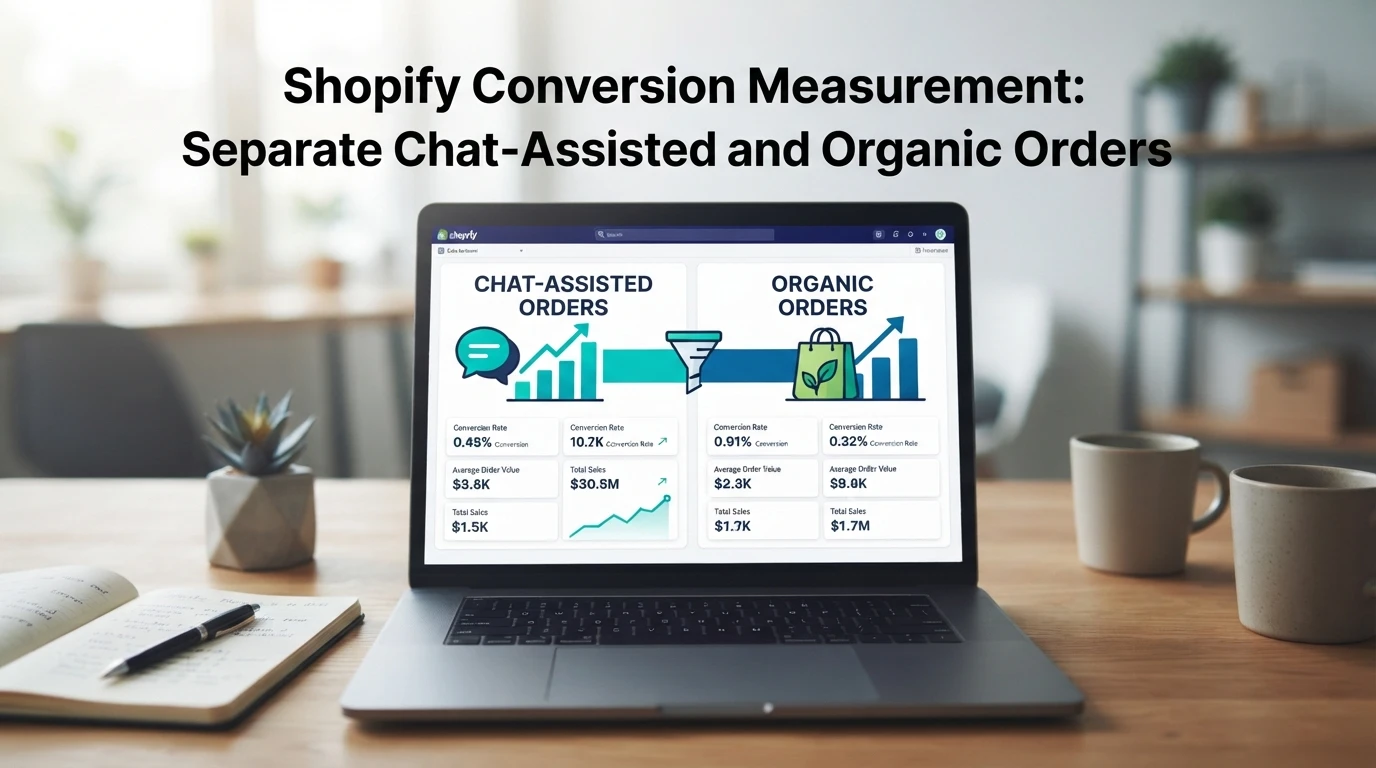
The metric that proves it: Shopify's first contact resolution rate in chat analytics, tracked per intent. If order-status queries resolve without human help at your target rate, the SLA works. If not, escalate or retune. Pair this with your chatbot setup checklist to close gaps fast.

Setting reply targets is only half the job; your bot has to hit them. Kandid answers shoppers from your store data and hands off cleanly when questions need a human.
Frequently Asked Questions
Q1: What service-level targets should teams set for ecommerce chatbot replies?
Aim for under 5 seconds for order tracking and product questions, instant escalation to a human on refund or complaint intents, and one measurable Shopify outcome per target, like first-response rate.
Q2: How fast should a bot escalate to a human agent?
Escalate within one reply when sentiment turns negative, the question repeats twice, or the bot's confidence drops below your set threshold.
Q3: Which metric proves the SLA is working?
Track first-response time alongside Shopify outcomes such as conversion rate on bot-assisted sessions, since speed alone doesn't show revenue impact.
Conclusion
Set bot reply targets by intent, not a single global number. Pair each target with an escalation rule and one Shopify metric, then review weekly. Small, measured changes to your AI sales assistant compound into faster replies and fewer lost orders.