Shopify Conversion Measurement: Separate Chat-Assisted and Organic Orders
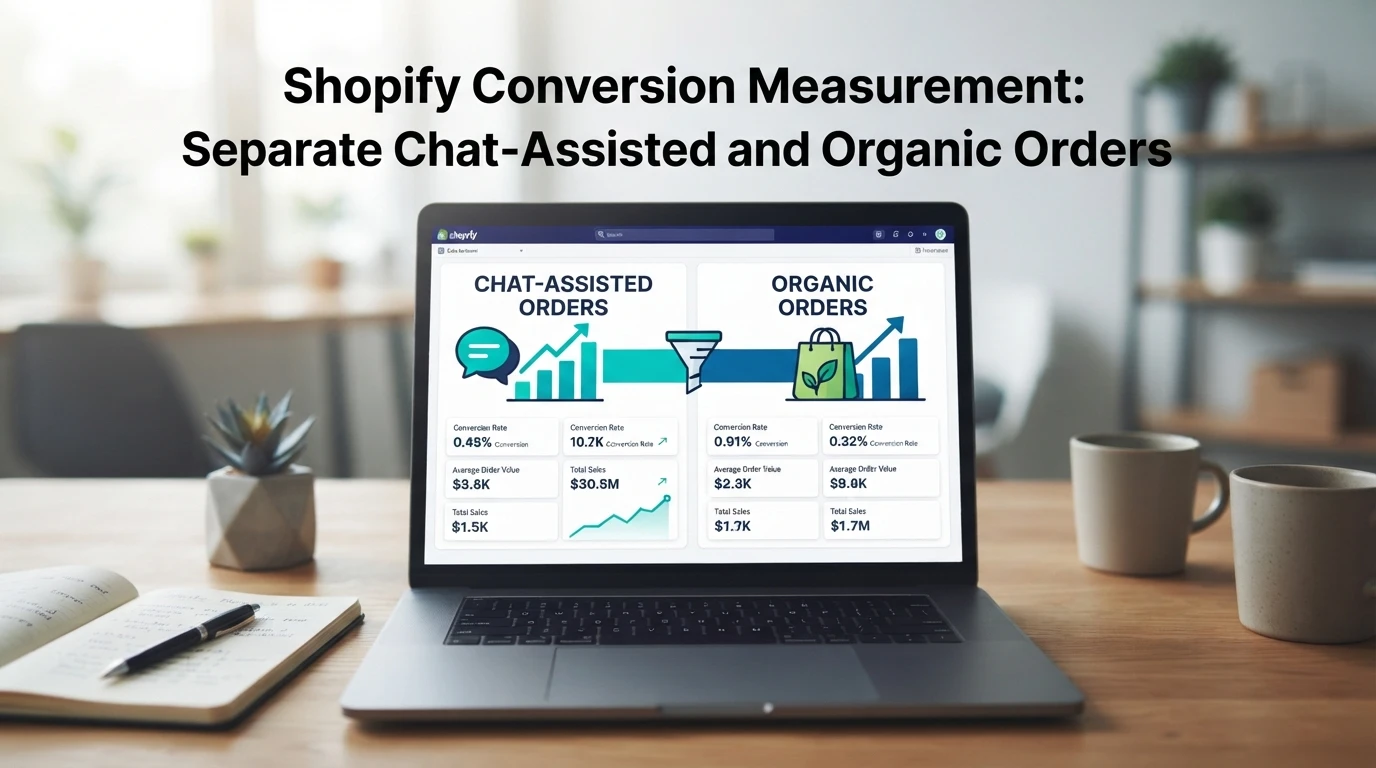
Quick Summary: Shopify's default attribution often hides the impact of AI assistants by crediting only the final click. You must tag chat sessions and use UTM parameters to separate chat-assisted sales from organic traffic. Tools like Kandid help automate this tracking so you can accurately measure if your AI agent is actually driving revenue.
Your conversion rate rises, but is it SEO or the chatbot? Without Shopify chat-assisted order measurement, you cannot tell. This guide shows you how to separate chat-assisted orders from organic orders, so budget decisions rest on real numbers. We built this framework from daily work with D2C teams running AI assistants on Shopify stores.
Understanding Attribution Models in Shopify
Attribution decides which marketing source gets credit for an order. Shopify records the last non-direct click by default, so the final touchpoint before checkout claims the sale. That model works for ads and email. It fails for chat.
The Limitation of Standard Shopify Analytics
Standard Shopify Analytics treats a chat interaction like any other traffic source, or misses it entirely. If a shopper browses organically, asks a chatbot three questions, then checks out, Shopify may credit the original organic visit. The chat's role in the Shopify chat-assisted order measurement disappears, and the assistant looks like it sells nothing.
Two gaps cause this. First, Shopify tracks sessions, not conversations, so chat activity inside one session never shows up as a distinct source. Second, last-click credit hides assisted conversions: touches that moved the shopper along without closing the sale. Any AI assistant can look unprofitable under that lens.
To separate chat-assisted orders from baseline organic orders, you need a second layer of measurement alongside Shopify's reports. Learn how to track chatbot revenue and AOV impact in practice.
Defining Chat-Assisted Conversions
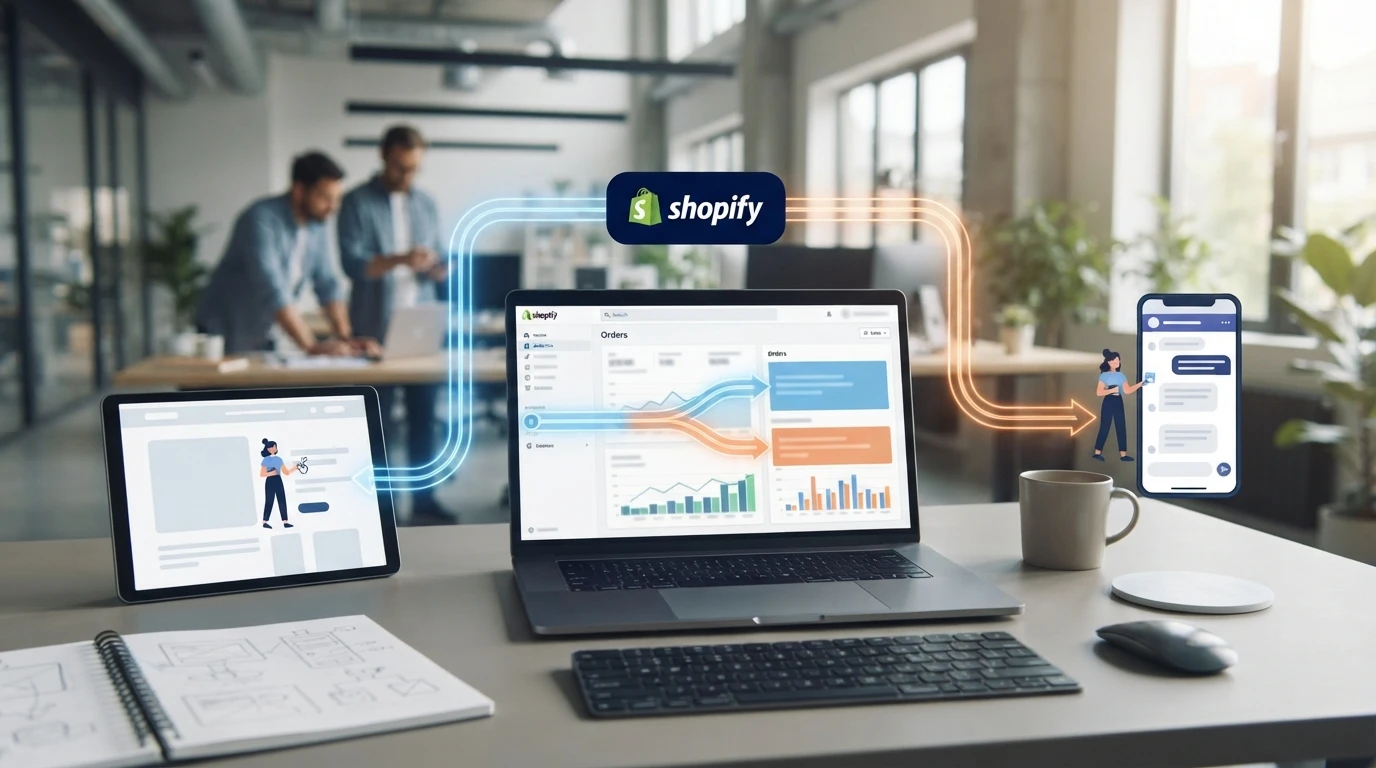
A chat-assisted conversion is an order placed after a shopper interacted with your chat widget during the same session or journey. In Shopify chat-assisted order measurement, you tag every order with a flag showing whether chat touched the path to checkout, so revenue splits cleanly into chat-assisted and organic.
Identifying User Interaction Windows
The window is the rule that decides which orders count. A simple version: any order within 24 hours of a chat message is chat-assisted. Some teams stretch this to 7 days, since shoppers often return by email or direct visit before buying.
Pick one window and hold it constant, or your monthly numbers stop being comparable. Log the chat session ID, timestamps, and the resulting Shopify order ID so you can audit every tag later.
Your chat tool usually exposes these events; what matters is storing them where your reporting can join them to orders.
Operational Strategies for Accurate Measurement
Implementing UTM and Tagging Systems
Tagging makes chat-assisted orders visible. Add UTM parameters to every link your AI assistant shares, such as utm_source=ai-chat, so Google Analytics and Shopify treat those sessions as a distinct channel instead of lumping them into direct traffic.
Next, standardize your event structure. Use GA4's measurement protocol to fire a custom event when a chat session ends with a cart add, then match it to the Shopify order ID. Tools like Kandid can mark conversations that led to a purchase, which keeps the split between chat-assisted and baseline organic orders consistent.
Tip: Document your UTM naming rules in one sheet and enforce them. Mixed conventions, like utm_source=Chat versus utm_source=chatbot, silently split your chat revenue across two lines.
Review tagged orders weekly against organic ones. For deeper attribution setup, see this guide on measuring chatbot revenue attribution.

Evaluating AI Sales Agent Performance
Score your AI sales agent on chat-attributed conversion rate, average order value, response accuracy and handoff rate. Compare each metric against your organic baseline over the same period, not blended store averages. Review weekly at first, then monthly once patterns settle. For setup and tracking tips, see Kandid's Shopify AI sales agent guide.

Ready to see what your chat actually sells? Kandid's AI sales agent for Shopify handles questions, guides discovery and helps you measure chat-driven orders separately from organic traffic.
Frequently Asked Questions
Q1: How can Shopify merchants distinguish chat-assisted orders from organic orders?
Tag each chat session, then pass the tag into the Shopify order as an attribute or UTM source. Orders with the tag count as chat-assisted; everything else stays organic baseline.
Q2: Do chat-assisted orders replace organic revenue?
No. Compare the two against each other. Lift shows up only if total revenue rises, not if chat simply takes credit for orders organic would have closed anyway.
Q3: How long before the data is reliable?
Wait at least 30 days, ideally a full sales cycle. Short windows overreact to promotions, seasonality and small sample sizes.
Q4: Which metrics matter most for chat attribution?
Track chat-assisted order count, revenue share, conversion rate versus baseline, and average order value per source.
Conclusion
Splitting chat-assisted orders from baseline organic revenue gives you honest numbers. Tag UTM sources, compare lift against a holdout period, and attribute only what chat actually influenced. Done well, this measurement shows whether your AI sales assistant pays for itself.