How to Measure Ecommerce Chatbot Revenue Attribution
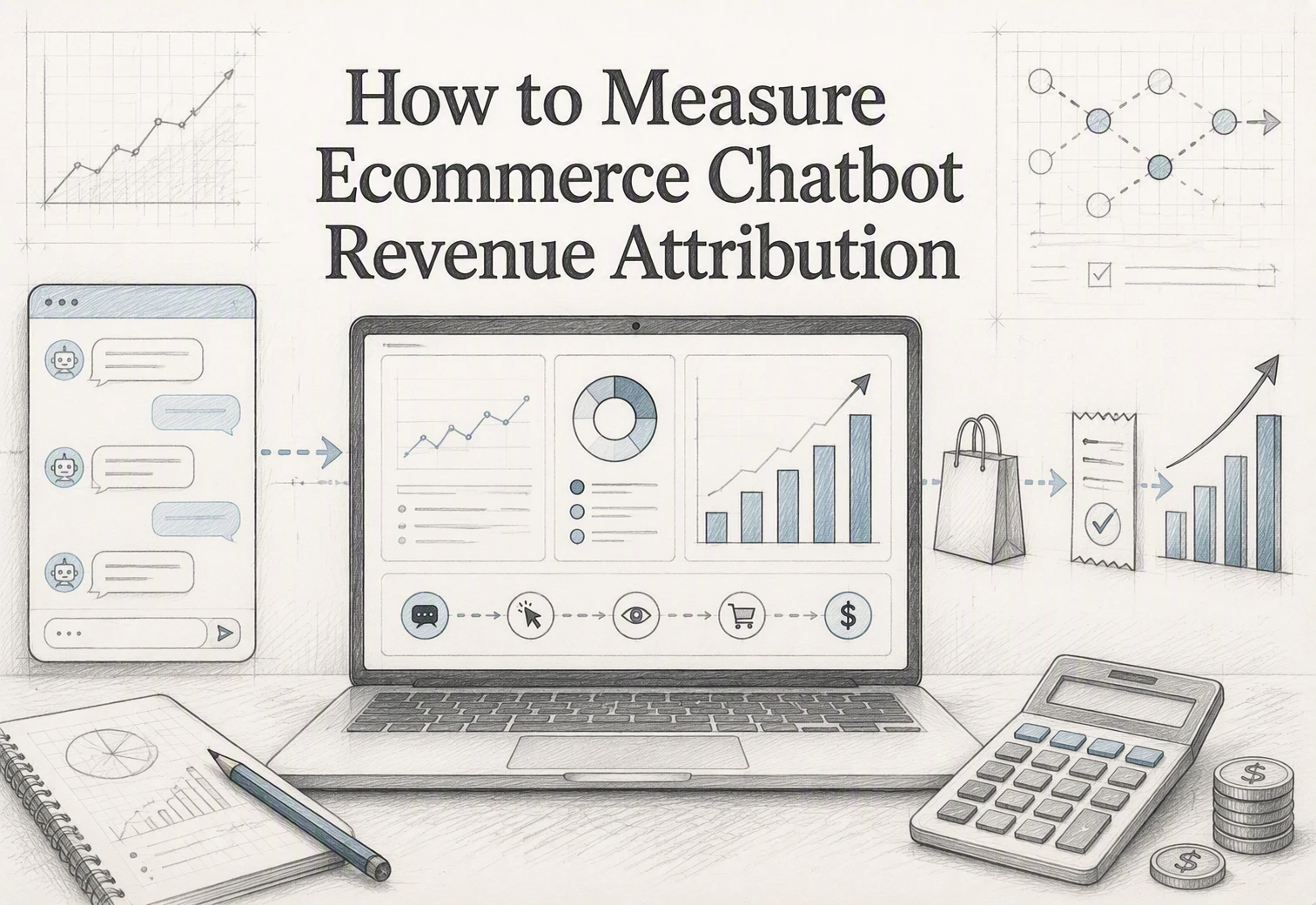
A shopper asks about sizing, then places a $120 Shopify order. Without a link from chat to cart and order, your dashboard may call it Direct. Ecommerce chatbot revenue attribution fixes that gap. This guide shows how to keep order-level proof, define assisted revenue, and avoid claiming every chat caused a sale. Built for Shopify teams, it gives you a defensible way to measure ecommerce chatbot revenue attribution.
Step 1: Define What Counts as Chatbot Revenue
Separate Sourced, Assisted, and Incremental Revenue
Track three buckets so one order never gets counted twice.
| Revenue type | Rule |
|---|---|
| Sourced | Chat was the last tracked touch before purchase |
| Assisted | Shopper chatted, then purchased within your window |
| Incremental | Extra sales proven through a holdout test |
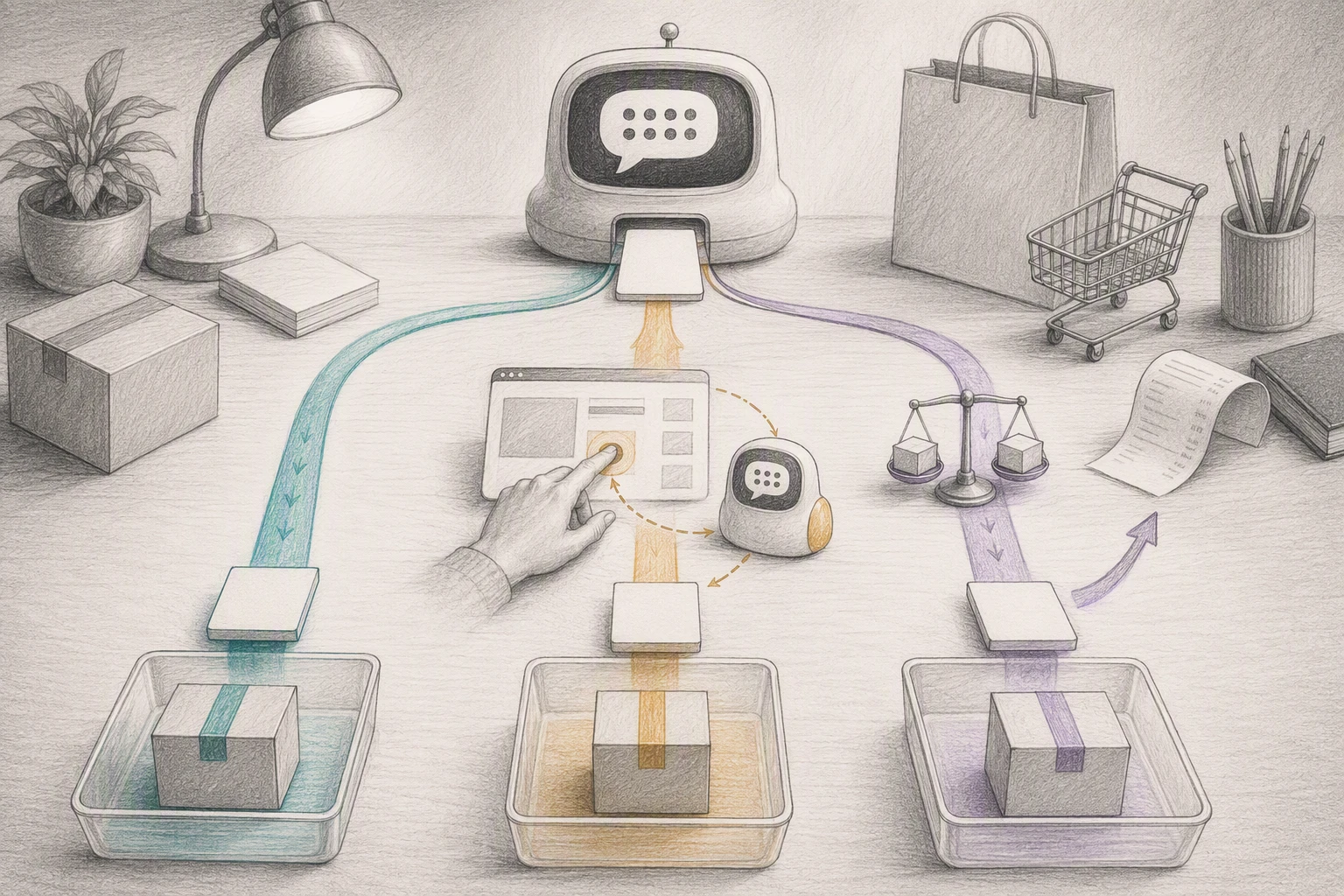
Assisted revenue is observed, not proof of lift. A shopper may have bought anyway.
Keep the order ID, chat ID, timestamp, and items discussed for every attributed order.
Choose a Defensible Attribution Window
Start with 7 days for low-cost, quick-buy products. Use 30 days for higher-consideration items, then keep it fixed for reporting. Google Analytics defines the lookback window as the period when a touchpoint can receive credit, with 30, 60, and 90-day options for most conversions in its guidance.
Also Read: Live Chat vs AI Chatbot: Which One Actually Converts Better in 2026?
Step 2: Capture the Chatbot Journey Before Checkout
Track the Events That Matter
Log the journey before the shopper pays. Capture:
- Chat session ID
- Product viewed or recommended
- Question type, such as sizing or compatibility
- Add-to-cart and checkout-start events
- Timestamps and campaign source
| Event | Why it matters |
|---|---|
| Product recommendation | Shows chatbot influence |
| Add to cart | Connects advice to intent |
| Checkout start | Narrows the attribution window |

Keep raw event records. A chat that led to an order is observed assistance, not proof of incremental lift.
Persist the Identifier Into the Shopify Order
Write the chat session ID to a cart attribute before checkout, then match it to the completed order. Shopify confirms that cart attributes carry into the resulting order after checkout in its Attribute documentation.
Use stable fields like chat_session_id, chat_assisted, and last_recommended_product. Store sensitive chat text outside Shopify.
Test Shop Pay and other accelerated checkouts. Shopify notes that attribute updates can fail in some accelerated flows.
Also Read: How Kandid Enhances Customer Support with Live Chat & AI Chatbots
Step 3: Join Chatbot Events to Orders and Calculate Revenue
Use an Order-Level Join, Not a Dashboard Guess
Save each chat event with a session, cart, or checkout token. Then join it to Shopify orders using the same key. Shopify supports filtering orders by checkout token for funnel analysis and debugging in its Orders API.
Keep the order ID, chat timestamp, event type, and order value. Do not count a chat view as revenue.
Tip: Set a clear lookback window, such as seven days after the last chat event.
Calculate the Four Core Metrics
| Metric | Calculation | What it shows |
|---|---|---|
| Assisted revenue | Sum of joined order value | Revenue from chat-touched orders |
| Assisted conversion rate | Joined orders / chatted sessions | How chats convert |
| Assisted AOV | Assisted revenue / joined orders | Order value after chat |
| Chat attach rate | Chatted sessions / total sessions | Chat reach |
Label these as assisted, not incremental. A joined order proves contact, not causation.
Also Read: AI Sales Agents: 7 Metrics to Prove Revenue Impact
Step 4: Validate the Number With a Holdout Test
Compare Exposed and Holdout Cohorts
Randomly keep the chatbot hidden from a small, stable share of eligible sessions. Show it to the rest. Track orders, revenue, conversion rate, and AOV by assigned group, not by chat use.
| Cohort | Chatbot access | Measure |
|---|---|---|
| Exposed | Chatbot available | Orders and revenue per session |
| Holdout | Chatbot hidden | Same order-level metrics |
Keep traffic source, device, country, and test dates balanced. Shopify notes that session tracking can differ from completed order records, so retain your own assignment and order IDs. Shopify guidance
Read Results Without Overclaiming
Calculate incremental revenue as exposed revenue per session minus holdout revenue per session, then multiply by eligible traffic.
- Report the result as a test estimate, not all chatbot-attributed sales.
- Check confidence before calling a lift real.
- Stop if the holdout harms a key customer group.

Turn chatbot conversations into order-level proof. See how Kandid helps Shopify teams guide buyers and measure the revenue those conversations influence.
Frequently Asked Questions
Q1: How can ecommerce teams measure revenue attributed to chatbots?
Tag each chat session, pass its ID into Shopify, and save it on the order. Report assisted revenue, direct chat revenue, and conversion rate by attribution window.
Q2: What attribution window should I use?
Start with a 7-day window. Review purchase timing monthly, then shorten or extend it based on your typical buying cycle.
Q3: Does assisted revenue prove the chatbot caused the sale?
No. It shows a shopper used chat before ordering. Use holdout tests to estimate true incremental lift.
Conclusion
Track chatbot-assisted orders at the order level, keep a clear evidence trail, and report assistance separately from lift. Shopify’s conversion summary helps verify the path to purchase.