Ecommerce Chatbots: Compare Setup Complexity for Lean Teams

Quick Summary: Lean ecommerce teams should prioritize native Shopify integrations to avoid the high engineering costs associated with custom chatbot builders. Tools like Kandid allow stores to go live in minutes by syncing directly with existing product catalogs. Opt for simple, template-based solutions unless your business requires complex workflows that justify weeks of development time.
This ecommerce chatbot setup complexity comparison exists because lean teams break when a tool needs developer hours. A native Shopify-first AI agent like Kandid gets you live in days. Complex builders such as Botpress demand engineering time you probably cannot spare. We scored each platform on real setup effort, so this guide serves as your practical ecommerce chatbot setup complexity comparison before you commit budget.
Shopify Chatbot Deployment at a Glance
| Kandid | Botpress | Tidio | |
|---|---|---|---|
| Setup Time | Minutes | Days to weeks | Hours |
| Technical Skill Required | None | Moderate to High | Low |
| Integration Method | Native Shopify App | API and webhook-based | Shopify App Store |
| Best For | Lean D2C teams seeking instant product discovery | Enterprises with dedicated developers | General support-focused teams |
Meet the Contenders
This ecommerce chatbot setup complexity comparison looks at three very different tools.
Kandid
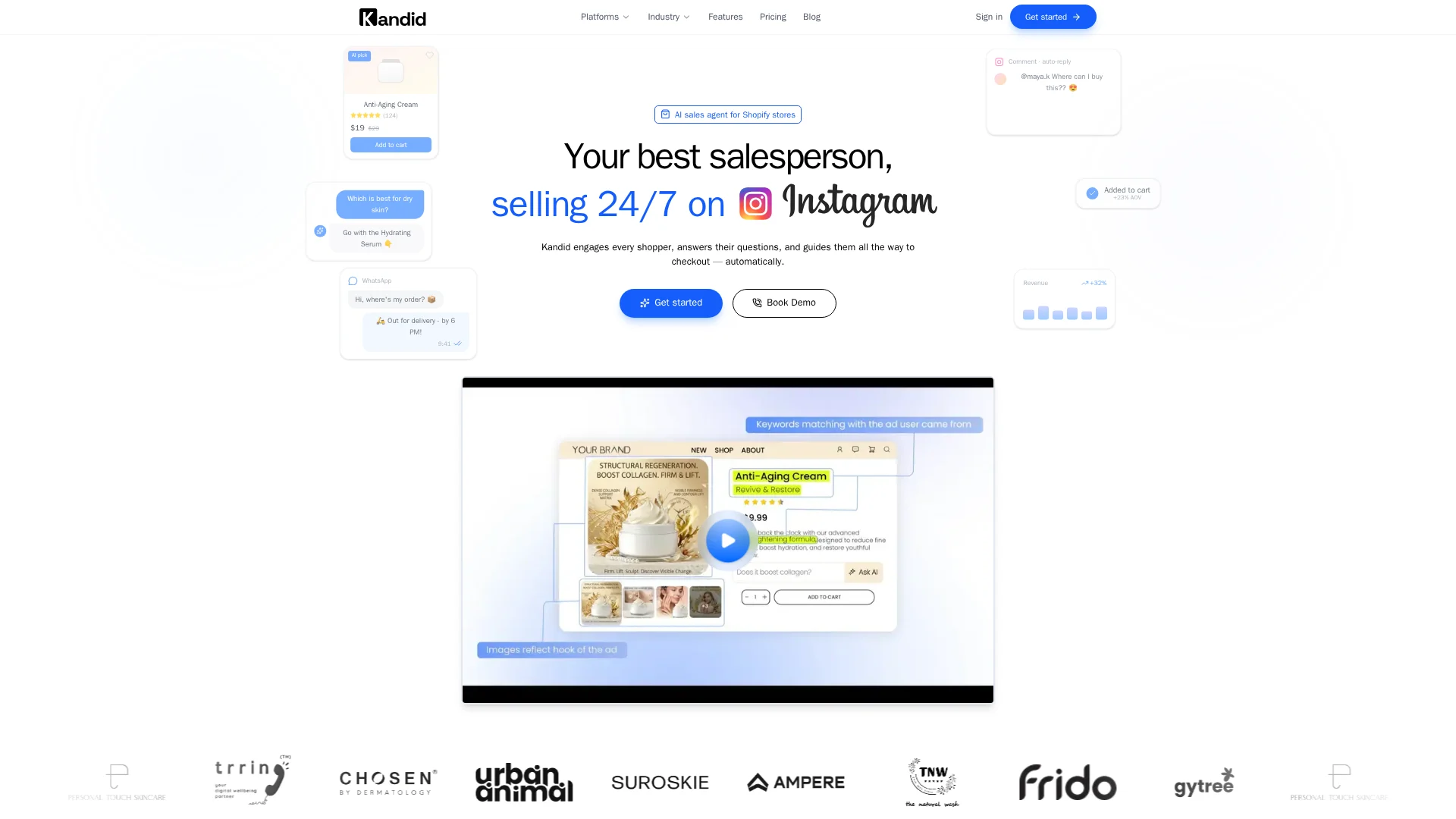
An AI sales agent built for Shopify automation. Lean D2C teams get instant product discovery with a native app install in minutes, no technical skill needed.
Key strengths
- Native Shopify App, setup in minutes
- No coding required
Botpress
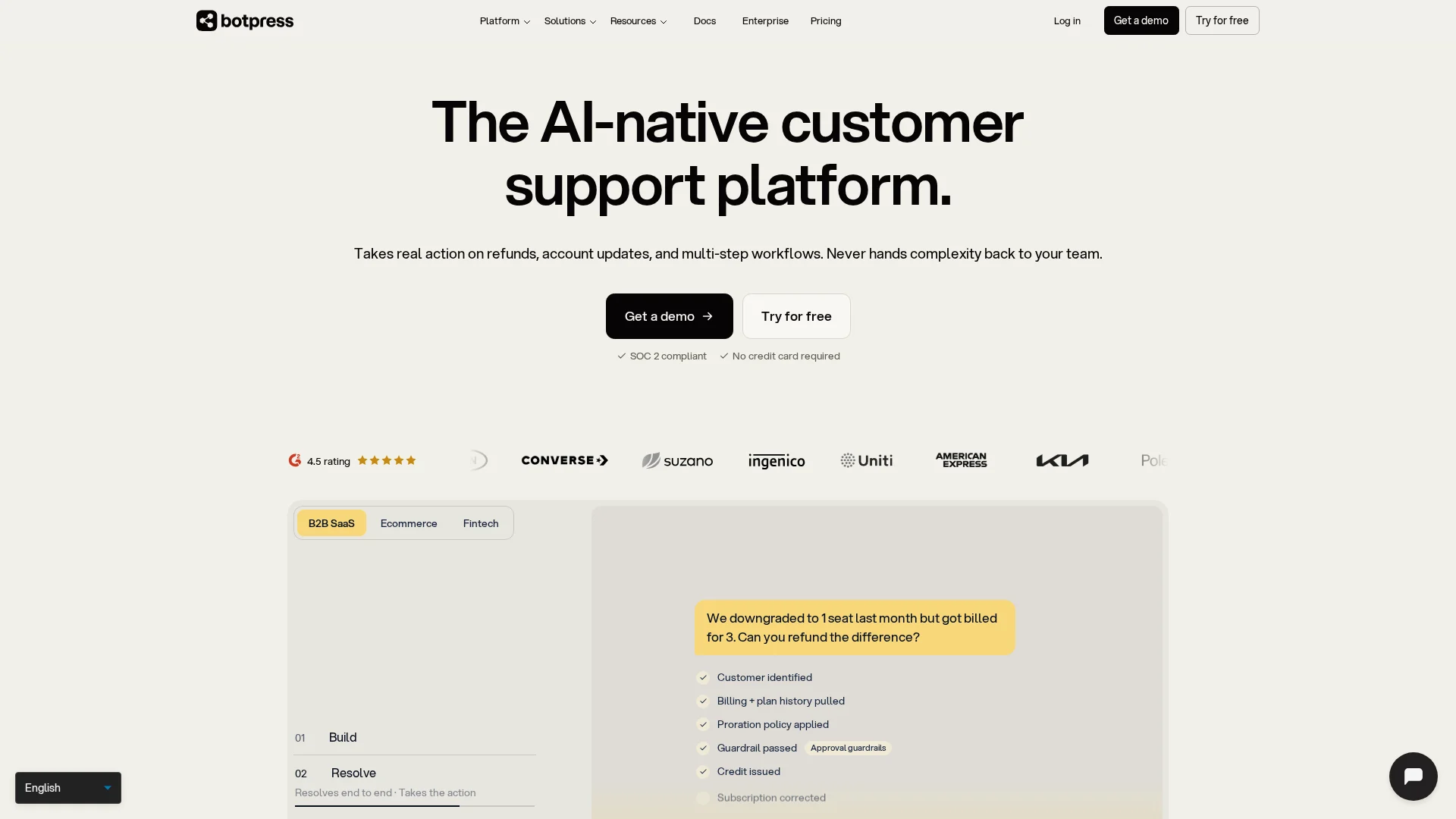
A low-code platform for building custom chatbots. It suits enterprises with dedicated developers, though setup takes days to weeks via APIs and webhooks.
Tidio
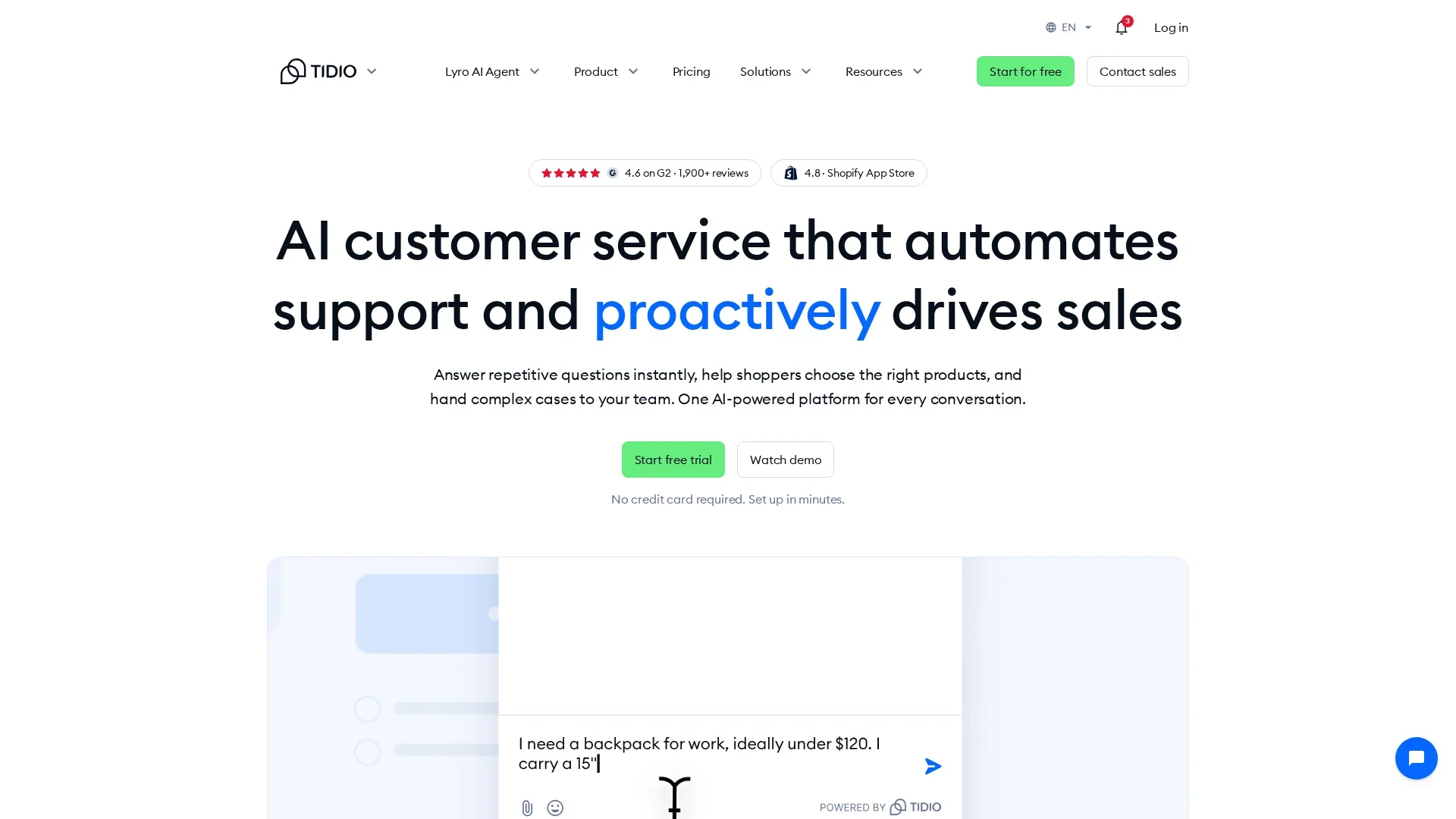
An all-in-one support tool combining chat and email. Setup takes a few hours through the Shopify App Store, aimed at general support-focused teams.
Evaluating Deployment Friction
Native vs. Custom Integrations
Deployment friction is the real cost of a chatbot. A tool that takes two days to launch beats one that takes two months, even if the latter costs less monthly.
Native integrations use one-click installs built for your platform. On Shopify, the app connects to your catalog, orders and customer data automatically, so the bot can answer order-status questions from day one. Native options like Kandid, Chatty and Tidio usually need a Shopify App Store install and a short setup wizard.
Custom integrations need developer time, API keys and testing. Tools such as Botpress or ChatBot.com offer this flexibility, which helps if you run a custom storefront or complex workflows. But for a lean team, every custom line of code is maintenance you now own.
Tip: Ask each vendor: "What exactly happens after I install it?" If the answer involves engineering hours, budget for them.
For most Shopify stores, a Shopify AI sales agent with native setup wins on speed.
Resource Impact on Lean Teams
Setup time, staffing and monthly cost hit a small team hardest. A three-person store cannot spare a week configuring decision trees or training an AI on product data. So favor chatbots that pull answers straight from your Shopify catalog and answer common questions like order status out of the box.
Budget for three things: setup hours, ongoing maintenance, and who handles conversations the bot can't. Tools like Tidio and Gorgias need workflow tuning to shine; lighter options trade some control for speed. If your team writes copy well but has no developer, skip anything that requires code.
| Resource | Lean-team reality |
|---|---|
| Setup time | Aim for under a day |
| Maintenance | Update rules when catalog changes |
| Human handoff | One person on live chat |

Pick a tool that fits the hours you actually have, not the ones vendors promise. A Shopify AI sales agent that learns your catalog can cut most of that setup work.
Which Should You Choose: Simple or Custom?
Pick a simple, template-based bot if you have no developer and need to launch in days. Answering order status, FAQs and basic product questions covers most support volume. Choose a custom build only when complex workflows or deep integrations justify weeks of setup cost. For most lean Shopify stores, a purpose-built AI sales assistant like Kandid's Shopify AI sales agent hits the sweet spot: quick setup with real product recommendations.


Short on hands but not on shopper questions? Kandid handles support and product recommendations from your store data. See how its AI sales agent fits lean teams.
Frequently Asked Questions
Q1: Which ecommerce chatbot is easiest for a lean team to set up?
Tools with Shopify App Store installs and product sync, like Tidio or Chatty, usually go live in under an hour. Kandid adds product-aware answers without heavy prompt setup, which suits small teams.
Q2: Do I need a developer to connect a chatbot to my store?
Usually not. Most Shopify chatbots install from the App Store, sync your catalogue and use templates. A developer only helps with custom flows, order API tweaks or multi-store setups.
Q3: How long before a chatbot starts handling real customer questions?
Plan one to two weeks. Install takes minutes, but you should test product answers, set human handoff rules and review transcripts before letting it handle ticket volume fully.
Next Steps
Setup complexity matters more than feature lists for lean teams. Pick the chatbot that fits your team's hours, then measure orders per conversation, not demo wins.