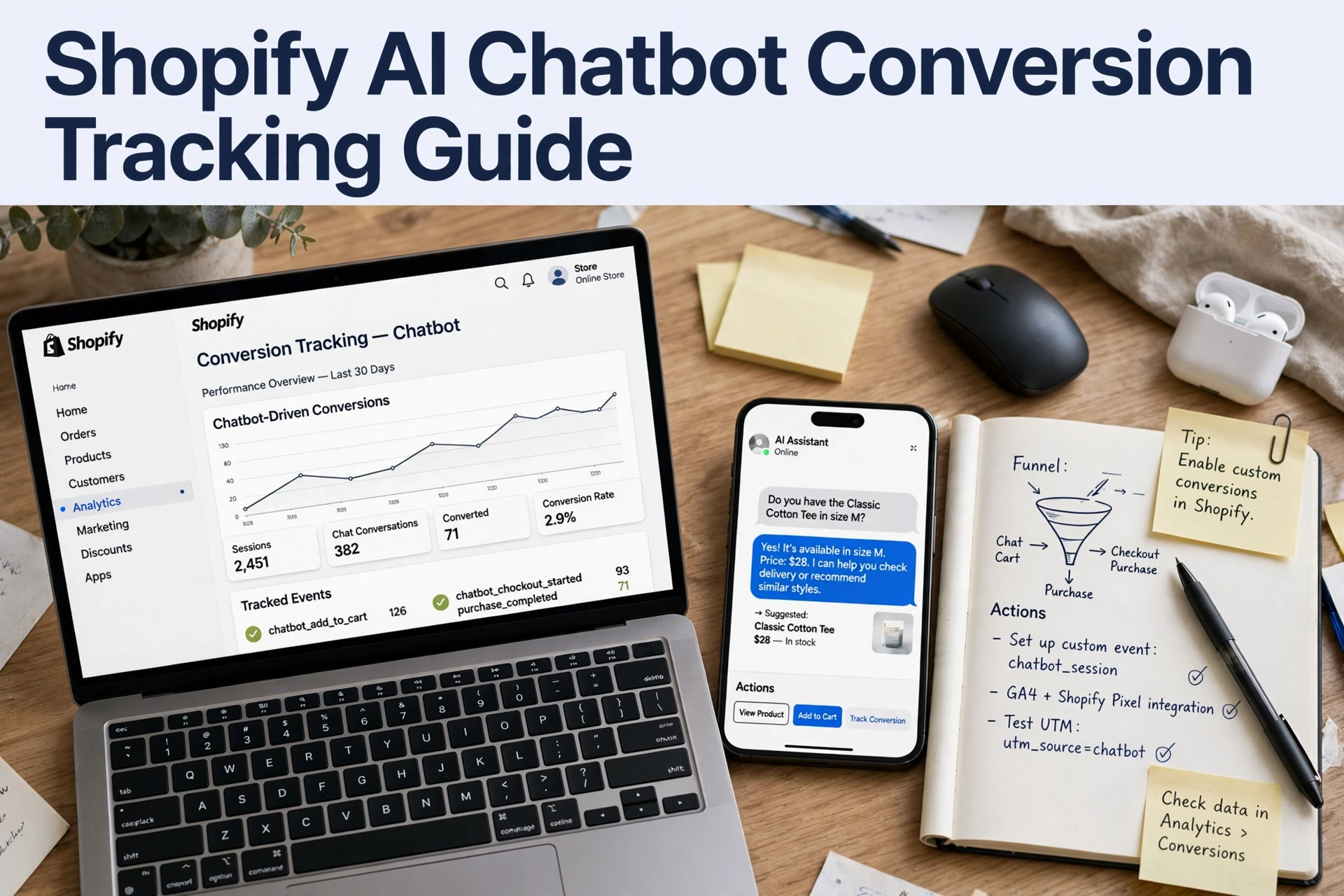
How to Measure Shopify Chatbot Conversion Rate Step by Step
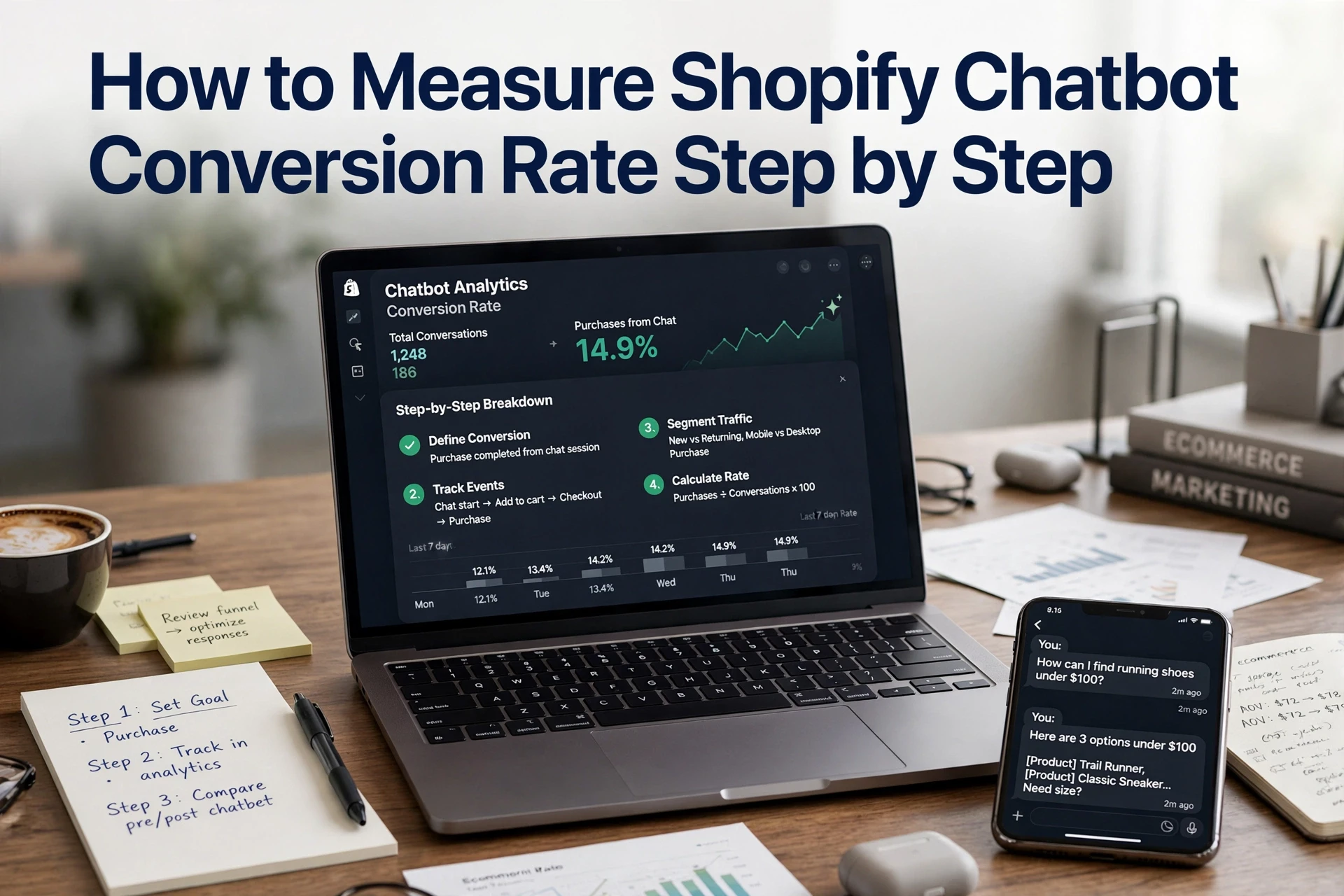
Quick Summary: Measure Shopify chatbot conversion by joining chat sessions to orders with a shared session ID, then dividing attributed orders by conversations. For example, 62 orders from 340 conversations equals an 18.2% conversion rate. Keep formulas, attribution windows, and data pulls consistent each month, then audit duplicate sessions, human handoffs, and chat transcripts before reporting.
Your chatbot logged 340 conversations last month. Shopify recorded 62 orders from those chats. The numbers do not match, and that gap is usually a setup problem, not a chatbot problem. Every Shopify chatbot KPI you track depends on clean data, and most stores never connect chat sessions to orders. This guide fixes that. It walks through each Shopify chatbot KPI, the exact formula, where the data lives, and one audit step for measuring chatbot performance with confidence.
Step 1: Define the KPI set and lock the formulas
A Shopify chatbot KPI is only useful if the formula is fixed before you look at data. Report these five each month, with their sources:
| KPI | Formula | Data source |
|---|---|---|
| Chatbot conversion rate | Orders from chats ÷ conversations | Shopify orders + chatbot sessions |
| Chat-assisted revenue | Sum of order value from chat sessions | Shopify conversion summary |
| Revenue per conversation | Chat-assisted revenue ÷ conversations | Both tools |
| Handoff rate | Chats passed to a human ÷ conversations | Chatbot platform |
| Engagement rate | Shoppers who open chat ÷ sessions | Web pixels events |

Pick the denominator and the window once
Decide now whether a "conversation" means any chat open or one with a real reply. Then fix an attribution window, such as seven days from chat to order. Change either rule later and your numbers break. If you use UTM tagging for chat, keep the same tags every month. A consistent setup beats perfect measurement, so write your rules down and never edit them mid-quarter. The same discipline underpins any Shopify chatbot conversion tracking guide you follow.
Step 2: Instrument the events that connect chat to a Shopify order
Capture the minimum event set
To attribute Shopify orders to chatbot conversations, tag and join in this order:
- Add a
chat_engagedevent (or UTM tag) when a shopper opens the chatbot. - Pass the chat session ID into the storefront URL and cart.
- Fire the same ID on add to cart and checkout start.
- Join it to the Shopify order ID after purchase.
Shopify's web pixels events give you these storefront signals.
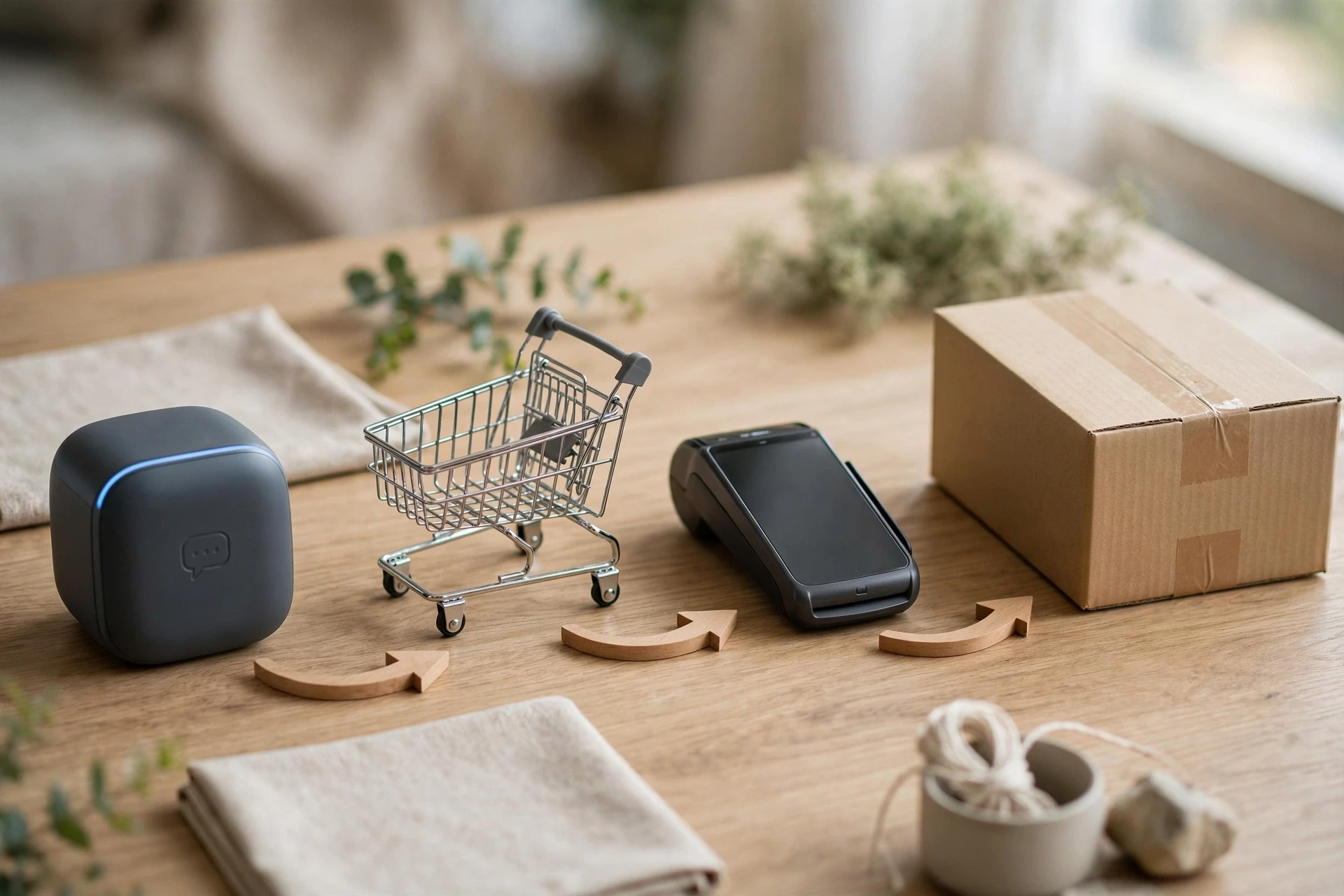
Carry one session ID from chat to checkout
The session ID is what makes a session ID order join possible. Without it, chat-assisted revenue is a guess. Most bots, including Kandid's, can append the ID as a URL parameter; test it on a real order before trusting the numbers. Full setup steps live in our conversion tracking guide.
Step 3: Pull the numbers in order and read them
The pull sequence
How do you measure chatbot conversion rate on Shopify? Run these five pulls, in order:
- Export chatbot conversations for the period.
- Pull Shopify orders with their session IDs.
- Join them by session ID to find chat-assisted orders.
- Divide: 62 orders ÷ 340 conversations = 18.2%.
- Compare against last month's rate and the attribution window.
How to read the result without fooling yourself
A single number hides more than it shows. Check your handoff rate, because chats resolved without help convert differently. Confirm orders weren't double-counted when a shopper used chat twice. Measuring chatbot performance only works if the pull order stays identical every month. Then a small rise or drop tells you something real.
Step 4: Audit the scorecard before you act on it
A single wrong assumption can turn your 18.2% into fiction. Before you share the number, run four quick checks: confirm each of the 62 orders actually passed a session ID order join (same session ID in the chat log and Shopify order data), check how many came from human agents after handoff, verify the attribution window matches last month exactly, and spot-check five orders by opening the customer's chat transcript.
Four checks that catch most bad numbers
- Session match: every order's session ID appears in a chat log.
- Handoff split: tag agent-closed orders separately from bot-closed ones.
- Attribution window: compare against the same period, not a rolling 30 days.
- Transcript spot-check: five orders minimum, read what was said.
If more than one in five spot-checked orders shows no real chat influence, your chatbot KPI scorecard is overcounting. Fix attribution before you report the conversion rate upward.
What to put in the monthly report
Keep the report to five numbers: conversations started, orders attributed, chat-assisted revenue, revenue per conversation, and handoff rate. Each metric needs its data source named, so anyone can retrace it. This routine keeps measuring chatbot performance honest month over month.

Now that your 18.2% number is clean, see what an AI sales assistant built for Shopify does with it. Explore Kandid and start measuring real revenue from chat.
Frequently Asked Questions
Q1: How do I measure chatbot conversion rate on Shopify?
Export conversations, pull Shopify orders, join them by session ID, then divide orders by conversations. Use the same attribution window and pull order every month.
Q2: How do I attribute Shopify orders to chatbot conversations?
Fire a chat_engaged event, carry one session ID through cart and checkout, then join it to the Shopify order ID.
Q3: What is a good Shopify chatbot conversion rate?
The article's example shows 18.2%. Benchmarks vary by store, so compare month over month with a fixed formula instead of chasing an industry number.
Q4: Why is my chat-assisted revenue overcounted?
Usually duplicate session IDs or orders closed by human agents after handoff. Tag handoff orders separately and spot-check five transcripts before reporting.
Conclusion
Measuring chatbot performance comes down to three habits: fix your formulas and attribution window once, carry a session ID from chat to order, and audit the join before you report. Run that routine monthly and your Shopify chatbot conversion rate becomes a number you can trust and improve.