Shopify AI Chatbot for Abandoned Cart Recovery
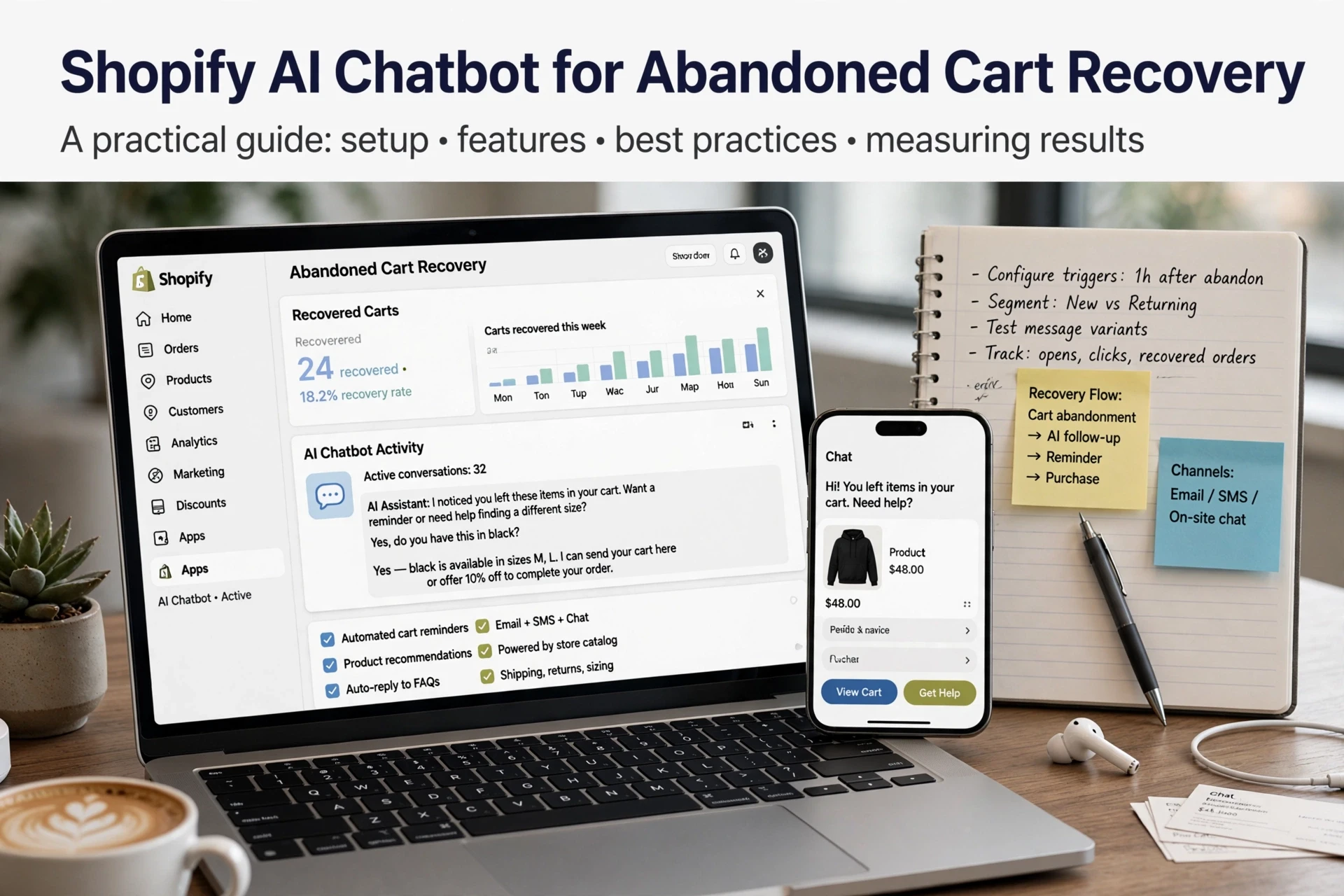
Quick Summary: A Shopify AI chatbot can recover abandoned carts by answering sizing, shipping, returns, and other objections while shoppers are still on the page. It should work alongside email and SMS recovery, use accurate product data, limit its discount authority, and escalate complex requests to humans. Measure results by comparing incremental revenue and recovery rates against a baseline, not just revenue from chatbot-touched sessions.
A shopper adds two products, reaches Shopify checkout, then leaves. No recovery email lands fast enough to save that session, but a Shopify AI chatbot can answer the sizing or shipping question that stopped them while they are still on the page. This guide shows how to set up that in-session layer, what it cannot do, and how to measure recovery. Kandid writes from Shopify chatbot work daily.
Step 1: Prepare the Chatbot for Cart Recovery Work
Define the chatbot's role beside your email and SMS flows
An email or SMS flow fires after a shopper leaves. Your Shopify AI chatbot works earlier, in-session: it answers objections, offers a discount within its allowed cart actions and nudges hesitant buyers before they close the tab. Decide that split up front. The chatbot stops the exit; your flows recover whoever still leaves. If you're weighing AI against scripts, see how a rule-based bot compares for cart recovery.
Fix catalog and store content before launch
The chatbot's answers come from your product data, so errors surface at the worst moment. Before your cart recovery setup goes live, check:
- Titles and descriptions match what shoppers ask about (sizing, materials, ingredients).
- Inventory and prices are current; stale data kills trust mid-conversation.
- FAQ and shipping pages cover common objections like delivery times and returns.
- Recommendation rules point to relevant products, not random upsells.
A Shopify AI chatbot uses these inputs for product discovery, so clean content directly shapes the suggestions shoppers see. If an answer still looks thin, add a short store note on that topic. Fix the data, then train the bot.
Step 2: Recover the Cart During the Session
How do you recover abandoned carts with a Shopify AI chatbot? You intervene before the shopper leaves. A Shopify AI chatbot works the live cart in four steps:
- Spot hesitation signals, like a stalled scroll or repeated questions about one product.
- Answer the blocker in plain language, using real product and store details.
- Recommend a fitting alternative if the item in cart misses the mark.
- Offer help within the limits you set, such as a discount or a size nudge.

Resolve the objection that actually stops checkout
Most abandoned carts die on one unanswered question: shipping cost, delivery date, returns, or sizing. Email cannot catch it because the shopper never asks. An in-session chatbot does. Set up your store content so these answers are accurate, then decide up front which cart actions the bot may take, for example applying a set discount code or noting a size exchange. That authority is what turns a stalled cart into a completed order.
Step 3: Hand Off to a Human and Measure the Result

Escalate the conversations a bot should not finish
Some questions end the sale no matter how good the bot is. Route these to a person fast: shipping delays, damaged orders, bulk or custom quotes, and any refund request. Set a rule for the human handoff, for example "transfer when confidence drops below a set score or the shopper asks twice." Good Shopify chatbot human handoff tools, including Kandid's, let you control cart actions and discount authority so the bot never promises a discount it cannot apply.
Measure recovery rate and attribute revenue honestly
How do I calculate my abandoned cart recovery rate?
Use this Shopify cart recovery rate formula: recovered carts ÷ abandoned carts × 100. Count a cart as recovered only when all of these hold:
- The order ships from the same store session or a linked checkout
- The chatbot touched the session before purchase
- You exclude test orders and duplicate sessions
Then split chatbot-attributed revenue from incremental revenue. Attributed revenue is what the bot touched; incremental is what it changed versus your pre-bot baseline or email and SMS flows. Compare both over the same period, and read a baseline guide like Shopify AI Chatbot vs Rule-Based Bot before judging results.
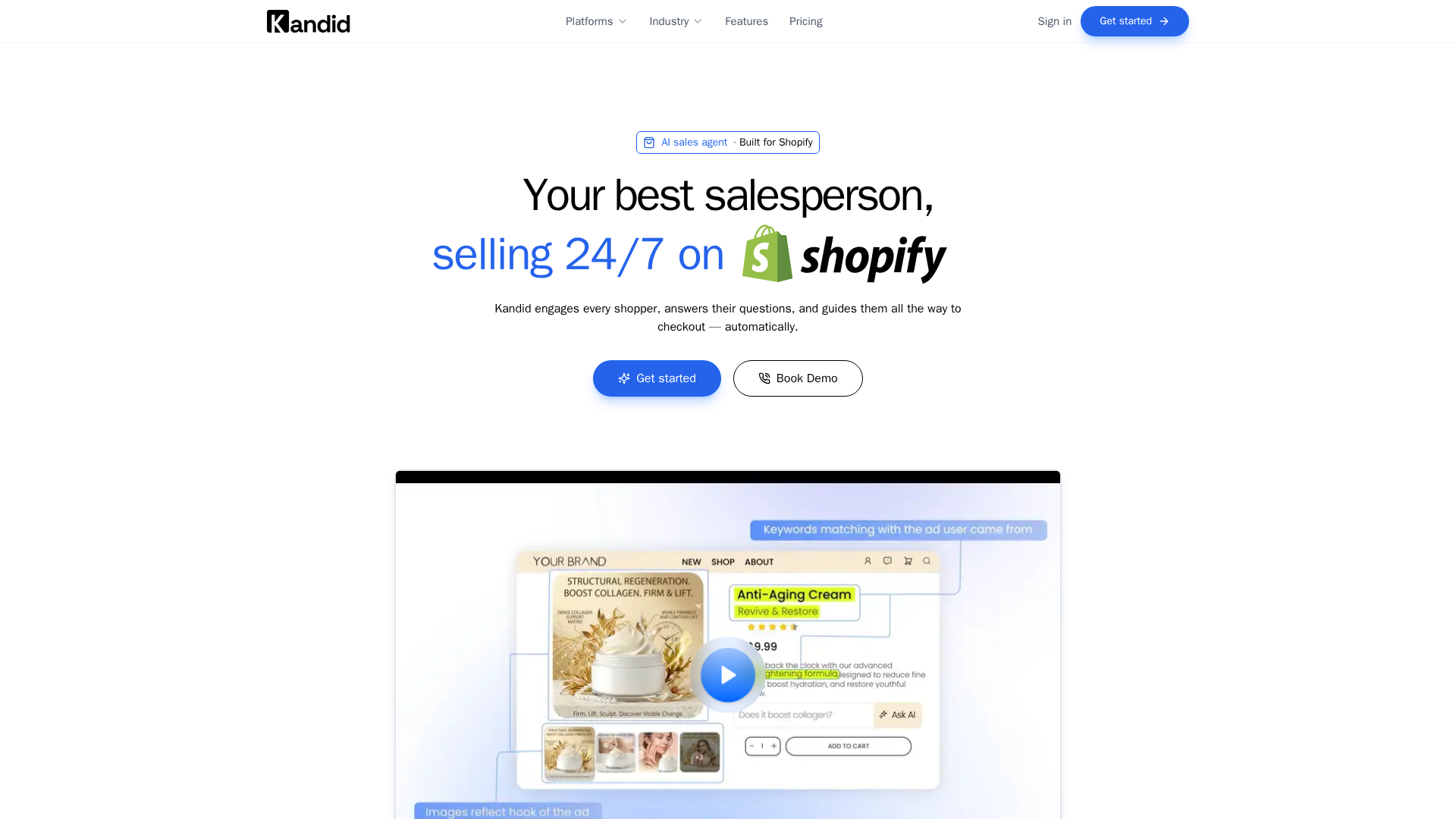
If your Shopify AI chatbot abandoned cart setup still leaks sales at checkout, Kandid adds an in-session layer that answers objections before shoppers leave.
Frequently Asked Questions
Q1: How do you recover abandoned carts with a Shopify AI chatbot?
Intervene in-session: the bot spots hesitation, answers the blocker (sizing, shipping, returns), suggests a fitting alternative, and offers help within its discount authority before the shopper leaves.
Q2: Is a Shopify AI chatbot better than abandoned cart emails?
They do different jobs. Emails fire after exit; a chatbot works earlier, inside the session, catching objections before the cart is abandoned. Use both.
Q3: How do I know if chatbot revenue is real?
Compare chatbot-attributed revenue with incremental revenue against your pre-bot baseline, over the same period, using the recovery rate formula.
Conclusion
A Shopify AI chatbot works the in-session layer: it answers objections before shoppers leave, your email and SMS flows recover the rest. Keep catalog data clean, set discount authority, hand off edge cases, and judge results with incremental revenue, not just attributed revenue.