Ecommerce Chatbot Operations: Daily Management Guide
Quick Summary: Running an ecommerce chatbot requires daily discipline: spend 15 minutes reviewing yesterday’s chats, catch wrong answers and missed handoffs, and fix one recurring issue before lunch. Review escalation triggers and human handoff coverage weekly, then track resolution, handoff, conversion, response time, and revenue monthly. Treat chatbot-attributed revenue as a directional metric, since only comparison with similar non-chat sessions reveals the sales lift it actually creates.
By 9 am, your store's AI chatbot has answered dozens of sizing, shipping and stock questions, and a few of those chats went sideways without any dashboard alert. That gap is the real challenge of ecommerce chatbot operations: launch is easy, but day-to-day upkeep decides whether the bot builds trust or quietly loses sales. This guide gives you a time-boxed daily, weekly and monthly routine, clear ownership, and an honest way to read your revenue numbers.
Step 1: Run a 15 Minute Daily Conversation Review
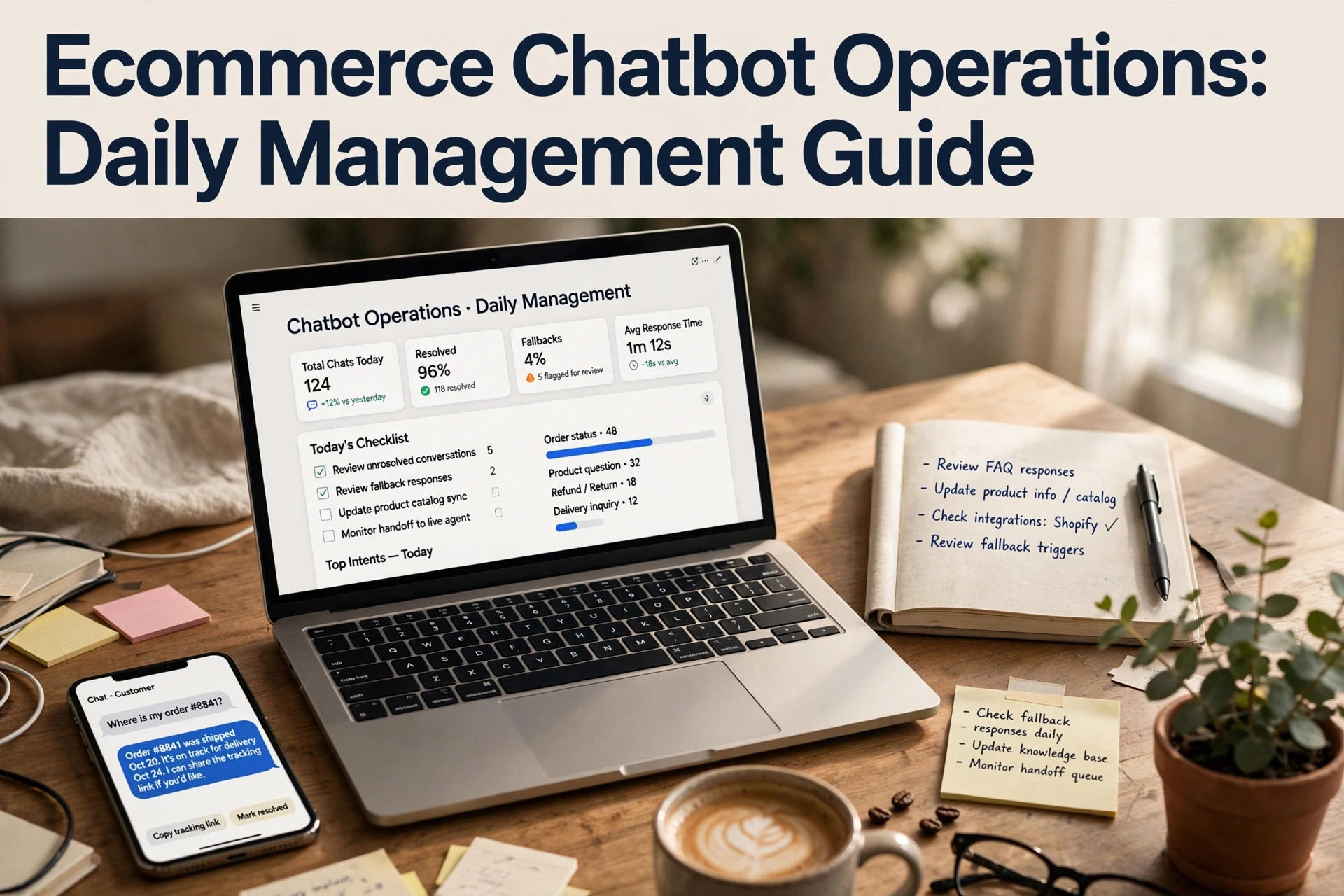
Good ecommerce chatbot operations start with one habit: read actual conversations every morning. The routine takes 15 minutes:
- Open yesterday's transcripts and scan for unanswered or wrong answers.
- Note every question the bot escalated to a human, and why.
- Check peak-hour coverage, since most chats happen while you sleep.
- Pick one repeated question and fix its root cause before lunch.
What to Look At First Each Morning
Start with handoffs. When a shopper asks for a person, the bot has already missed something. Next, scan for confident but wrong answers, especially on shipping dates, returns and stock levels. Those cost the most because shoppers rarely complain. If a chat needed a human and nobody was online, flag it.
Turn Every Repeated Question Into a Fix
Repeated questions are not noise; they are a to-do list. If "when will my order ship" came up five times, the tracking flow needs a rewrite. Update the answer, add missing product details, then test it in a live chat yourself. Set a weekly rule: any question asked three or more times becomes a permanent fix, not another one-off reply.
Step 2: Tune Escalation and Human Handoff Weekly
Escalation triggers decide when a chat leaves the bot and reaches a person. Review them once a week, because weak triggers either strand shoppers or flood your inbox.
| Trigger | Route to human when |
|---|---|
| Intent | Shopper asks about refunds, disputes or legal terms |
| Sentiment | Message shows anger or repeated frustration |
| Failure | Bot answers "I'm not sure" twice in one chat |
| Value | Cart value crosses a threshold you set |
| Request | Shopper explicitly types "agent" or "human" |
Choosing Triggers That Match Your Live Chat Hours
Triggers only work when someone is there to receive the handoff. Map each trigger against your live chat coverage hours, then decide what happens outside them: hold the chat, offer an email form, or collect the order number and promise a reply window. A night-time shopper in India may need a different fallback than a US afternoon browser. If your tool allows queue hours per trigger, set them separately.

Making Sure the Human Gets the Full Context
Nothing frustrates a shopper more than repeating their question. When a chat escalates, the agent should see the full transcript, the bot's last reply, the cart contents and any order lookup already done. Test one handoff each week on your own store, then read the transcript as if you were the shopper. If context is missing, fix the trigger settings before adding new ones. Most platforms, including Kandid, pass conversation history with the handoff, but verify what actually arrives.
Step 3: Review Metrics and Revenue Once a Month
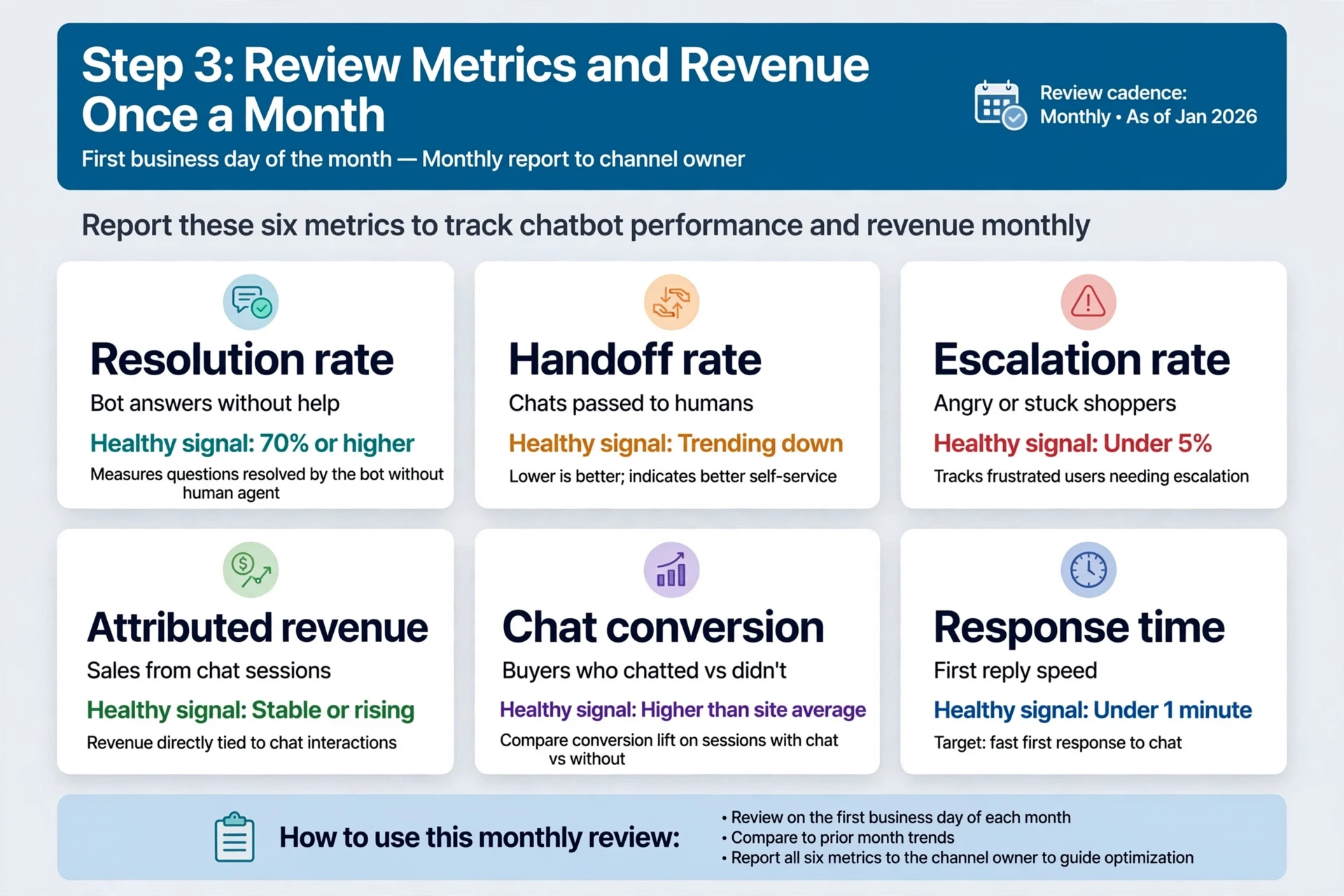
Open your chatbot dashboard on the first business day of the month. Report six numbers to whoever owns the channel: resolution rate (questions closed without an agent), handoff rate, escalation rate, orders started in chat, revenue attributed to chat, and conversion lift on sessions with chat versus sessions without.
| Metric | What it tells you | Healthy signal |
|---|---|---|
| Resolution rate | Bot answers without help | 70% or higher |
| Handoff rate | Chats passed to humans | Trending down |
| Escalation rate | Angry or stuck shoppers | Under 5% |
| Attributed revenue | Sales from chat sessions | Stable or rising |
| Chat conversion | Buyers who chatted vs didn't | Higher than site average |
| Response time | First reply speed | Under a minute |
Chatbot-Attributed Revenue Is Not Incremental Revenue
No. Attributed revenue is the total value of orders from chats that touched the bot. Incremental revenue is what those orders added on top of what shoppers would have bought anyway. Some chatters would have converted without help, so compare chat sessions to similar non-chat sessions for a fair baseline. Any chatbot vendor, including Kandid, can report attribution; only your baseline test shows incrementality.

Your chatbot only earns its keep if someone runs the routine. Kandid's AI sales agent for Shopify makes that daily 15-minute check simple. See how it works.
Frequently Asked Questions
Q1: What are the daily management best practices for ecommerce chatbots?
Read yesterday's transcripts for 15 minutes each morning. Flag wrong answers, handoffs and unanswered chats, then fix the most repeated question's root cause before lunch.
Q2: How do I know if my chatbot's revenue numbers are real?
Attributed revenue counts all chat orders, not just extra sales. Compare chatters against similar non-chat sessions to estimate incremental lift.
Q3: When should a chat hand off to a human?
Route refunds, disputes, angry messages, repeated "I'm not sure" answers and explicit "agent" requests to a person, matched to your live coverage hours.
Conclusion
Running an AI chatbot is a routine, not a launch event: review transcripts daily, tune escalation triggers weekly, and check resolution and revenue metrics monthly. Treat attributed revenue with caution and always compare against a baseline. That discipline is what turns chatbot conversations into steady, trustworthy sales.