Shopify Chatbot A/B Testing: Full Walkthrough
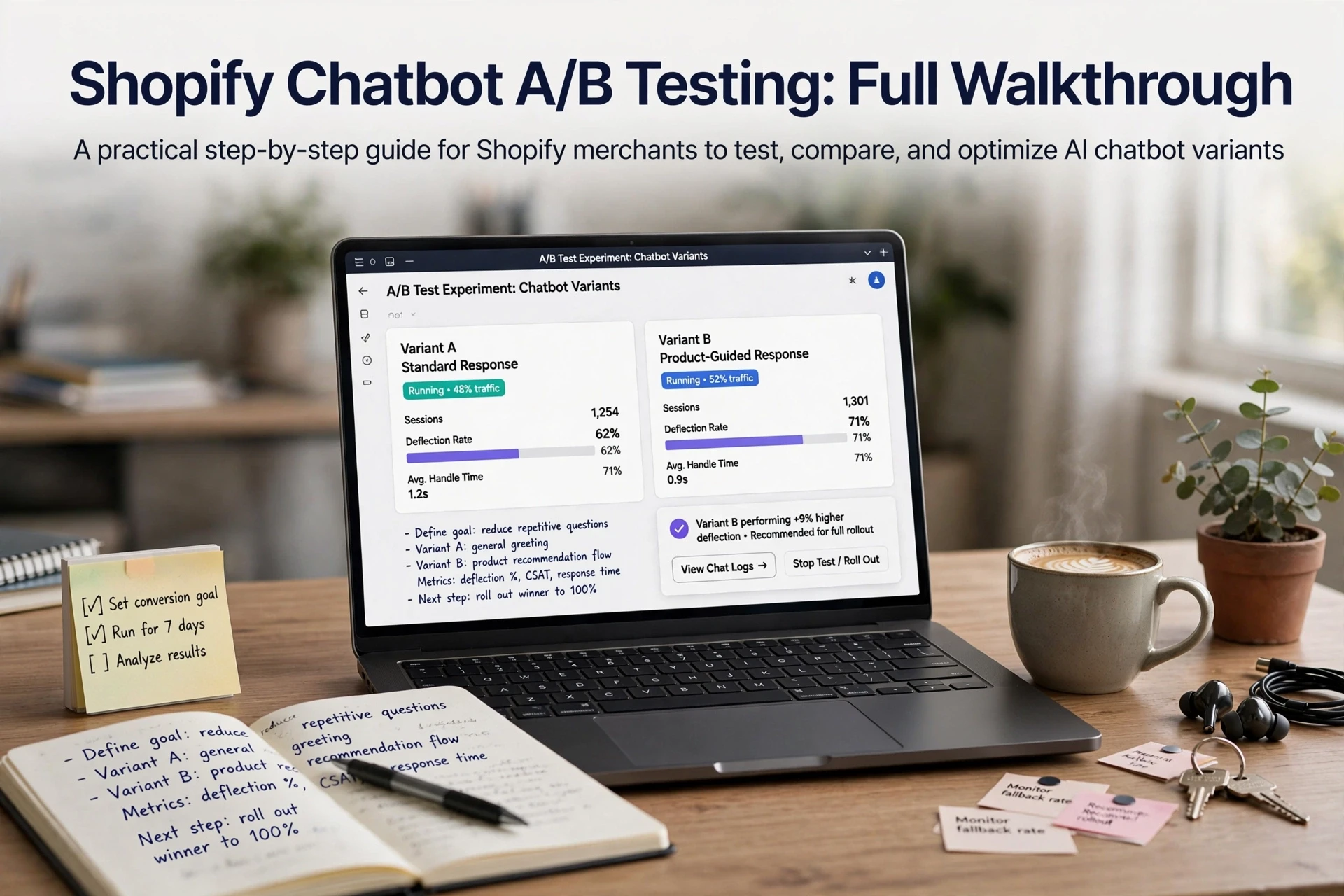
Quick Summary: Test Shopify chatbot changes by changing one variable at a time, splitting traffic between a control and variant, and judging the winner on incremental revenue per visitor. Run the test for 7 to 14 days with roughly 1,000 visitors per variant, and compare chatbot purchase attribution with Shopify order data because chat counts and platform-reported revenue can overstate results.
Your chatbot answers the same three questions on repeat, yet no one can say whether a new greeting would lift orders or just inflate chat volume. Shopify chatbot A/B testing fixes that. This walkthrough covers Shopify chatbot A/B testing end to end: setting a control vs variant, splitting traffic with Rollouts, and reading chatbot conversion rate and attributed revenue without fooling yourself.
Step 1: Define the Chatbot Variable and Your Primary Metric
Good Shopify chatbot A/B testing starts with two decisions: what you change and what you judge it by.
Choose one chatbot variable per test
Pick a single variable. Common options for a chatbot A/B test control vs variant setup:
- Greeting copy test: swap the opening line
- Human handoff trigger test: change when the bot escalates
- Proactive message timing: message after 15 seconds vs 45
- Product recommendation count: show 3 vs 5 items
Change one thing only. If you alter copy and timing together, you cannot tell which move caused the lift. Shopify chatbot A/B testing only works when each difference traces back to one change.
Pick one primary metric and treat the rest as diagnostics
Judge every variant with incremental revenue per visitor, measured against chatbot purchase attribution. One metric, decided before launch.
| Priority | Metric | Role |
|---|---|---|
| Primary | Incremental revenue per visitor | Decide winner |
| Diagnostic | Chatbot conversion rate | Explain why |
| Diagnostic | Handoff rate | Spot friction |

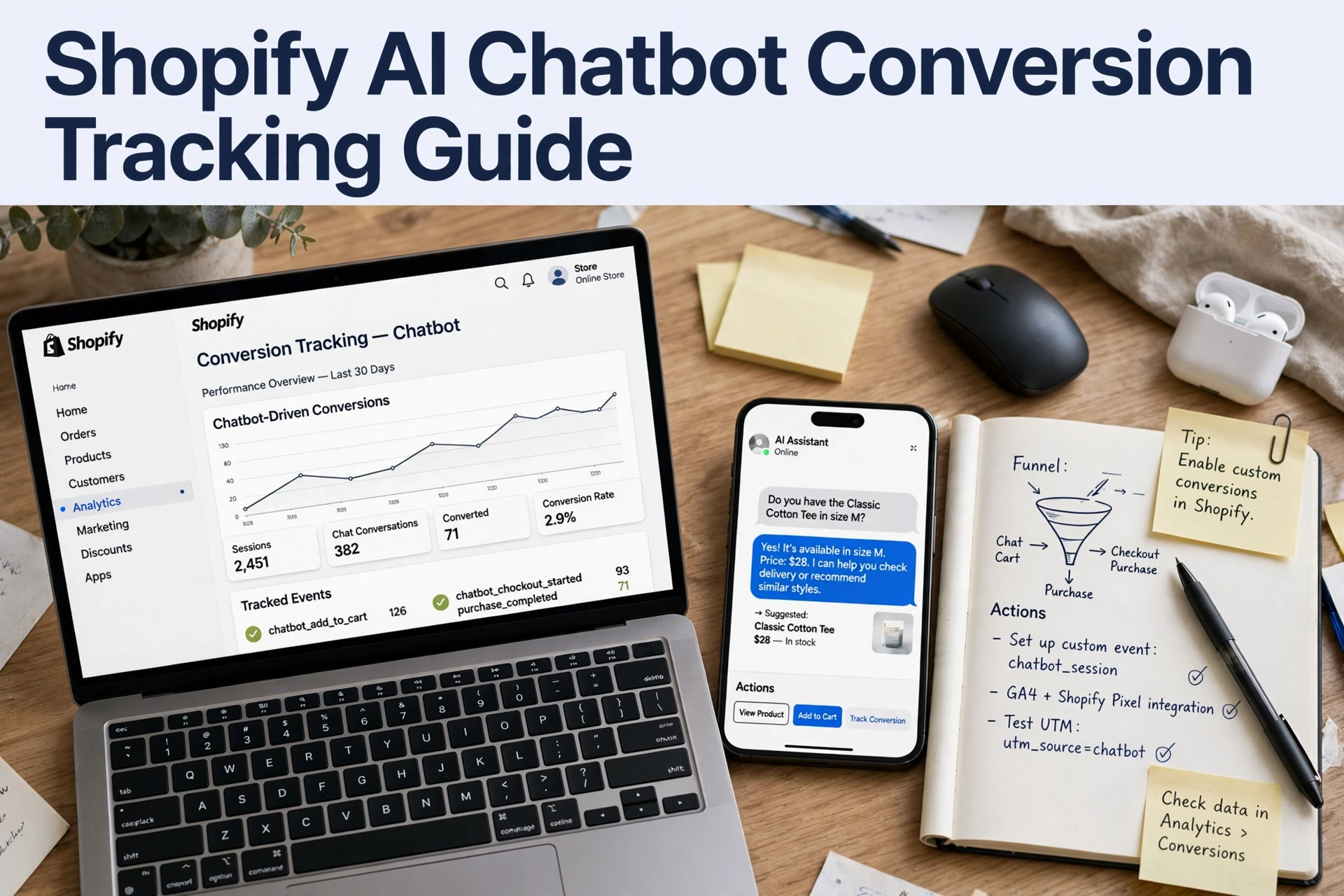
Track the rest, but never let a secondary metric override the primary one. Kandid's guidance on chatbot conversion tracking follows this same rule: one decision metric, everything else explains it.
Step 2: Build the Control and Variant Chatbot Configurations
Shopify chatbot A/B testing starts with two saved setups, not two ideas in your head. Before you touch Shopify Rollouts traffic splitting, decide exactly what changes.
Duplicate the configuration, then change one thing
Open your chatbot settings and duplicate the live version. The copy is your control, untouched. The original becomes the variant, and you change a single element: greeting copy, proactive message timing, or a human handoff trigger. Everything else stays identical so results trace back to that one change. Version notes help here, and this applies whether you run a tool like Tidio or an AI sales agent built for Shopify.
How the traffic split reaches a chat widget
Rollouts splits your storefront traffic by percentage, so both variants serve the same theme. The split applies at the page level, not inside the widget. Most chat tools can't read Rollouts assignments, so store the variants in your chatbot platform and match scripts by theme or page template. Conversion tracking then tells you which variant shoppers saw.
Step 3: Launch the Split and Read the Results
Launch at a conservative traffic percentage
Start with a 90/10 or 80/20 split so most shoppers still see your proven setup. Shopify Rollouts handles the storefront traffic split for you, but note it applies to themes and pages, so a chatbot variant often needs your chat platform's own audience targeting. A Shopify chatbot A/B testing run on 10% of traffic still produces useful signals if your store gets a few thousand sessions a day.

Set the duration and the decision rule before you look
How long should a Shopify chatbot A/B test run? Follow three rules:
- Cover at least two full weekly cycles, so seven to fourteen days minimum.
- Wait for roughly 1,000 visitors per variant before judging a small lift.
- Stop only when your pre-set conversion threshold is met.
Write the decision rule down first. If you peek early and stop on a good week, the result will not hold.
Read the chat and order data together
Judge the variant on three layers: chat engagement, attributed orders, and checkout conversion. Platform dashboards often count any chat within a session as a conversion, so compare chatbot purchase attribution against Shopify's own order data for a fair view of incremental revenue. Our conversion tracking guide walks through that mapping step by step.

Ready to put Shopify chatbot A/B testing to work? Try Kandid's AI sales assistant, run your first Shopify chatbot A/B testing split this week, and see which version sells. Kandid
Frequently Asked Questions
Q1: How to run A/B tests on a Shopify chatbot?
Duplicate your live chatbot config, change one thing, then split storefront traffic percentage via Shopify Rollouts or your chat platform's targeting. Run seven to fourteen days, wait for roughly 1,000 visitors per variant, and judge on incremental revenue per visitor.
Q2: What sample size does a chatbot A/B testing run need?
Aim for at least 1,000 visitors per variant before judging a small lift. On 10% traffic, that works for stores with a few thousand daily sessions.
Q3: How do I know which chatbot variant actually drove orders?
Compare chatbot purchase attribution against Shopify's own order data. Platform dashboards often credit any chat in a session, so attributed revenue can overstate the lift.
Q4: Can I test chatbot greeting copy and message timing together?
No. Change one variable per test, or you can't tell which change caused the lift. Run the greeting copy test first, then a separate human handoff trigger test.
Conclusion
Shopify chatbot A/B testing comes down to three habits: change one variable at a time, split traffic before launch, and judge variants on incremental revenue, not chat counts. Wait for enough visitors, then trust your pre-set rule. Test your next greeting or human handoff trigger the same way.
(38 words)