Shopify AI Chatbot for B2B Wholesale Buyer Questions

Quick Summary: A Shopify AI chatbot can answer wholesale buyers’ MOQ, volume pricing, lead time, shipping, and order status questions when its knowledge base is connected to accurate B2B catalog data. Build quantity-first flows and set clear human handoff rules for payment terms, resale certificates, custom quotes, account applications, and other sensitive requests, while collecting buyer details before escalation. Kandid supports this setup by quoting wholesale rules and passing buyer context to sales reps, but testing with real questions is essential because a retail-configured bot will give the wrong tier pricing. A wholesale buyer lands on your site at 4pm Friday and asks about minimum order quantity, the 500-unit price, and shipping to Dubai. The first two sit in your data. A retail-configured Shopify AI chatbot for B2B usually fumbles all three. This guide shows you how to connect one to your wholesale pricing and MOQ data, set a clear handoff boundary for what it should not answer, and test it before buyers do. Kandid writes vendor-neutral setup guides for Shopify merchants running B2B channels.
Step 1: Load Your Wholesale Terms, Tiers and MOQ Into the Chatbot Knowledge Base
Your chatbot can only answer a wholesale chatbot minimum order quantity question if that data exists somewhere it can read. Most chatbots pull retail descriptions, so volume terms never show up. Fix this by writing a dedicated knowledge base file before you touch any settings.
What to Write in the Knowledge Base File
Create one plain document per brand and list:
- MOQ rules per product or collection, including cases and packs
- Volume pricing tiers with exact unit prices and break quantities
- Lead times, shipping regions and freight terms
- Payment terms, such as net 30, and resale certificate requirements
Write in full sentences, not tables. Chatbots parse sentences more reliably. Include one worked example, like "ordering 250 units at the 100-unit tier price," so answers stay consistent. Tools such as Kandid use these documents as the source the assistant quotes from, so word the rules the way you want them repeated.
Keeping MOQ and Tier Data in Sync With Shopify
Shopify B2B stores price breaks in catalogs, and a mismatch between catalogs and your file causes wrong quotes. Set one owner for tier changes, update the knowledge base file the same day a price changes, and review quarterly. If your chatbot syncs store data directly, verify the wholesale catalog, not the retail catalog, is the connected source. When unsure, check Shopify's B2B wholesale documentation for how catalogs and price lists behave.
Step 2: Build the Three Flows That Answer Pre-Order Wholesale Questions
Can a Shopify AI Chatbot Help Wholesale Buyers?
Yes, for pre-order questions. A well-configured Shopify AI chatbot can answer minimum order quantity, tier pricing, lead times and shipping zones on its own, and hand off payment terms and custom quotes to your team. Buyers get answers in seconds; you skip the 4pm Friday inbox pile-up. Most bots fail here because they only see retail prices, so the setup step matters more than the software.
| Buyer question | Bot handles or escalate |
|---|---|
| MOQ and price breaks | Bot answers from catalog data |
| Lead time and shipping | Bot answers from product data |
| Net 30, resale certificate | Escalate to a human |
| Custom quote, 10,000 units | Bot collects details, then escalates |

Flow Design: Quantity First, Then Tier, Then Lead Time
Build one wholesale chatbot flow that asks in order. First, order quantity, because every quote depends on it. Second, the matching tier, so your B2B chatbot tiered pricing answer matches the catalog, for example 250 units priced at the 100-unit tier. Third, lead time and shipping. A bot that pulls store and product data this way, like an AI sales agent for Shopify is designed to do, keeps answers consistent with your catalogs and escalates only what needs a human.
Step 3: Set the Human Handoff Rule and Capture Buyer Context First
A Shopify chatbot should hand off a wholesale buyer to a human when:
- The buyer asks about payment terms like net 30 or a resale certificate.
- The quote needs a custom price, such as 10,000 units.
- The buyer wants a signed wholesale account application.
- Lead time or stock answers need a human promise.
- The buyer simply asks for a person.
Write these five triggers down before you launch. Then teach the bot what to collect first, so your team never restarts the conversation from scratch.
The Five Escalation Triggers Worth Writing Down
Your wholesale lead qualification chatbot should route each trigger differently. Payment terms and resale certificates go straight to a human. Custom quotes, like 10,000 units, let the bot collect company, quantity and destination first, then escalate. Publishing the rule keeps replies consistent.

What to Capture Before the Handoff
Make the bot gather five details before escalation: company name, contact, target quantity, destination country and deadline. A tool like Kandid can pass this context into the chat, so the rep opens the thread already briefed. No repeated questions, no lost buyer.
Returning Buyers: Order Status and Reorder
Repeat buyers care about two things. A Shopify chatbot order lookup answers "where is my PO?" in seconds, and a repeat order prompt reuses last order quantities. Set both flows before launch.
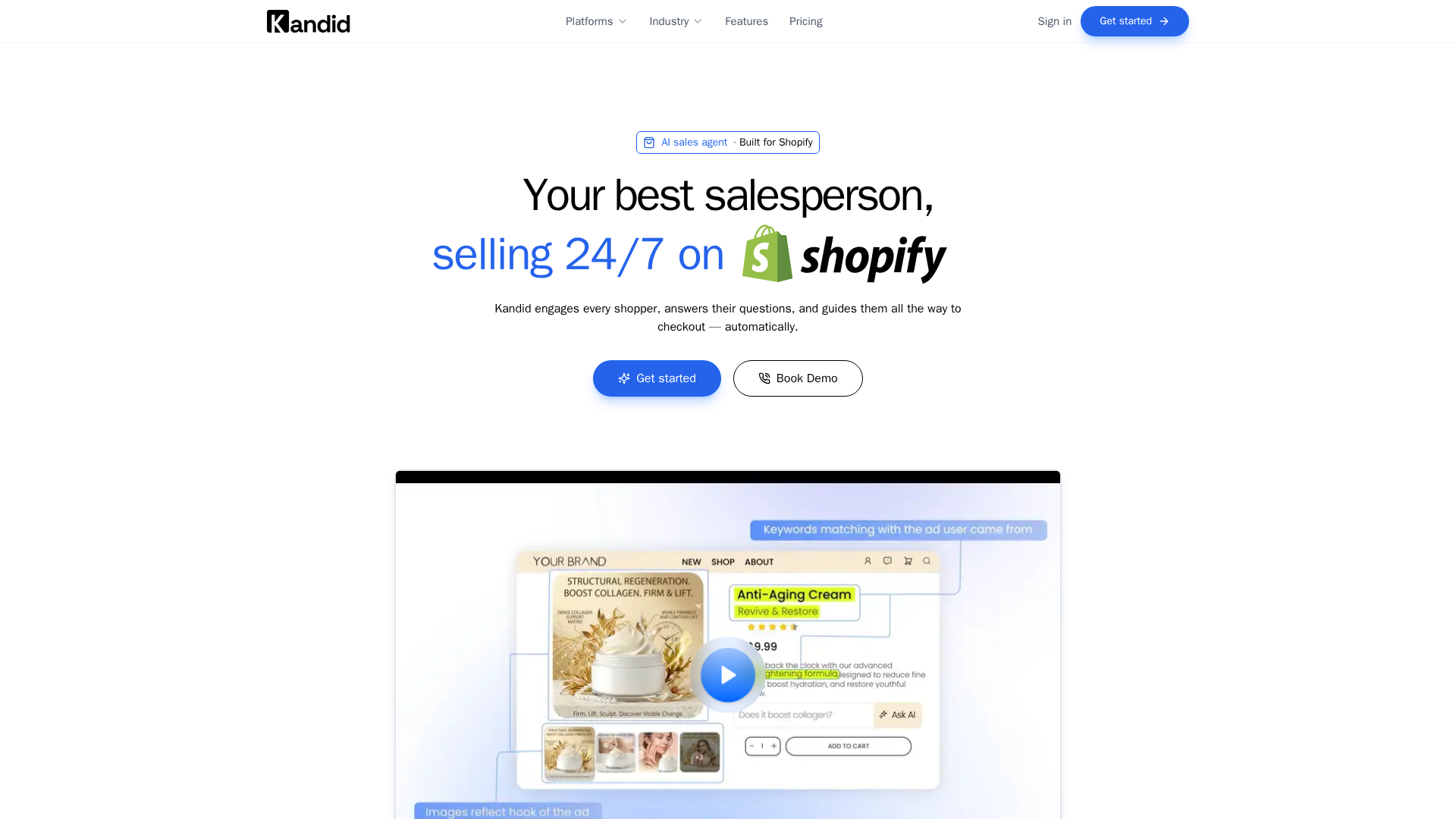
Wholesale buyers want answers now, not Monday. See how Kandid handles MOQs, tier prices and clean human handoffs, then set up your own B2B bot.
Frequently Asked Questions
Q1: Can a Shopify AI chatbot help wholesale buyers?
Yes, for pre-order questions. It can quote MOQ, tier prices, lead times and shipping zones, then escalate payment terms and custom quotes to your team.
Q2: How does the bot know our wholesale MOQs?
Upload a knowledge base file listing MOQ rules, price breaks and lead times, and keep it synced with your Shopify B2B catalogs.
Q3: Should the bot handle net 30 terms?
No. Escalate payment terms and resale certificates to a human, but let the bot collect buyer details first.
Conclusion
Get your wholesale pricing and minimum order quantity rules into the knowledge base, build quantity-first flows, and write down the five handoff triggers. Test with real buyer questions before launch, since a retail-configured bot will miss the tier pricing every time. The setup work, not the software, decides whether buyers get answers or end up in your inbox.