Shopify AI Chatbots for Sizing Help Before Customers Buy
Quick Summary: AI sizing chatbots on Shopify only work as well as the fit data behind them, so measurements, size scales, and fit notes need to live in product metafields at the variant level. The bot should quote your size chart and model details rather than guess a size, and hand off personal or unclear fit questions to a human. Track fit-related chats, sizing returns, and conversion on sized items for a month before and after launch. Kandid is cited as an example of an AI sales agent that pulls answers from your own store data and escalates edge cases.
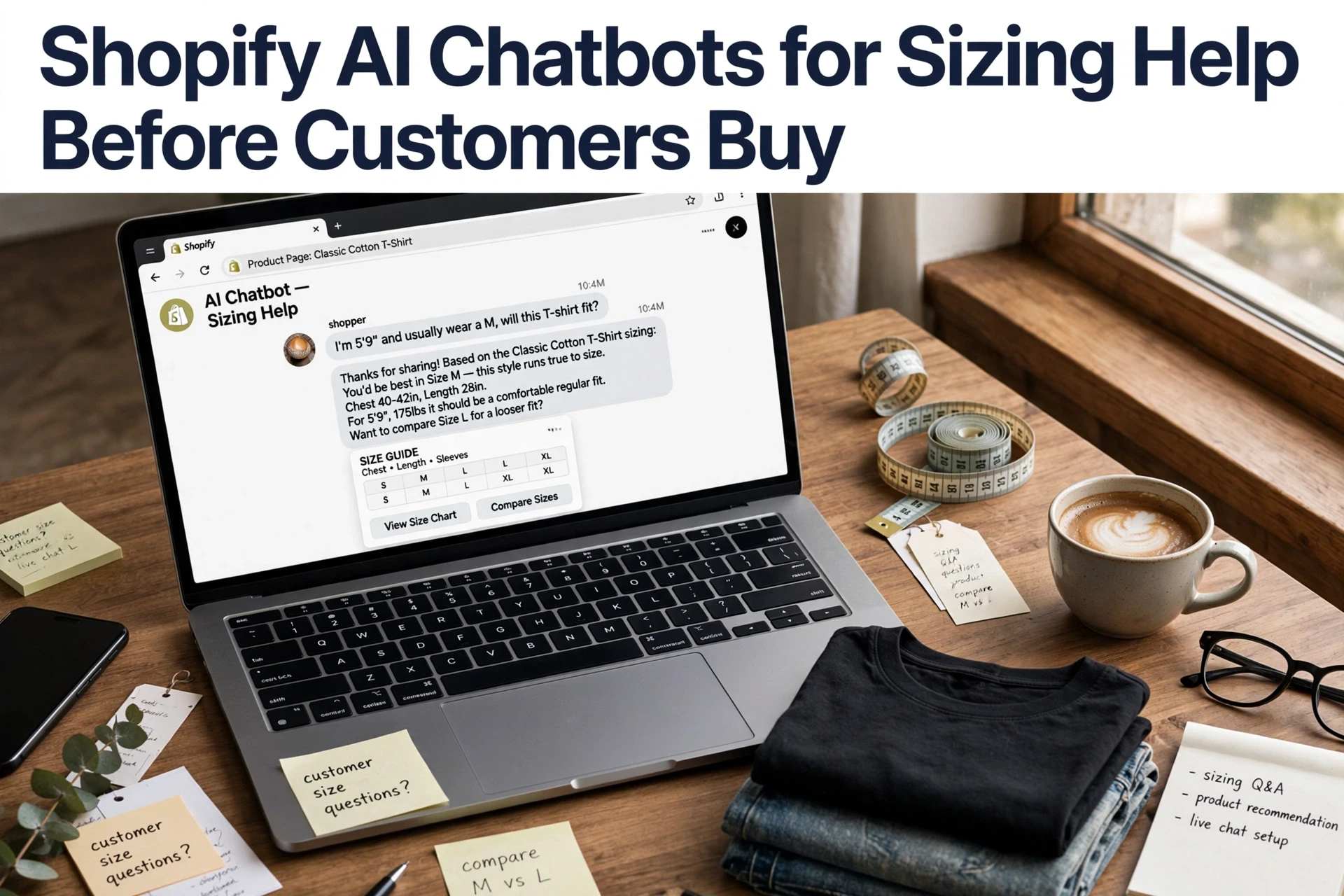
A shopper eyeing two cuts of the same shirt wants to know one thing: will the smaller size feel fitted or tight? Your AI sizing assistant can only answer well if your product pages hold real fit data. Most sizing wrong turns come from thin product info, not weak chatbots. This guide shows how to feed a product sizing chatbot the right fields, set answer limits, and route tricky cases to a human. It's practical chatbot sizing help, written for Shopify apparel and footwear teams.
What an AI Sizing Assistant Can and Cannot Answer
Explain Product Facts, Do Not Invent a Fit Prediction
An AI sizing assistant answers well when the answer lives in your product data. "Does this run small?" becomes "reviews note it fits snug, size up if between sizes." Fabric stretch, inseam, model height, and size chart conversions are all fair game.
It should not guess. If a shopper asks "what size am I?", the honest answer is a question back, not a random recommendation. A sizing prediction needs measurements or a fit survey, which is a different tool category. General chatbots, including Kandid's assistant, do best when they state what the product says and escalate anything personal to you or a fit specialist.
When your bot is unsure, a clear human handoff beats a confident wrong answer.
Give the Chatbot Product-Level Sizing and Fit Data
A chatbot can only answer sizing questions with the data you feed it. If your product records skip measurements or fit notes, the bot will guess, and guesses lose sales.
Organize Measurements, Size Scales, and Fit Notes
Set up one clear structure for every product:
- Measurements: chest, waist, hip, length, inseam, and sleeve, per size
- Size scales: US, UK, EU, or letter sizes (S, M, L), mapped clearly
- Fit notes: "runs small," "stretchy fabric," "true to size"
- Footwear extras: width, heel height, and half-size guidance
Store these in Shopify metafields so your chatbot and product pages read the same source. An AI assistant like Kandid's Shopify AI sales agent uses this store data to answer shoppers, so clean fields mean accurate answers.
Keep Data Matched to the Product and Variant
Fit data must sit at the variant level, not the product level. A "Blue, Medium" tee and "Blue, Large" tee need different chest numbers. Update data every time you restock a new batch, since factories change patterns. One wrong variant record leads to wrong advice and a return.
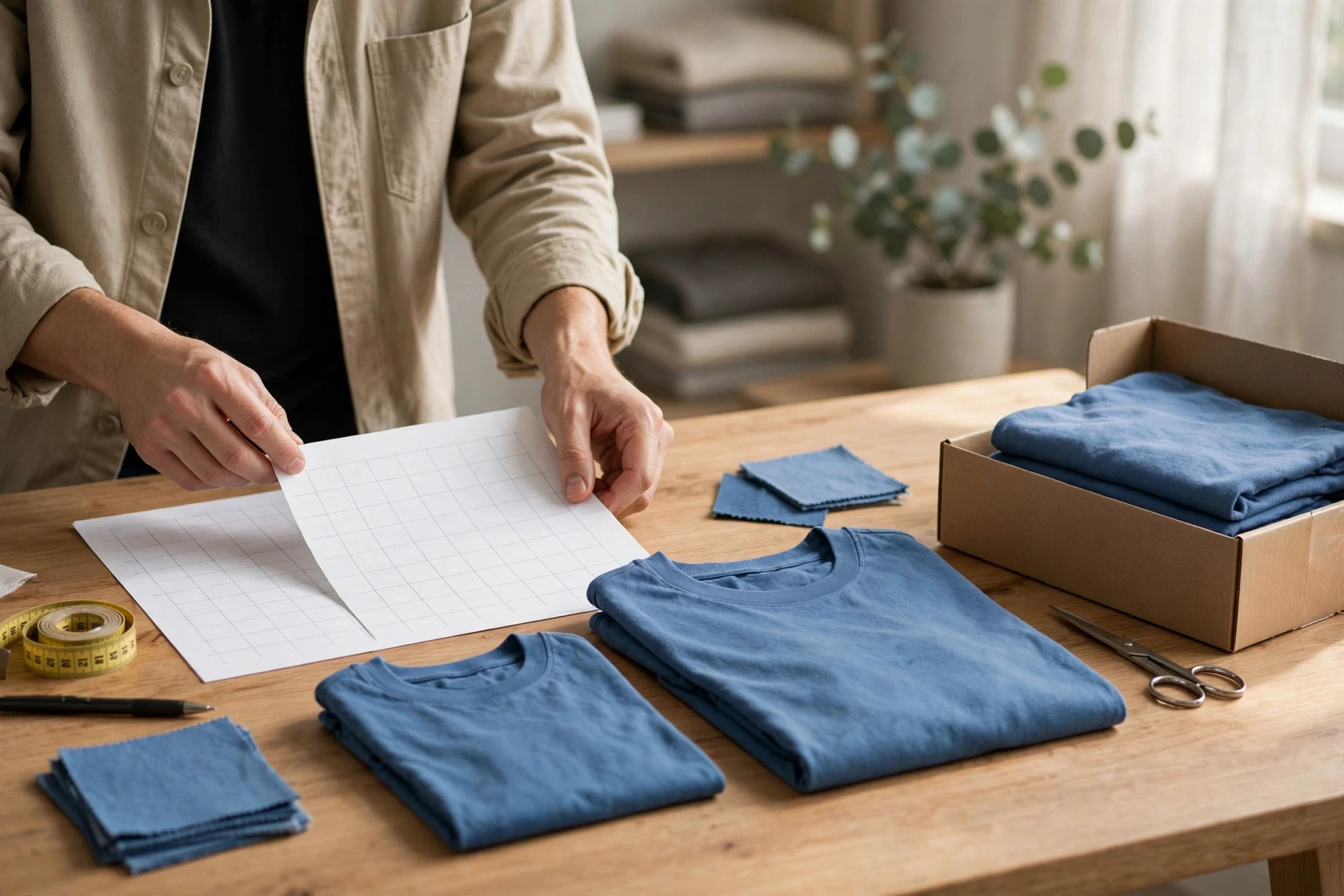
Design a Helpful Answer and a Safe Handoff
Answer with Evidence, Then Offer the Next Step
A good sizing answer always points back to real data. Have the bot quote the size chart, list the fit notes, and mention the model's height and worn size. Never let it guess.
Set clear boundaries too. If a shopper sits between sizes and the chart does not say which way to go, the bot should say so honestly instead of inventing a rule.
Then offer the next step. "Size M fits most shoppers in this style. Want me to check the returns policy or connect you with the team?" A quick path to a human keeps hard cases from becoming returns.

Test the bot weekly with your three hardest sizing questions. Fix any answer that drifts from your chart. Tools like Kandid's AI sales agent make these boundaries part of the setup.
Measure Whether Sizing Support Is Helping
Track four numbers for a month before and after launch: fit-related pre-purchase questions per 100 sessions, product page-to-cart rate for sizing-heavy items, sizing-driven returns, and chat-to-order rate for shoppers who asked about fit.
| Metric | Where to Find It | Good Signal |
|---|---|---|
| Fit questions deflected | Chatbot analytics | Fewer repeat sizing chats |
| Return reason: fit | Shopify order data | Trending down over 90 days |
| Conversion on sized items | Shopify analytics | Higher than your store baseline |
Check transcripts weekly. If the bot guesses sizes instead of citing your chart, fix the data before blaming the tool. Attribution has limits, so compare like-for-like periods and read the numbers as a trend, not a guarantee. A Shopify AI sales agent with built-in reporting makes this easier to sustain.

Ready to stop guessing sizes? See how Kandid answers fit questions from your own product data and hands edge cases to your team.
Frequently Asked Questions
Q1: How does an AI chatbot help shoppers choose the right size before they buy?
It reads your size charts, fit notes, and product data, then answers questions like "Does this run small?" in chat. Good answers build confidence; vague ones push shoppers to guess or leave.
Q2: What sizing and fit data should I feed my Shopify AI chatbot?
Add measurements per size, fit type (slim, relaxed), fabric stretch, model height and worn size, plus any "size up" notes. Keep it consistent across variants so answers stay accurate.
Q3: Can an AI chatbot cut returns by answering fit questions on product pages?
It can reduce sizing-related returns by catching doubts before checkout. Track fit-question chats against return reasons monthly; if wrong-size returns stay flat, tighten your fit data or add a dedicated sizing predictor.
Q4: When should I hand a sizing question to a human?
Escalate when a shopper describes an unusual fit need, asks about alterations, or a chatbot answer lacks the data. Fast human handoff protects the sale and keeps trust.
Q5: Are chatbot sizing answers reliable for footwear?
Only if you upload exact insole and length measurements per size. Brands vary widely, so generic answers fail. Kandid draws on your store's own product data, which keeps answers brand-specific.
Conclusion
Good sizing answers start with clean product data, clear answer boundaries, and fast human escalation. A general chatbot helps with basics, while dedicated sizing tools predict fit. Either way, test your bot before it talks to shoppers.