Ecommerce Chatbot Examples That Convert Shoppers

Quick Summary: The ecommerce chatbots that convert are the ones that answer the question actually blocking the purchase, such as sizing doubt, order status, or a stalled cart, and each needs a specific piece of store data like catalog, size charts, or order lookup. To prove any lift, record a four-week baseline of conversion rate and average order value, then disable the bot for a random 10 to 20 percent of sessions and compare, because chat-attributed orders are not the same as incremental revenue. Bad product data and bot fights kill results, so audit catalog fields, sync errors, and stock levels, and hand off to a human on negative sentiment or two failed answers. For a small Shopify store, start with order status since it only needs order lookup and quickly deflects support tickets.
The ecommerce chatbot examples that matter share one trait: each bot answered the question actually blocking the purchase. A Shopify apparel store can resolve 300 tickets a week and still lose the sale if it never handles size or delivery doubt. Below, each example lists the metric, the data it needs, and how to measure the lift, with honest notes on where Kandid, Gorgias, Tidio or Botpress fits best.
Ecommerce Chatbot Examples That Actually Drive Sales
The examples that move revenue share three things: a shopper moment of doubt, a metric you can measure, and store data the chatbot needs to answer well. Here are four, each with the metric to track.
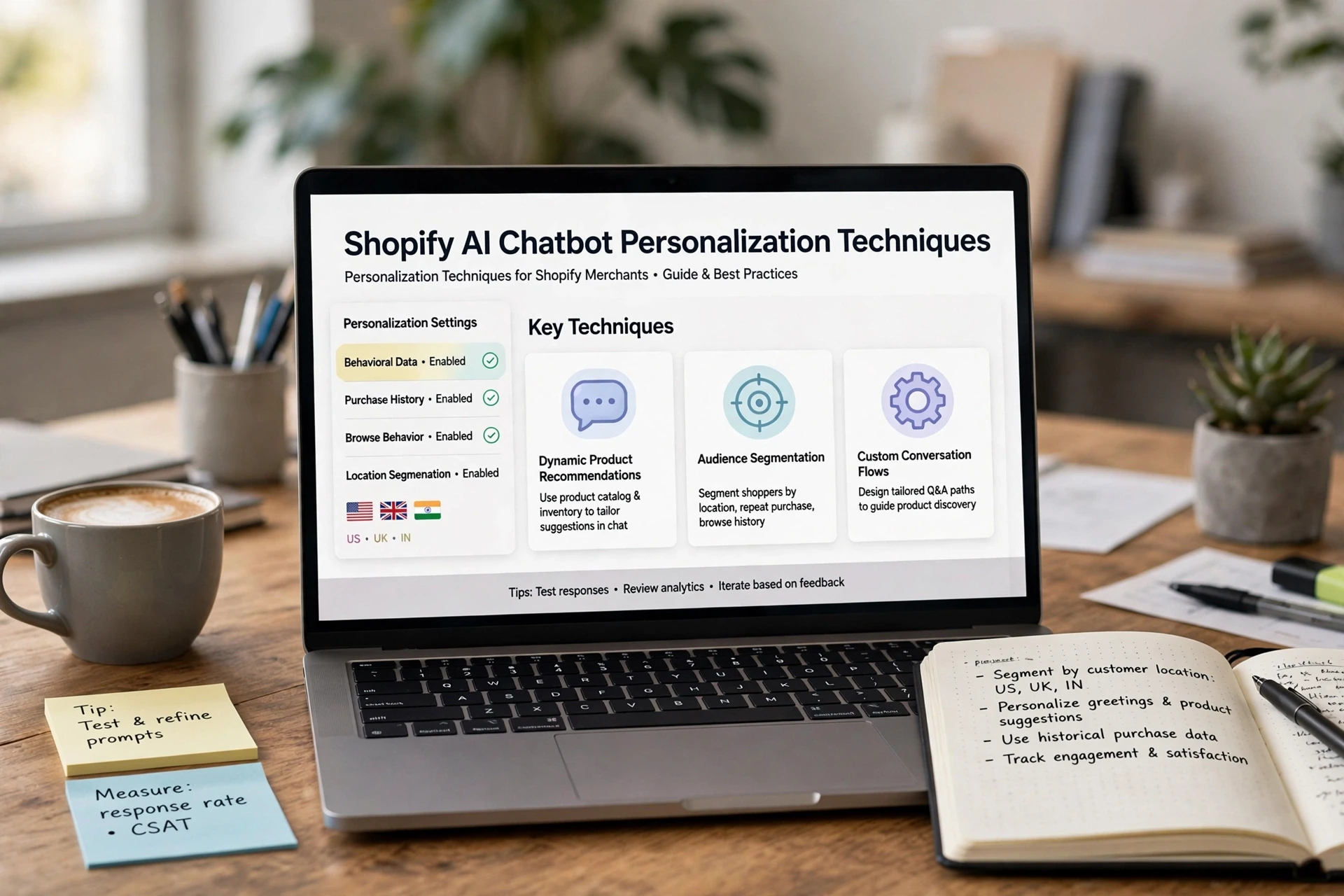
- Product discovery. Shopper asks "which serum suits oily skin?" The chatbot reads your catalog and suggests two or three options with reasons. Metric: products per session and assisted conversions. A good setup pulls from live product data; our walkthrough of product recommendations and add-to-cart setup shows how Shopify AI chatbot examples like this get configured.

- Sizing and fit. "Will this run small?" requires your size chart and returns policy in the bot's knowledge base. Metric: conversion rate on product pages where sizing questions appear, and return rate. Answering here beats losing the checkout to doubt.
- Shipping and order status. "Where is my order?" needs order lookup access via your Shopify store data. Metric: ticket deflection plus repeat purchase rate. Fast answers free your support team for real problems, a benefit with real-world limits worth knowing.
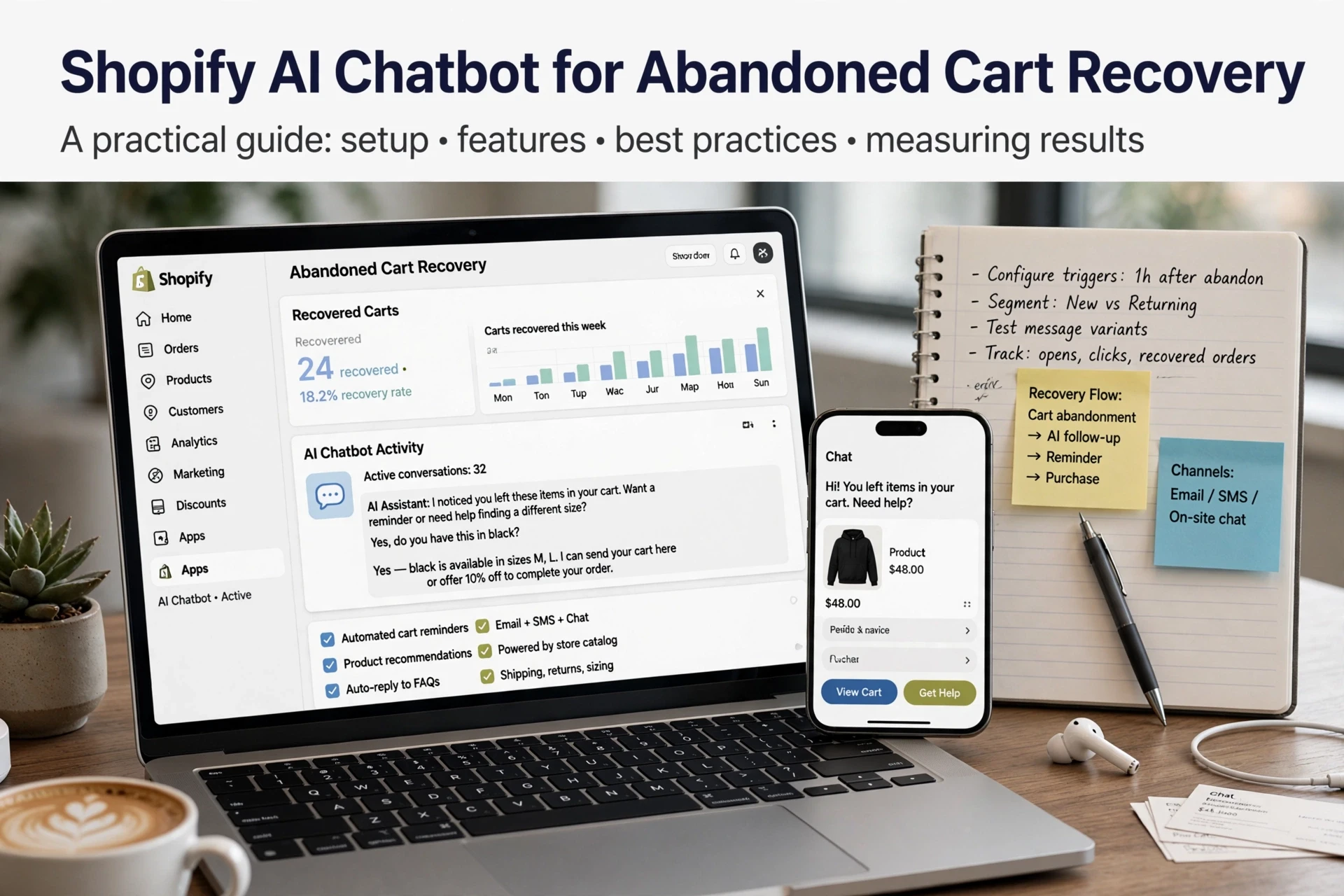
- Cart recovery and add-ons. The chatbot messages a stalled cart, answers the blocker ("does this ship to Austin?"), and suggests a matching accessory. Metric: recovered carts and average order value, measured against a holdout group so you know the bot caused the lift.
| Example | Shopper moment | Metric | Data required |
|---|---|---|---|
| Product discovery | Browsing, undecided | Assisted conversions | Catalog, reviews |
| Sizing and fit | Pre-checkout doubt | Page conversion, returns | Size chart, policy |
| Order status | Waiting on delivery | Deflection, repeat rate | Order lookup |
| Cart recovery | Stalled checkout | Recovered carts, AOV | Cart contents, shipping rules |
Cart abandonment stays high across ecommerce, so recovery bots earn their keep when they resolve the actual blocker, not just send a discount, as guides on abandoned cart recovery explain.
How to Measure a Chatbot Example Before You Claim It Works
To measure whether your ecommerce chatbot is converting, run this four-step check: record a pre-launch conversion rate baseline, define one primary metric such as chat-attributed orders, compare against a control window, and cap attribution at the chat session. Anything outside those limits is guesswork.

Set the Baseline and the Metric Before Launch
Pull four weeks of Shopify data first: conversion rate, average order value and revenue per session. Pick one primary metric, usually chat-assisted conversion rate, and write down how you define it. A store without a baseline cannot prove lift, so a vendor's screenshot means little without your numbers beside it.
Separate Attributed Revenue From Incremental Revenue
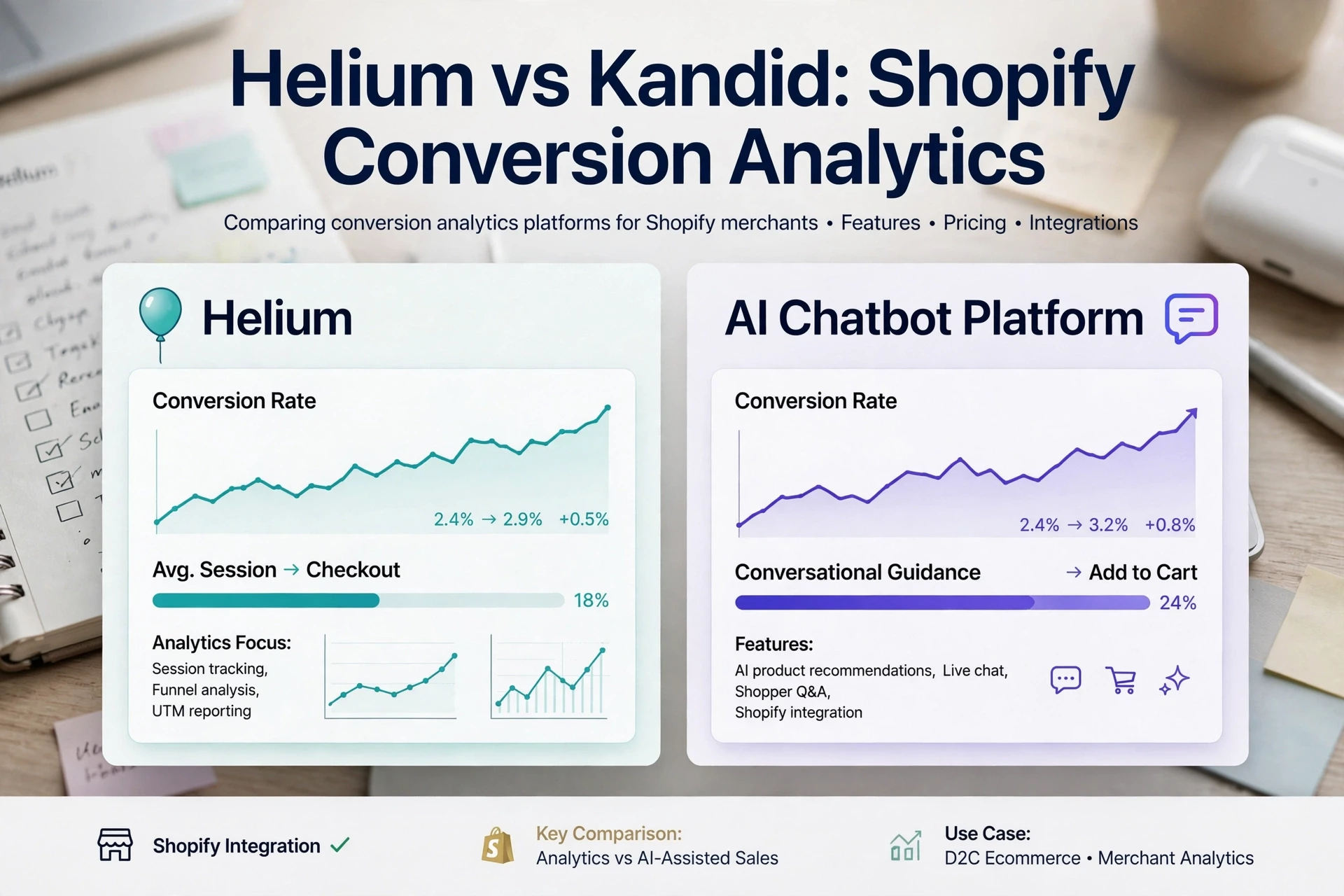
Attribution tells you a chat happened before checkout, not that the chatbot caused the sale. For real lift, run holdout measurement: disable the bot for a random 10-20% of sessions for two weeks, then compare. Kandid's own metrics guidance stresses this distinction, and our take on the benefits and real-world limits of chatbots covers the same trap in more depth.
Where These Examples Break on Shopify
Product Data Quality Decides the Outcome
A Shopify AI chatbot is only as good as its data. At minimum it needs product titles, descriptions, prices, inventory counts, variant options, size charts and shipping or return policies. Sync errors, missing size charts and stale stock cause wrong answers, so audit catalogue fields before launch and after every feed update.

Know When to Hand Off to a Human
Even the best example flows fail on refunds, complaints and complex order issues. Set clear triggers for Shopify chatbot human handoff: negative sentiment, two failed answers, or a request for a manager. Route to a person fast, because a frustrated shopper who fights a bot rarely returns to buy.
Pick the example that matches your store's gap, then see how Kandid's AI sales agent handles product questions and discovery: Kandid.
Frequently Asked Questions
Q1: What ecommerce chatbot examples actually drive sales?
Product discovery, sizing and fit answers, order status, and cart recovery with add-ons tend to move revenue. Each needs store data like catalog, size charts or order lookup, plus a measured lift against a baseline.
Q2: How do I measure whether my chatbot caused the sale?
Record a four-week baseline, then run a holdout: disable the bot for 10-20% of sessions and compare conversion rates.
Q3: Which chatbot example should a small Shopify store start with?
Order status is simplest. It needs only order lookup access and quickly deflects "where is my order?" tickets before you build discovery flows.
Conclusion
Pick the example that fits your store's biggest gap, whether that is sizing doubt, order status or cart recovery. Then set a conversion rate baseline before launch and use holdout measurement, so you credit your Shopify chatbot only for lift it truly caused.