Ecommerce Chatbot Product Recommendations and Add-to-Cart Setup Guide
Quick Summary: Building a Shopify chatbot that actually sells requires clean product data, exact variant matching, and a cart flow that confirms choices before adding items. The guide stresses auditing titles, prices, stock, and tags first, then using variant IDs in cart actions and handing off to humans for complex issues. Track funnel events like product clicks, cart adds, and checkouts to see where shoppers drop, not just revenue. Kandid is mentioned as a tool built for guided product discovery and live-chat handoff on Shopify.
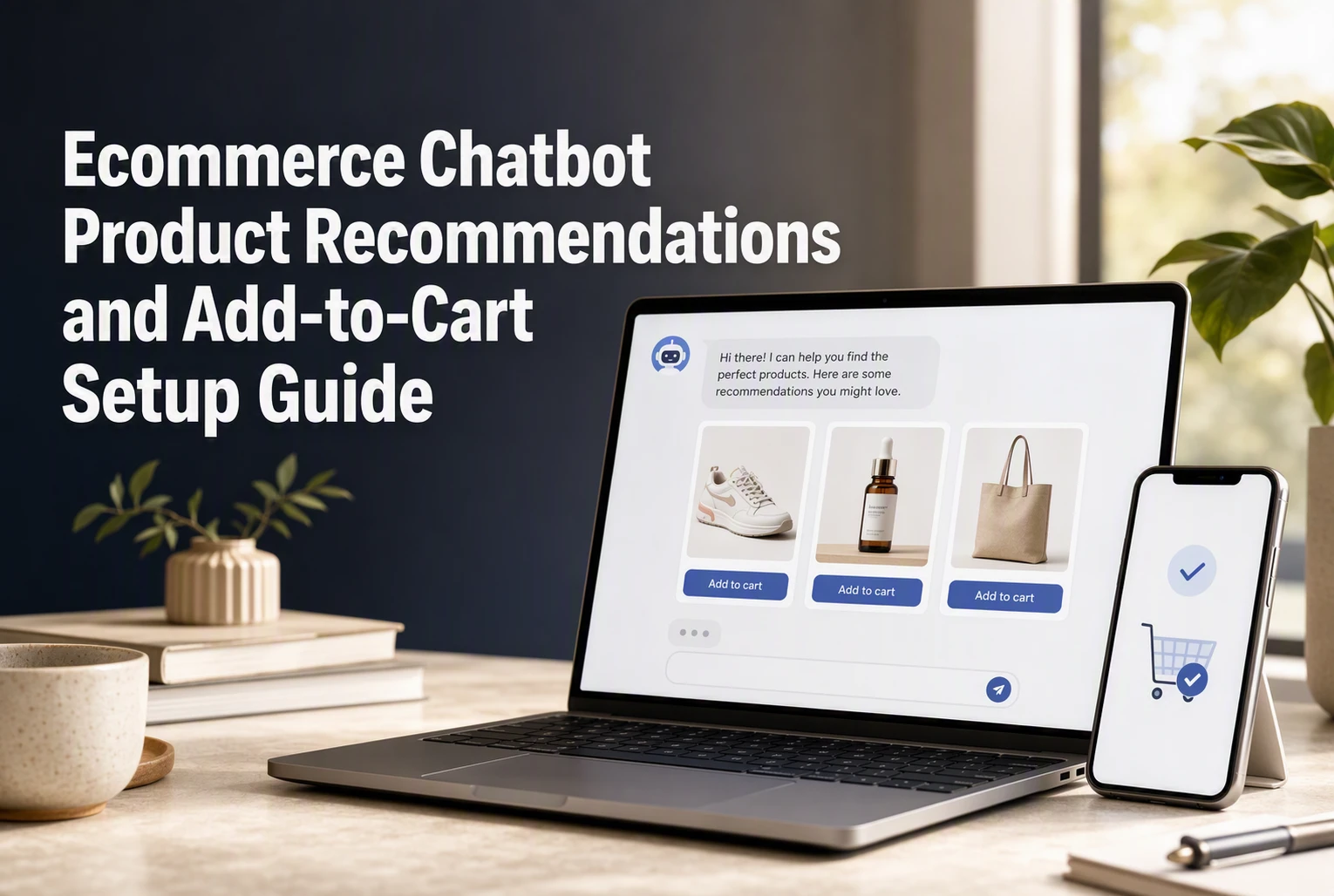
A shopper asking for a waterproof commuting jacket under $150 needs more than a reply. Your assistant must match products, explain trade-offs, confirm size and color, then add the right Shopify variant to cart. This guide covers ecommerce chatbot product recommendations, clean product data, cart controls, human handoff, and revenue tracking. It gives Shopify teams a practical framework for ecommerce chatbot product recommendations that lead to usable carts.
How Ecommerce Chatbot Product Recommendations Work
From Shopper Question to Shortlist
A strong chatbot turns vague needs into a small, useful shortlist. It asks about use case, budget, size, color, or skin concern, then matches those answers to product titles, descriptions, tags, and metafields.
Shopify product data can include prices, inventory, variants, and custom fields, which gives the bot facts to work from. Shopify’s product documentation outlines these catalog fields.

- Ask one clarifying question at a time.
- Show 2-3 relevant options, not a long catalog dump.
- Link each option to its product page or cart action.
Recommendation Rules That Protect Accuracy
Set firm rules before the bot recommends anything. It should only suggest published, in-stock variants and state uncertainty when catalog data is missing.
Shopify manages inventory at the variant level, so size and color must be checked before an add-to-cart action.
| Rule | Why it matters |
|---|---|
| Match exact variant | Prevents wrong size or color |
| Check stock | Avoids unavailable picks |
| Escalate edge cases | Lets a human handle complex needs |
Also Read: How to Measure Ecommerce Chatbot Revenue Attribution
Prepare Shopify Product Data Before Connecting the Chatbot
Audit Products, Variants, and Availability
Clean data stops the chatbot from suggesting the wrong size, color, or sold-out item. Shopify treats each option mix as a separate variant, with its own price and inventory. Review variants in Shopify before you connect.
- Check titles, descriptions, images, prices, and tags.
- Name options clearly: Size, Color, Pack size.
- Confirm stock by selling location.
Tip: Only recommend products that shoppers can actually buy in their shipping zone.
Define the Assistant's Boundaries
Set clear rules before launch. Decide what the assistant may recommend, when it must ask a question, and when it hands off to a person.
| Topic | Assistant rule |
|---|---|
| Product fit | Ask needs, budget, and preferences |
| Stock | Use current variant availability |
| Medical or legal claims | Hand off to a human |
| Refund disputes | Route to support |
Also Read: D2C Product Recommendations Strategy for Higher Average Order Value
Configure Add-to-Cart Without Skipping Variant Confirmation
Use a Variant-Aware Product Card
Show the product name, price, image, stock state, and each required option. Ask the shopper to pick color, size, or pack before showing Add to cart.

- Keep unavailable choices disabled.
- Repeat the chosen variant in the button label.
- Send the selected variant ID, not just the product ID. Shopify’s Cart API adds variants to a cart, not vague product matches, as its Cart API reference confirms.
Never guess a size or color from chat context.
Confirm the Cart Action and Recover Errors
After the add succeeds, state the exact item and quantity added. Refresh the cart count and offer View cart or Continue shopping.
- Check the returned cart result before claiming success.
- If stock changed, explain it plainly and show available variants.
- Keep the shopper’s prior choices so they can retry fast.
A cart error should reopen the variant picker, not end the conversation.
Also Read: How to Train an Ecommerce Chatbot on Product Catalog Data
Launch, Add Human Handoff, and Measure the Buying Workflow
Test the High-Risk Paths Before Launch
Test real buyer questions, sold-out variants, wrong sizes, and add-to-cart errors. Shopify’s Cart API supports variant-level adds, so confirm the chatbot selects the right variant and shows a clear failure message.
- Route refund, delivery, and complex fit questions to a person.
- Give agents the chat history and cart details.
- Check handoff speed on mobile and after hours.
Do not launch until a human can take over without making the shopper repeat themselves.
Measure the Funnel, Not Just Revenue
Track each step, not only orders. This shows whether poor answers, weak recommendations, or cart failures cause the drop.
| Funnel event | What it reveals |
|---|---|
| Chat started | Shopper interest |
| Product clicked | Recommendation relevance |
| Cart added | Buying intent |
| Handoff requested | Bot gap or high-value need |
| Checkout reached | Cart flow health |
| Order placed | Assisted revenue |
Compare chatbot users with similar non-chat visitors over the same period.

Turn product questions into clear choices and cart actions. Explore Kandid, built to guide Shopify shoppers with relevant recommendations and live help.
Frequently Asked Questions
Q1: Which ecommerce chatbot supports product recommendations and add-to-cart?
Choose a Shopify chatbot that reads product, variant, and stock data, then gives shoppers a clear add-to-cart action. Kandid is built for guided product discovery and live-chat handoff.
Q2: What product data should I check first?
Check titles, variants, prices, stock status, tags, and product links. Poor catalog data leads to weak recommendations.
Q3: When should a human take over?
Escalate complex fit questions, complaints, payment issues, and high-value orders.
Conclusion
Strong chatbot recommendations need clean product data, accurate variants, safe cart actions, and human help when needed. Shopify manages inventory by variant, so measure recommendation-to-cart and completed-order results by variant.