How to Train an Ecommerce Chatbot on Product Catalog Data
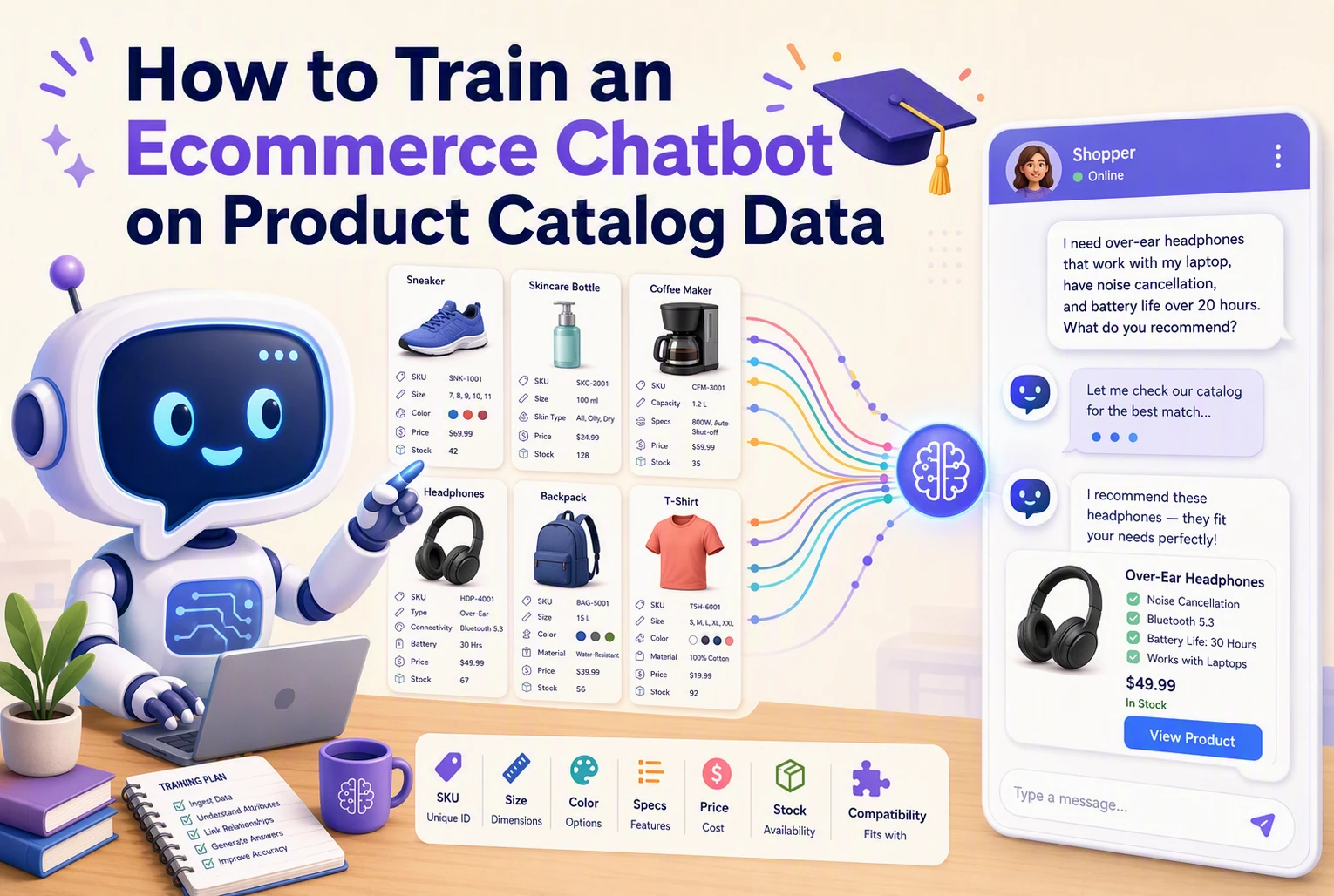
A Shopify sale can drop a product from $89 to $69, while a chatbot still quotes the old price or suggests a variant sold out this morning. To train ecommerce chatbot product catalog data well, you need more than a one-time upload. This guide shows how to train ecommerce chatbot product catalog data, connect live store facts, and test answers so shoppers get reliable help.
Step 1: Choose Retrieval Instead of Fine-Tuning for Catalog Facts
What “Trained on Your Catalog” Should Mean
To train ecommerce chatbot product catalog knowledge, use retrieval. The bot searches approved product records at answer time, then uses those facts to respond. IBM explains that RAG connects a model to external knowledge without further training.
Separate Stable Facts from Live Commerce Data
Keep manuals, fit notes, and materials in your searchable catalog. Pull price, stock, variant status, and shipping estimates from live Shopify data. Fine-tuning may help with voice or reply format, but it should not store changeable store facts.
| Data type | Best source |
|---|---|
| Product details | Retrieval index |
| Price and inventory | Live Shopify feed |
Also Read: How Kandid Enhances Customer Support with Live Chat & AI Chatbots
Step 2: Prepare Complete Product and Variant Records
Build One Authoritative Record per Product
Your chatbot needs one trusted record for every product. Use the Shopify listing as the source of truth, then add missing sales details.
- Title, clear description, category, materials, use cases, care, and key limits
- Product URL, images, related products, and approved claims
- Current price and availability
Shopify product details can hold descriptions, media, pricing, and category data. Keep wording consistent across your store.

Tip: Remove vague copy such as “premium quality.” State what makes the item different instead.
Preserve Variant-Level Information
Treat each size, color, bundle, or fit as its own sellable record. Shopify manages inventory by variant, so your chatbot must not recommend an unavailable option.
| Variant field | Why it matters |
|---|---|
| SKU | Identifies the exact item |
| Price | Prevents wrong quotes |
| Stock status | Stops dead-end recommendations |
| Options | Matches shopper needs |
Shopify’s variant guide confirms that options combine into distinct variants.
Also Read: D2C Product Recommendations Engine: Build Your First Model
Step 3: Connect the Catalog and Keep It Current
Select an Integration Method
Connect Shopify directly when possible. It keeps products, variants, prices, and stock tied to the same source your team manages.
- Use a native app connection for the fastest setup.
- Use an API for custom fields or complex bundles.
- Use a scheduled feed only if live access is not available.
Shopify webhooks can send product and inventory changes to connected tools as they happen, helping systems stay in sync. Shopify’s webhook guide explains the available event updates.

Use Incremental Updates and Live Validation
Do not re-upload the full catalog for every edit. Send only changed records, then check live price and stock before the bot makes a firm claim.
- Update product titles, variants, and availability on change.
- Recheck inventory for cart and purchase questions.
- Run a daily full sync to catch missed events.
Warning: Webhooks can fail or arrive out of order. Shopify recommends periodic reconciliation jobs to keep data accurate.
Also Read: Ultimate Guide to Live Chat & AI Chatbot Integration Strategies
Step 4: Test, Govern, and Improve the Chatbot
Create a Realistic Evaluation Set
Test the chatbot with real shopper questions before launch. Include product comparisons, sizing, stock, shipping, returns, bundles, and vague requests.
- Pull questions from chat logs and support tickets.
- Add edge cases such as discontinued items and conflicting filters.
- Score accuracy, source use, tone, and whether the answer helps purchase.
NIST's evaluation guidance includes model testing, red teaming, and field testing.
Review failed answers weekly. Fix the catalog source or rule, not just one reply.
Define Grounding and Escalation Rules
Make the bot answer only from approved catalog and policy data. It should check live price, stock, and variant status before making a claim.
Route high-risk cases to a person:
- Payment issues
- Order changes
- Safety or medical claims
- Missing or uncertain data
NIST recommends continuous AI risk management, not a one-time launch.

Turn your catalog into a sales tool. Kandid uses live product data to answer questions, compare items, and guide shoppers to checkout.
Frequently Asked Questions
Q1: How should brands train an ecommerce chatbot on product catalog data?
Start with clean titles, specs, variants, fit notes, and policies. Map each field to shopper questions, then test answers against live product pages.
Q2: How often should catalog data be updated?
Sync inventory, price, and variant changes in real time. Review core product content weekly, especially after launches or policy updates.
Q3: What should we test before launch?
Test product comparisons, compatibility questions, out-of-stock items, returns, bundles, and ambiguous shopper requests.
Conclusion
Treat chatbot training as ongoing catalog operations: clean product data, retrieve the right facts, verify live price and stock, then test real shopper questions. Shopify supports product, variant, and inventory data access through its products query.