Shopify Conversion Measurement: Test Chatbot Impact With Holdout Groups
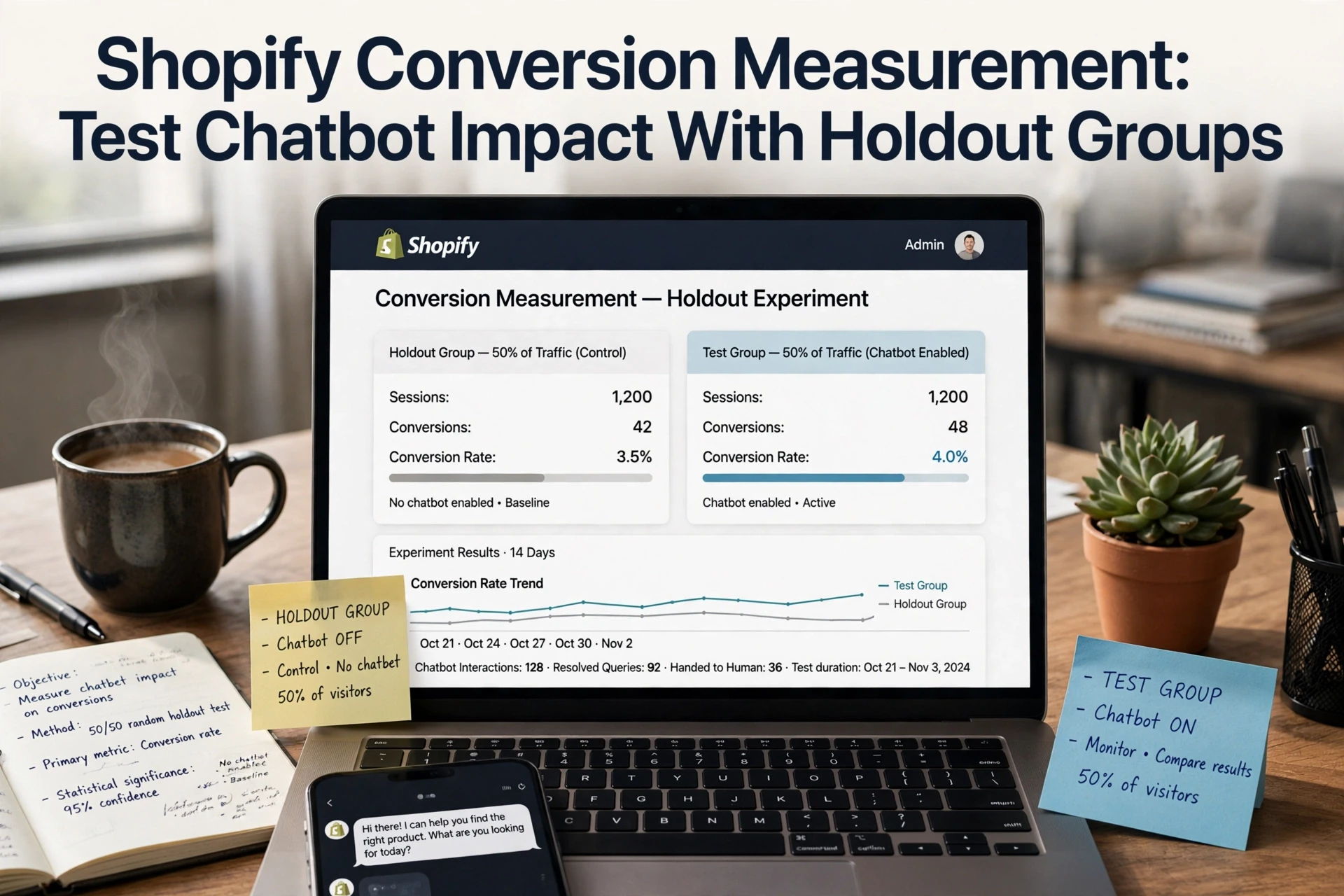
Quick Summary: A Shopify chatbot holdout test splits traffic 90/10, showing the bot to most visitors and none to the rest, then compares conversion rate and revenue per visitor between the groups. The holdout gap is the honest measure of incremental lift, since last-click reports count shoppers who would have bought anyway. Run it 2 to 4 weeks, keep each visitor's group fixed, and change nothing else on the site during the test. Kandid is pitched at the end as a tool for running this kind of test.
A shopper might ask a chatbot about sizing, then buy later from a bookmarked page without ever touching chat at checkout. A Shopify chatbot holdout test reveals whether offering that help actually changes buying behavior. The problem: last-click reports miss these assisted orders. This guide walks through running a Shopify chatbot holdout test with clean holdout groups, so your measurement shows true incremental revenue, not just orders that happen to follow a chat. It is written for Shopify and D2C teams measuring real lift.
Step 1: Define the Test Population and Chatbot Treatment
Choose the Assignment Unit and Keep It Stable
Start by deciding what gets randomized. For a Shopify chatbot holdout test, use the visitor or session as your assignment unit, not the order. Orders arrive only after exposure, so randomizing them biases the result.
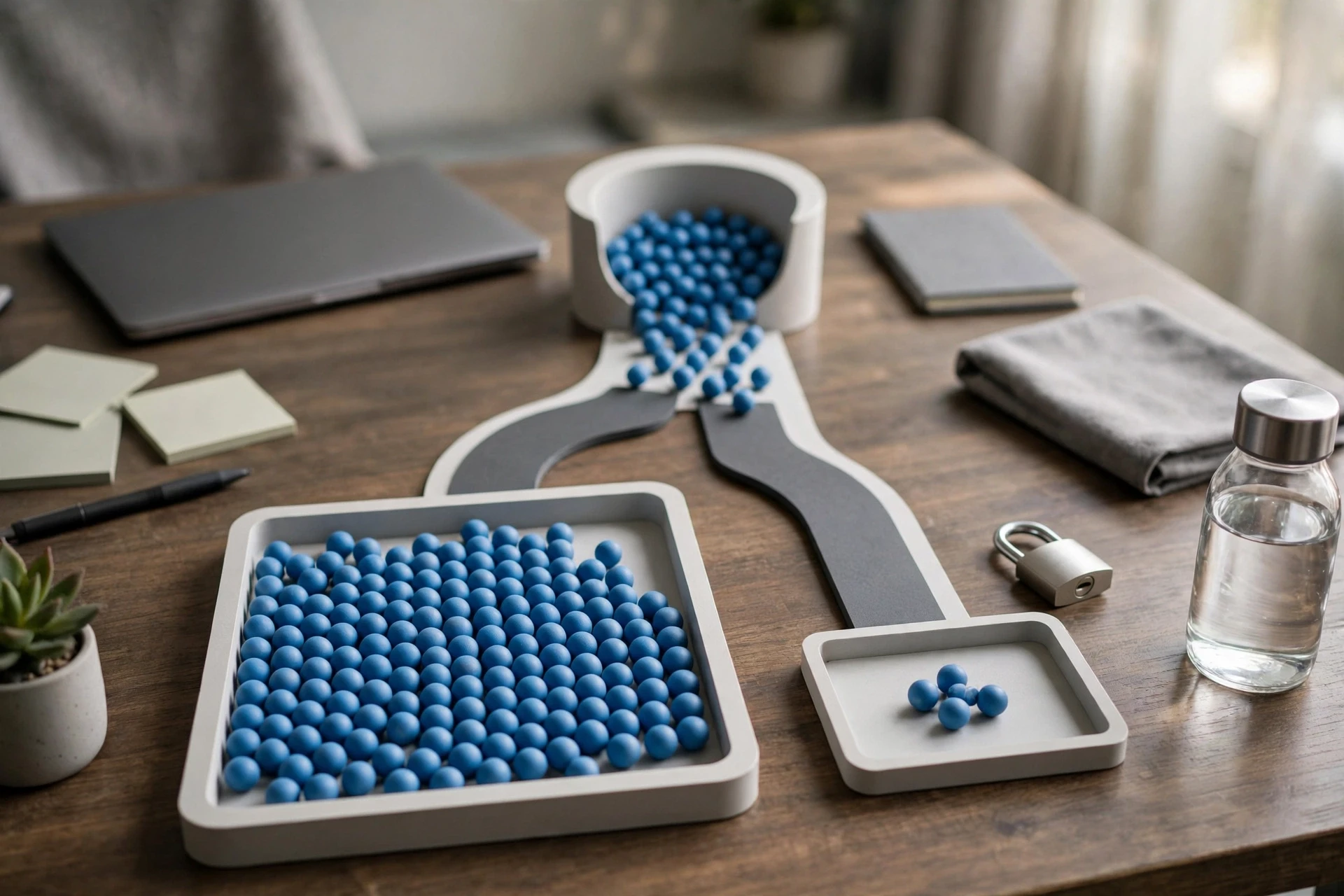
Split new traffic 90/10: most visitors see the chatbot, and the 10% holdout group never does. Keep each visitor's assignment fixed for the whole test window, ideally 4 to 6 weeks, so no one flips between groups.
Use a consistent ID like a cookie or device fingerprint. If a returning shopper changes devices and lands in the other group, exclude them rather than mixing treatments. Log the assignment date per visitor too.
Never exclude holdout visitors from marketing emails mid-test. That changes two variables at once.
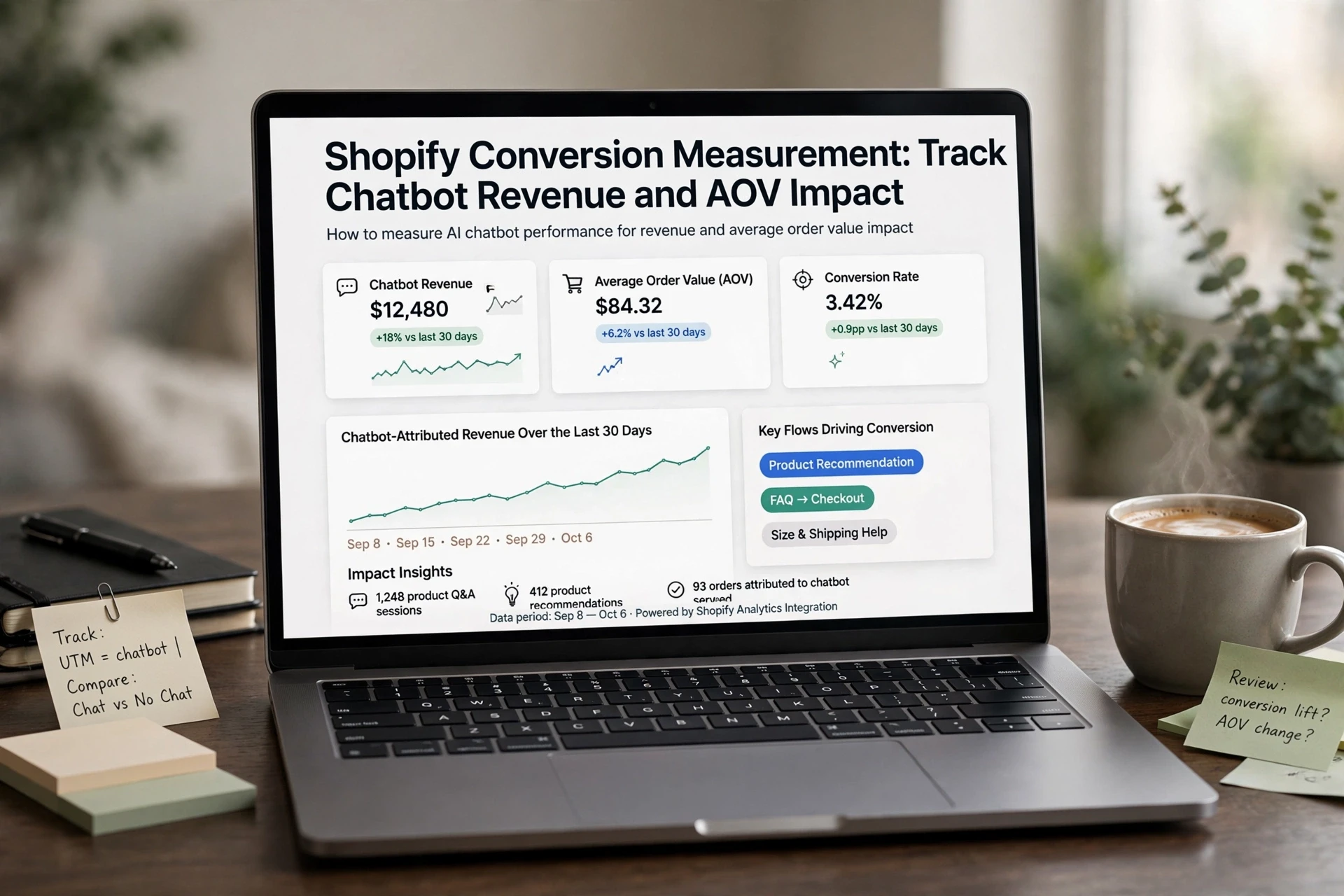
For setup details, see our guide to tracking chatbot revenue and AOV impact.
Step 2: Choose Outcomes and Set Up Reliable Measurement
Separate the Primary Outcome from Diagnostic Metrics
Pick one primary metric before the test starts: incremental conversion rate or incremental revenue per visitor. Everything else is supporting evidence.
Diagnostic metrics explain why the result happened, not whether it worked. Track chat open rate, product recommendations clicked, and orders the chat touched, but never treat chat-attributed orders as proof of lift. A shopper who chatted may have bought anyway.
Lock your setup early:
- Define the window: run the test for at least 2 to 4 full weeks to cover weekly buying cycles.
- Fix tracking: confirm Shopify analytics and your chatbot's events fire correctly on a test order before launch.
- One change only: no redesigns, promos, or email pushes during the test period.

Tip: Decide your primary metric and success threshold in writing before day one. Changing the goal after seeing data turns measurement into storytelling.
Step 3: Run the Test Without Contaminating the Groups
Turn the holdout flag on and leave it alone for the full test period, usually two to four weeks. Do not stop early because one group "looks better."
Contamination rules:
- Keep the same shoppers in their assigned group across sessions.
- Turn the chatbot off completely for holdout visitors, not just visually hidden.
- Skip mailings or pop-ups that only make sense with chatbot data.
- Note any site-wide changes, like a sale, so you can explain a mid-test spike.
Watch for leakage: holdout visitors using a different device who see the chatbot. A small leak is fine. If it grows past a few percent, restart the test.
If you want a deeper walkthrough of reading the results, this chatbot revenue and AOV guide covers attribution pitfalls next.
Step 4: Compare Results and Decide What They Mean
Interpret Lift Without Overclaiming
Pull the two groups side by side over the same window: conversion rate, revenue per visitor, and average order value. Use a significance test, not just a raw percentage, before you call the difference real.
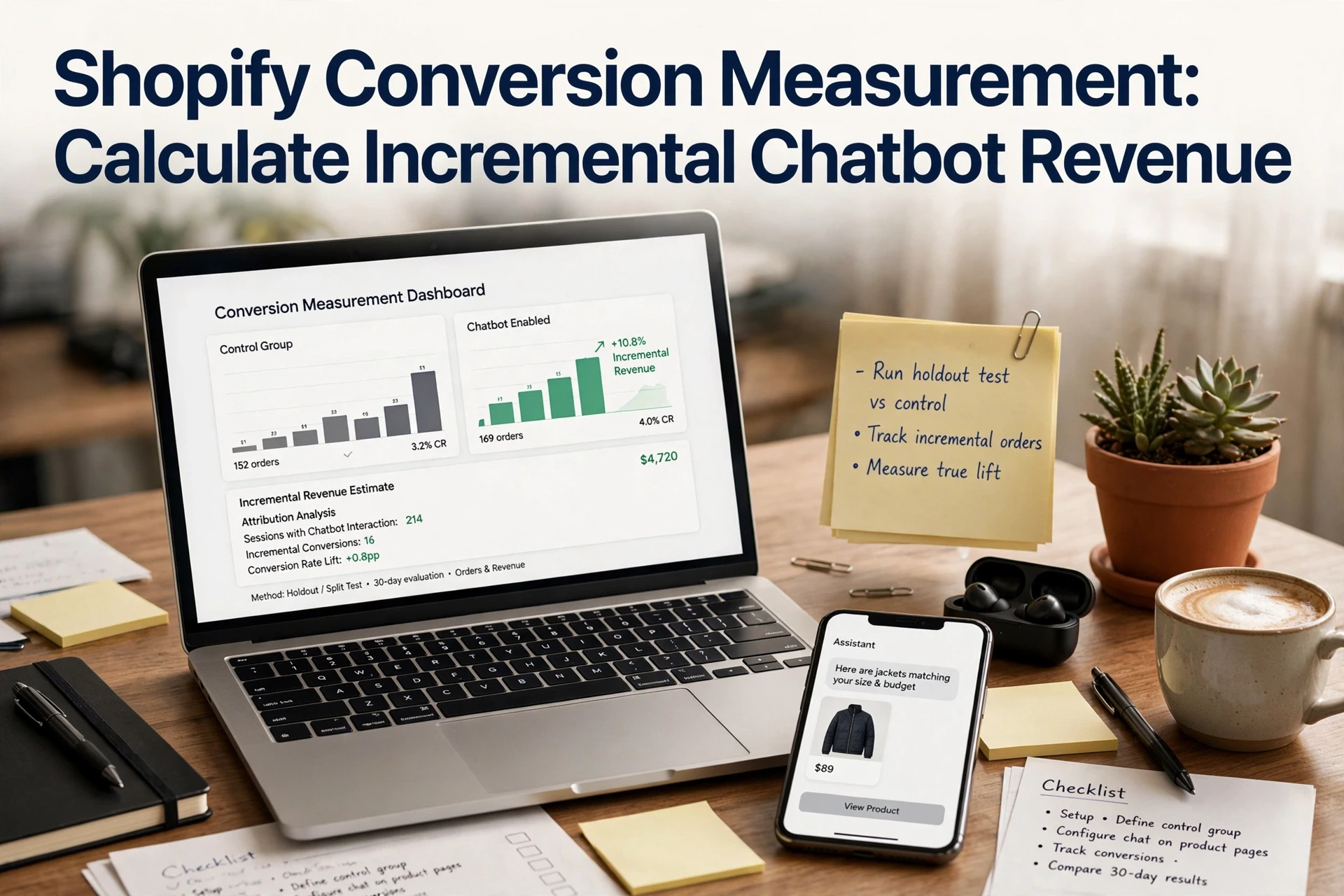
The key distinction is incremental lift. Some shoppers who chat would have bought anyway, so total chat revenue overstates what the chatbot caused. The holdout gap, between test and control, is the honest number.
If the lift shows up in [chatbot revenue attribution](https://kandid.ai/blog/shopify-conversion-measurement-track-chatbot-revenue-and-aov-impact/) but not in the holdout gap, trust the holdout.
Also check where the effect lives. A lift only in product discovery, for example, points to guidance wins rather than generic chat availability. Then decide: expand the rollout, or fix the weak spot first.

Ready to measure what a chatbot actually adds? Run your holdout test with Kandid and let real numbers, not guesses, guide your next step.
Frequently Asked Questions
Q1: How can stores use holdout groups to test chatbot conversion impact?
Split traffic randomly, show the chatbot to one group, hide it from the other, then compare conversion rates over the same period.
Q2: How large should a holdout group be?
Use at least 10-20% of traffic and enough orders per group to reach meaningful sample sizes.
Q3: How long should the test run?
Two to four weeks usually works. Cover full weekly cycles and note sales events like holidays or promotions.
Conclusion
A holdout group tells you what your chatbot actually causes. Track incremental revenue, not orders that merely follow a chat. Run the test long enough, keep both groups comparable, and repeat each season.