Ecommerce Chatbot Multilingual Support Guide
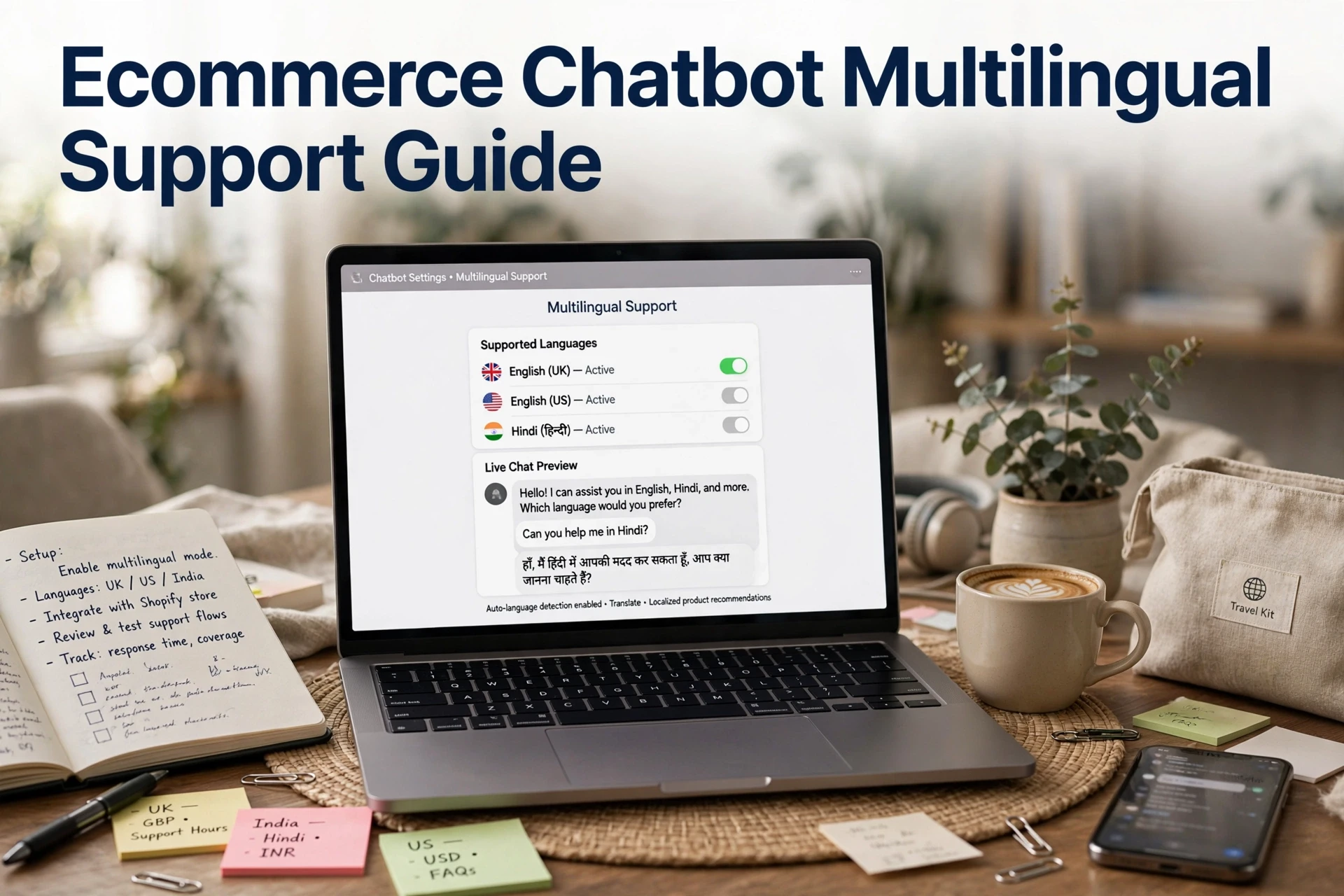
Quick Summary: Multilingual ecommerce chatbots need three matching layers: language detection, a translated interface, and knowledge-base content available in that language. Start with two languages backed by Shopify and GA4 data, translate your most common questions first, test each language, and route unsupported requests to a human with a clear fallback. Track results by language, since tools such as Kandid can connect chat answers to orders and show whether each language improves sales. A shopper in Germany opens your chat widget, asks about delivery in English, and gets a bot reply that quotes your shipping policy in the wrong language. She leaves. The cause is rarely a missing language pack; it's missing multilingual content in your knowledge base. This guide shows how ecommerce chatbot multilingual support actually works on Shopify, from language detection to the content your bot can answer from.
Step 1: Decide Which Languages to Support and Why
Rank candidate languages with store data, not guesses. Open your Shopify Analytics sessions report and sort by country, then check browser language in GA4. A good starting point: support any language driving at least 5% of sessions or 10% of revenue. Spanish, French and German usually lead for US and UK stores; Hindi matters for Indian D2C brands shipping internationally.
Write down a baseline you can measure against later. Note today's chat-to-order rate, average order value and refund questions per market. Without these numbers you cannot tell whether multilingual chatbot support helped or just added setup work. Kandid's analytics tie chat answers to orders, so the comparison stays honest per language. Pick two languages first, then expand once the numbers move.
Step 2: Configure Detection, Interface Language and Fallback
How an ecommerce chatbot supports multiple languages
A chatbot supports multiple languages through three layers working together:
- Detection signals: browser language, store locale, or a manual language selector in the chat widget.
- Interface language: the fixed strings, buttons and greetings shown to shoppers.
- Answer content: what the bot can actually reply with, drawn from your knowledge base.
Tidio, for example, publishes a list of languages Lyro answers in, and reviews note roughly 20 pre-translated widget languages, so the layers differ. Plan for all three.

Set the fallback rule before you launch
Decide now what happens when a shopper writes in a language your bot can't answer from. Good fallbacks: reply in English, switch to a translated canned message, or hand off to a human agent. Test each rule with a real message in your second language, because a silent wrong-language answer costs more trust than no answer. Per-language chat metrics make the gap visible. If your store runs in two languages only, note that Shopify's Translate & Adapt machine translation covers just that pair, so a three-language bot needs other content sources. Human handoff matters most for unsupported languages.
Step 3: Prepare Multilingual Content the Chatbot Can Answer From
Does Shopify Translate and Adapt translate your chat widget? No. It translates store pages, so a shopper can browse in French or Hindi, but your chatbot still answers from whatever source content it was given. Detecting the language and answering in it are two different jobs, and your content decides the second one.

Translate what shoppers ask most, not the whole store
Start with what actually gets asked. Pull your top chat and email questions - shipping, returns, sizing, order status - and translate those answers first. Multilingual product content like materials and sizing charts comes next.
Know where Shopify's own translation tools stop
Shopify's Translate & Adapt app is free and solid for storefront pages, but it caps automatic translation at two languages, with an 8-language auto-sync option for some countries, per this Translate & Adapt review. Extra languages mean manual or third-party translation. Budget for that before you promise a shopper a flawless French chat.
Step 4: Test Each Language and Route the Rest to a Human
Run the same script in every supported language
Write one test script with about ten shopper questions and run it in each language you enabled. Ask about shipping, sizing, returns and a product recommendation, then compare the answers against your English version. Machine translation quality often slips on product names and policies, so fix those replies in your knowledge base, not the widget.
Set handoff thresholds and review per-language results
Languages you did not support should fall back gracefully. Configure a language fallback that offers live chat or a contact form, and route unsure answers to a human before the shopper leaves. Review per-language chat metrics weekly, then add a language once its sessions justify the work.
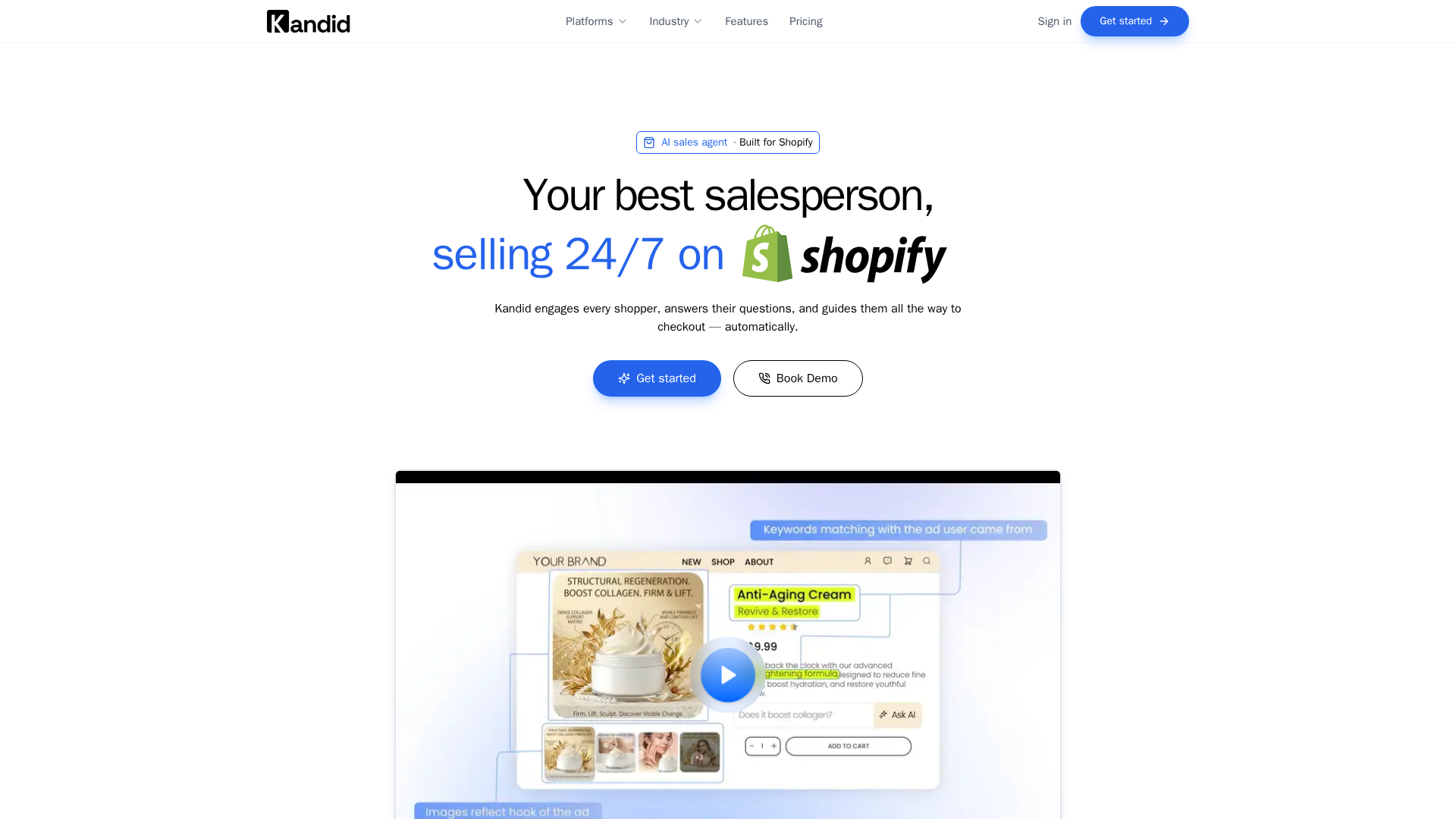
Selling in five languages but answering in one leaks revenue every day. See how Kandid's AI sales agent handles multilingual shopper questions on Shopify.
Frequently Asked Questions
Q1: How can an ecommerce chatbot support multiple languages?
Through three layers: detection (browser language or a widget selector), a translated interface, and answer content in your knowledge base. Detection alone isn't enough. The bot can only reply in a language it has content for.
Q2: Does Shopify Translate & Adapt translate my chatbot's answers?
No. It translates storefront pages only, and its automatic machine translation caps at two languages. Chatbot answers come from the source content you provide, so translate those separately.
Q3: What should I do when a shopper writes in an unsupported language?
Set a language fallback before launch: reply in English with a translated canned message, or hand off to a human agent. Test the rule with a real message first.
Q4: Which languages should a Shopify store support first?
Pick languages driving at least 5% of sessions or 10% of revenue, using Shopify Analytics and GA4 browser language data. Start with two, then expand once per-language chat metrics improve.
Conclusion
Multilingual support succeeds when detection, interface and answer content match. Start with two data-backed languages, translate top chat questions first, test every script, and route unsupported languages to a human with a clear fallback.