Ecommerce Chatbot vs Contact Forms: Which Captures More Leads?
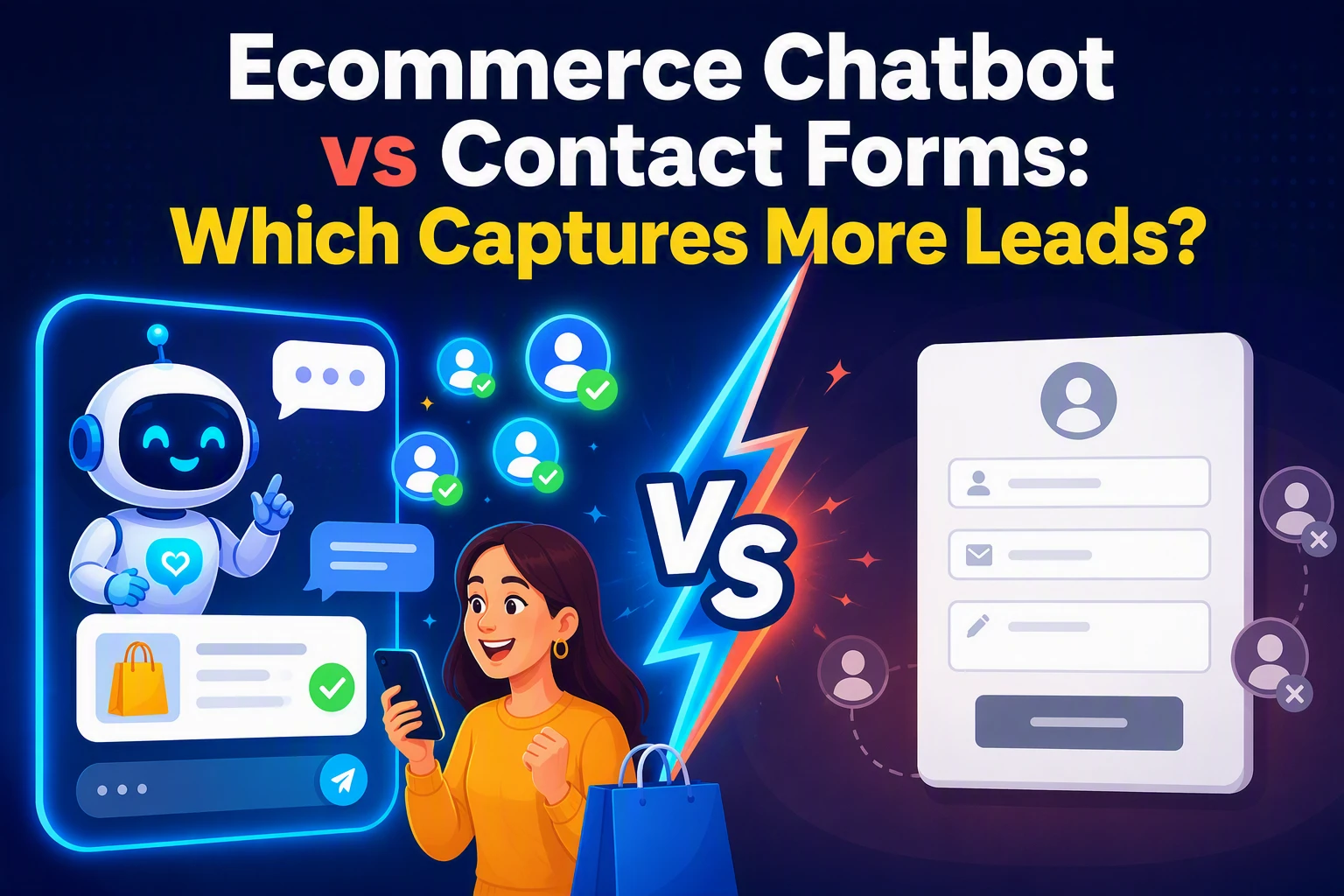
At 11:47 p.m., a shopper needs fit or shipping help. A form makes them wait. Chat can answer, guide, then capture an email. In the ecommerce chatbot vs contact form debate, chat often wins uncertain buyers. This ecommerce chatbot vs contact form comparison tests lead quality, sales impact, and where Kandid fits.
Ecommerce Chatbot vs Contact Form: At a Glance
| Ecommerce chatbot | Contact form | |
|---|---|---|
| Lead capture moment | During an active shopping conversation | After the visitor chooses to contact you |
| Visitor intent | Interested but uncertain | Explicit and action-ready |
| Lead quality | Context-rich when configured well | Structured, but varies by message detail |
| Qualification | Conversational and adaptive | Field-based and predetermined |
| Response experience | Immediate guidance, 24/7 | Asynchronous and team-dependent |
| Best Shopify placement | Product, collection, comparison, and cart pages | Contact, wholesale, custom order, and support pages |
How Ecommerce chatbot and Contact form Compare
Ecommerce chatbot
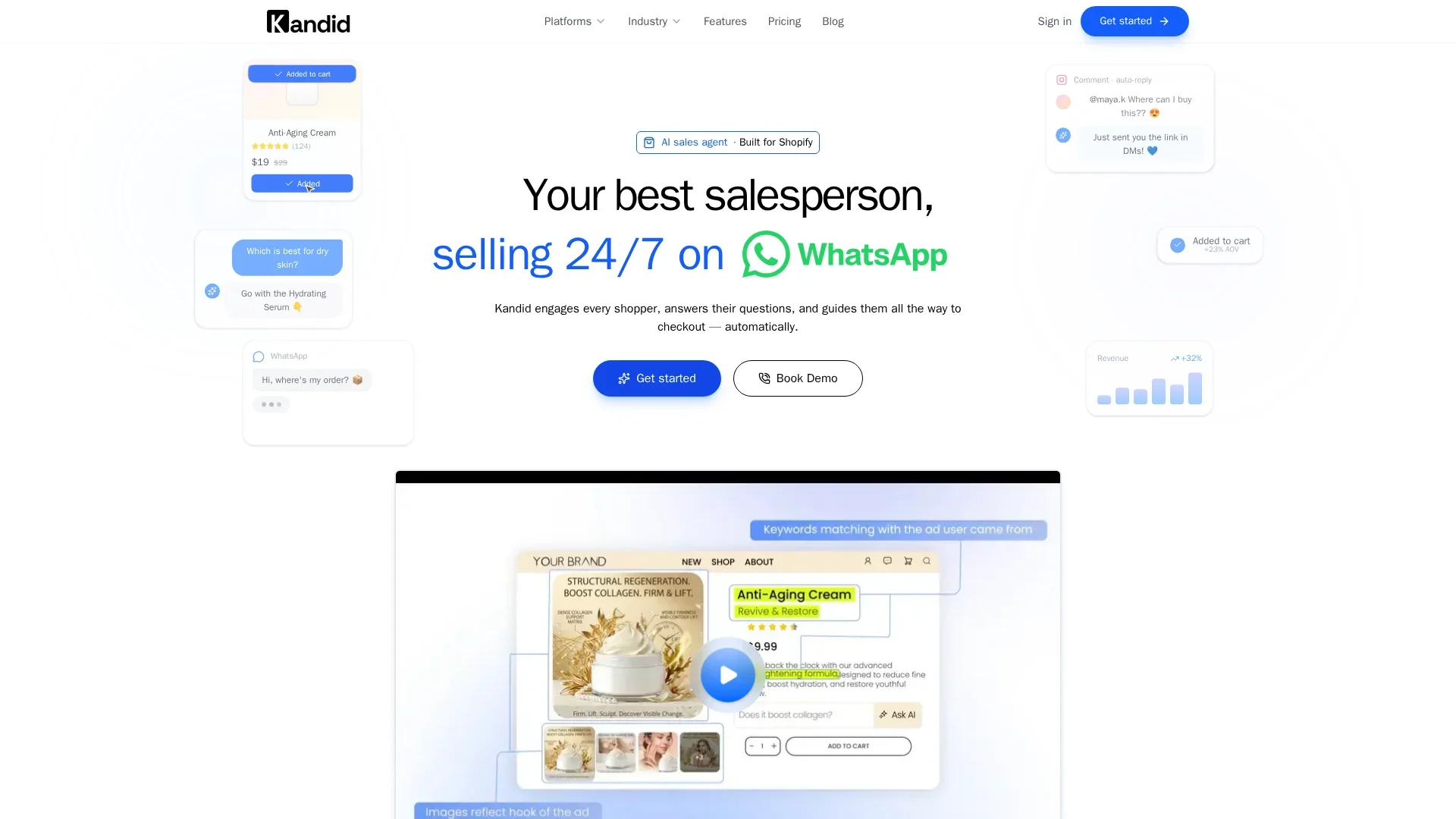
An ecommerce chatbot speaks with shoppers while they browse. It suits stores with product questions, fit concerns, or choice overload, and can collect contact details after it learns what the shopper needs.
Key strengths
- Immediate, adaptive guidance
- Context from the conversation
Contact form
A contact form collects a shopper's details after they choose to reach out. It fits wholesale, custom order, and support requests. Shopify themes include a built-in contact form for store pages, as Shopify explains.
Where Each Channel Captures More Shopify Leads
Forms Win When the Shopper Already Knows the Next Step
Use forms for clear actions: restock alerts, wholesale requests, or email offers. Ask only for what you need. Baymard research shows extra fields add friction.

Chatbots Win When Questions Block the Purchase
Chat wins on product pages where buyers ask about fit, size, materials, shipping, or compatibility. Kandid can answer in real time, compare items, and steer a shopper to the right SKU.
Put chat beside high-consideration products, not over checkout.
| Shopper signal | Best capture channel |
|---|---|
| Wants a discount or restock alert | Short form |
| Needs help choosing between products | Chatbot |
Also Read: Ultimate Guide to Live Chat & AI Chatbot Integration Strategies
Lead Quality, Qualification, and Follow-Up Compared
Structured Fields Versus Buyer Context
Forms collect clean fields like email, product interest, and budget. Shopify Forms supports custom fields, so you can sort leads later. A chatbot adds why the shopper hesitates, such as fit, size, or compatibility. That context helps prioritize real purchase intent.
Use forms for fixed data. Use chat to uncover the question blocking checkout.
The Follow-Up Gap Can Decide the Winner
A form wins only if follow-up starts fast. Shopify can trigger welcome emails and SMS after signup through built-in automation tools. Tag form leads by stated interest. Tag chat leads by product, question, and urgency.
- Route buying questions to sales.
- Send a product-specific follow-up.
- Track chat-to-order and form-to-order rates.
Also Read: Visitor Engagement Automation vs Chat-Only Interactions
How to Test Chatbot Versus Contact Form Lead Capture
Measure More Than Submitted Emails
Run both paths against the same traffic source. Track leads, qualified conversations, add-to-cart rate, orders, revenue, and AOV. Shopify's conversion report shows sessions, cart adds, checkout, and completed checkout.
| Metric | Why it matters |
|---|---|
| Qualified lead rate | Filters low-intent emails |
| Revenue per lead | Shows sales impact |

Keep offer, traffic, and test dates the same.
A Low-Risk Shopify Rollout
- Show Kandid on high-intent product pages.
- Keep the form for wholesale, returns, and complex requests.
- Review results weekly, then shift placement based on revenue.
Also Read: Live Chat vs AI Chatbot: Which One Actually Converts Better in 2026?
Which Should You Choose: An Ecommerce Chatbot or Contact Form?
Choose a chatbot for product questions, fit concerns, and shoppers close to buying. Choose a contact form for wholesale, press, returns, or issues that need a human follow-up.
| Need | Best choice |
|---|---|
| Quick buying help | Chatbot |
| Detailed request | Contact form |
Keep forms short. Baymard research shows extra fields add friction and can hurt completion. Read the research

Turn high-intent questions into sales, not form fills. See how Kandid guides shoppers to the right product in real time.
Frequently Asked Questions
Q1: Do ecommerce chatbots capture more leads than contact forms?
Usually, yes. Chatbots engage shoppers in the moment, while forms require effort. Forms still work well for detailed requests.
Q2: Should I remove my contact form?
No. Keep it for wholesale, support, and complex questions. Use a chatbot for quick pre-purchase help.
Q3: How do I measure lead quality?
Track chat and form leads through purchase rate, order value, and time to conversion.
Conclusion
Chatbots qualify buyers in real time; forms catch slower, higher-intent requests. Use both, then measure qualified leads and sales. Checkout friction still drives abandonment.