Kandid Ecommerce Chatbot Review: Features, Pricing, and Fit
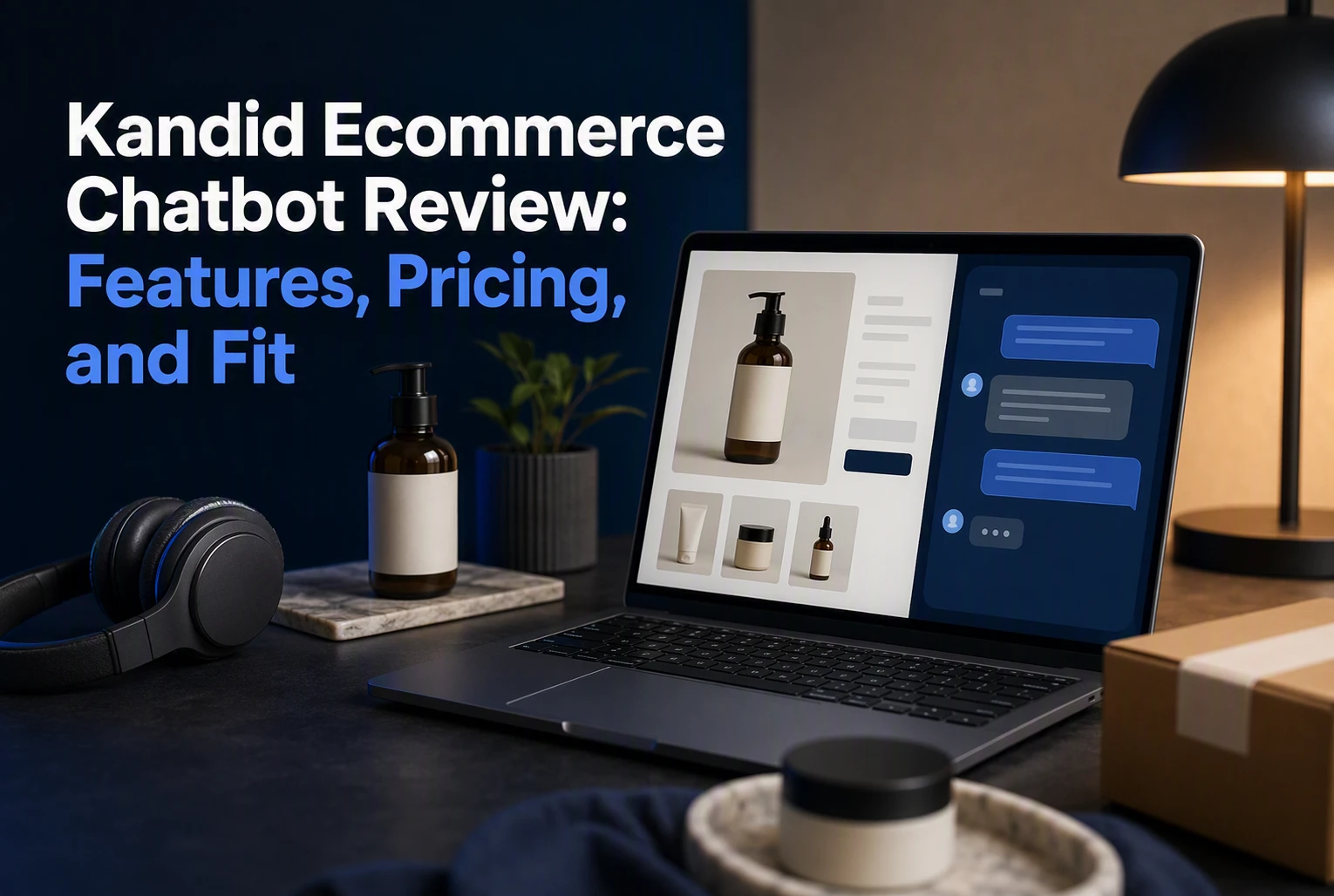
A shopper asks if a product suits their needs, gets no answer, and leaves. Kandid aims to keep that sale on your Shopify store with product-aware answers, tailored picks, and cart actions. This Kandid ecommerce chatbot review looks past the feature list. It assesses fit, setup, pricing, and conversion value for growing D2C teams.
What Kandid Does in a Real Ecommerce Buying Journey
From Product Question to Add to Cart
A shopper asks whether a product fits their use case, compares options, or checks a key spec. Kandid uses the Shopify catalog to answer in context, recommend a match, and let the shopper add it to cart without leaving chat, as shown on its Shopify sales agent page. This Kandid ecommerce chatbot review finds that flow most useful for products that need real buying guidance.
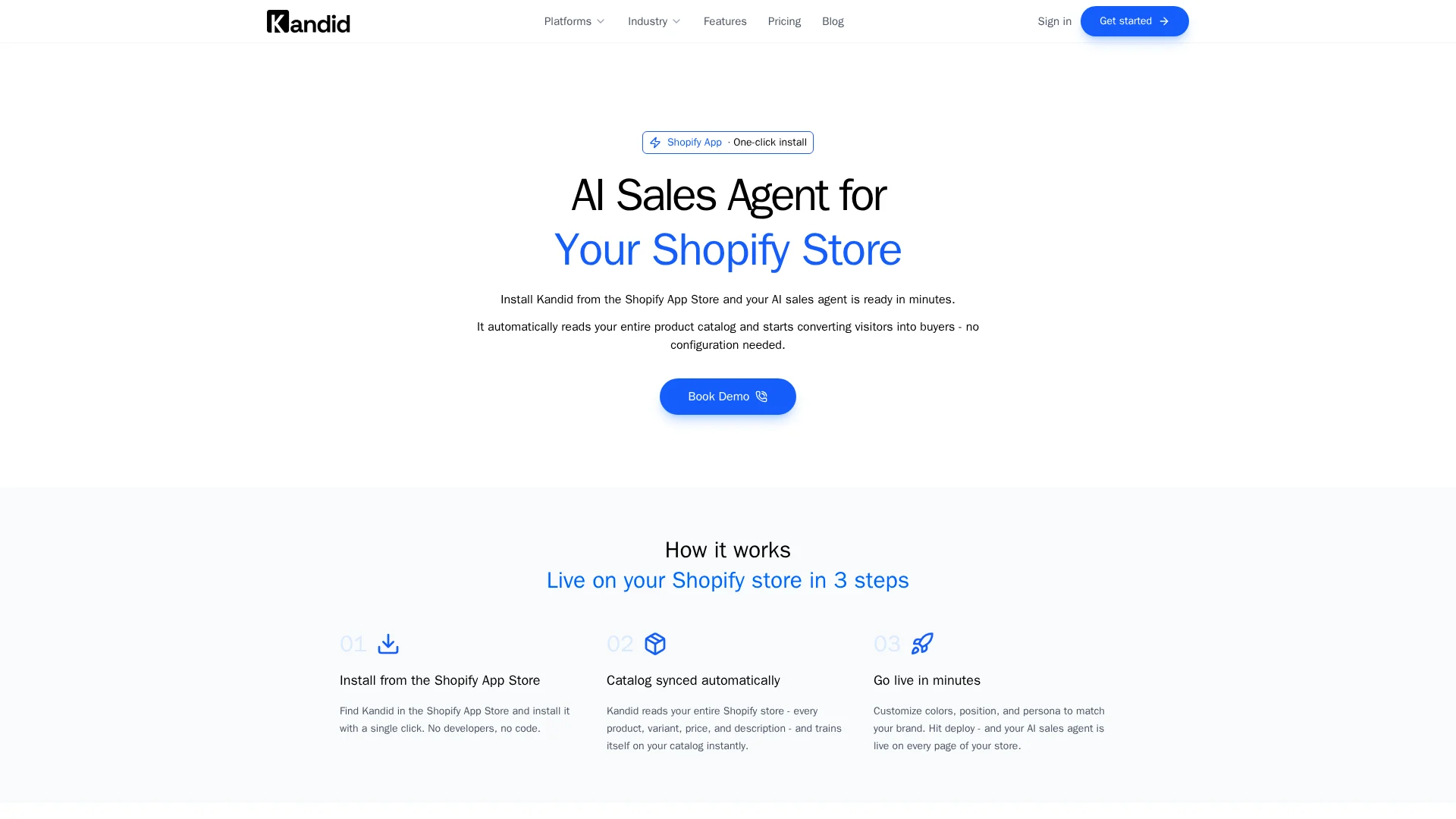
- Answers product, variant, and price questions
- Recommends relevant items or add-ons
- Keeps the buyer moving toward checkout
Support, Handoff, and Conversation Analytics
Kandid can also handle order-status questions and pass complex chats to a human during set working hours. Its analytics show what shoppers ask and which conversations lead to purchases, according to Kandid's product overview.
Review chat logs weekly. Repeated questions often point to weak product pages or missing specs.
Also Read: Live Chat vs AI Chatbot: Which One Actually Converts Better in 2026?
Features, Setup, and Everyday Usability
How Fast Can a Shopify Team Launch Kandid?
A lean Shopify team can move quickly once its catalog, key policies, and brand guidance are ready. Kandid is built to answer product questions, compare options, flag fit or compatibility issues, and guide shoppers toward a purchase.
- Connect the store and review product data.
- Set brand voice, approved claims, and handoff rules.
- Test real shopper questions before going live.
Shopify supports chat-style apps as theme app embeds, which teams can activate and manage in the theme editor, according to Shopify's app guide.

Tip: Start with best-selling and high-consideration products. Fix weak answers before expanding coverage.
Brand Control and Measurement
Daily use should be simple: review conversations, spot repeat questions, and improve product guidance. Keep a tight approval process for claims, promotions, and edge cases.
| Check | Why it matters |
|---|---|
| Answer quality | Protects brand trust |
| Product clicks | Shows buyer intent |
| Purchase path | Connects chats to revenue |
Shopify lets merchants review app usage charges, permissions, and active extensions in admin, as outlined in its app management documentation.
Also Read: How Kandid Enhances Customer Support with Live Chat & AI Chatbots
Kandid Pricing, Pros and Cons, and Alternatives
What You Get at Each Listed Plan
Kandid lists a free entry option, then $99, $199, and $350 monthly tiers, with $12 per extra 1,000 visitors. Plans include catalog sync, product guidance, cart actions, order tracking, human handoff, and conversion analytics. Check the Shopify sales agent overview before committing, since traffic drives the final bill.
| Strength | Trade-off |
|---|---|
| Sales-focused product guidance | Overage costs can rise during campaigns |
| Shopify-native cart actions | Clean catalog data is essential |

Budget from peak campaign traffic, not your average month.
How Kandid Compares with Other Ecommerce Chatbots
Kandid fits stores where buyers need help with specs, fit, or compatibility. Gorgias may suit support-heavy teams, while Tidio can fit basic chat needs. Kandid stands out by guiding product choice and letting shoppers add items to cart in-chat, as its D2C sales agent page describes.
- Choose Kandid for complex, high-consideration products.
- Choose a support-first tool for ticket handling.
Also Read: Ultimate Guide to Live Chat & AI Chatbot Integration Strategies
Is Kandid Worth It for Growing D2C Brands?
Kandid is worth testing if shoppers often ask which product fits, works, or compares best. Product-page clarity drives purchase confidence, according to Baymard’s ecommerce UX research.
It fits lean Shopify teams that need sales guidance without staffing live chat around the clock.
- Strong fit: Technical catalogs, bundles, variants, or compatibility questions
- Weak fit: Low-cost, simple products with few pre-purchase questions
- Best test: Track assisted conversion rate, average order value, and bad-answer rate for 30 days
Tip: Load Kandid with current product details and clear guardrails first. A fast answer only helps when it is right.

Turn more product questions into purchases. See how Kandid guides shoppers with accurate, real-time answers and tailored recommendations.
Frequently Asked Questions
Q1: Is Kandid an effective ecommerce chatbot for growing D2C brands?
Yes, when shoppers need product advice before buying. Kandid can explain specs, compare products, and handle fit questions, helping lean teams turn high-intent visits into sales.
Q2: How quickly can a Shopify store launch Kandid?
Launch speed depends on catalog depth and brand rules. Stores should test common questions, product matches, and handoffs before sending all traffic to the agent.
Q3: Is Kandid better for support or sales?
Kandid is best suited to pre-purchase sales chats. It helps shoppers choose confidently, while support-led tools often focus more on order issues and ticket handling.
Conclusion
Kandid fits Shopify stores where shoppers need product guidance before buying. Its pricing scales with traffic, but clean catalog data and human oversight matter. The Shopify App Store listing supports its sales-focused feature set.