Retail AI Shopping Bots Face New Security Risks After Research Demo
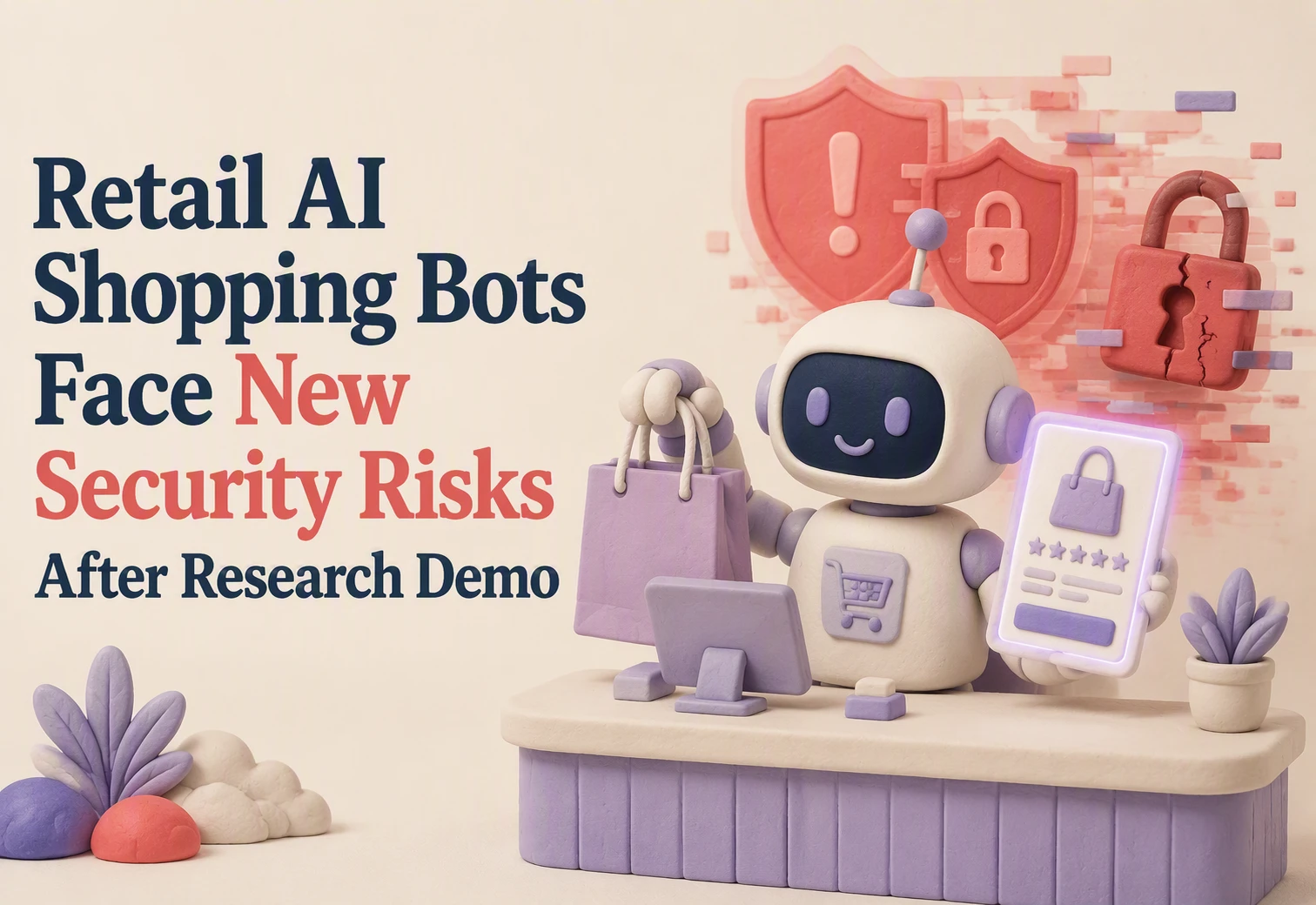
On March 12, 2026, Rein Security reported a five-step exploit chain in an unnamed major US retailer's AI assistant. Researchers said attacker-controlled comparison content crossed a separate search field, reached backend execution, and exposed API credentials in testing. This makes retail AI shopping bot security a system issue, not a prompt issue. We break down the reported path, indirect prompt injection, and the controls to review before bots access customer data, websites, or purchase flows.
Researchers Report a Five-Stage Attack Through a Public Shopping App
The Search Field Became the Reported Side Door
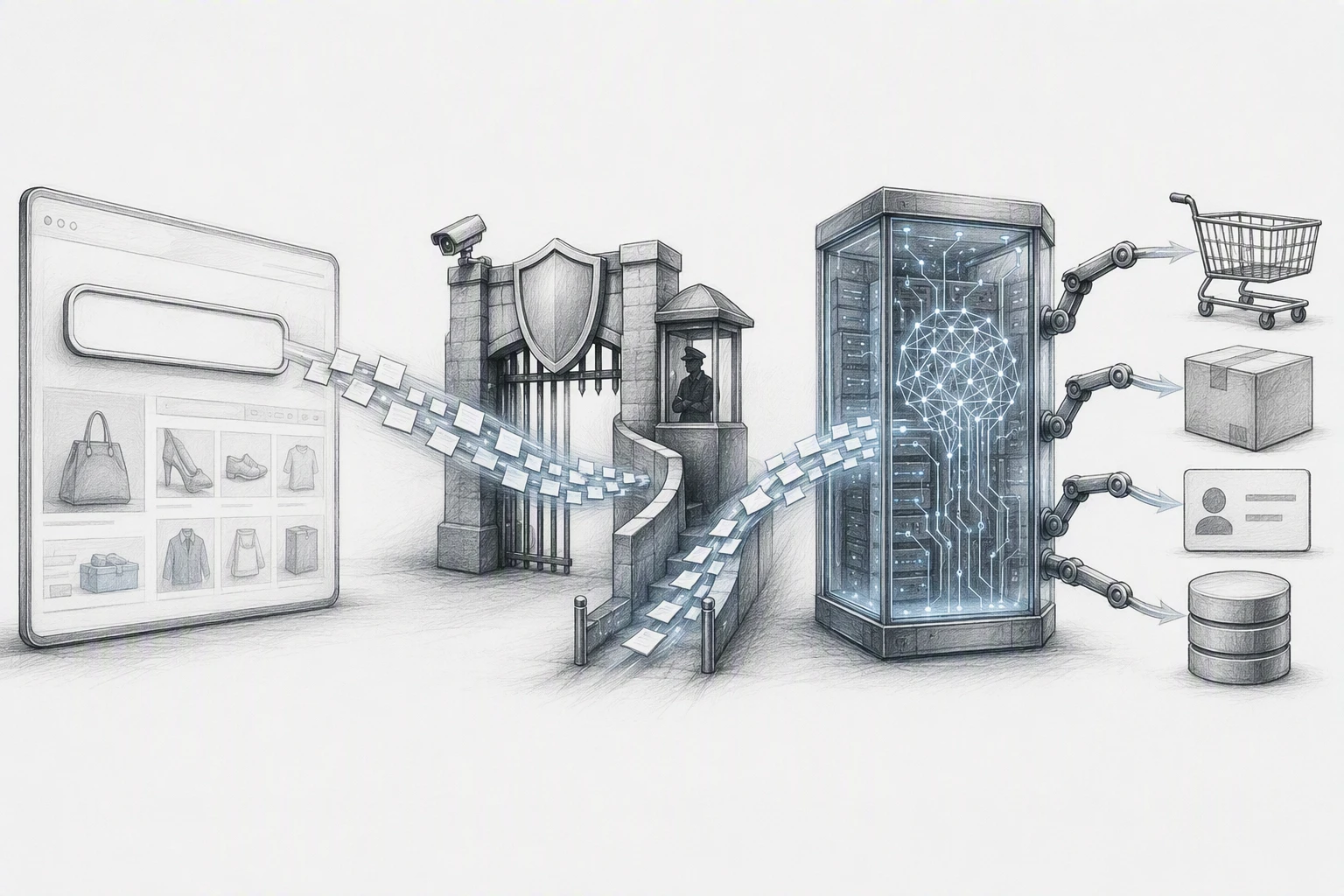
Researchers reported a five-stage chain against an unnamed major US retailer's shopping assistant. The reported path ran through the public mobile app, not stolen staff access. The key gap: the normal search field reportedly lacked the intent checks used in chat, creating a side door around the main filter. CNET's report notes the retailer remains unnamed.
Retail AI shopping bot security must cover every input, including search, suggestions, and product compare forms.
External Product Content Introduced Indirect Injection
The chain reportedly began when a product comparison feature fetched content from outside sites. Researchers said attacker-controlled text could act as instructions, not just product data. This is indirect prompt injection.
For retail AI shopping bot security, treat external pages as untrusted:
| Risk point | Practical control |
|---|---|
| External retrieval | Use approved domains and strip instructions |
| Search and chat | Apply identical checks to both |
| Agent actions | Limit permissions and log each tool call |
Rein Security's research summary says its testing did not access real user data or alter production systems.
Also Read: Ultimate Guide to Live Chat & AI Chatbot Integration Strategies
What the Demonstration Shows About Retail AI Bot Security
Why Prompt Filters Alone Are Not Enough
The reported demo shows a simple problem: a filter can inspect chat text but miss what an AI agent does next. Researchers said an unnamed US retailer’s bot accepted untrusted content through product comparison, then reached backend actions through a less-protected search field. CNET's report on the demo notes the retailer has not been identified.

Prompt screening still matters. It is just one layer.
| Control | What it should stop |
|---|---|
| Input filters | Obvious hostile requests |
| Tool permissions | Unauthorized refunds, order edits, or data access |
| Action logs | Unusual tool-call chains |
For your store, check every path that reaches the agent:
- Chat, search, product comparison, and support forms.
- Limit each tool to the smallest needed permission.
- Log tool calls and alert on failed or unusual actions.
Treat web content as untrusted input, even when the bot fetches it to help a shopper.
Also Read: AI Sales Agents Setup: Build a Trustworthy Checkout Assist
The Same Attack Surface Can Exist in Smaller Ecommerce Stores
A small Shopify store can face the same issue if its bot reads shopper input and can call store tools. NIST notes that hostile instructions can hide inside data an agent processes.
Five Checks to Make Before Expanding Bot Permissions
- Give the bot read-only catalog access first.
- Block refunds, order edits, and discount creation without staff approval.
- Use a separate bot account, never an owner login.
- Review every connected app and remove unused scopes.
- Log tool calls, failed requests, and permission changes.
| Permission | Safer default | Human approval needed |
|---|---|---|
| Product lookup | Read-only | No |
| Order changes | Disabled | Yes |
| Refunds | Disabled | Yes |
Keep customer messages and product copy treated as untrusted input. Microsoft recommends tight, time-limited access for AI agents to reduce harm from bad tool calls.
Also Read: Recent Developments in Live Chat and AI Chatbot Technology Worldwide
Why Shopping Agents Are a Different Security Problem
A shopping agent does more than answer questions. It reads outside content, ranks products, calls tools, and may trigger account or checkout actions.
Research on an unnamed retailer reported that a comparison feature could pull attacker-controlled content, while a separate search path bypassed stronger filters. That can turn one bad input into a chain of backend actions, according to Security Info Watch's report.
| Standard chatbot | Shopping agent |
|---|---|
| Returns text | Can take actions |
| Uses limited context | Reads untrusted sources |
Treat product data, reviews, and search inputs as untrusted.

Keep AI sales helpful without giving away control. See how Kandid guides shoppers with catalog-aware answers while supporting safer, brand-led customer conversations.
Frequently Asked Questions
Q1: What security risks did researchers uncover in retail AI shopping bots?
Researchers showed that malicious prompts could steer a bot into exposing sensitive data or taking unsafe actions. The core risk is weak controls around tool access, customer data, and instructions.
Q2: Should Shopify stores turn off AI shopping bots?
No. Limit what the bot can access, require approval for high-risk actions, and test it with hostile prompts before launch.
Q3: What should merchants check first?
Review data permissions, order-change tools, discount controls, and third-party app access. Log bot actions and set clear rules for escalation to human support.
Conclusion
Treat every AI shopping bot input as untrusted. The reported demo shows why filters alone fail. Limit tool access, test every path, and monitor runtime actions, as CNET reported.