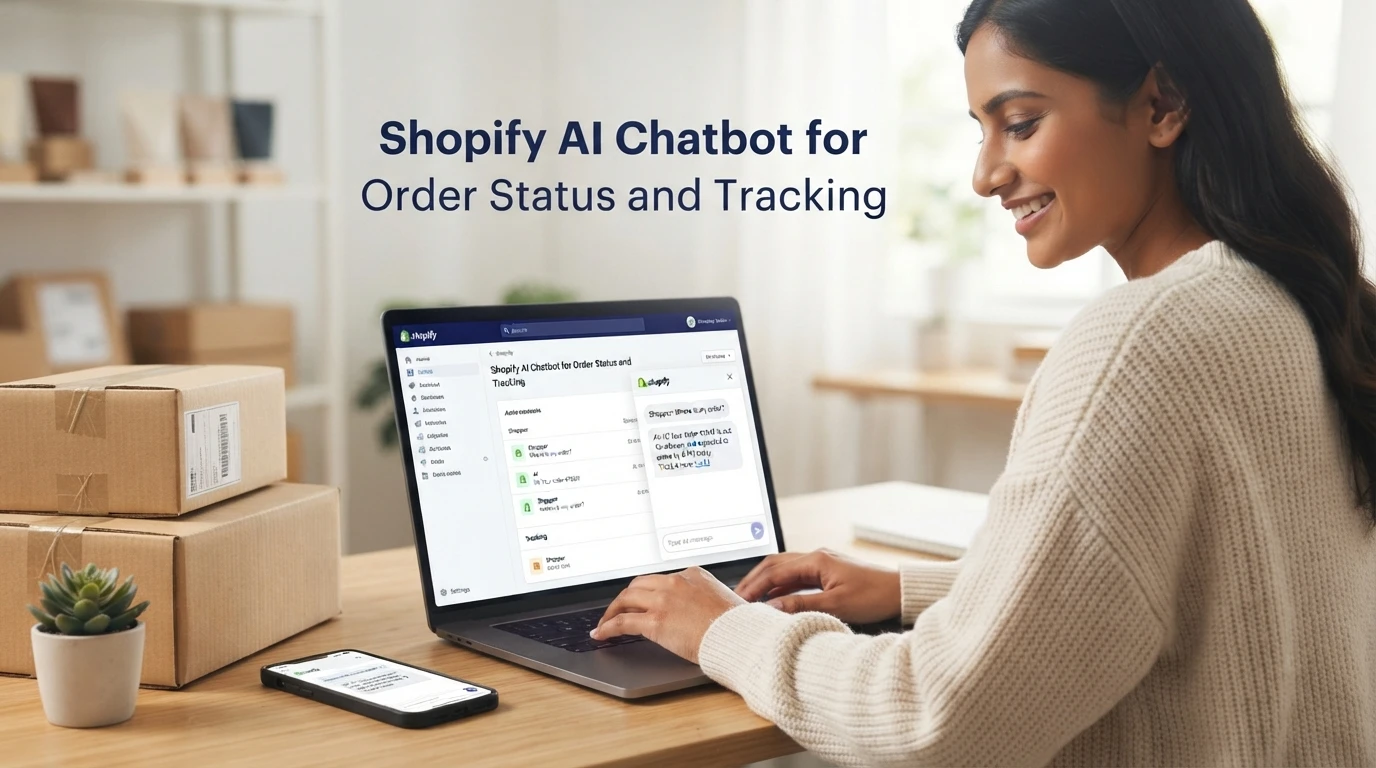
Shopify AI Chatbot for Order Status and Tracking
Quick Summary: A Shopify AI chatbot can answer order status and tracking questions by reading live Shopify order data, but guests must verify their order number and checkout email before details are shared. Configure lookup, tracking, delivery estimate, and cancellation intents, while routing refunds, address changes, cancellations, and other judgment calls to human agents. Measure resolved orders without agent help rather than raw bot replies, and tools such as Kandid can pull order data and report deflection and handoff metrics in their dashboards.
Your inbox does not need a person reading a fulfilment status out of Shopify Admin. When a shopper asks where order #10482 is, the answer already sits in the order record; the only reason it takes two minutes is that a human has to open it. A Shopify AI chatbot for order tracking can answer that question itself, safely, and this guide shows you how.
Step 1: Give the Chatbot Access to Live Order Data
Before a Shopify AI chatbot for order tracking can answer a single "where is my order?" question, it needs permission to read live order data from your store. Skip this step and it will only guess or ask shoppers to email support.
How a Shopify chatbot resolves a shopper to an order
The chatbot has three lookup paths. Logged-in customers are matched by their customer account, so the bot can pull their recent orders directly. Guest checkout orders need order number plus email verification: the bot asks for both and only shows results when they match. Repeat chat visitors can be matched to a prior verified session.
Which order fields the chatbot can read
Once connected, the bot can read everything a store owner sees in Shopify Admin order queries: order status, fulfillment status, tracking number, carrier, shipping address, line items and refund records. It reads but cannot act. It cannot cancel, edit or refund an order without a human handoff, so set those rules deliberately.
Connecting the app to your store
Install the chatbot app, approve the read_orders scope, and sync. Test with one real order before launch. Tools like Kandid pull order data straight from your store during these setup steps.
Step 2: Configure the Order Status and Tracking Answers
Most "where is my order" questions fall into four intents. Configure each one so the chatbot knows what it reads, what it says, and when to pass the customer to a human. To automate order status answers with a chatbot, set up these intents in order.

- Order status lookup
- Tracking number request
- Delivery estimate question
- Cancel or change request
| Intent | What it reads | What it says | Handoff trigger |
|---|---|---|---|
| Where is my order (WISMO) | Shopify order status | Fulfillment stage plus tracking link | Stuck in transit over 5 days |
| Tracking number request | Fulfillment record | Carrier name and tracking number | No tracking number attached |
| Delivery estimate | Carrier data | Carrier's stated delivery window | Estimate expired or missing |
| Cancel or change | Order status only | Refund or edit needs a human | Always |
If the carrier shows no estimate, say so plainly. Give the customer the tracking link and the carrier's support page instead of guessing a date. Guessing creates a second ticket when the parcel arrives late, so the safest reply is "your order is on its way" only when Shopify marks it fulfilled and a tracking number exists.
Order data stays safe when the chatbot verifies before it shares. Ask for the email or phone used at checkout, especially for guest checkout orders, and never read out a full address. Restrict the bot to lookup intents; refunds, address edits and cancellations always route to your team.
Step 3: Set Limits, Handoff Rules and a Way to Measure Results
Where the chatbot must hand off to a human
Set handoff rules before you turn the bot on. Hand off when a shopper asks about refunds, damaged items, address changes, cancellations or anything the order data cannot answer. Pass the order number, fulfillment status and the full chat history so the agent never repeats questions.

Measuring deflection without overstating it
Track ticket deflection as orders resolved in chat without an agent, not raw bot replies. Compare against the same period last month, since holiday spikes inflate numbers. Also log handoff rate; a rising rate means your limits are too narrow. Some platforms, including Kandid, report this inside the chat dashboard.

Tired of answering the same "where is my order?" questions by hand? Kandid answers order status and tracking questions for you, so your team can focus on real problems. See how it works.
Frequently Asked Questions
Q1: How do I automate order status answers with a chatbot?
Connect the app with read access to Shopify order data, then configure the four tracking intents.
Q2: Can a chatbot handle guest checkout orders?
Yes, after verifying the order number and checkout email.
Q3: Can the chatbot cancel or refund orders?
No. Those requests always route to a human agent.
Conclusion
A Shopify AI chatbot for order tracking handles the "where is my order?" load safely: connect live order data, verify guests, set four lookup intents, and route refunds to humans. Done well, it deflects repeat tickets while your team keeps the judgment calls.