Shopify Chatbot: Which Platform Fits a Small Support Team?

Quick Summary: Small Shopify teams should pick a chatbot based on whether their chats are mostly sales or support, not on feature lists. The article compares Shopify Inbox, Tidio, Gorgias, and Kandid, noting Kandid is best for revenue-focused teams that need product discovery plus support. It recommends a two-week parallel test with real tickets, clean human handoffs, and pricing compared per conversation or resolution, not per seat.
One or two people can't field product questions, order-status checks, returns, and lost sales alone - so the wrong Shopify chatbot just adds another inbox. This guide gives you a simple buying framework: match a bot to your support load, check handoff quality, compare pricing units, and measure real revenue lift. We evaluate platforms the way small D2C teams in the US, UK, and India actually use them.
What a Small Shopify Team Should Compare First
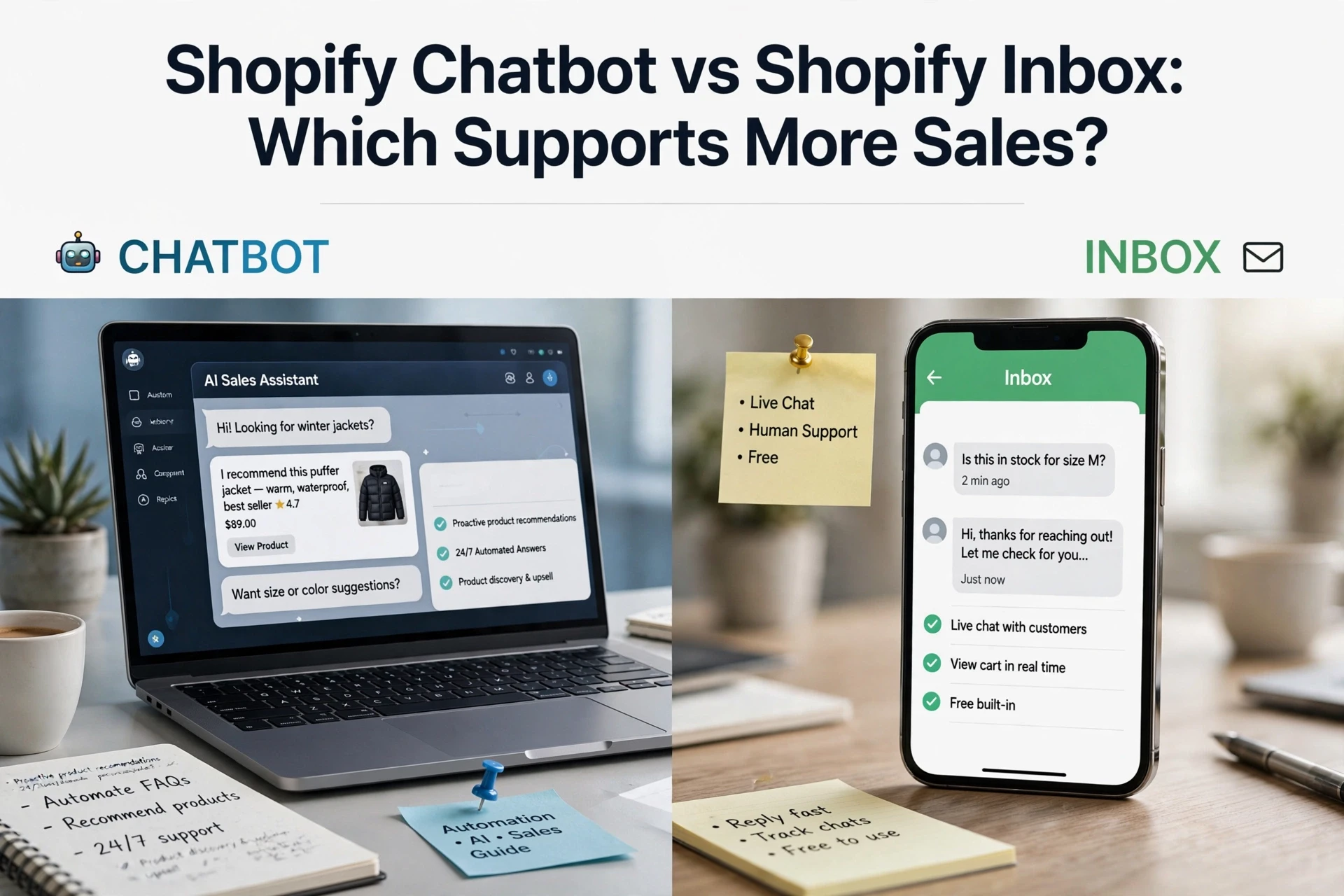
Start with one question: is the bot selling or answering tickets? Many platforms do only one well. Tools like Gorgias lead on support tickets, while sales-first assistants (including Kandid's Shopify AI sales agent) focus on product discovery and pre-purchase questions. Shopify's own guide notes 70% of Inbox chats happen during a purchase decision, so know your split.
Separate Sales Assistance From Support Automation
List your last 50 chats. Count pre-sale questions versus order and return tickets. Buy for the bigger bucket, and check that the other bucket still gets clean human handoff.
Use Five Practical Selection Criteria
- Live Shopify order data access.
- Product recommendation quality.
- Pricing unit: per resolution, per seat, or flat.
- Handoff with full chat context.
- Time to set up.
Also Read: Shopify AI Chatbot Implementation Guide for Lean Ecommerce Teams
How the Main Shopify Chatbot Options Fit a Small Team
Small support teams need a bot that handles order questions and sales chats without extra staff. Four options fit differently.
Shopify Inbox for Native, Low-Complexity Chat
Shopify Inbox is free, built into your admin, and connects to your product catalog. It suits solo founders with light chat volume, but it lacks advanced AI automation for complex workflows.
Tidio for Broader Chat and Omnichannel Workflows
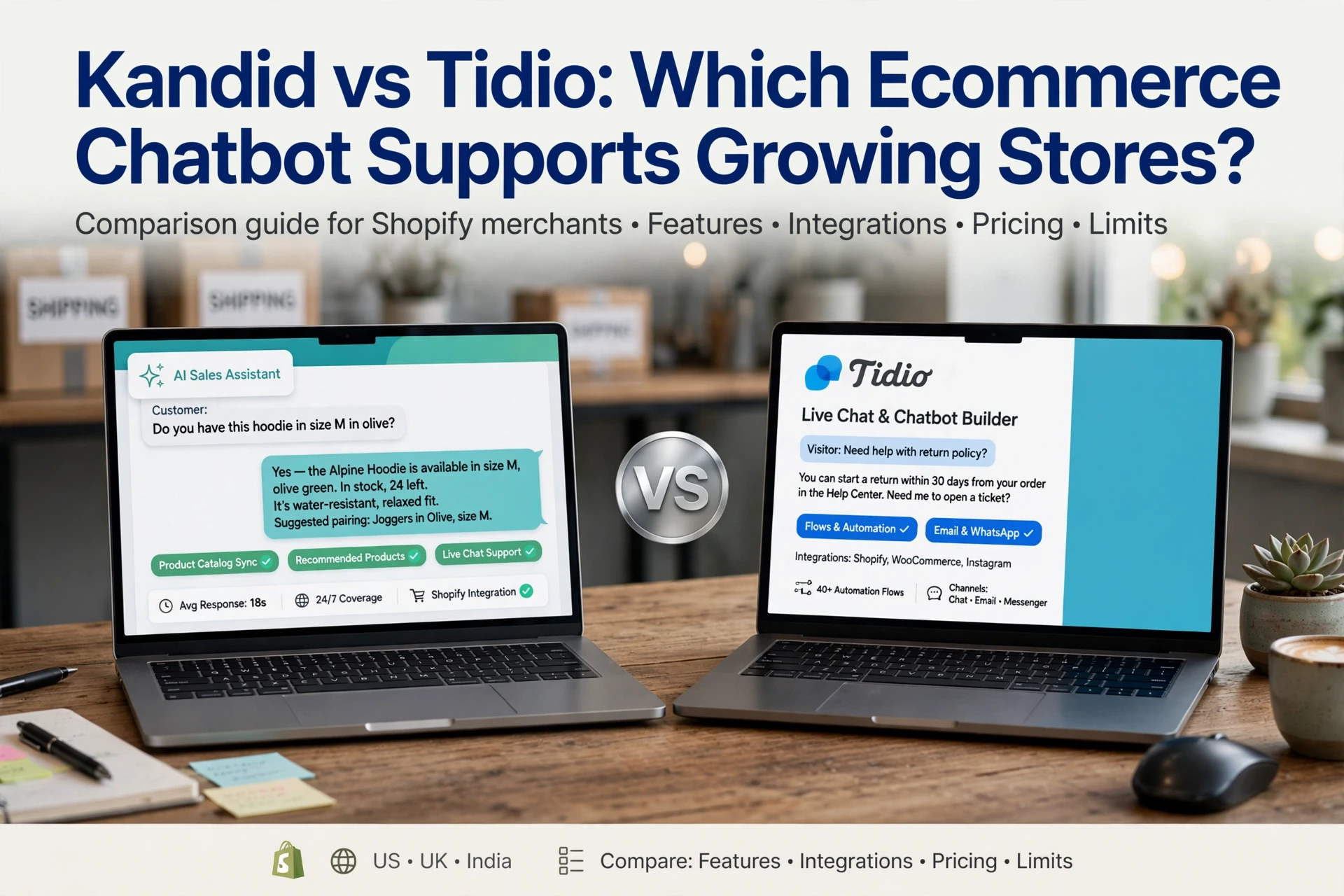
Tidio adds AI bots, email, and Instagram plus Messenger channels in one inbox. It fits small teams wanting automation across channels, though pricing rises as conversation volumes grow.
Helpdesk-First Platforms for Complex Support Operations
Gorgias and similar helpdesks pull orders, refunds, and tickets into one place with macros and rules. Choose these when ticket management matters more than sales conversations.
Kandid for Shopify Product Discovery Plus Support
Kandid focuses on AI sales agents that answer product questions, guide discovery, and recommend items while handling common support queries. It suits teams wanting revenue influence, not just ticket deflection.
| Tool | Strength | Best For |
|---|---|---|
| Shopify Inbox | Free, native | Solo founders |
| Tidio | Multichannel AI | Growing teams |
| Gorgias | Helpdesk depth | High ticket volume |
| Kandid | Sales-led AI | Revenue focus |
Also Read: Shopify AI Chatbots vs Help Desks for Ecommerce Support
Match the Platform to Your Team's Operating Pattern
Pick your chatbot by the questions your team answers most, not by feature lists. Three patterns cover most small Shopify teams.
Choose a Sales-First Chatbot When Product Questions Block Purchases
If shoppers ask "does this fit me?" or "which one should I buy?" before checking out, pick a sales-first tool like Rep AI, Zipchat AI, or Kandid's Shopify AI sales agent. These read your catalog and recommend products in the chat.
Choose a Support-First Platform When Tickets Dominate
If most chats are "where is my order?" and returns, a helpdesk like Gorgias or Tidio fits better. They track tickets across email and chat, so nothing falls through.
Choose for Handoff and Measurement When the Team Is Lean
A two-person team needs clean handoff to a human and simple revenue reporting. Test both before committing - ask each vendor to show a real handoff transcript.
Also Read: Shopify Chatbot vs Shopify Inbox: Which Supports More Sales?

A Low-Risk Shopify Chatbot Evaluation Plan
Test the tool before you commit. A two-week parallel run, side by side with your current setup, catches gaps while the stakes stay low. A chatbot testing checklist recommends keeping the old tool live throughout, so shoppers never notice the test.
Test Real Questions Before Going Live
- Pull your 20 most asked questions from real tickets.
- Include order tracking, returns, sizing, and shipping cutoffs.
- Add three edge cases the bot was never trained on.
Score it. If it answers 80% correctly, it is ready for a wider pilot.
Set Handoff Rules and Review the First Conversations
Escalations are where trust breaks, because customers repeat themselves when context is lost. Research on AI-to-human handoffs in Shopify support shows the full transcript, order details, and prior attempts must travel with the transfer. Review transcripts weekly and fix weak answers.
Compare Cost and Value Using the Same Unit
Price per conversation or per resolution, not per seat, so tools compare fairly.
| Unit | What it shows |
|---|---|
| Price per conversation | True cost at your volume |
| Cost per resolution | Value after deflection |
| Handoff rate | Where humans still spend time |

See how Kandid handles sales questions, order updates, and clean handoffs for small teams. Try it on your store today.
Frequently Asked Questions
Q1: Which Shopify chatbot is best for a small team that wants sales plus support?
Pick a tool that answers order questions, hands off to humans cleanly, and recommends products. Tidio and Gorgias suit support-first teams. If sales is the priority, Kandid pairs product discovery with order help.
Q2: How much should a small Shopify team spend on a chatbot?
Most small teams do well between $30 and $150 per month. Check how pricing is measured, since some tools charge per conversation and others per order volume.
Q3: Can a chatbot really reduce support tickets without hurting sales?
Yes, if it tracks orders, answers FAQs, and escalates edge cases fast. Test for two weeks, measure ticket volume and chat-assisted orders, then judge.
Conclusion
For a small support team, the best Shopify chatbot is the one that answers order questions, hands off cleanly, and bills in a unit you can predict. Match pricing to your chat volume, test on real tickets, and measure what AI actually resolves.