AI Chatbot Setup Review for Small Legal Teams and Firms
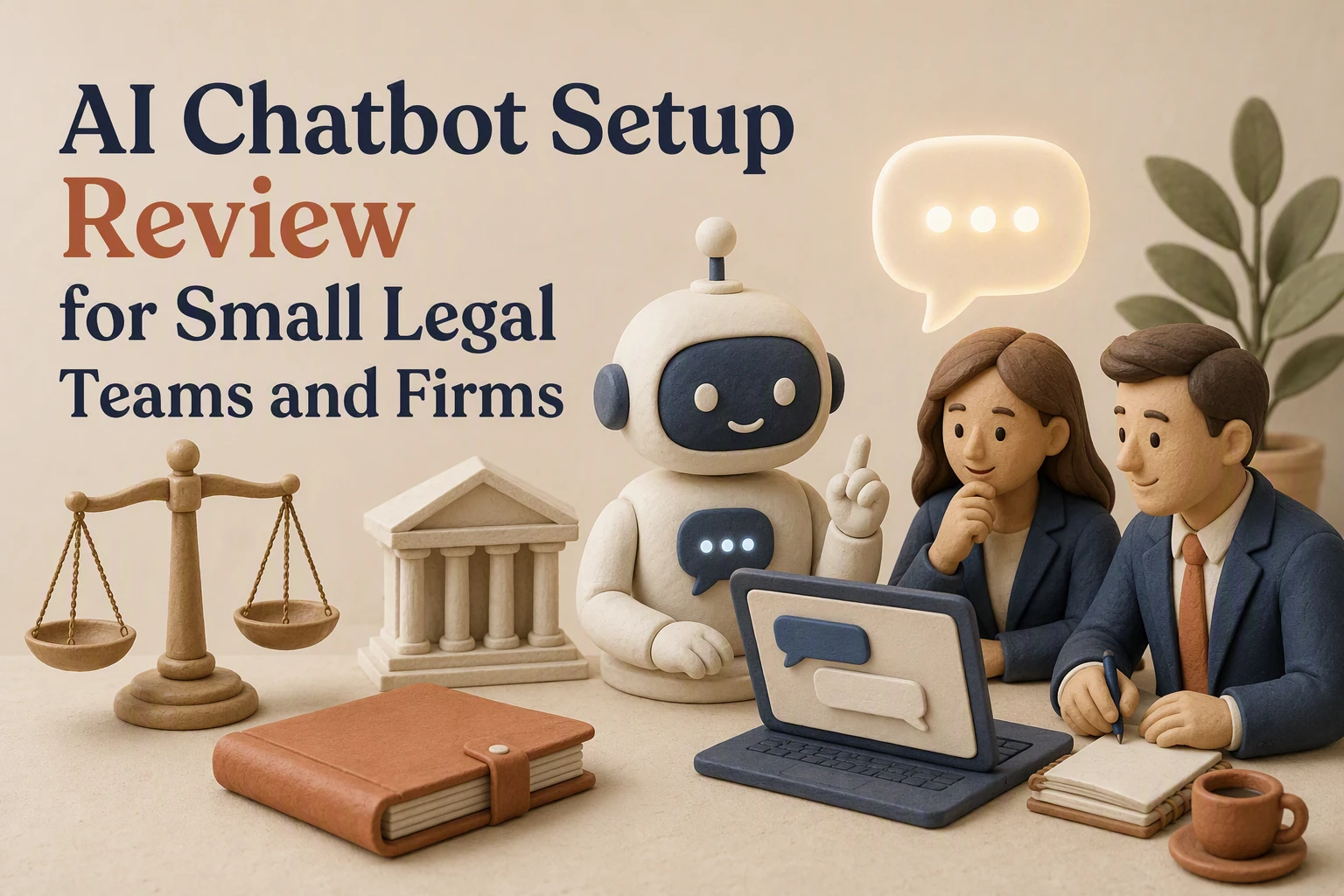
A client who shares an accident date, immigration status, or medical fact creates risk before a lawyer sees the case. AI chatbot legal firms need intake that helps without storing sensitive data in the wrong place. This review tests that balance. It shows how to assess the best chatbot small law setup, data controls, and handoff rules. Built for lean teams, it also checks whether a legal team AI assistant is safe enough for real intake.
What a Small Legal Team Actually Needs From an AI Chatbot
The useful boundary: intake, routing, and scheduling
AI chatbot legal firms should focus on first-contact work, not legal work. Ask basic intake questions, flag conflict details, route leads by practice area, and book consultations. The ABA notes that bots can gather details and screen inquiries, but teams must handle them with care. Client intake guidance
| Need | Safe chatbot task |
|---|---|
| Fast response | Confirm receipt |
| Lead routing | Assign practice area |
| Scheduling | Offer calendar slots |
The boundary it should not cross
AI chatbot legal firms must not give case-specific advice, predict outcomes, or create an attorney-client relationship.
Tell visitors they are speaking with AI, add a clear disclaimer, and hand off complex questions to staff.
The ABA says lawyers remain responsible for confidentiality, competence, and AI output. ABA ethics guidance
- Do not request sensitive facts before conflict checks.
- Do not promise results.
- Review chat logs weekly.
Also Read: How Kandid Enhances Customer Support with Live Chat & AI Chatbots
Security Review: Can the Setup Protect Sensitive Intake Data?
Questions to ask before sending live inquiries
Do not switch on live intake until the vendor answers these in writing. NIST notes that AI adds privacy and cybersecurity risks that firms must manage.
- Is chat data encrypted in transit and at rest?
- Is it used to train any model? Can you opt out?
- Who can view transcripts, and is access logged?
- How long are chats kept, and can your firm delete them?
- Can the bot block uploads, account numbers, and medical details?
| Review point | Acceptable answer |
|---|---|
| Model training | No client data used |
| Access | Role-based and logged |
| Retention | Firm-controlled deletion |
Treat vague security answers as a no-go. Review NIST's AI risk guidance before launch.

Minimize data before the model sees it
Ask only for name, contact method, broad matter type, and preferred callback time. Route facts and documents to a secure firm form or staff member.
- Add a clear warning not to share case facts.
- Mask phone numbers and email addresses in chat logs.
- Send sensitive follow-up through your approved client portal.
A chatbot should qualify a lead, not collect a legal story.
Also Read: Ultimate Guide to Live Chat & AI Chatbot Integration Strategies
Hands-On Setup Test for a Small Firm
Run a restricted pilot before going live
Start with one low-risk intake path, such as general practice-area questions. Block case facts, uploads, legal advice, and deadlines. Route every lead to a named staff member.
NIST recommends piloting, testing, and checking compliance before production use.
- Test 20 realistic visitor questions.
- Log wrong answers and failed handoffs.
- Set a clear stop rule for unsafe replies.

Warning: A chatbot should collect interest, not assess a legal claim.
Measure operational value, not just conversations
Track what staff time it saves and whether leads reach the right person.
| Measure | What good looks like |
|---|---|
| Human handoff | Clear contact details captured |
| Bad replies | Reviewed and fixed quickly |
| Intake time | Fewer repeat questions |
NIST notes that post-deployment monitoring helps detect unexpected outputs and drift.
Also Read: Live Chat and AI Chatbot Setup Guide for Ecommerce Stores
Is an AI Chatbot Worth It for a Small Legal Team?
Yes, if it handles intake and routine questions, not legal advice. A chatbot can capture leads after hours, screen for practice fit, collect conflict-check details, and book consultations. That saves staff time without replacing lawyer judgment.
| Worth testing when | Not worth it when |
|---|---|
| Leads wait too long for replies | It gives case-specific advice |
| Intake questions repeat often | No one owns review and updates |
| You have clear routing rules | Vendor data terms are unclear |
The ABA says lawyers remain responsible for competence, confidentiality, and supervision when using AI. Read its AI ethics guidance.
Never let the bot collect sensitive facts before your conflict and privacy checks.

Kandid serves D2C brands, not law firms. For sales-ready AI agents that answer product questions, visit Kandid.
Frequently Asked Questions
Q1: How can small legal teams set up an AI chatbot for client intake without compromising data security?
Use approved intake fields, limit data collection, and route sensitive facts to secure staff review. Test access controls, retention rules, and consent language before launch.
Q2: What are the best AI chatbot tools for legal firms with limited IT resources?
Choose a tool with simple setup, clear permissions, human handoff, and audit logs. Avoid systems that need custom code or unclear data terms.
Q3: Can AI chatbots handle confidential legal queries securely? What should firms look for?
They can collect limited details, but should not give legal advice. Look for encryption, role-based access, retention controls, and written vendor data-use limits.
Conclusion
Choose a chatbot only after testing privacy controls, escalation, and intake accuracy. NIST’s AI framework supports managing risk throughout use. Human review remains essential for legal teams.