Shopify Conversion Measurement: Compare First-Click and Last-Click Models
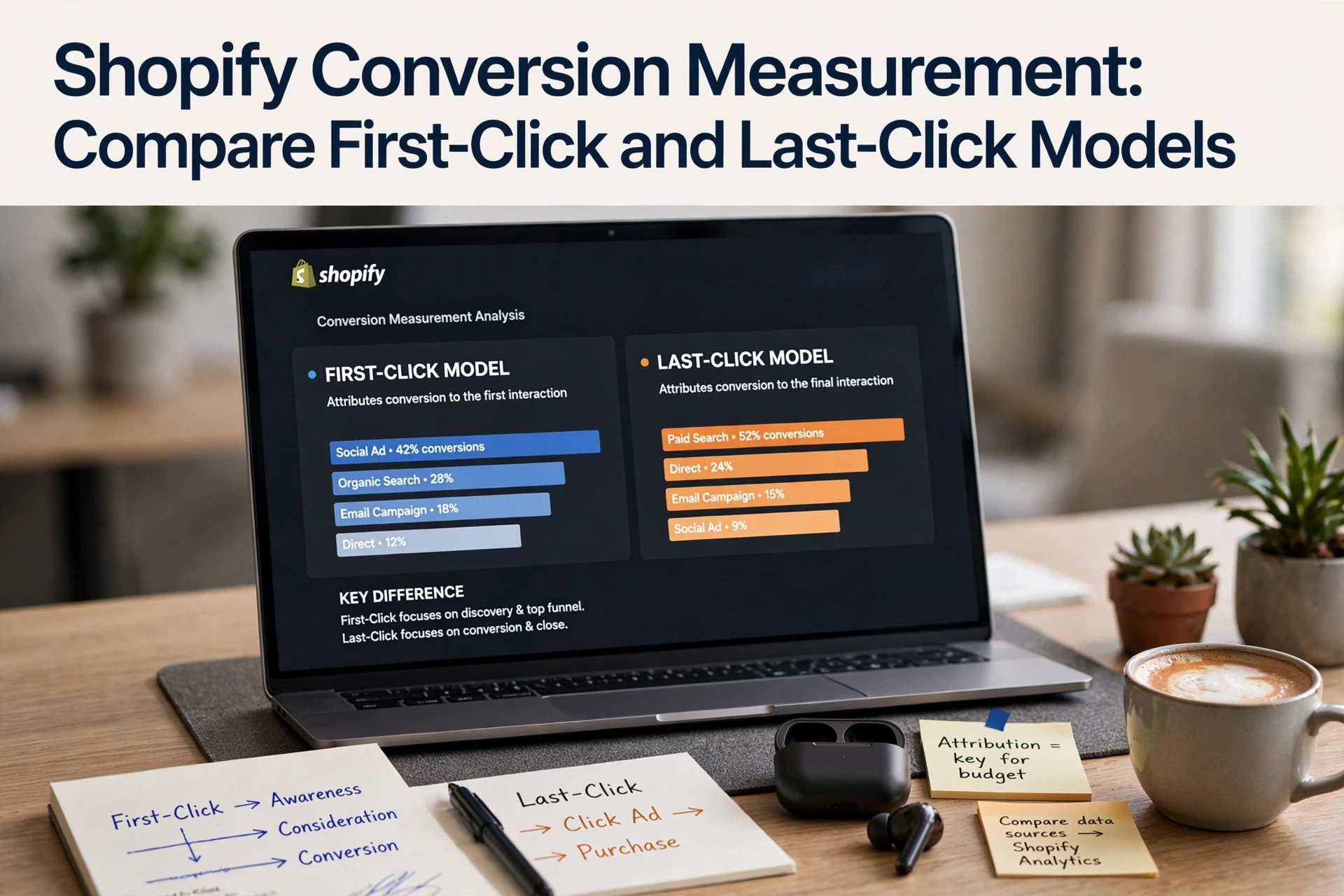
Quick Summary: First-click and last-click attribution models answer different questions: first-click shows which channel introduced the shopper, while last-click shows what closed the sale, and neither alone proves the chatbot caused the purchase. Shopify defaults to last non-direct click, but you can switch models in marketing reports to compare them. Use both models together, and remember that attributed sales can overstate true incrementality by 20% or more, so run holdout tests before cutting budgets.
A shopper clicks your ad, asks your chatbot about sizing, then buys days later. First-click credits the ad; last-click credits the final source. Neither proves the chatbot caused the sale. This Shopify attribution models comparison shows what each model reveals, so your Shopify attribution models comparison leads to smarter decisions.
Shopify First-Click vs. Last-Click: At a Glance
| First-click attribution | Last-click attribution | |
|---|---|---|
| Credit assignment | 100% to the first interaction | 100% to the last interaction |
| Best measurement question | Which tracked source introduced the shopper? | Which tracked source came just before purchase? |
| Chatbot-assisted sales use | Shows discovery source when a later chat precedes purchase | May miss chat influence if the chatbot is not a tracked source |
| Main limitation | Does not credit later interactions | Can overlook earlier discovery interactions |
| Use together? | Yes, alongside last-click | Yes, alongside first-click |
How First-click attribution and Last-click attribution Compare
First-click attribution
This model gives 100% of conversion credit to the first recorded interaction in a shopper's journey. It suits merchants who want to study discovery: which tracked source introduced the shopper. In chatbot-assisted sales, it reveals the discovery source even when a later chat precedes the purchase. In any Shopify attribution models comparison, its main limitation is clear: it ignores every later interaction, so use it alongside last-click.
Last-click attribution
This model gives 100% of conversion credit to the last recorded interaction before purchase. It fits merchants focused on the final push: which tracked source came just before purchase. The catch in chatbot-assisted sales is that it may miss chat influence if the chatbot is not a tracked source, and it can overlook earlier discovery. Pair it with first-click for a fuller view.
What Each Model Reveals in a Chatbot-Assisted Journey
Use One Journey to See the Difference
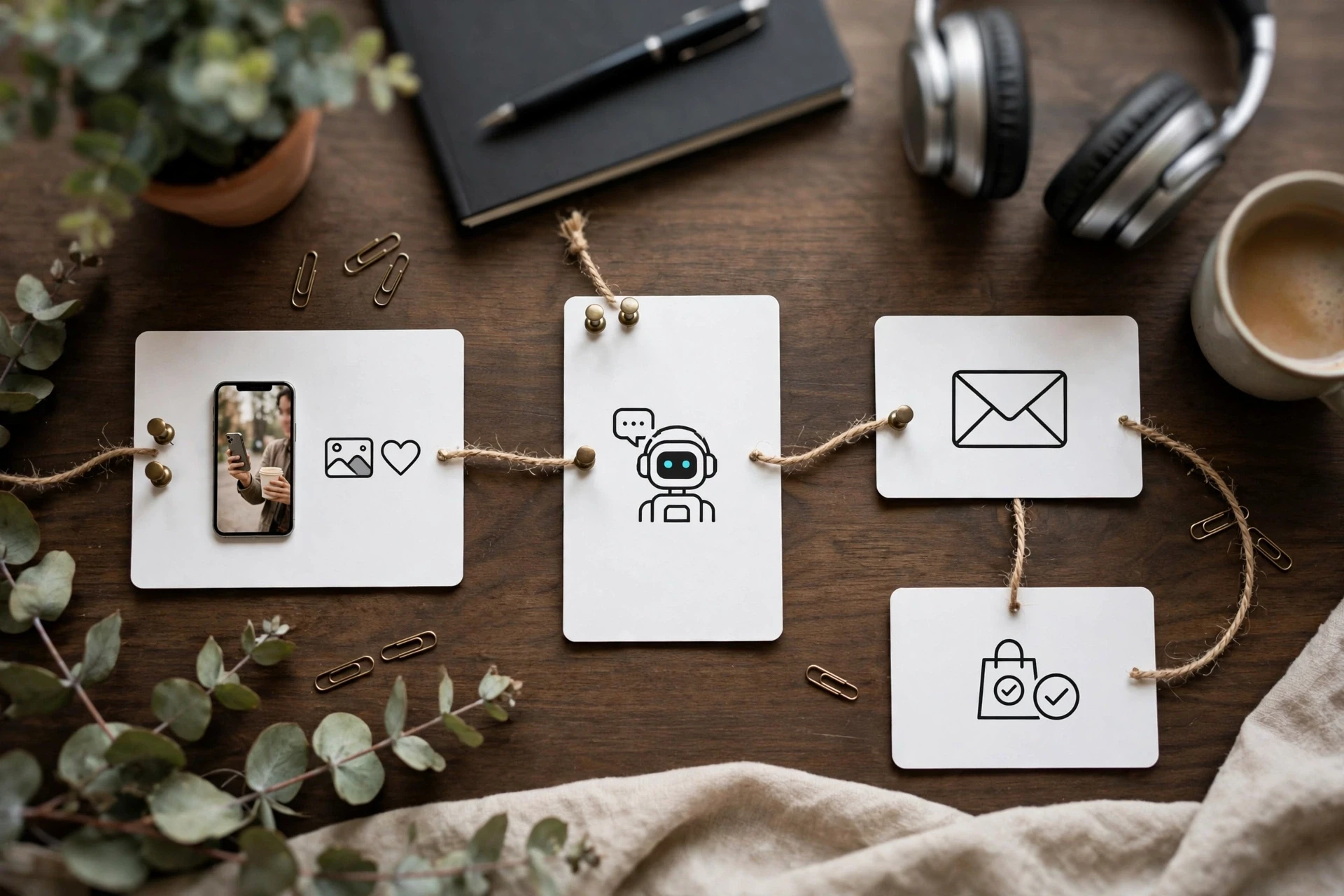
Picture one shopper. She clicks a Meta ad on Monday, chats with your AI sales assistant about sizing on Wednesday, then returns Friday through email and buys. Same order, two stories.
- First click credits the Meta ad. It shows which channel opened the relationship.
- Last click credits the email. It shows what closed the sale.
- Shopify's default is last non-direct click, which credits the email too, and skips direct visits in between.
Per Shopify's marketing reports documentation, you can switch models inside any report with a sales metric and marketing dimension. Compare both models and you see the chatbot's assist role, not just its close rate.
Also Read: Shopify Chatbot Attribution Models Compared for Ecommerce Revenue
Choose the Model That Matches the Decision
Keep Attribution Separate from Incrementality
Attribution and incrementality answer different questions. Attribution decides who gets credit for a sale. Incrementality asks whether the chatbot created sales that would not have happened anyway, as Search Engine Land explains.
Match the model to the decision:
- Tactical calls, like which chatbot prompt to tweak, work fine on last-click data.
- Budget calls, like whether to keep the chatbot at all, need incrementality evidence.
- Platform comparisons need the same model applied to both, every time.
A conversion credited to your chatbot is not proof the chatbot caused it. Some shoppers were buying anyway. That gap, Stillwater Media notes, can run 20% or more between attributed and truly incremental sales. Use first-click and last-click to read journeys, then run holdout checks before you spend more.

Also Read: Shopify Chatbot AOV Measurement: Proving Assisted Order Value
A Practical Shopify Reporting Check
Run this in two minutes. Open Analytics > Reports > Marketing in your Shopify admin and find the report that pairs a sales metric with a channel dimension. Note your paid orders under the default model, then use the Attribution menu to switch to first click. Same range, nothing else changed.
Shopify documents five attribution models in marketing reports, including first click, linear, and any-click options added in 2023.
If the numbers barely move, your ads close sales directly. If first click is much higher, your ads start journeys that last-click reports credit elsewhere.
Also Read: Shopify Chatbot Conversion Rate Tracking: Metrics and Attribution
Which Model Should You Use for Chatbot-Assisted Shopify Sales?
Use both. Shopify's attribution docs explain that first-click shows how chatbots start journeys, while last-click shows what closes them.
Pick a primary model based on your goal:
- Growing awareness or product discovery? Judge your chatbot on first-click credit.
- Optimizing checkout or upsells? Use last-click.
- Measuring true contribution? Compare both weekly, then check Shopify's session-based reporting limits before crediting revenue.

Once you pick an attribution model, see how chatbot-assisted sales fit in. Explore Kandid's AI sales agent for Shopify.
Frequently Asked Questions
Q1: Which attribution model best evaluates chatbot-assisted Shopify sales?
Use last-click for channel scoring and first-click for discovery value. Compare both before judging a chatbot's real contribution.
Q2: Does Shopify show first-click data natively?
No. Shopify defaults to last-click; use Google Analytics 4 or UTM tracking for first-click views.
Q3: How often should I compare models?
Monthly is enough. Check after major campaigns or chatbot changes to spot attribution shifts early.
Conclusion
First-click shows which channels introduce buyers; last-click shows who closes them. Neither gives full credit - check Shopify's marketing reports and compare both before you cut a channel's budget.