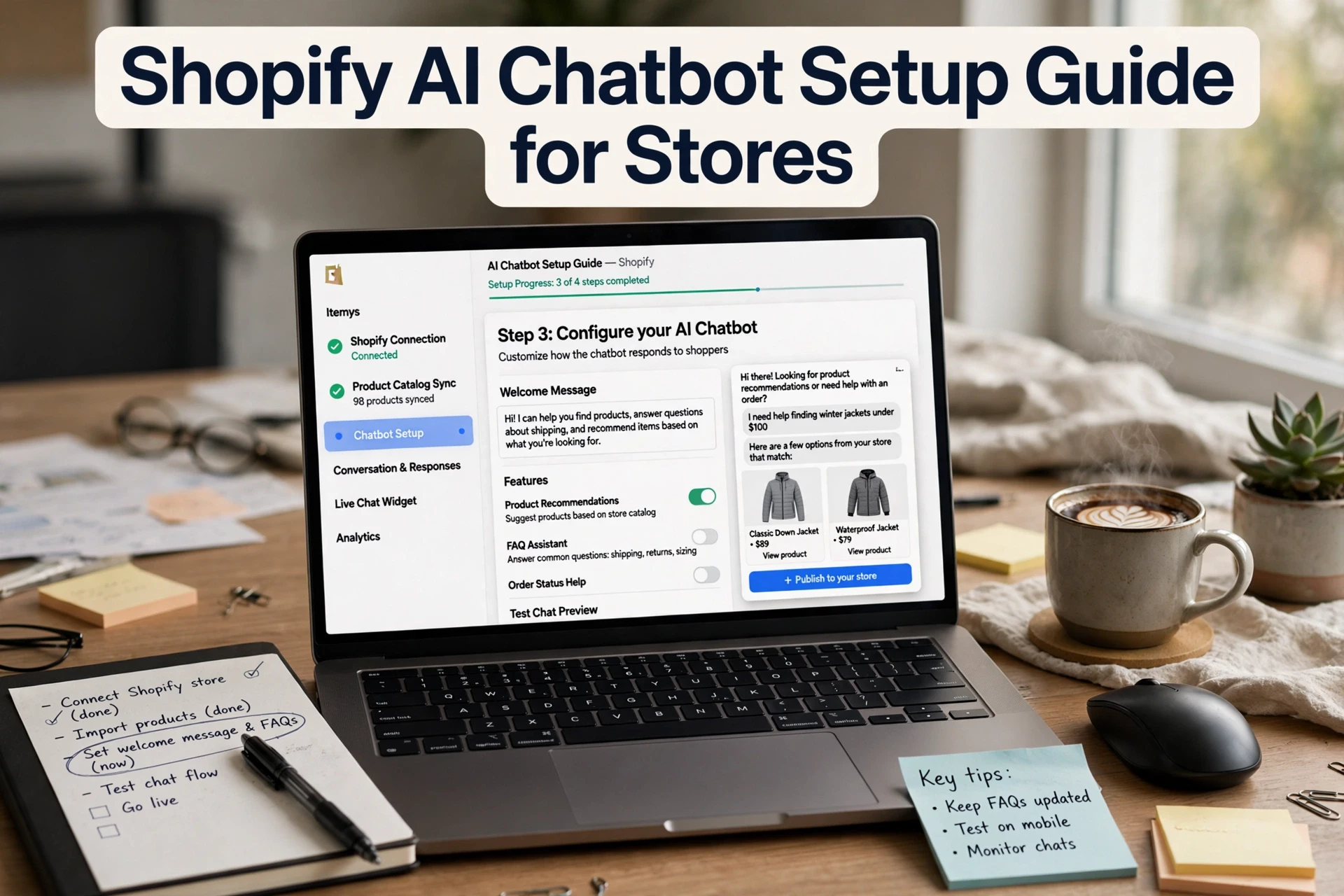
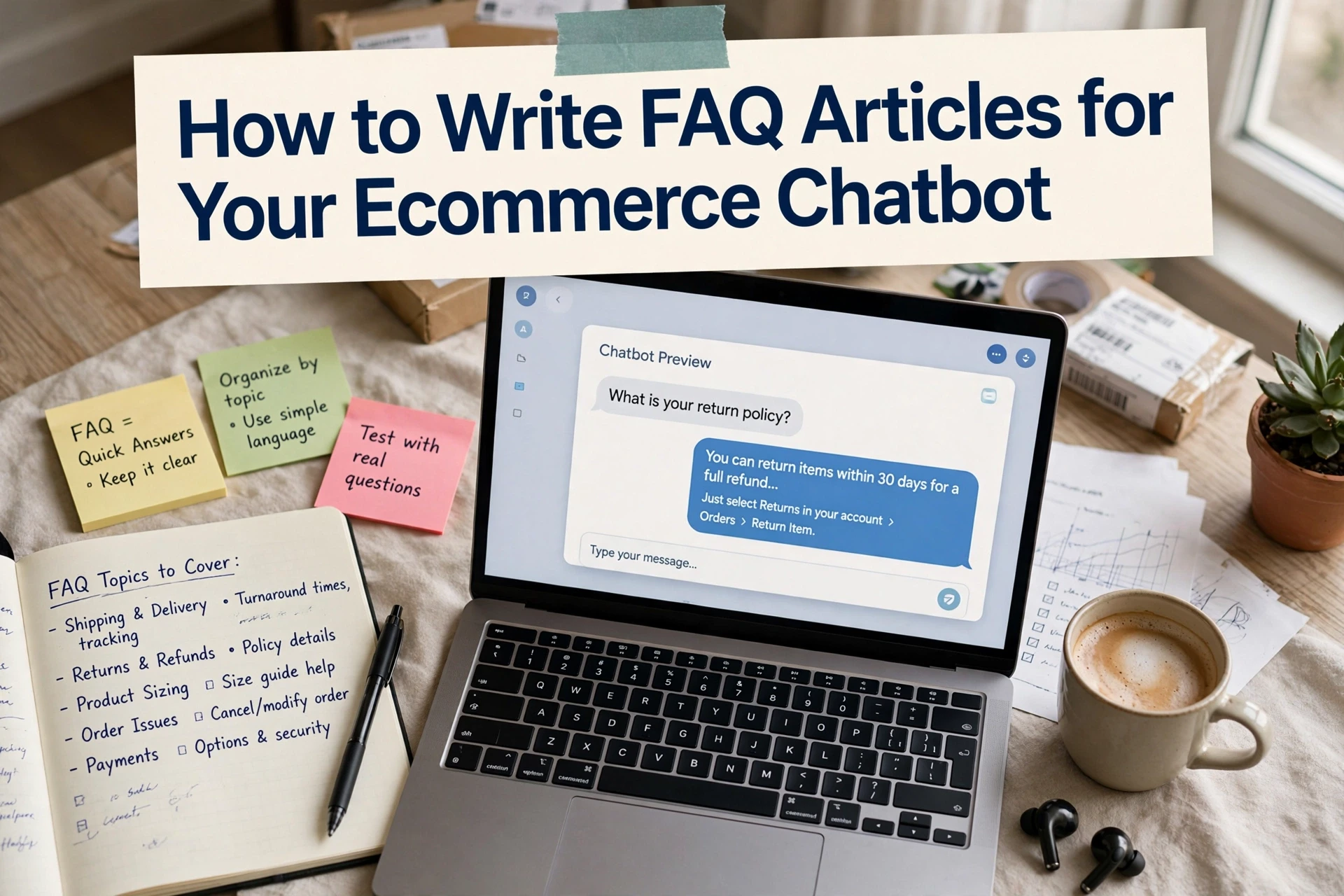
Shopify Chatbot Conversion Rate Tracking: Metrics and Attribution
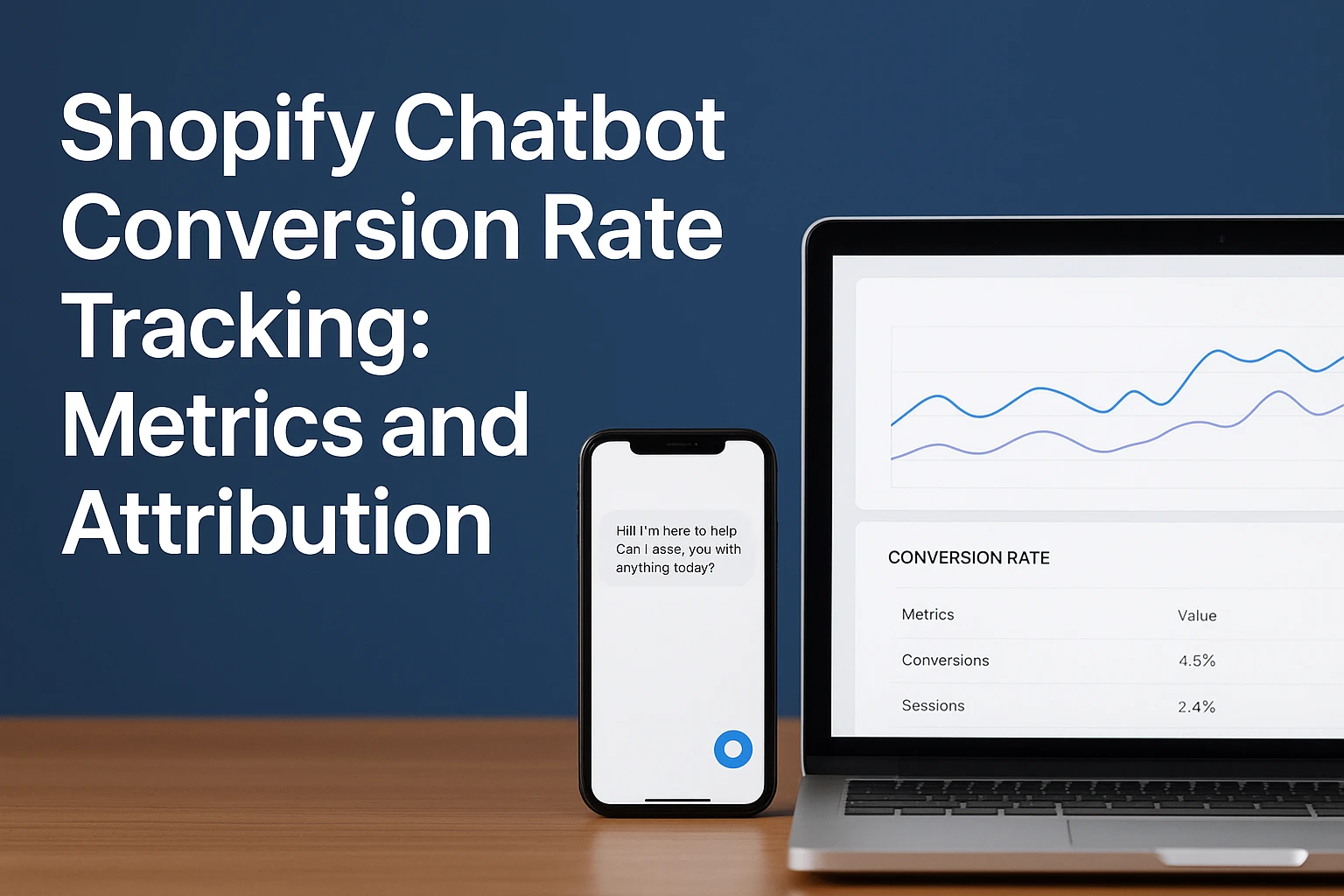
Quick Summary: To measure a Shopify chatbot conversion rate fairly, track three separate layers: exposure, engagement, and purchase, and use same-session orders as your main metric while reporting 7-day assisted revenue separately. Connect chatbot events to Shopify orders with a shared session ID, but never call assisted orders chatbot-caused sales. For causal proof, run a randomized holdout test to estimate incremental lift, and build a dashboard that splits activity, attributed revenue, and test-based lift to guide decisions.
A shopper may ask if a jacket runs small, follow a chatbot recommendation, then buy tomorrow through another channel. Shopify can credit that order elsewhere. A useful Shopify chatbot conversion rate needs a clear definition before you use it to set budget.
This guide separates chat activity, attributed revenue, and true lift. You will learn how to connect chatbot events to Shopify orders, choose fair metrics, and avoid overstating a Shopify chatbot conversion rate.
Define the Shopify Chatbot Conversion Rate You Will Report
Separate Exposure, Engagement, and Purchase
Report three layers, not one blended number. Exposure is chatbot-visible sessions. Engagement is sessions with a meaningful action, such as a question, product click, or add-to-cart. Purchase conversion is chatbot-engaged sessions that complete checkout.
| Layer | Metric | Formula |
|---|---|---|
| Exposure | Chatbot reach | Visible sessions / store sessions |
| Engagement | Engaged chat rate | Engaged sessions / visible sessions |
| Purchase | Chat conversion rate | Purchasing engaged sessions / engaged sessions |
Shopify defines conversion as sessions that complete checkout divided by sessions, as its behavior reports explain.
Choose the Right Attribution Window
Use a same-session result as your main number. Then report 7-day assisted revenue separately. Shopify resets first-interaction credit after 30 days, so document your rule and keep it fixed.
Do not call assisted orders chatbot-caused sales.
Also Read: AI Sales Agents: 7 Metrics to Prove Revenue Impact
Track the Events That Connect Chat to a Shopify Order
Create a Minimum Event Taxonomy
Track a small set of events before you build a dashboard. Capture chat_started, product_recommended, product_clicked, add_to_cart_after_chat, and checkout_started_after_chat. Shopify provides standard product, cart, checkout, and purchase events through Web Pixels, including checkout_completed.
| Event | Required fields |
|---|---|
| Chat started | Session ID, timestamp |
| Product clicked | Session ID, variant ID |
| Purchase completed | Order ID, revenue, session ID |
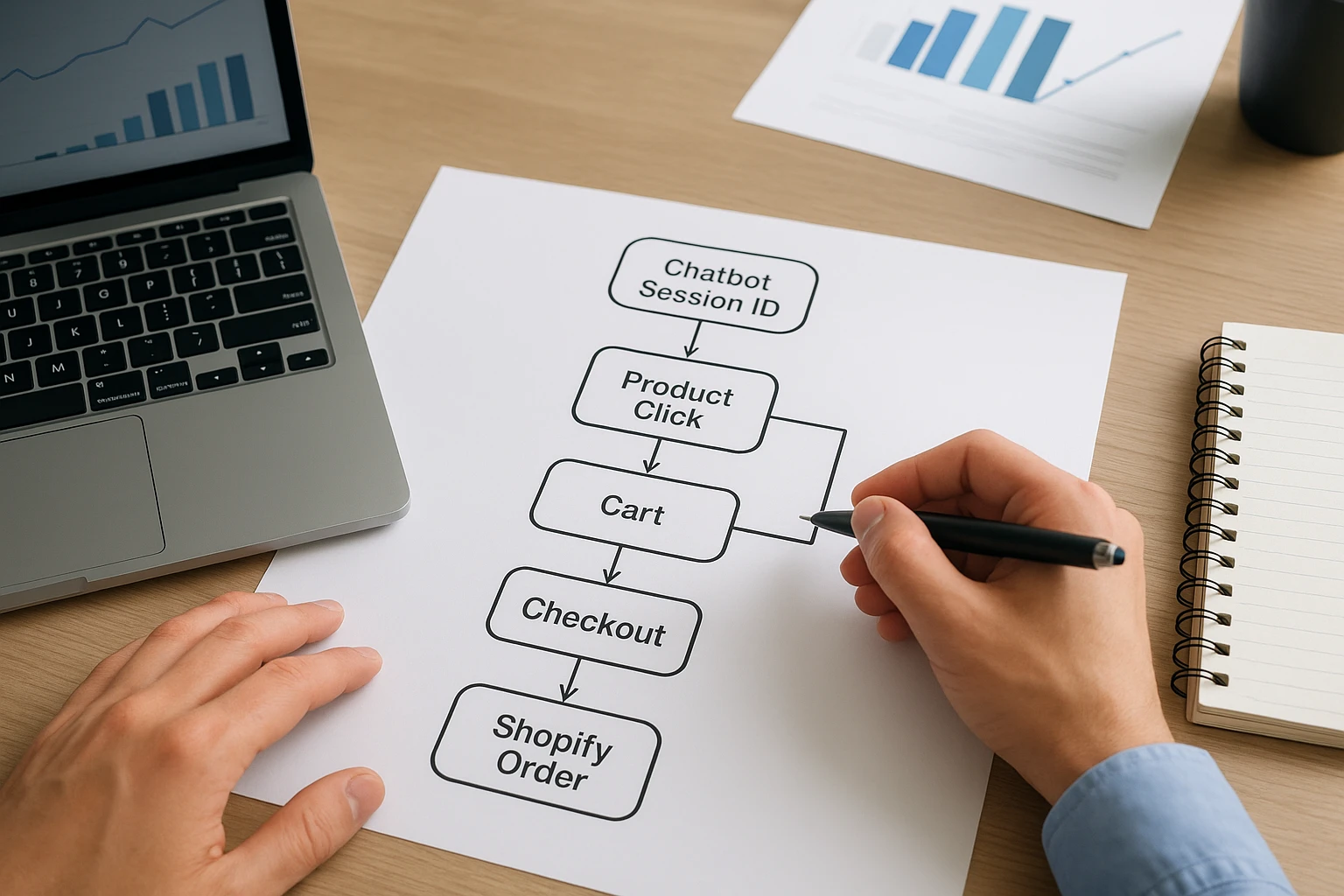
Keep event names fixed. Renaming them breaks trend comparisons.
Join Interaction Data to Shopify Revenue
Pass one anonymous chat session ID through chat, storefront, and checkout. Then join it to the Shopify order ID and order value after purchase. Treat missing IDs as unattributed, not zero revenue. Shopify says checkout_completed fires once per checkout, usually on the Thank You page.
Also Read: How to Measure Ecommerce Chatbot Revenue Attribution
Interpret Attribution Without Overclaiming Revenue Impact
Report Last-Interaction and Assisted Views Separately
Last-interaction revenue shows orders where chat was the final tracked touch. Assisted revenue shows orders where chat helped earlier. Keep both views, but do not add them together or call either figure caused revenue.
| View | What it answers | Safe claim |
|---|---|---|
| Last interaction | Did chat precede the order? | Chat received final-touch credit |
| Assisted | Did chat appear in the path? | Chat may have influenced the journey |

Report attribution as observed order credit, not proven sales impact.
Use Incremental Lift for Causal Questions
To ask whether chat created extra orders, run a randomized holdout. Compare a group offered chat with a similar group that is not. The revenue difference is estimated lift, not attribution credit. Commerce measurement guidance makes the same distinction: attribution shows what happened, while incrementality tests causation.
- Set the test window and primary order metric.
- Keep product, pricing, and traffic conditions stable.
- Report lift with sample size and limits.
Also Read: Ecommerce Chatbot Product Recommendations and Add-to-Cart Setup Guide
Build a Dashboard That Leads to Better Chatbot Decisions
Use a Small, Balanced Scorecard
Track chat starts, product clicks, add-to-cart rate, orders, and revenue. Split results into activity, attributed orders, and test-based lift. Shopify’s standard events support key cart and checkout steps.
| Metric | Decision it supports |
|---|---|
| Product clicks | Improve recommendations |
| Attributed revenue | Check sales influence |
| Holdout lift | Confirm causal impact |
Do not treat chat volume as sales impact.
Turn Patterns Into Operating Changes
Review the dashboard weekly. Low product clicks may mean weak answers or poor catalog data. High handoffs can flag gaps in bot training.
- Fix the top repeated question.
- Test one change at a time.
- Compare results against a no-chat group.

Track chat-led orders with more confidence. Explore Kandid to guide product discovery while measuring chatbot influence, attribution, and revenue.
Frequently Asked Questions
Q1: How can merchants measure chatbot-assisted conversion rates on Shopify?
Track chat starts, product clicks, and Shopify orders using a shared visitor ID. Compare orders from chat users with a clear attribution window.
Q2: What is the best attribution window for chatbot sales?
Start with 7 days. Also report same-session revenue separately, since it shows direct chat impact more clearly.
Q3: How do I prove a chatbot caused more sales?
Run a holdout test. Show the chatbot to one visitor group and compare conversion rates with a similar group that cannot access it.
Conclusion
Track chatbot activity, order-linked influence, and causal lift separately. Match events to Shopify orders, then judge revenue against a clear baseline. Shopify defines conversion rate as sessions that end in orders in its behavior reports.