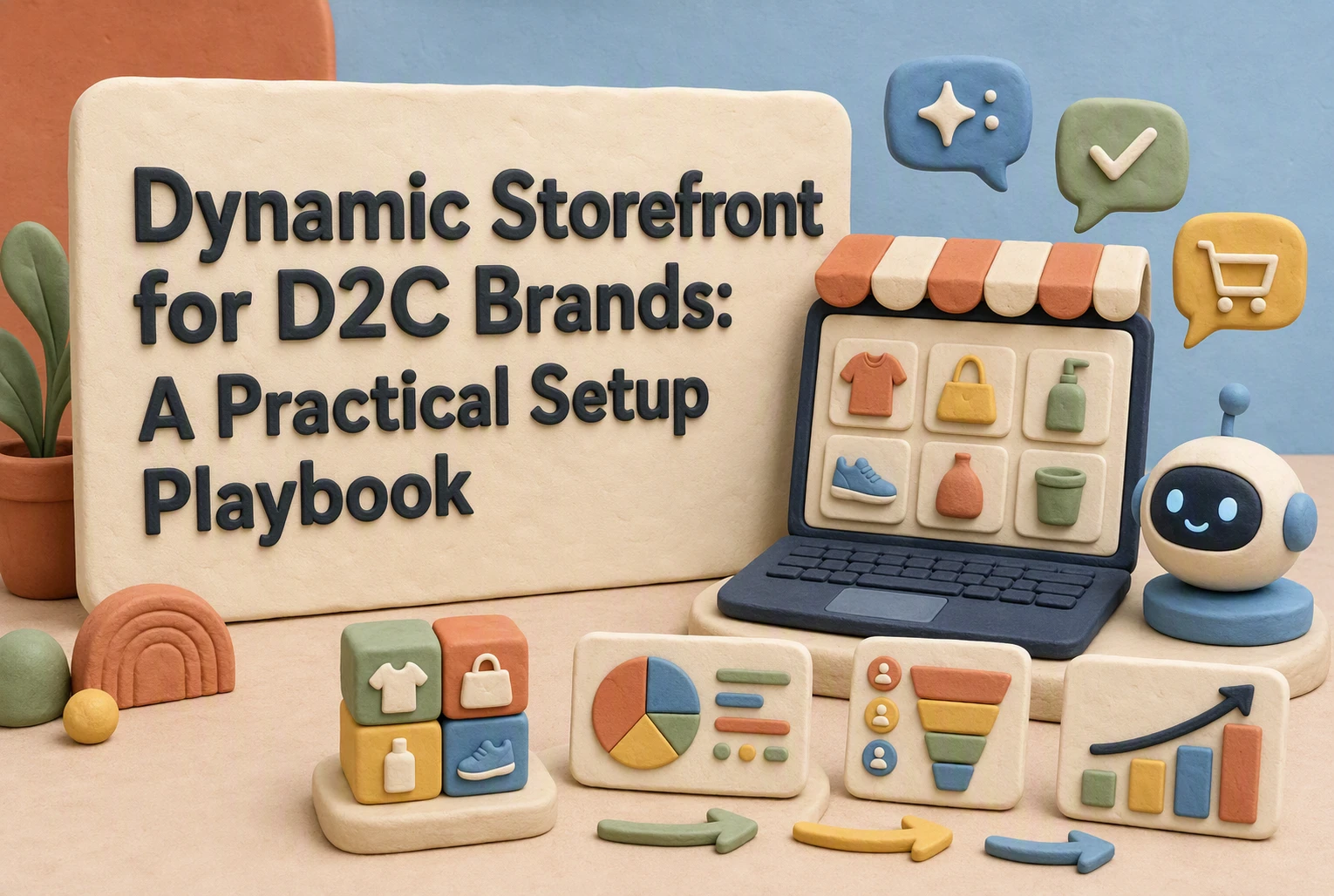
Dynamic Storefront for D2C Brands: A Practical Setup Playbook
A returning personal-care shopper needs a fast refill. A first-time EV visitor needs range, comparisons, and finance proof. Showing both the same hero wastes intent.
This guide fixes that gap. A dynamic storefront for D2C brands turns real buying signals into useful page changes without slowing the site or losing marketer control. You will learn a practical setup sequence, key safeguards, and ways to measure sales impact. Built for teams managing complex D2C journeys, this dynamic storefront for D2C brands playbook keeps decisions tied to customer behavior.
Step 1: Choose One Buying Behavior and Turn It into a Storefront Rule
Start with Intent, Not Technology
Pick one clear signal, such as viewing two EV charger product pages or asking about skin type. Shoppers value suggestions that reduce choice overload, according to NN/G research.

Tip: Start with a behavior already tied to revenue, not a broad audience label.
Write the Rule and the Fallback
Use a simple format:
- If: visitor views two 48V battery pages.
- Show: compatible charger comparison.
- Fallback: show best-selling chargers if no fit exists.
| Signal | Storefront action | Fallback |
|---|---|---|
| Repeated product views | Show comparison | Best sellers |
Keep the reason visible: “Based on the batteries you viewed.” Clear recommendation sources build trust.
Also Read: 10 Effective Strategies to Optimize Your Dynamic Storefront
Step 2: Build the Signal Layer with First-Party Data and Consent-Aware Context
Use a Minimum Viable Signal Model
Start with signals that change the next storefront action:
- Product or category viewed
- Compatibility question asked
- Cart state
- Returning versus new visitor
- Stated use case
Map each signal to one response, such as a fit guide, comparison, or bundle. Do not infer sensitive traits. Keep the model easy to audit.

Define Privacy and Data-Quality Guardrails
Only activate signals after the visitor grants the needed consent. Store consent status with every event, set short retention periods, and remove duplicate or stale records.
The FTC advises firms to collect only needed data and dispose of it securely when no longer needed. Read its business guidance.
| Guardrail | Check |
|---|---|
| Consent | Match use to permission |
| Quality | Validate event names |
| Access | Limit roles |
Also Read: How to Build a Dynamic Storefront for Maximum Conversion
Step 3: Turn Rules into Modular Storefront Experiences
Personalize the Highest-Leverage Surfaces First
Start where choice friction is highest: the hero, category grid, product page, and cart. Map one signal to one module, then test it.
| Signal | Storefront module | Rule |
|---|---|---|
| Viewed EV charger | Compatibility prompt | Show only on related products |
| Returning customer | Reorder block | Use past purchase category |
- Show one helpful change per session.
- Track conversion, add-to-cart rate, and revenue per visit.
- Keep a default experience for unknown visitors.
Create No-Code Zones with Safe Boundaries
Give marketers editable zones, but lock the rules that protect speed and trust. NIST frames privacy as a risk management task across data use, not just security, in its Privacy Framework.
- Allow copy, images, product picks, and approved audiences.
- Restrict custom scripts, price edits, and sensitive data fields.
- Set expiry dates and a named owner for every rule.
Tip: Kandid can place guided product answers inside approved modules, while your team keeps brand and catalog controls.
Also Read: Dynamic Storefront 2026: How Data Quality Shapes Retail Visibility
Step 4: Launch a Controlled Experiment and Scale What Wins
Measure Incremental Value, Not Just Clicks
Split eligible traffic between the standard storefront and one dynamic variant. Hold the audience, offer, and time window steady. Compare conversion rate, revenue per session, AOV, and returns. A/B testing helps separate cause from correlation, as Stanford’s experimentation guidance explains.
A click on a recommendation is not proof of value. The control group shows whether the component created extra sales.
Use a Scale-Up Checklist
Scale only after the test meets your pre-set threshold.
| Check | Decision |
|---|---|
| Revenue per session rises | Keep the variant |
| Conversion holds across key segments | Expand traffic |
| Page speed stays stable | Roll out safely |
- Start at 10% of eligible traffic.
- Check results by device, new versus returning shoppers, and product line.
- Increase exposure in steps, then keep a control group.

Turn live shopping signals into guided product choices with Kandid. Launch an AI sales agent that answers questions, compares options, and helps high-intent visitors buy.
Frequently Asked Questions
Q1: Build a dynamic storefront tailored to D2C buying behavior.
Start with high-intent signals: product views, cart value, location, and repeat visits. Show relevant proof, bundles, or fit guidance without changing every page.
Q2: Which signals should I use first?
Use page type, product category, cart status, and returning visitor status. Avoid sensitive data until consent rules and data handling are clear.
Q3: How do I measure impact?
Track conversion rate, add-to-cart rate, average order value, and bounce rate by audience rule. Keep a control group to prove lift.
Conclusion
Build dynamic storefronts around clear buying signals, fast components, and controlled tests. Give marketers safe controls, measure revenue impact, and minimize data use. NIST’s Privacy Framework supports managing privacy risk while building useful customer experiences.