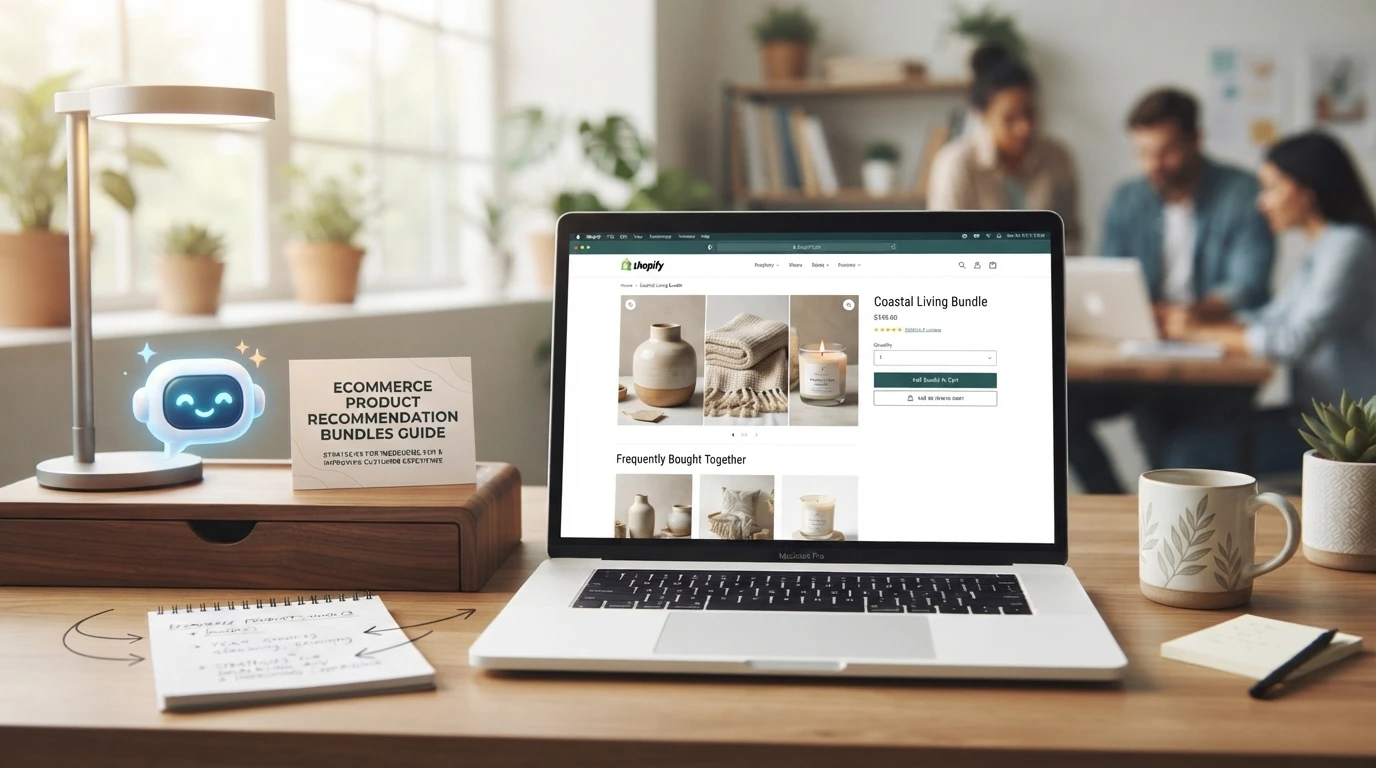
Product Page Recommendation Widgets for Shopify
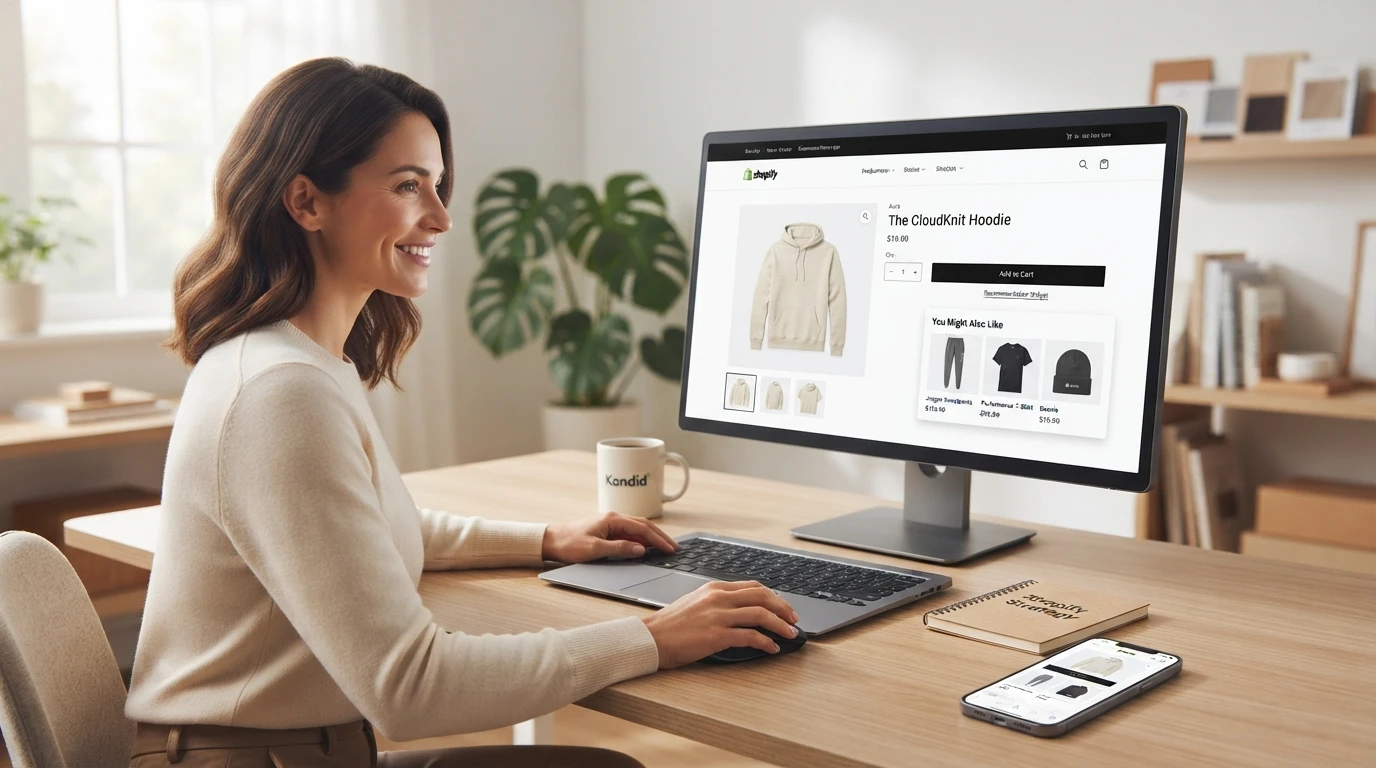
Quick Summary: Shopify’s free related and complementary products block is the best starting point for most stores, while upsell apps or chat-based discovery suit stores needing more control or shopper guidance. If hand-picked recommendations are missing, check the product template because Dawn caps the block at four products by default. Match the theme’s display limit to the app setting, test on mobile, and track 30-day clicks and add-to-cart trends before adjusting placement.
You set five hand-picked product recommendations in Shopify Search & Discovery, but only two ever show up. Your theme's related products block caps the display count, and that one setting is why most product page recommendation widgets seem broken. This guide picks a widget for Shopify product pages, fixes that display limit, and draws the line between static merchandising and chat-based discovery. Kandid's AI sales assistant covers the chat side, disclosed here as our own tool.
The Four Product Page Recommendation Widget Types on Shopify
Native theme blocks. Themes like Dawn include a built-in block for related products. It pulls items automatically, so setup takes minutes but you give up control over what shows.
Shopify's free Search & Discovery app. It adds related and complementary product recommendations you can tune by rules, like boosting bestsellers. It works only on some Online Store 2.0 themes.
Dedicated upsell and cross-sell apps. Paid apps add bundles, cross-sells after add to cart, and A/B testing for merchants who want finer control.
Conversational discovery layers. AI assistants, such as Kandid's AI sales agent, recommend products through chat instead of fixed blocks.
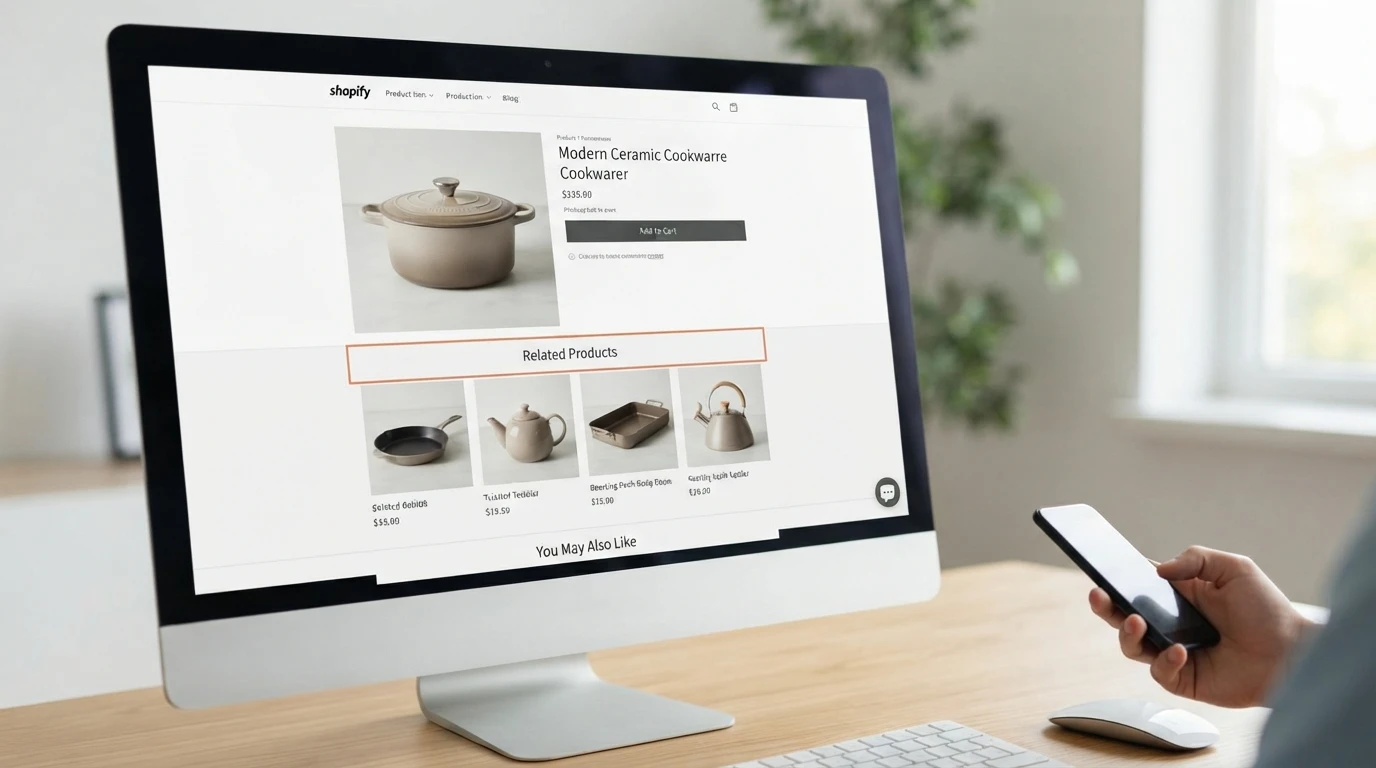
The difference between the two built-in types matters: related products are similar items shoppers might consider instead, while complementary products pair with what's in the cart.
Both approaches are covered in more depth in ecommerce product recommendation tactics.
Which Recommendation Widget Works Best on Shopify Product Pages
For most stores, Shopify's free related products and complementary products recommendations block works best. Add a Dawn theme product recommendations block or a cross-sell app if you need more control. If shoppers ask questions before buying, a chat assistant like Kandid can recommend products inside the conversation itself.
A criteria table for choosing a widget
| Widget type | Criteria it wins | Choose it when |
|---|---|---|
| Native Shopify block | Free, fast, theme-native | Your catalogue is simple and curated |
| Cross-sell app | Rules, bundles, analytics | You want upsell control at add-to-cart |
| Chat-based assistant | Shoppers with questions | Complex products need guided discovery |
Match the widget to your catalogue and traffic
Narrow catalogues do fine with hand-picked or native suggestions. Large catalogues need rule-based apps, because manual curation becomes unmanageable. High question volume before purchase points to chat-based guidance instead.
Where to place the widget on the product template
- Below the buy box for visible cross-sell
- After reviews for late-decision shoppers
- Inside the cart drawer for add-to-cart moments
Set Up and QA Your Product Page Recommendation Widget

Configure the widget in the app admin
Start in the app, not the theme. Pick the rule type, complementary products for cross-sell, related products for alternatives. Then map fallback logic, so a product with no matches still shows something. Most upsell and cross-sell apps let you set a product count per placement here.
Check the theme template for display limits
Why are my hand-picked recommendations not all showing? Usually the theme, not the app:
- Open the product template in the theme editor.
- Find the recommendations block and check its product limit.
- Dawn defaults to 4; raise it to match your app setting.
- Save, then hard-refresh the product page.
Run a merchandising QA pass before publishing
Test on mobile, where most traffic lands. Check empty collections, sold-out items and products with no complements. If you use an AI shopping assistant for product discovery, confirm its picks match your rules, as covered in this chatbot setup checklist.
Measure Widget Performance and Fix the Usual Mistakes
Reading Shopify's search and discovery analytics
Check the behavior reports in Shopify's Search & Discovery app to see which recommended products get clicks and add-to-carts. Watch 30-day trends, not single days. If one widget consistently underperforms, restyle it or move it lower on the product page.
Recurring mistakes and their fixes
- Widget hidden below the fold: move it beside the add-to-cart button.
- Dawn limit mismatch: the theme shows 4 while your app serves 8, so raise the setting.
- Same products everywhere: add complementary rules per collection.
If widgets alone aren't lifting your product pages, try Kandid. Its AI sales assistant recommends products through chat, so shoppers find the right fit faster.
Frequently Asked Questions
Q1: Which recommendation widgets work best on Shopify product pages?
Shopify's free related and complementary products block suits most stores. Add a cross-sell app or Dawn theme block for more control, or chat-based discovery for complex catalogues.
Q2: Why do my hand-picked recommendations not all show?
Your theme's recommendations block caps the count. Dawn defaults to 4, so raise that limit to match your app setting.
Q3: Where should I place the widget on the product page?
Below the buy box for visibility, after reviews for late deciders, or inside the cart drawer for cross-sell after add to cart.
Conclusion
For most stores, Shopify's free related and complementary products block wins. Start there, raise the Dawn theme's display limit to match your app, then add upsell apps or chat-based discovery only where your catalogue needs them.