Ecommerce Chatbot Governance: Create Safe Rules for Store Teams
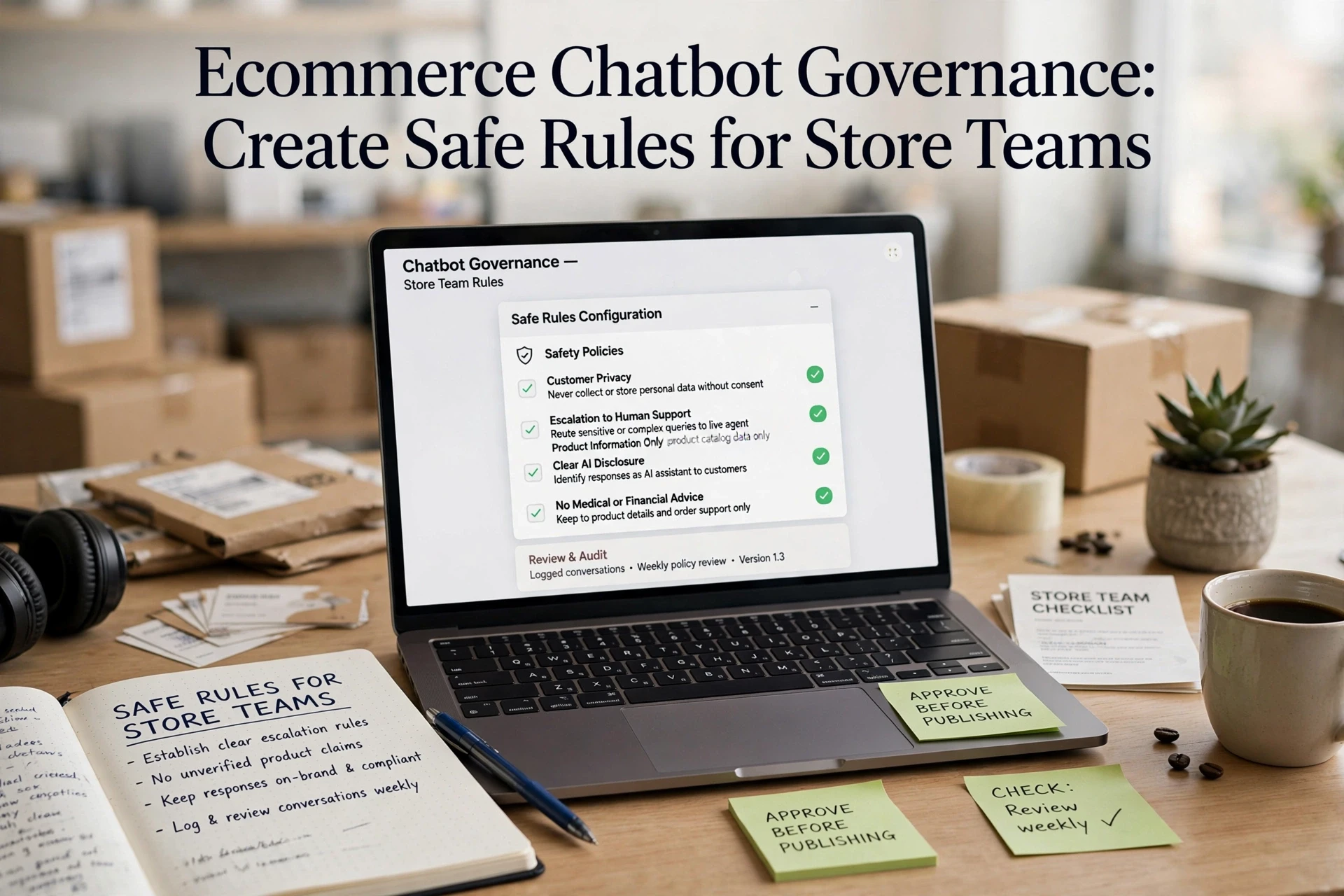
Quick Summary: Ecommerce chatbot governance is change control: classify every edit into risk tiers, assign a named owner for approval, run a 30-50 question regression test, and release gradually with rollback triggers. The guide gives Shopify teams a four-step process so one bad tweak can't break order tracking or refunds. It also notes the FTC now scrutinizes chatbot testing, so documented rules protect both trust and sales. One edited return-policy answer can reach every shopper within minutes. That's why ecommerce chatbot governance matters: it stops well-meaning teammates from pushing untested changes live. This guide gives you a simple release process with clear owners, risk tiers, and rollback steps, so your chatbot improves safely. It's written for Shopify store teams running an AI sales assistant daily.
Step 1: Classify Every Chatbot Change Before Anyone Publishes It
Ecommerce chatbot governance starts with a simple rule: no change goes live until someone sorts it into a bucket. Most teams treat every edit the same, which is why one small tweak breaks order tracking for a week.
Sort changes into four types:
| Type | Example | Risk |
|---|---|---|
| Knowledge | Update return policy text | Low |
| Behavior | Change tone or product recommendation rules | Medium |
| Action | Edit refund, discount, or order lookup actions | High |
| Handoff | Adjust when the bot escalates to a human | High |
Knowledge edits are easy to reverse. Behavior changes need a second pair of eyes. Action and handoff changes touch money and customer trust, so they need an owner's sign-off and a test pass before publishing.

This one step gives your ecommerce chatbot governance plan a spine. Everything in the next sections builds on it.
Also Read: Ecommerce Chatbot Knowledge Base Maintenance: A Practical Operations Guide
Step 2: Assign the Right Approval Before Testing
One approver for every change sounds simple. It fails fast. Your support lead shouldn't sign off on discount logic, and your founder shouldn't review every reply tweak. Instead, give each workflow its own owner.
| Workflow change | Who approves |
|---|---|
| Refund, order edits, sensitive data | Support lead or ops manager |
| Discounts, pricing claims, upsell rules | Marketing or finance owner |
| New AI persona or greeting copy | Store owner |
| Product recommendation logic | Merchandising owner |
Why owners, not a committee: approval moves in days, and someone clearly answers when a rule misfires. Before any testing starts, the owner confirms two things: what the change should say, and what it must never say.
Also Read: Ecommerce Chatbot Guide for Product Discovery and Sales
Step 3: Test the Change in Normal, Risky, and Handoff Scenarios
Run a Four-Part Regression Test
Never judge a change by one demo question. Small edits can break answers you never touched, so rerun a fixed test set every time, a practice called regression testing. Keep 30 to 50 real customer questions with known-correct answers, and run the full set after every change, not just the part you edited. Testing guides for ecommerce bots stress the same point: the thing that breaks is rarely the thing you touched, so a short scripted run before and after each change catches it early.
Cover all four parts:
- Normal questions. Shipping, sizing, stock, returns. Check each answer against your policy.
- Risky questions. Typos, angry messages, requests for discounts, off-topic prompts. The bot should refuse or say "I don't know."
- Handoff. Ask for a human. Confirm it escalates fast and the agent sees the full chat.
- Live data. Set an item out of stock, then ask. It must read live Shopify data, not old facts.
Log results with dates in a shared doc. Fail anything before release.

Also Read: Ecommerce Chatbot Human Handoff vs Full Automation for Shopify
Step 4: Release Gradually, Monitor Impact, and Roll Back Fast
Define Release and Rollback Triggers
Never push a chatbot change to all shoppers at once. Cloud teams use progressive exposure to limit the blast radius of a bad release, and you can copy the idea. For a Shopify store, that means:
- Release new flows to a small share of chat traffic first.
- Wait at least one full business day between steps so peak hours are covered.
- Log every change: who made it, when, and why.
Set rollback triggers in advance, not mid-incident:
| Trigger | Roll Back Same Day |
|---|---|
| Wrong answers on top products | Yes |
| Handoff rate jumps 20%+ | Yes |
| Conversion dips vs. last week | Yes |
If a trigger fires, revert to the previous stable version immediately, then investigate calmly. Google's SRE playbook treats a small, time-limited test release as the safest way to validate changes - the same discipline works for your store's bot.

Ready to run your chatbot with clear rules and safe guardrails? Explore Kandid and set up governed, Shopify-ready AI chat in minutes.
Frequently Asked Questions
Q1: How can store teams govern chatbot changes without disrupting service?
Test updates on a staging flow first, use risk tiers, get an owner's sign-off, and roll out gradually so you can roll back fast if replies go wrong.
Q2: Who should own chatbot rules in a small store team?
Give one named owner - often support lead or founder - final say on changes, so edits don't happen silently.
Q3: How often should we review chatbot answers?
Check top questions and failed replies weekly, and run a full review monthly.
Conclusion
Good chatbot governance is just change control: assign owners, tier risks by impact, test with real evidence, release slowly, and keep a rollback plan. Regulators expect this too. The FTC now scrutinizes how companies test and monitor chatbots, so documented rules protect trust as much as sales.