Ecommerce Chatbot Maintenance: Audit Answers, Links, and Product Data
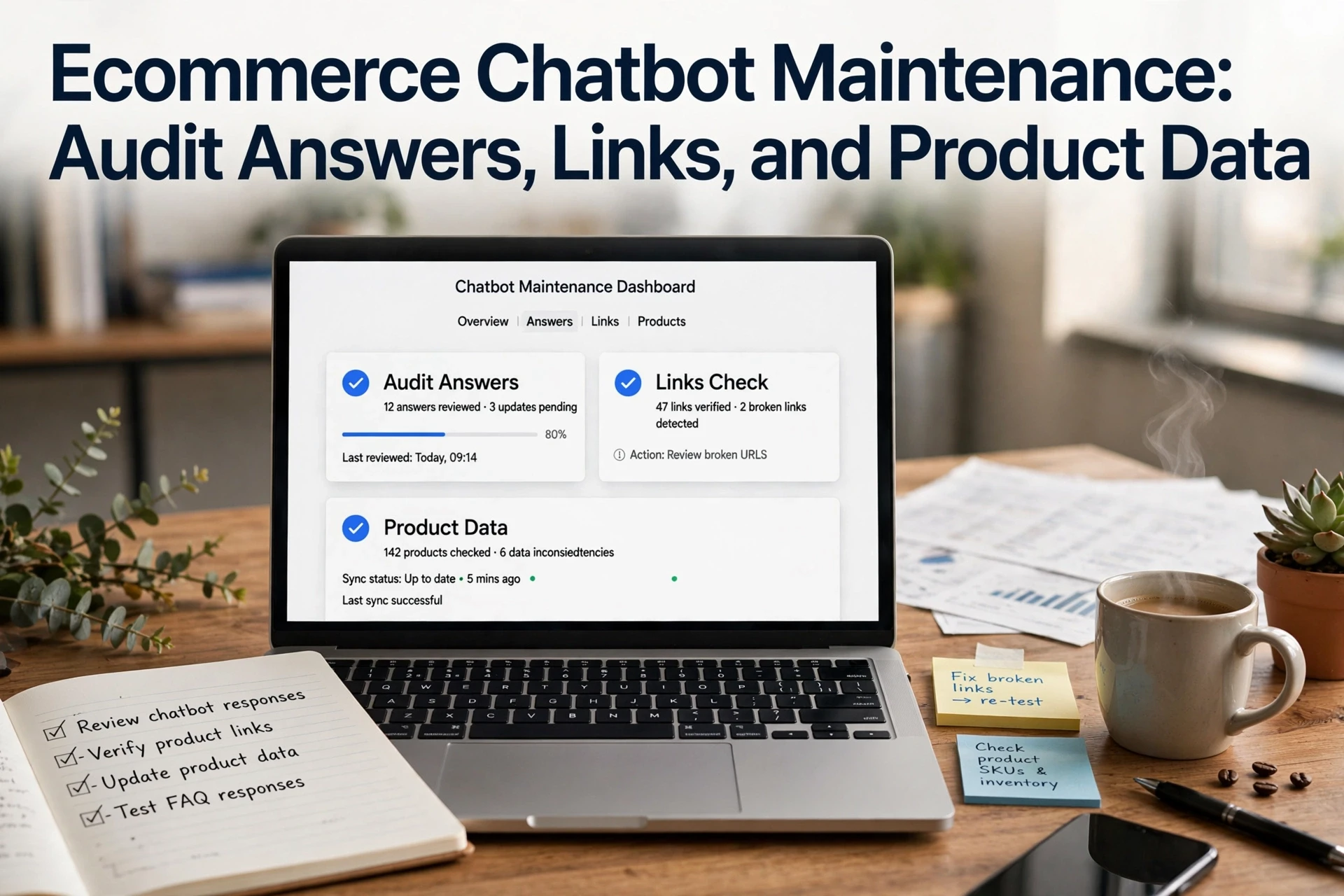
Quick Summary: Regularly audit your ecommerce chatbot by testing 20-30 reusable questions against live product and policy pages, clicking every link, and logging fixes with owners and retest dates. Stale sources, not wording, cause most wrong answers, so update the source first, then retrain. Run this monthly, and retest within a week to confirm fixes stick.
A shopper asks if a medium is in stock. Your chatbot sends them to a page where that size sold out last week. Both the stale answer and the broken shopping path go unnoticed until sales dip. Regular ecommerce chatbot maintenance catches these issues early. This guide walks through a simple audit: test answers against your current product and policy pages, check every link, and log fixes so you can retest them. We built this workflow from maintaining Shopify chatbots at Kandid.
Step 1: Build a Small, Repeatable Test Set
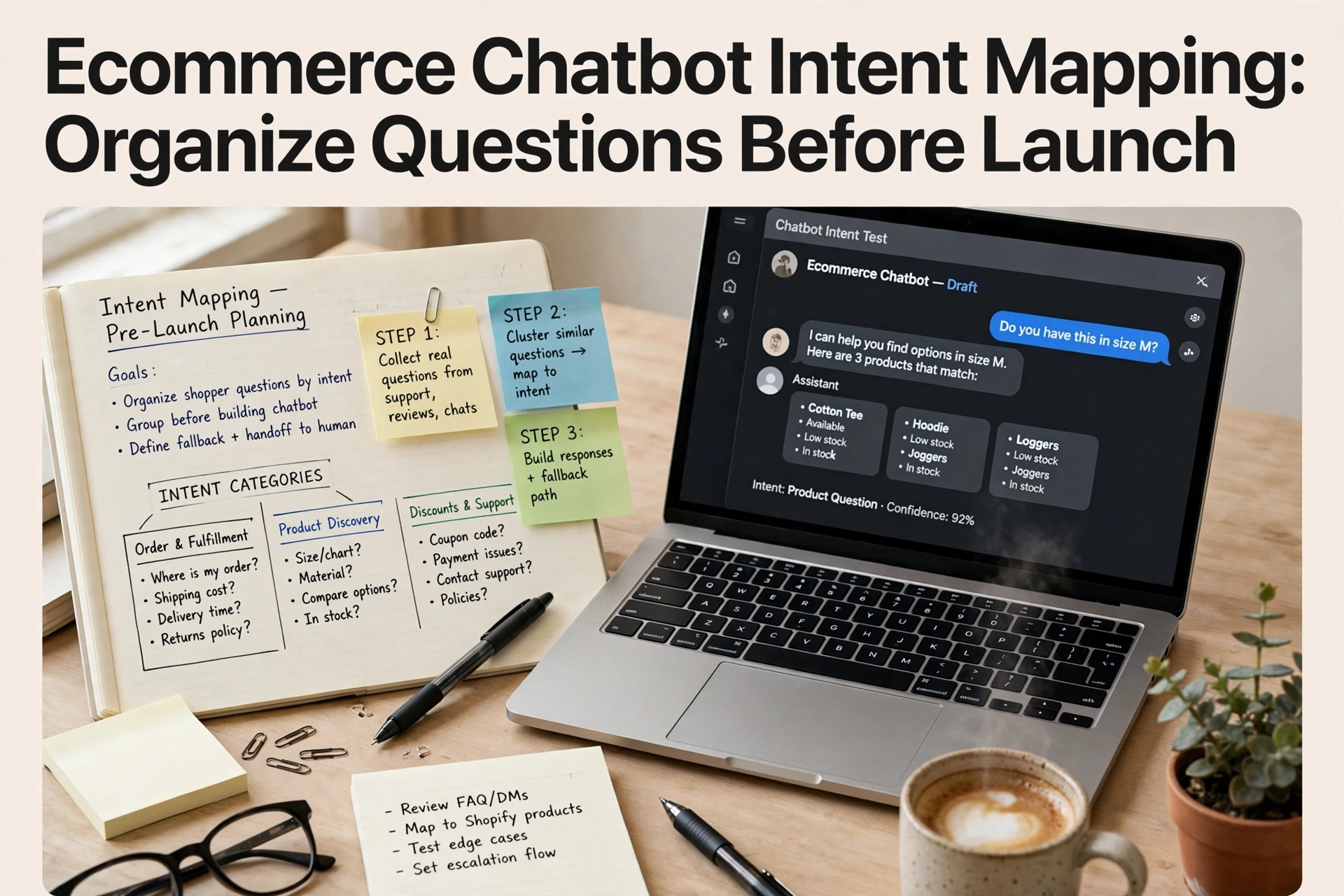
Ecommerce chatbot maintenance starts with a fixed set of questions you reuse every month. Don't audit from memory. Write down 20 to 30 questions shoppers actually ask, then store them in one spreadsheet.
Pick from four buckets:
- Product facts: "Does this jacket come in tall?" or "Is this crib non-toxic?"
- Policy: returns, shipping times, payment options
- Orders: "Where is my order?" with a real order number
- Edge cases: out-of-stock items, gift cards, sizing between two products
Save the correct answer next to each question, plus the source it came from, like a product page or policy doc. When answers change, update the sheet first.

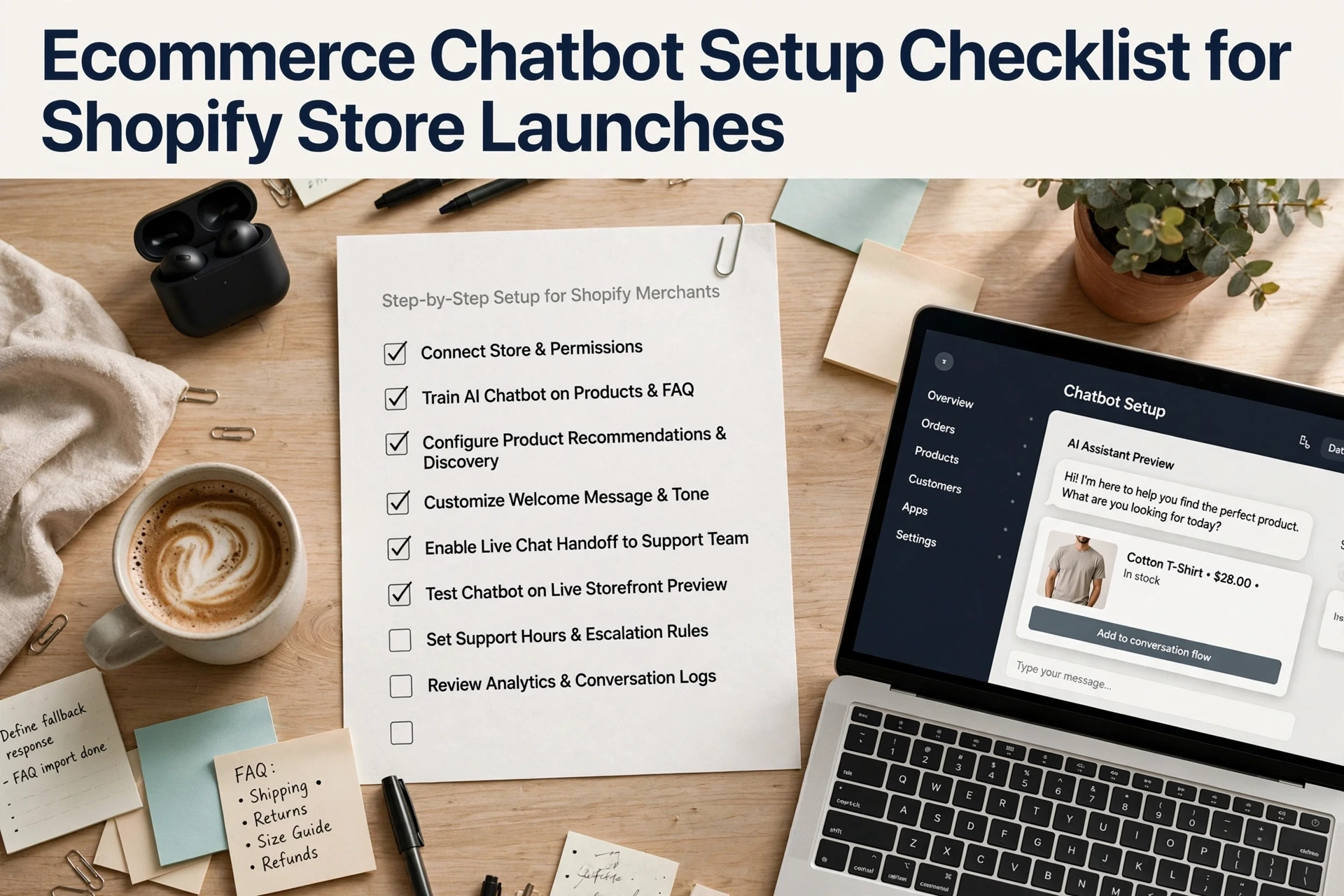
Reusing the same set matters. You compare this month's answers to last month's and spot exactly what broke. If you're building your first set, the chatbot setup checklist covers which questions to capture at launch.
Step 2: Verify Answers Against Current Product and Policy Sources
Check the Source, Not Just the Wording
A chatbot answer can sound right and still be wrong. Don't stop at "that reads well." Open the source it should be based on and compare.
For each tested answer, pull up the live record:
- Product details: price, size chart, stock status, variant names on the current product page
- Shipping policy: cutoff times, carriers, delivery windows as written today
- Returns: who pays, how long the window runs, refund method
Mark any answer that conflicts. Common failures: an old price in the training data, a policy update the bot never learned, or a size chart pulled from the wrong product.

⚠️ Fix the source first, then retrain. If the policy page itself is outdated, correcting the bot just makes it accurate about the wrong rule.
Update the source, refresh the bot's knowledge, and log the fix in your correction log. When your chatbot pulls answers straight from store data, like an AI sales assistant, this step is usually quick: the source and the answer share one home.
Step 3: Test Product Links and Recommendation Paths
Broken links kill trust faster than wrong answers. Ask the bot about a product, then click every link it returns. Check for out-of-stock items, deleted pages, and collections that no longer exist.
Next, test the recommendation path. Ask a setup question like "which jacket works for winter hiking?" and see if the suggestions match. Then click through and confirm the bot never recommends a discontinued product.
Track each failure in your correction log:
| Check | What to test | Pass rule |
|---|---|---|
| Link accuracy | Every product URL | Loads a live product page |
| Stock status | Recently sold-out items | Bot flags or skips them |
| Recommendations | Broad and niche questions | Suggestions fit the ask |
![How To Build A Shopify Product Recommendation AI Chatbot [Free]](
)
Fix issues, then rerun the same questions to confirm the fix. Test product recommendations monthly, since stock changes weekly.
Step 4: Correct, Assign, and Retest Every Failure
Fix each failed answer at the source. If the bot cited an outdated policy page, update that page. If it guessed about a product, add the missing detail to your store data. Never patch answers one by one; fix what the answer draws from.
Then assign an owner and a due date. A log with no name attached goes nowhere.
| Failure | Fix | Owner | Retest Date |
|---|---|---|---|
| Wrong shipping time | Update policy page | Ops lead | Friday |
| Broken size chart link | Replace URL | Support | Friday |
Retest within a week. Ask the same question in two or three phrasings. Only mark the item closed when the corrected answer comes back every time. Log the fix date so next quarter's audit starts from real history.

Your audit deserves a chatbot that keeps answers accurate. See how Kandid helps Shopify teams maintain trustworthy answers: Kandid.
Frequently Asked Questions
Q1: What should teams audit during routine ecommerce chatbot maintenance?
Test answers against current product data, shipping and return policies, and stock status. Click every shared link, log errors, fix sources, then retest.
Q2: How often should a Shopify store audit its chatbot?
Run a full check monthly, plus quick tests after any product, price, or policy change.
Q3: What causes wrong chatbot answers most often?
Stale sources: outdated product feeds, changed policies, or deleted pages the bot still cites.
Q4: Should we keep a correction log?
Yes. Record each wrong answer, its source, the fix, and the retest date so nothing slips back.
Conclusion
A chatbot audit comes down to three checks: test answers against current product and policy sources, confirm every link works, and log fixes so you can retest. Run it monthly, and your bot keeps earning trust.