Ecommerce Product Recommendations for New Visitors Without Purchase Data
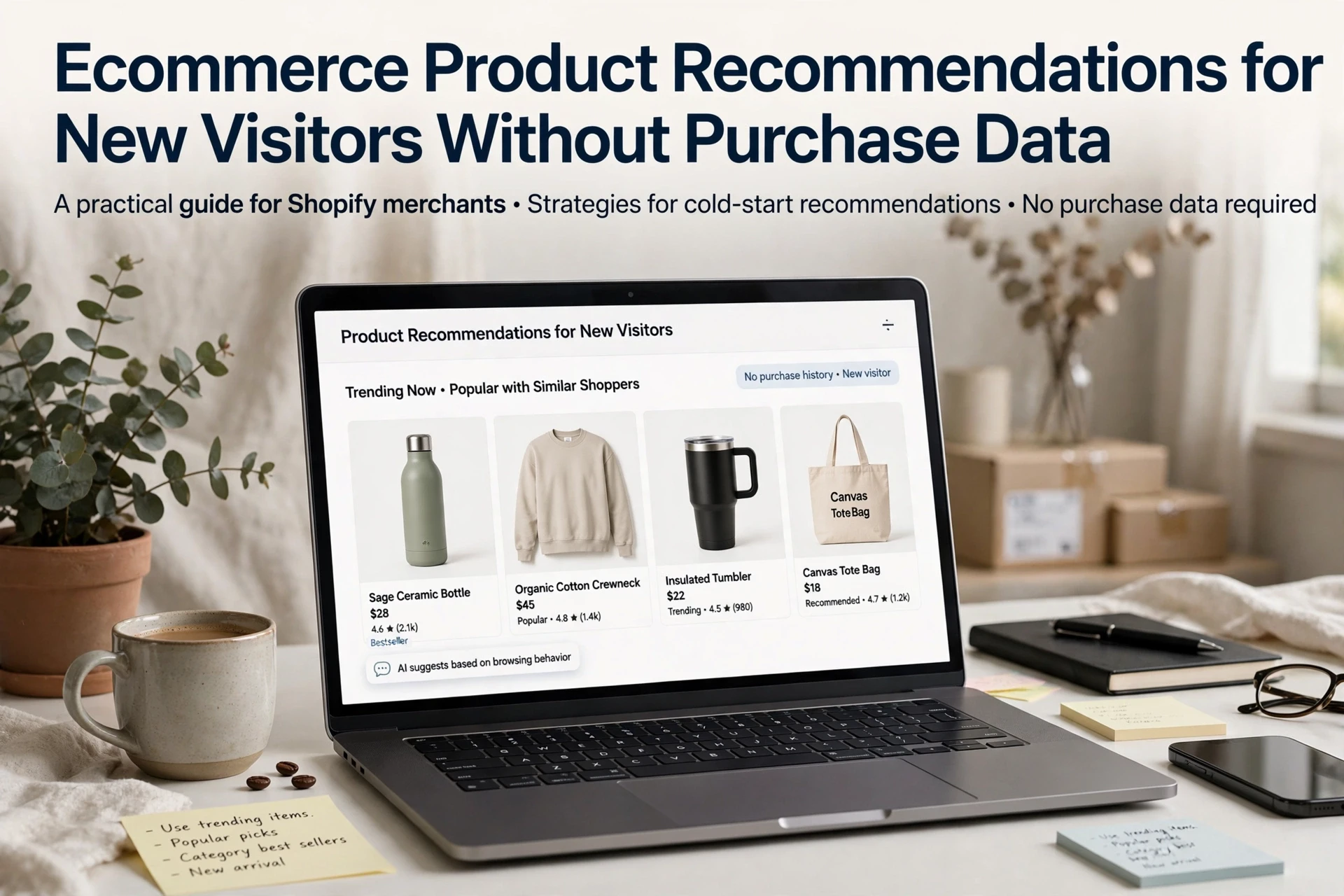
Quick Summary: New visitors without purchase history can still get useful product recommendations by using first-session signals like landing page, entry source, and live chat questions instead of pretending to have behavioral data. Match the recommendation method to the strongest available signal, starting with page and catalog relevance, then fall back to bestsellers or manual curation when context is thin. Set guardrails so AI assistants never improvise on prices, stock, or policies, and measure click-through and add-to-cart rates to confirm relevance before calling it personalization. Tools like Kandid can layer these contextual signals with real-time shopper questions to improve first-visit recommendations.
A shopper lands on your Shopify collection for the first time. No past orders, no email, no browsing history. That kills most personalization, but product recommendations for new visitors can still work. This guide shows how to use first-session signals - the collection being viewed, product attributes, and live on-page actions - to pick recommendations that fit. You'll learn which signals to trust, which methods match them, and how to build this on Shopify without pretending you have data you don't.
Separate Missing Purchase History from Missing Context
A new visitor has no order history, but that is not the same as having no signal. Product recommendations for new visitors fail when you treat both problems as one: some data is truly missing (purchases), while other data is right there in the session.
Use the Signals the Visit Actually Provides
- Entry source: paid ad copy, email campaign, or search query tells you the intent.
- Landing page: a visitor on a product page wants related items, not bestsellers.
- Browse behavior: category views, dwell time, and cart adds narrow the field fast.
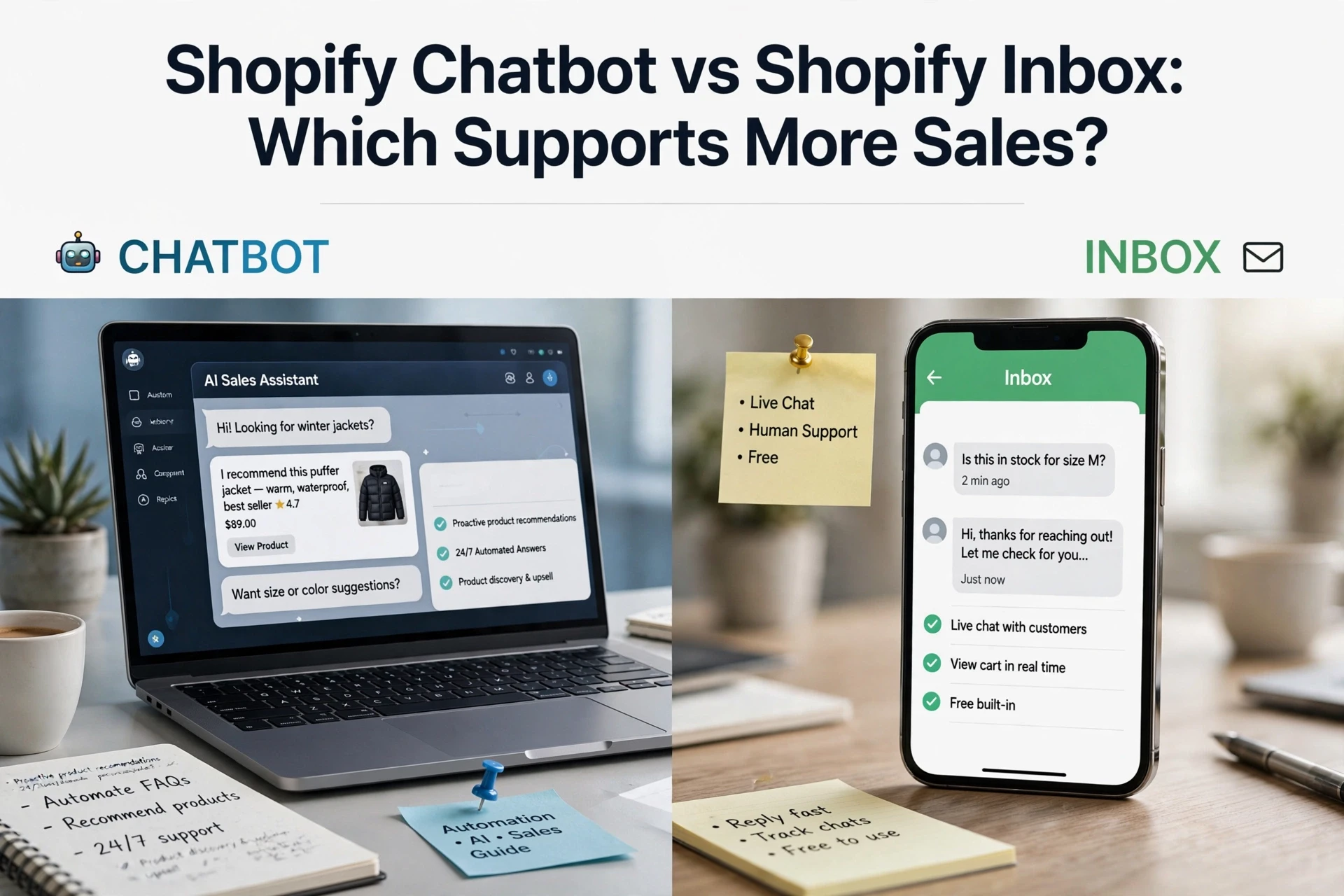
- Chat questions: an AI sales agent like Kandid turns live questions ("do you ship to the UK?") into context for product recommendations for new visitors.
| Missing | Workaround |
|---|---|
| Purchase history | Session context, entry intent |
| Individual profile | Cohort logic, live chat signals |
[PYOUTUBE_PLACEHOLDER: ecommerce first session product recommendations explained]
Also Read: Shopify Product Recommendation Apps for Guided Product Discovery
Match the Recommendation to the Strongest Available Signal
A first-session shopper gives you no purchase history, so the winning move is simple: rank recommendations by whatever signal you actually have, strongest first.
Start with Page and Catalog Relevance
Context beats personalization on a first visit. The page a shopper lands on, plus your catalog data, tells you what they want. On a product page, the item being viewed is a strong guide to a shopper's intent, a pattern eBay's own recommendation teams build around. Use it.
- Product pages: show related items from the same category or use case
- Category pages: rank by what converts there, not global bestsellers
- Homepages: match collections to the ad or search that brought them in
Catalog similarity needs zero behavioral data. Google's Similar Items model, for example, works from product copy alone with no user events required. Strong product descriptions become your ranking input.

Use Popularity or Curation as a Transparent Fallback
When context is thin, fall back deliberately:
- Bestsellers in a recent window, filtered to stock and season
- Manual curation for new stores or hero products
- Session signals like searches typed, once two or three clicks exist
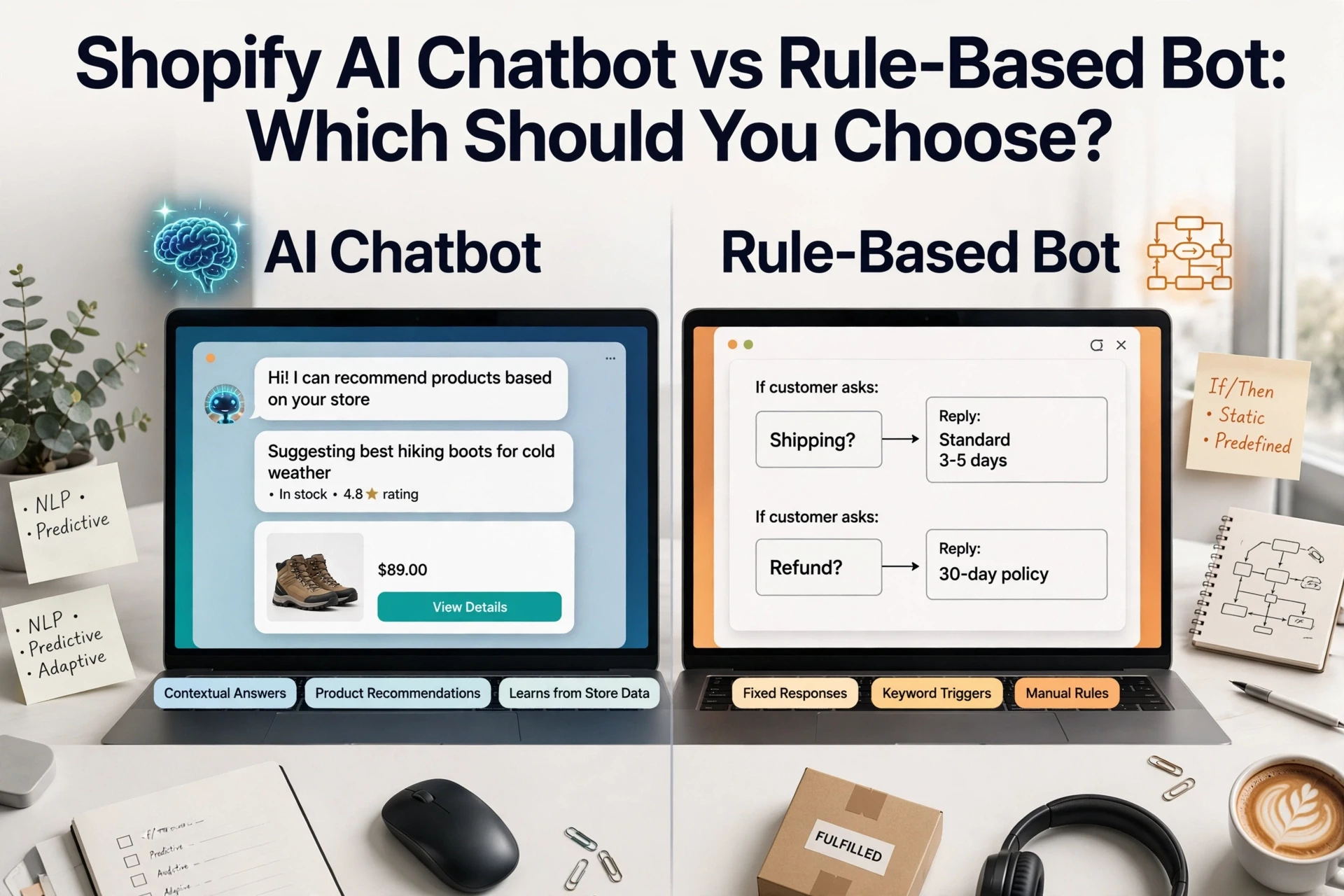
This is contextual relevance, not personalization. An AI sales assistant like Kandid can layer both, answering questions and recommending from catalog context in real time.
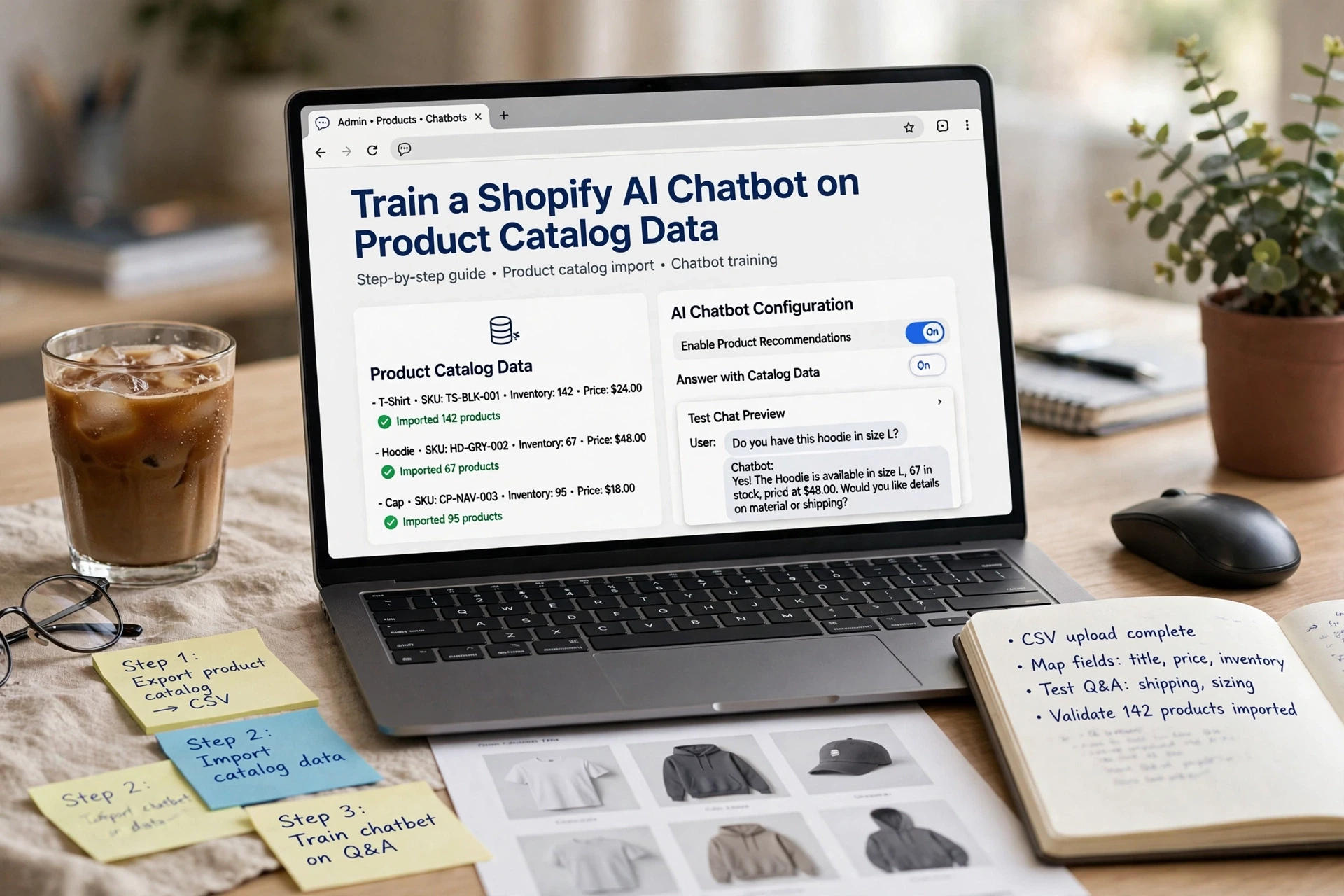
Also Read: Train a Shopify AI Chatbot on Product Catalog Data
Set Fallbacks and Guardrails Before Publishing
A recommendation bot with no limits will improvise. It might invent a discount, promise a delivery date, or state a return policy that's wrong - and customers act on it. Wrong stock answers are especially costly: one brand saw chargebacks rise 30% after its bot confirmed out-of-stock items were available, according to a fallback strategy guide.
Before you publish, set three guardrails, following the layered approach used across commerce AI setups:
- Knowledge limits - recommendations pull only from live catalog data, never model memory.
- A "never improvise" list - no prices, discounts, delivery promises, or policy exceptions.
- Escalation rules - low-confidence or sensitive queries hand off to a human instead of guessing.
Then test like a customer would: ask vague questions, push past the catalog, and confirm the bot says "I'm not sure" rather than making something up.

Also Read: Shopify Product Recommendation Placement Guide for Higher Discovery
Measure Relevance Before Calling It Personalization
A recommendation that matches the page or cart is contextual relevance, not personalization. First-session data only goes so far, so measure what actually works. Baymard's usability research found 52% of sites show irrelevant cart cross-sells, and even one bad suggestion made testers ignore the rest.
Track three things: click-through rate on recommendations, add-to-cart rate after a click, and ignored-impression rate. If clicks stay low, fix relevance first. Then upgrade to individualized personalization once returning-visitor data exists. Kandid reports these signals per conversation.

No purchase data? No problem. Kandid's AI sales assistant recommends products using context and shopper questions. See how it works at Kandid.
Frequently Asked Questions
Q1: How can stores recommend products to visitors with no purchase history?
Use contextual signals instead: the landing page, traffic source, cart contents, and category browsed. Bestsellers, staff picks, and new arrivals work well for first sessions, and an AI sales assistant like Kandid can ask shoppers what they need.
Q2: Do first-session recommendations actually convert?
They help, but treat them as guidance rather than guaranteed sales. Measure clicks and add-to-cart rates per recommendation block before judging revenue impact.
Q3: Which signals can I use on a shopper's first visit?
Entry page, device, location, referrer, scroll depth, on-site search terms, and items viewed. Chat messages also reveal intent quickly if you run an AI assistant.
Q4: Should I show the same products to every new visitor?
Yes, as a baseline. Bestsellers and trending collections beat random picks, then swap in context-aware blocks once you have session data.
Conclusion
First-session visitors still get useful recommendations - just contextual ones. Map the signals you have, pick the right method for each, and remember personalization only kicks in once real data accumulates, as session-based research confirms.