How to Create Context-Aware Storefront Content for Returning Shoppers
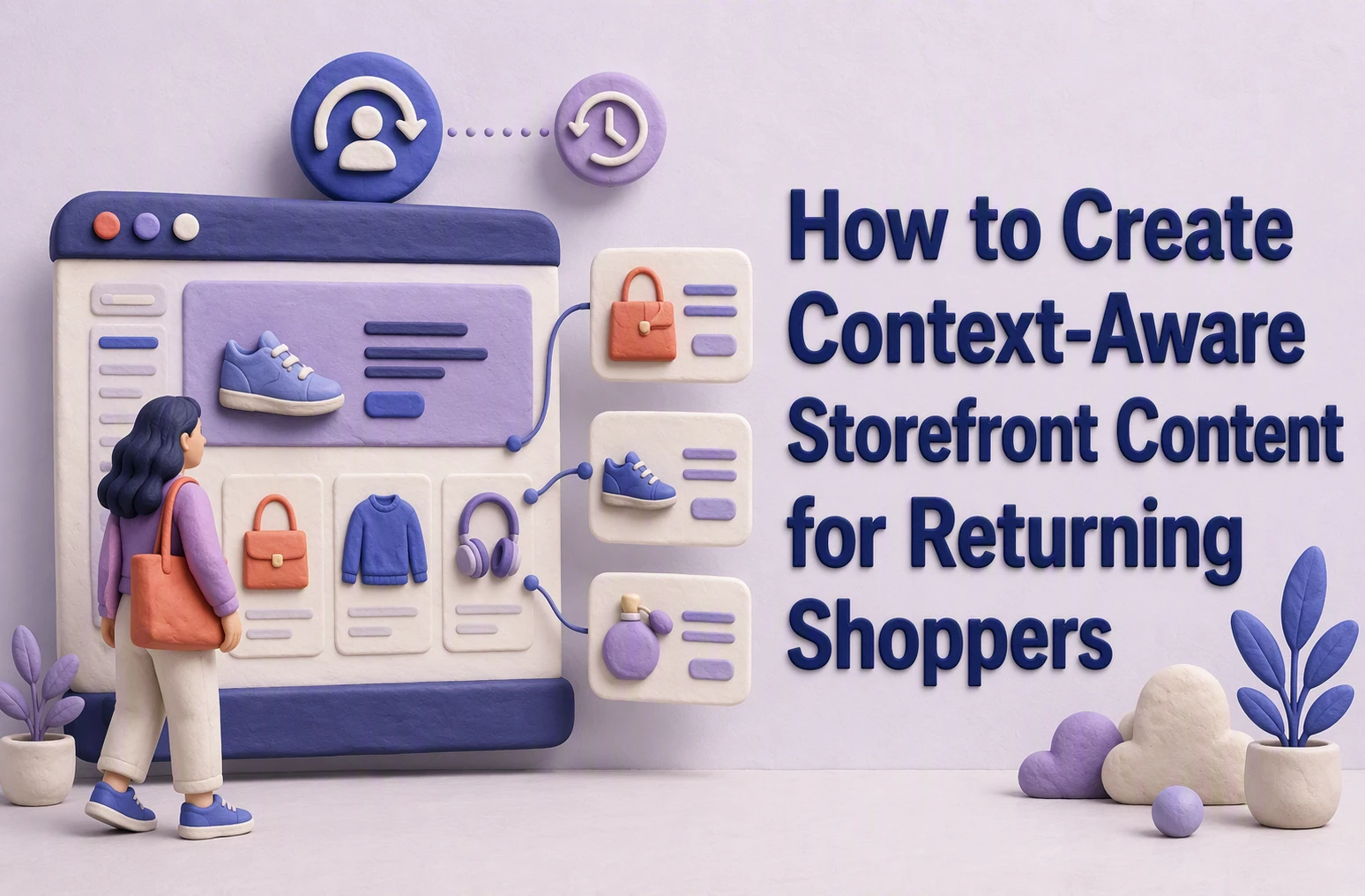
A returning EV shopper who compared home chargers should not see the same generic hero again. Your context aware storefront should help them resume their choice, check fit, and take the next useful step.
The challenge is turning shopper signals into safe, useful personalized storefront content. This guide shows how to build a context aware storefront that improves returning shopper engagement, with clear signals, decisions, tests, and trust controls. A strong context aware storefront uses real behavior, not guesses.
Step 1: Build a Returning-Shopper Context Card
Separate durable signals from session intent
Create one compact card per shopper. Keep durable signals apart from what they want right now.
| Signal type | Include | Storefront use |
|---|---|---|
| Durable | Past purchases, fit, device type | Set defaults |
| Session | Pages viewed, question asked, cart state | Change the current message |
- Use durable signals to avoid repeat questions.
- Use session intent to pick the hero product, proof, or comparison.
- Add a short expiry to session fields.
Collect only signals needed for a clear storefront decision. NIST guidance notes that unnecessary data retention raises privacy risk and can reduce trust.
A Kandid agent can read the card during a live chat, then explain compatibility or suggest a repeat purchase without pretending to know more than it does.
Also Read: 7 Dynamic Storefront Features That Improve Product Discovery
Step 2: Match Each Context to One Useful Storefront Change
Use a signal-to-surface decision table
Give each return signal one clear storefront response. This keeps the experience useful, not creepy. NIST advises teams to manage privacy risks across the full data life cycle, not just secure the data itself. See the NIST Privacy Framework guide.
| Returning-shopper signal | Storefront change | Guardrail |
|---|---|---|
| Viewed a charger twice | Show compatible devices first | Do not claim ownership |
| Reordered skincare | Place refill option above the fold | Use purchase data only with consent |
| Asked about fit | Open size guide and agent prompt | Never infer body details |
| Carted an EV accessory | Surface compatibility checker | State model limits clearly |

- Start with signals shoppers knowingly gave you.
- Choose one page area: hero, product grid, cart, or AI agent.
- Run a holdout test against the standard experience.
Tip: Kandid can use live questions to guide the next answer or comparison without exposing hidden customer data.
Also Read: Dynamic Storefront 2026: How Data Quality Shapes Retail Visibility
Step 3: Let the AI Sales Agent Explain and Refine the Experience
Give the agent context, tools, and boundaries
Your agent should explain why a product fits, not just push a SKU. Give it access to approved catalog facts, stock status, compatibility rules, past purchases, and current cart items.
| Input | Agent action | Guardrail |
|---|---|---|
| Previous purchase | Suggest a refill or matching item | Never expose sensitive history |
| Compatibility question | Check approved fit rules | Escalate if data is unclear |

Set clear rules:
- Answer only from verified product data.
- State uncertainty instead of guessing.
- Offer a human handoff for safety, warranty, or account issues.
NIST guidance treats reliability, transparency, privacy, and oversight as core parts of trustworthy AI.
With Kandid, review failed answers weekly. Add the missing product facts, then test the new response before it reaches shoppers.
Also Read: Dynamic Storefront Guide for Smarter On-Site Product Discovery
Step 4: Prove Relevance Before Expanding the Experience
Measure continuity, not just clicks
A click can signal curiosity. Continuity shows that your storefront remembered the shopper correctly.
Track each returning cohort against a plain experience. Measure:
- Return-to-product rate after a tailored prompt
- Add-to-cart and purchase rate
- Repeat use of saved fit, vehicle, or routine details
- Wrong-match, correction, and opt-out rates
| Signal | What it tells you |
|---|---|
| Shopper accepts prior context | The memory feels useful |
| Shopper edits the context | Your data may be stale |
| Shopper ignores it | The prompt lacks relevance |
Expand only after relevance beats the control and complaint rates stay flat. NIST also advises regular checks of AI metrics and controls as settings and data change. Read its measurement guidance

Turn returning-shopper signals into useful, on-page guidance. Kandid gives each visitor real-time, brand-safe product answers and recommendations.
Frequently Asked Questions
Q1: How can AI sales agents like Kandid personalize storefront content for returning shoppers?
Kandid can use prior browsing, cart items, and live questions to surface relevant products, comparisons, and answers. Keep rules tight so returning shoppers see helpful context, not unwanted personal details.
Q2: What are the best ways to use real-time customer data to create dynamic storefront experiences?
Use current cart value, product views, stock status, and referral source. Change one page element at a time, such as a product bundle or compatibility message, then measure lift.
Q3: How do AI-powered storefronts improve conversion rates for returning shoppers?
They reduce repeat research. An AI agent can recall likely needs, answer product-fit questions, and guide shoppers back to the right item before they leave.
Conclusion
Context-aware storefronts earn repeat visits when signals drive useful choices, not creepy guesses. Measure each change, limit data use, and explain it clearly. NIST’s Privacy Framework supports this balance of customer value and privacy risk.