Shopify Chatbot Support vs Sales Automation: Which Fits Your Store?
Quick Summary: Pick your Shopify chatbot's first job based on where shoppers get stuck: sales automation for product-choice questions, support automation for repetitive order and policy tickets. Test with your real catalog and data, not demos, and route sensitive cases like refunds or delivery disputes to humans. Start with the bottleneck causing the most lost time or sales, then add handoff and track metrics separately.
“Which product fits me?” signals a sales problem. “Where is my order?” signals a support problem. This Shopify chatbot sales support comparison helps Shopify teams choose the right first job. We assess intent, store data, setup, handoff, and measurement. For complex catalogs, sales often comes first. For ticket-heavy stores, support does.
Shopify Chatbot Sales and Support: At a Glance
| Shopify chatbot sales automation | Shopify chatbot customer-support automation | |
|---|---|---|
| Primary job | Guide discovery and convert shoppers | Resolve repetitive service questions |
| Best shopper moment | Before purchase and during consideration | After purchase or when service information is needed |
| Typical Shopify data | Catalog, variants, product content, cart, and selected order data | Orders, policies, product information, and customer conversation context |
| Main business metric | Assisted orders, conversion, AOV, and recommendation engagement | Resolution rate, response time, ticket deflection, and satisfaction |
| Human handoff need | Needed for exceptions, sensitive issues, and complex advice | Needed for refunds, complaints, exceptions, and unavailable answers |
How Shopify chatbot sales automation and Shopify chatbot customer-support automation Compare
Shopify chatbot sales automation
This side of Shopify chatbot sales support helps shoppers choose products, resolve buying doubts, and move toward checkout. It fits stores where product choice, variants, or fit questions slow purchase decisions.
Shopify chatbot customer-support automation
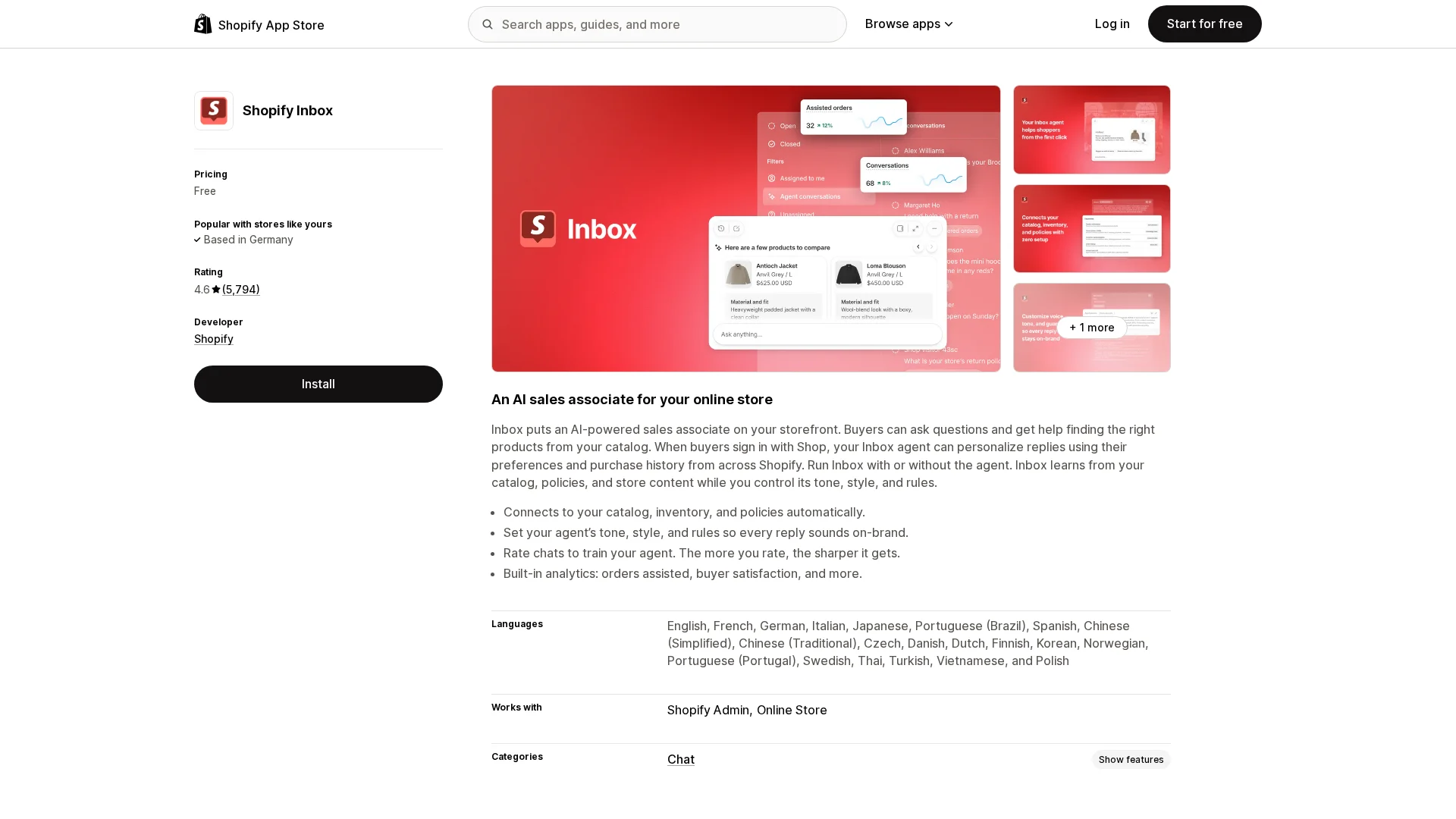
Support-led Shopify chatbot sales support handles repeat questions, order updates, and staff routing after a shopper needs help. Shopify Inbox can automate answers and hand chats to staff when required, as its support documentation explains.
The Right Priority Depends on Where Shoppers Get Stuck
Choose Sales Automation When Product Choice Is the Bottleneck
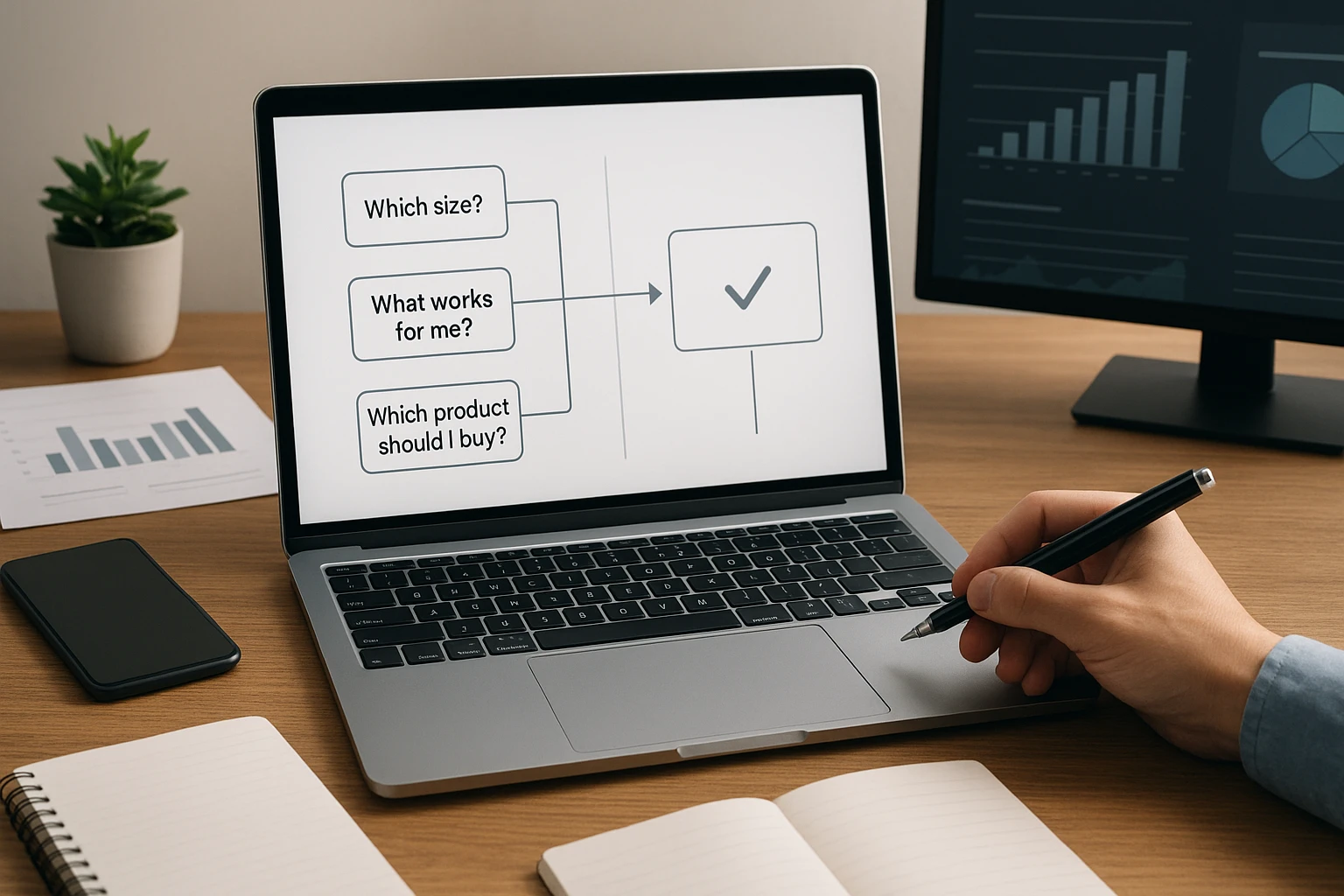
Choose sales automation if chats ask, "Which size?", "What works for me?", or "Which product should I buy?" Use product data to guide the choice before checkout.
- Track chats that lead to product views and carts.
- Test recommendations by collection, fit, or use case.
- Hand off high-value or unclear requests to staff.
Choose Support Automation When Repetitive Tickets Are the Bottleneck
Choose support automation if the queue repeats order status, returns, and shipping questions. Shopify lets shoppers track fulfilled orders through the order status page, so point chat there first.
Do not automate exceptions blindly. Route damaged items, failed deliveries, and refund disputes to a person.
Also Read: Gorgias Review: AI Support and Sales for Ecommerce Stores
Compare Setup, Handoff, and Measurement Before You Choose
Data Quality and Operating Effort Matter More Than the Demo
A polished demo proves little. Test with your real Shopify catalog, variants, shipping rules, and returns policy. Ask who owns weekly checks and content updates.
| Check | What good looks like |
|---|---|
| Product data | Accurate titles, variants, stock, and tags |
| Setup effort | Clear owner and review routine |
| Measurement | Chat sales tracked separately from assisted orders |

Track product clicks, add-to-carts, orders, and handoff rate. Do not credit every chat with a sale.
Design Handoff Around Risk, Not Just Failure
Route sensitive cases to people before the bot guesses: refunds, delivery disputes, damaged goods, and complex sizing. NIST guidance stresses clear human oversight roles.
- Define triggers and response owners.
- Show customers a clear live-agent path.
- Review escalations weekly.
Also Read: Ecommerce Chatbot vs Shopping Assistant: Key Differences Explained
When a Combined Sales and Support Chatbot Makes Sense
Use One Flow When the Customer Journey Is Connected
Use one flow when shoppers move from choosing to buying to order questions in one chat. Shopify Inbox supports catalog, policy, product-finding, and order-update replies in a single experience, as its Shopify App Store listing shows.
Tip: Track product clicks, add-to-cart actions, and support handoffs separately.
Do Not Force Sales Automation Into a Helpdesk Job
Do not pitch products to a shopper reporting a missing parcel or refund issue. Route urgent, account-specific, or unhappy messages to a human. Keep the chat summary attached so agents do not ask the customer to repeat details.
Also Read: AI Sales Agent vs Rule-Based Bot: Which Drives Better Sales?
Which Should You Prioritize: Sales Automation or Support?
Choose support first if order status, returns, and policy questions fill your inbox. Choose sales automation if shoppers ask which product fits their needs.
| Store signal | First priority |
|---|---|
| Repeated post-purchase tickets | Support |
| High browsing, low add-to-cart rate | Sales automation |
Start with the job causing the most lost time or lost sales, then add human handoff. Shopify chat tools can combine product guidance with order support, as Rep AI's listing shows.

Choose Kandid to guide product discovery, answer questions, and hand off support when needed. Explore Kandid.
Frequently Asked Questions
Q1: Should Shopify merchants prioritize chatbot sales automation or customer support?
Prioritize the job causing the biggest loss. Choose sales automation for product questions and abandoned intent. Choose support when order status and returns overload your team.
Q2: Can one chatbot handle both jobs?
Yes. Route order issues to support flows or people, while product questions trigger guided recommendations and clear revenue tracking.
Q3: What should I measure first?
Track resolved support contacts, human handoffs, chat-attributed orders, and assisted revenue. Review conversations weekly to find gaps.
Conclusion
Choose support automation for repeat order and policy issues. Choose sales automation for product choice. Combine both with human handoff and Shopify revenue tracking, as Shopify notes.