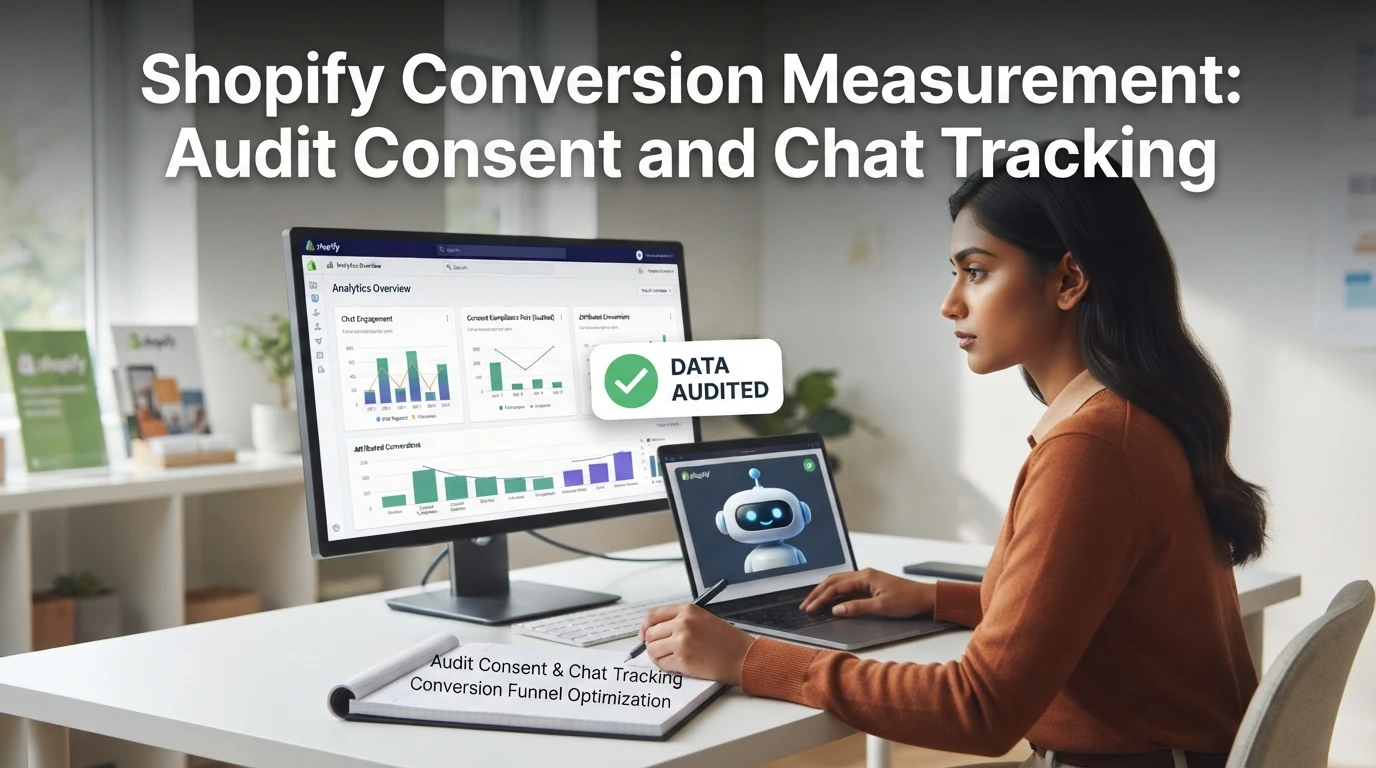
Shopify Conversion Measurement: Audit Consent and Chat Tracking
Quick Summary: When Shopify revenue reports diverge from ad platform numbers, the culprit is usually consent: declined cookies or skipped chat consent strip chatbot-driven conversions from attribution, and your automated bidding then optimizes against incomplete data. A proper audit checks which scripts fire before consent, confirms that core chat events (chat opened, product clicked, add to cart, purchase) only track after consent, and ties orders back to the chat session that produced them. Kandid's AI sales assistant is highlighted as handling this cleanly, tracking revenue accurately so the audit holds up. Run a full review quarterly and a 10-minute smoke test monthly, especially after any theme, consent banner, or chat app change.
If your Shopify revenue reports don't match your ad platform numbers, a Shopify chat tracking consent audit is often the missing step. When shoppers block cookies or skip chat consent, conversions from your AI chatbot vanish from attribution, so you bid on bad data. This guide shows how to audit consent banners, verify chat tracking events, and measure chat-driven sales accurately. We write for Shopify merchants and D2C teams, drawing on hands-on work with chat analytics setups.

If your Shopify chat tracking consent audit is overdue, run one now: check what consent mode fires before chat loads. Kandid's AI sales assistant tracks revenue cleanly, so your Shopify chat tracking consent audit holds up.
Frequently Asked Questions
Q1: How can Shopify merchants audit consent and privacy in chat tracking?
Start by listing every script that fires before a shopper accepts cookies. Open your theme's code, find the chat widget snippet, and check whether it loads inside Shopify's Customer Privacy API or your consent management platform. Then test in an incognito window: open DevTools, go to the Network tab, and confirm no tracking requests run until consent is given. Repeat after accepting to confirm events like add_to_cart and purchase do fire. Document what you find, including timestamps, so you can show a clean consent trail if audited.
Q2: Why do chat-driven sales disappear from my ad platform attribution?
Ad platforms only count conversions their own pixels can see. If a shopper declines cookies, or your chat widget blocks tracking until consent, the platform never learns about that sale. Your Shopify admin still records the order, but Meta or Google shows fewer conversions, so automated bidding underspends on chat-driven shoppers. Reconcile the two by comparing Shopify order counts against ad platform conversions for the same period, and accept a gap where consent is refused rather than trying to force-match those orders.
Q3: How often should I re-run a chat tracking consent audit?
Run a full audit at least quarterly, and immediately after any of these changes: a theme update, a new chat app install, a consent banner update, or a Shopify Customer Privacy setting change. Any of these can silently change script loading order and break consent logic. A quick monthly smoke test takes ten minutes: incognito window, check pre-consent requests, place a test order through chat, and confirm the purchase event lands in your analytics.
Q4: What events should a Shopify chatbot track for accurate conversion measurement?
At minimum, track these four: chat opened, product recommended or clicked, add to cart, and order completed. Add chat-to-purchase attribution as a fifth, meaning the order is tied back to the chat session that produced it. Without that link, you can count sales but not prove the chat caused them. Use your chat platform's session IDs alongside Shopify's order data so every chat-influenced order is traceable back to the conversation.
Q5: Does consent mode affect Shopify chatbots differently than regular tracking?
Yes, slightly. Chat widgets load on every page and often start a session before the shopper scrolls, so they hit consent checks earlier than standard analytics. Some platforms load a functional-only version (chat works, no tracking) and enable measurement after consent, which is the pattern to verify in your audit. Confirm your specific chat app's behavior in its documentation, because setup varies widely across tools like Gorgias, Tidio and Rep AI.
Conclusion
A consent and chat tracking audit comes down to three checks: confirm what loads before consent, verify the four core chat events fire, and tie orders back to chat sessions. Run the full audit quarterly, plus a quick smoke test monthly. When consent breaks, Shopify keeps the order but your ad platforms lose the signal, and bidding suffers. For a deeper walkthrough of separating chat-assisted and organic orders, see our conversion measurement guide.