Ecommerce Chatbot Intent Mapping: Organize Questions Before Launch
Quick Summary: Ecommerce chatbot intent mapping means grouping real shopper questions by goal before launch, not by topic, so the bot can actually answer them. The process has three steps: collect and sort questions into four goal buckets (buy now, find product, post-purchase, policies), define triggers, answer sources, and boundaries for each intent, then test with 20-30 real questions including ambiguous ones and handoffs. Most chatbots fail because nobody organizes the questions first, so start with 8-12 core intents and fix overlaps before going live. The payoff is a bot that answers like a trained rep from day one, with clear limits on what it won't handle.
A shopper asks, "Will this jacket fit, and can I return it if it does not?" That is two connected needs, not one generic FAQ. Ecommerce chatbot intent mapping helps you decide how to spot and handle each need before your bot goes live. Most chatbots fail because nobody organized the questions first. This guide walks you through a pre-launch method: group shopper goals, write triggers, set response limits, and build test cases. It is the same process we use when setting up AI sales assistants for Shopify stores.
Step 1: Collect Questions and Group Them by Shopper Goal
Ecommerce chatbot intent mapping starts with real questions. Open your Shopify inbox, support tickets, product reviews, and Instagram DMs. Pull out the last 100 shopper messages. Ignore what you think customers ask. Count what they actually ask.
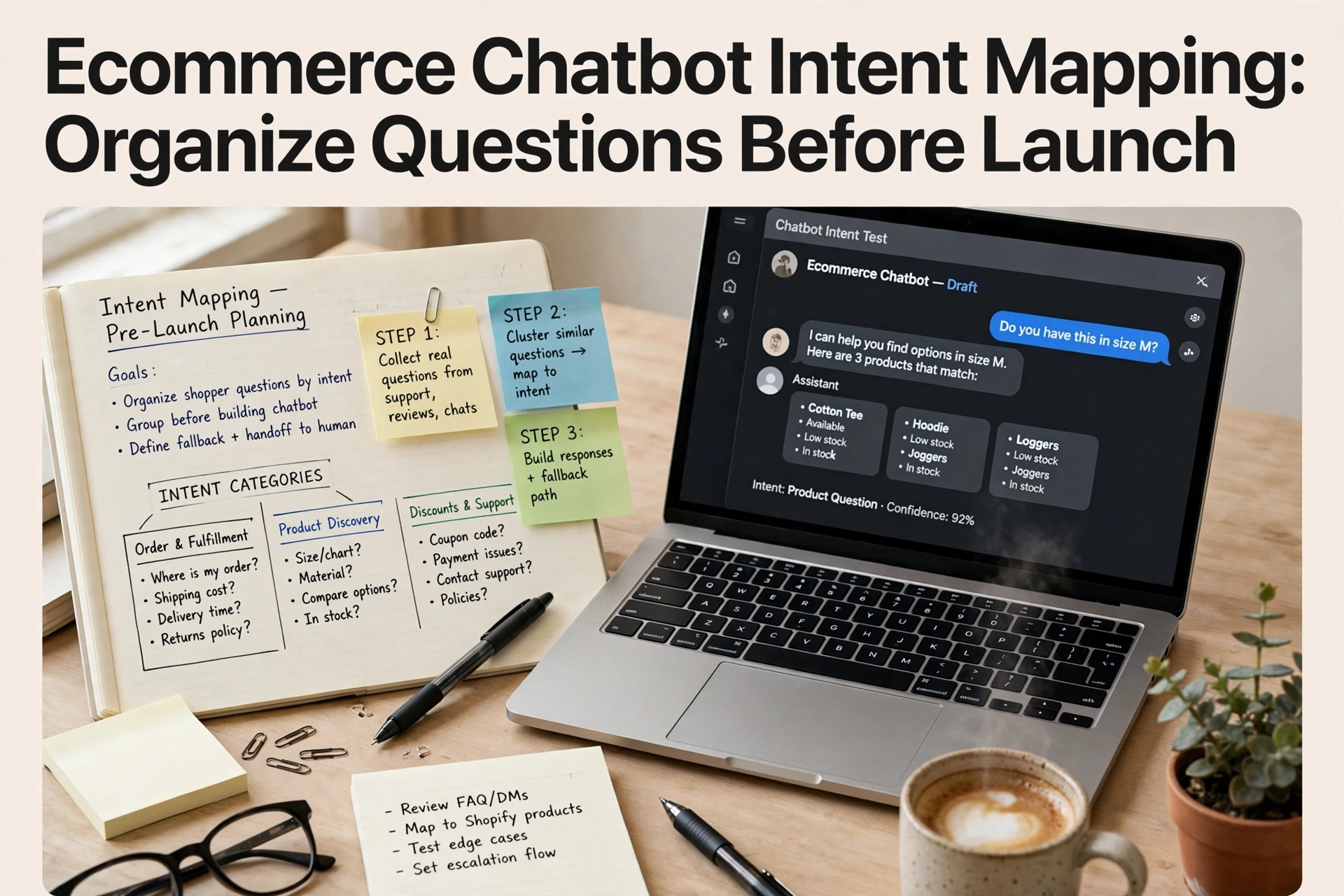
Sort each message by the shopper's goal, not by topic. A topic is "shipping." A goal is "I want to know my order arrives before Friday." Four goal buckets cover most stores:
- Buy now - sizing, stock checks, discount codes, payment options
- Find the right product - "which of these works for oily skin?"
- Post-purchase - order tracking, returns, exchanges
- Store policies - shipping times, delivery charges, refund rules
Mark questions your bot should never answer, like legal or medical claims. Note the top 10 questions by volume. Those become your first intents, and everything else waits until launch. If you want the wider launch picture, see our chatbot setup checklist.

Step 2: Define What the Chatbot Should Do for Each Intent
Record Triggers, Answer Sources, and Boundaries
Now turn each intent from Step 1 into a short spec. Three fields per intent: what starts it, where the answer comes from, and what the bot will not do.
Triggers. List the exact phrases shoppers type, like "where is my order" or "do you ship to Canada." Include odd spellings and slang. A trigger list of 10 to 20 phrases per intent is enough to start.
Answer sources. Say where each answer lives: shipping page, returns policy, order lookup API, or product data. If no source exists, the bot has nothing accurate to say. Fix that before launch, not after a bad review.
Boundaries. Decide when the bot stops. Common lines: no discount promises, no medical or legal advice, no guessing delivery dates. Anything outside the list goes to a human.
Put all of this in one sheet. Each row: intent, triggers, source, boundary, handoff rule. This sheet becomes your test script later.

Here is an example row:
| Intent | Trigger Examples | Answer Source | Boundary |
|---|---|---|---|
| Order status | "track order", "where's my stuff" | Order API | No date guesses; escalate missing orders |
| Returns | "how to return", "refund" | Returns policy page | No manual approvals; link policy and offer agent |
| Product advice | "which size", "best for oily skin" | Product data | No off-catalog brands; recommend from store only |
Clear boundaries protect shoppers and your support team. A bot that knows its limits feels helpful. A bot that guesses feels broken.
Next, wire these specs into the actual setup using a chatbot launch checklist before you publish anything live.
Step 3: Test the Map Against Ambiguous Questions and Handoffs
Use a Small Test Set and Fix Overlaps
Before launch, write 20 to 30 real shopper questions. Pull them from support tickets, reviews, and past live chats. Include messy ones like "will this fit me" or "where's my order?" A good intent map answers both without confusion.
Run each question through your chatbot twice. Flag any answer that misses the shopper's goal or fires the wrong intent. Two intents answering the same question means you have an overlap, so merge them or rewrite the trigger phrases.
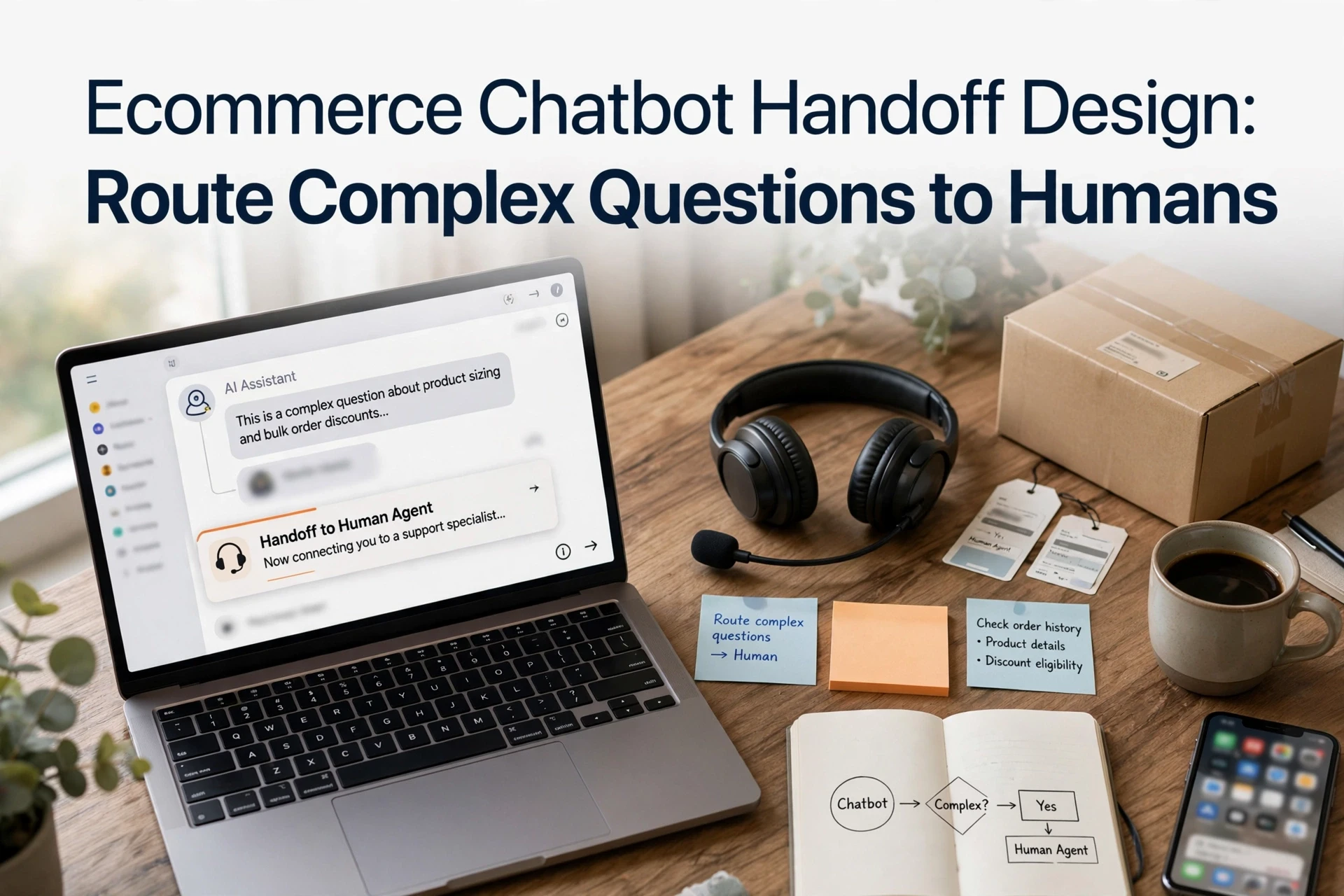
Test handoffs too. Ask something your bot should not handle, like a refund dispute or a custom bulk order. The bot should pass it to a human with the chat history attached, not guess. Tools like Kandid's Shopify AI sales agent handle this handoff step in setup.
Fix every failure, rerun the set, then launch. This small test catches most problems shoppers would otherwise find for you, and it slots straight into any chatbot launch checklist.

Ready to turn your mapped intents into real sales conversations? See how Kandid handles shopper questions for Shopify stores.
Frequently Asked Questions
Q1: How can teams map shopper intents before configuring a chatbot?
List real shopper questions from support tickets, reviews, and chat logs. Group them by goal, like sizing, shipping, or returns. Then write one answer and one fallback per group.
Q2: How many intents should a new chatbot start with?
Start with 8-12 core intents covering most questions. Add more after launch, based on unanswered queries.
Q3: How do I test intents before going live?
Run test cases for each intent, including odd phrasings, and check every fallback path routes shoppers to a human.
Conclusion
Intent mapping means grouping shopper questions by goal before launch. Map intents, set response boundaries, write triggers, and test real questions. Do this first, and your chatbot answers like a trained rep from day one. For the full pre-launch routine, use this chatbot setup checklist for Shopify stores.