Ecommerce Chatbot Operations: Plan Bot Coverage During Product Launches
Quick Summary: Shopify chatbots usually answer with last week's data, which causes them to miss the launch questions shoppers actually ask. The fix is a three-step runbook: inventory launch-specific facts before the drop, load product details into your catalog and one-off answers (like drop times or bundle rules) into a short FAQ, and define clear handoff triggers for sensitive issues such as refunds or cancellations. After the launch, sample 50 to 100 transcripts to log gaps the bot missed, then patch those answers into your knowledge base so the next launch starts ahead. Tools like Kandid sync catalog data automatically, which keeps manual setup small during busy drops.
Your Shopify chatbot is the first place shoppers ask about a new drop, but it often answers with last week's data. That gap breaks ecommerce chatbot coverage for product launches exactly when questions spike. This guide gives you a launch runbook: prep the bot's knowledge, manage human handoff mid-launch, and review results after. It's practical ecommerce chatbot coverage for product launches, written for store owners running real launches, so your coverage for product launches holds from minute one.
Step 1: Map What the Bot Needs to Know for the Launch
Your bot can only answer what it knows. Before launch day, list every launch-specific fact shoppers will ask about, then decide where each answer lives. This is the foundation of solid ecommerce chatbot coverage for product launches.
Inventory the launch-specific facts shoppers will ask about
Start with a simple question: what will people ask that your current bot cannot answer today? For a typical drop, that list includes the launch date and time, limited stock quantities, pricing or bundle deals, restock plans, shipping timelines for preorders, and return terms for sale items. Pull the top questions from your last launch's support tickets. Those ten to fifteen questions become your knowledge gap list.

Decide which answers come from the catalog versus a launch FAQ
Not every answer needs a new document. Product details, variants, prices and stock states should come straight from your Shopify catalog, since that data updates itself. One-off launch facts, like the drop time or bundle rules, belong in a short launch FAQ. A Shopify-focused AI sales agent such as Kandid pulls store and product data automatically, so your manual list stays small. For deeper setup steps, see this chatbot setup checklist for Shopify store launches.
Refresh or publish the launch knowledge in your chatbot tool
Load the FAQ into your bot's knowledge base and test ten questions in preview mode. Fix wrong answers before launch day, not during it.
Step 2: Set Up Human Handoff and Coverage for Launch Day
Define which questions the bot should hand off
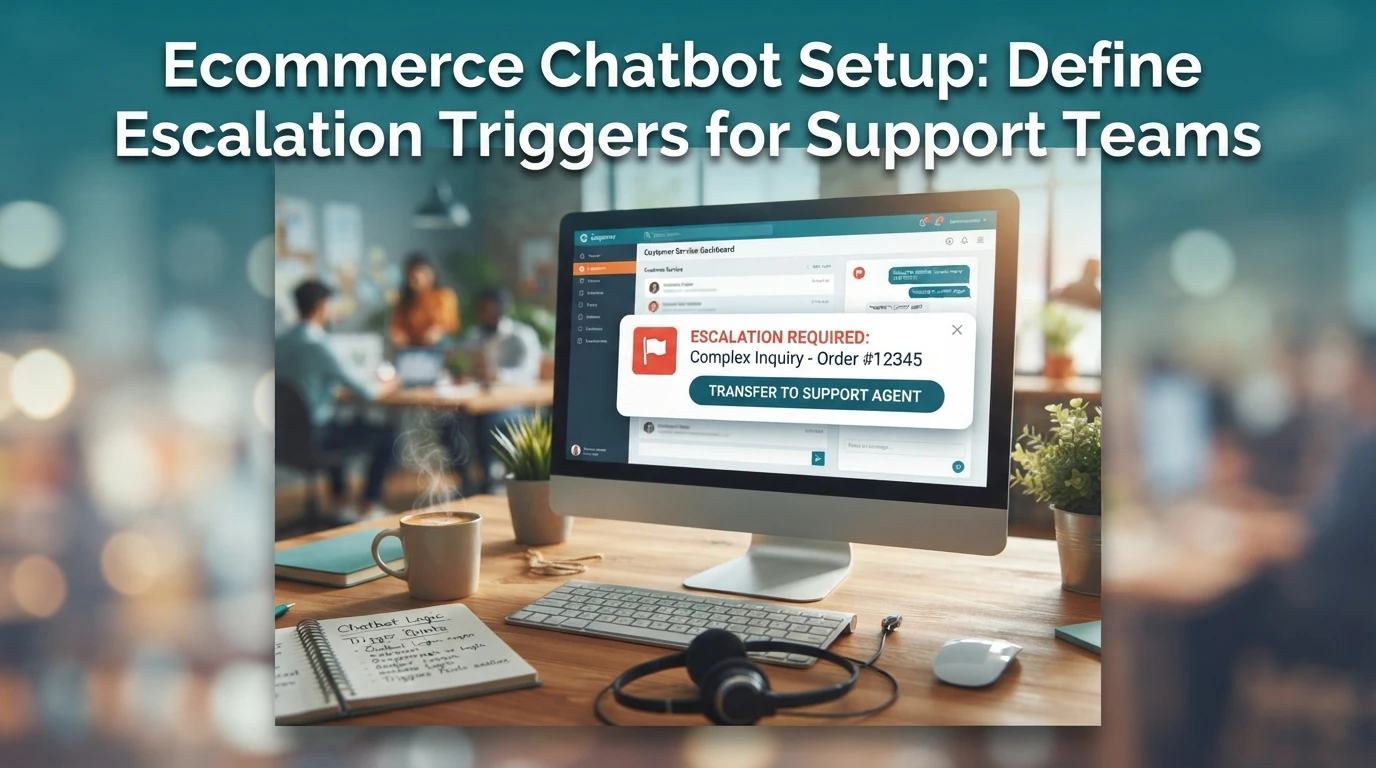
List the launch-day questions your bot should never answer alone: order changes, discount code failures, stock disputes, shipping delays, and anything about payments or refunds. Set clear handoff triggers, like a shopper asking twice or using phrases such as "cancel my order." Train the bot to pass the full chat transcript so customers don't repeat themselves. Most platforms, including Kandid's Shopify AI sales agent, let you route specific intents straight to a human inbox.
Assign on-call coverage and response SLAs for the launch window
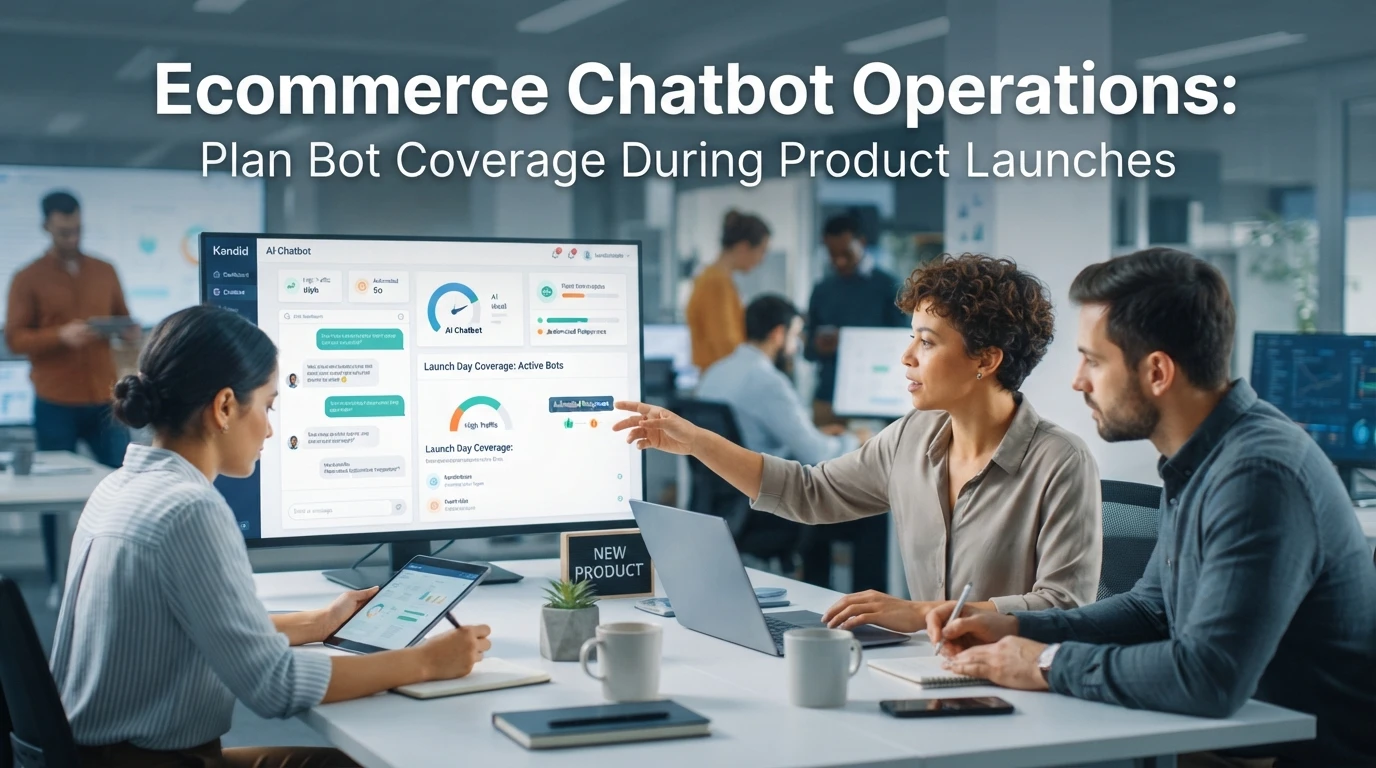
Name who covers chat for each launch-hour block, and set a response target such as 5 minutes during peak. Publish the roster internally, add a backup person, and set up mobile alerts so nobody misses a ping. After the window closes, let the bot collect contact details for next-morning follow-up.
Step 3: Monitor and Review Coverage After the Launch
Once the launch is live, your job shifts from prep to review. The bot will handle most questions well, but a handful will expose gaps in its knowledge, and those gaps are your roadmap for the next launch.
Sample conversations and log the gaps the bot hit
Don't read every transcript. Pull a sample: 50 to 100 conversations spread across the first 48 hours, plus any chat where a shopper asked for a human. Log every question the bot answered wrong, guessed at, or dodged. Common launch gaps include new product specs, bundle rules, restock dates and sizing. Score each gap by how often it appeared and whether it blocked a sale.

Roll the gaps back into the chatbot knowledge base
Within a week, turn the log into answers. Add missing specs to product pages, then update the bot's knowledge source so it picks up the new copy. If a platform like Kandid syncs store data automatically, a page edit may be enough; otherwise paste answers directly into the bot's training content. Note how each gap was fixed so launch number two starts ahead.

Launch chats spike fast, and a bot trained on your new products catches what a rushed team misses. See how Kandid keeps Shopify launches covered, then set your runbook today.
Frequently Asked Questions
Q1: How should ecommerce teams plan chatbot coverage for a product launch?
Inventory launch facts shoppers will ask, split answers between catalog data and a short launch FAQ, then test ten questions in preview. Assign on-call human coverage with a 5-minute response target.
Q2: When should a launch chatbot hand off to a human?
Hand off order changes, discount failures, stock disputes, and payment or refund questions. Also route chats where a shopper asks twice or types phrases like "cancel my order."
Q3: How many launch chat transcripts should I review?
Sample 50 to 100 conversations across the first 48 hours, plus every chat that requested a human. Log wrong or dodged answers, then score each gap by frequency and lost sales.
Q4: Should launch answers live in my Shopify catalog or the bot?
Product details, prices, and stock belong in the catalog since they sync automatically. One-off facts like drop times and bundle rules go in a launch FAQ loaded into the bot.
Conclusion
Launch coverage comes down to three moves: load launch facts before the drop, route sensitive questions to a named human with fast response targets, and review a chat sample afterward to fix gaps. Prep the bot's launch knowledge early, and each launch starts ahead of the last.