Shopify Chatbot Sales Attribution: Measurement
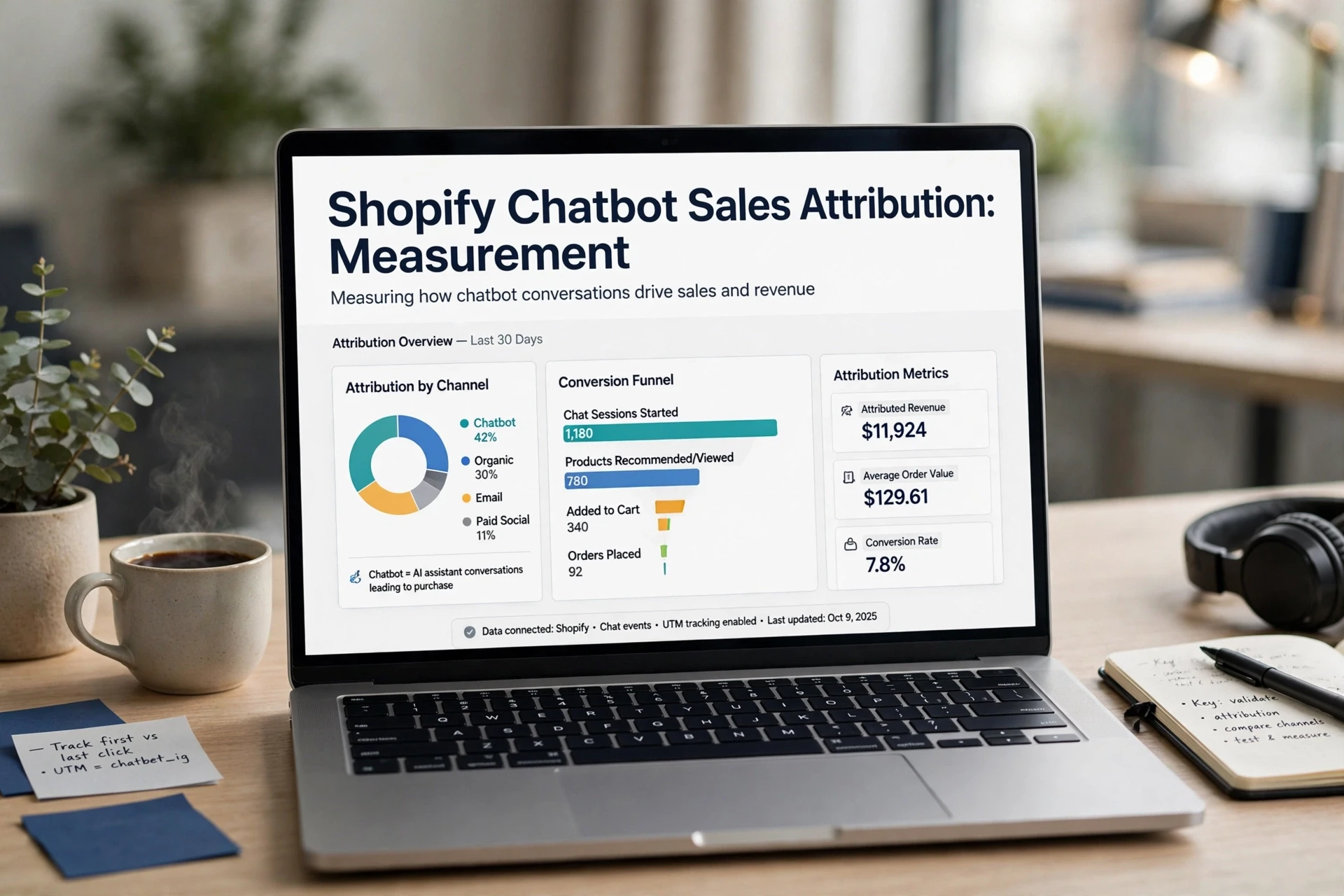
Quick Summary: Shopify chatbot sales should be measured with a defined attribution rule, a stable session ID carried from chat to checkout, and a consistent order tag such as “chat-last-click-30d.” Attributed revenue only shows which orders followed a chat, so run a holdout group for at least two weeks to estimate the chatbot’s incremental impact on conversion and average order value. Report attributed revenue, incremental lift, and assist influence separately so teams do not mistake correlation for causation.
Two shoppers ask your chatbot the same sizing question. One buys a $40 shirt that night. The other returns nine days later from an email link and spends $180. Shopify chatbot attribution often counts both as wins, so your dashboard shows matches instead of answers. This guide covers Shopify chatbot attribution step by step: joining sessions to orders, then testing incremental revenue. Sources come from Shopify's own documentation, not vendor claims.
Step 1: Decide the Attribution Rule Before You Track Anything
Pick your rule first. Shopify chatbot attribution gets murky fast when three people count revenue three ways. Write the definitions down before you tag a single order.
Write Down Three Numbers, Not One
Track three measures, because each answers a different question:
| Measure | Question It Answers | How You Calculate It |
|---|---|---|
| Attributed revenue | Which orders touched the chat? | Sum orders tagged with the chat source |
| Incremental revenue | Would buyers have purchased anyway? | Attributed revenue minus holdout results |
| AOV comparison | Does chat change basket size? | Chat session AOV minus store AOV |
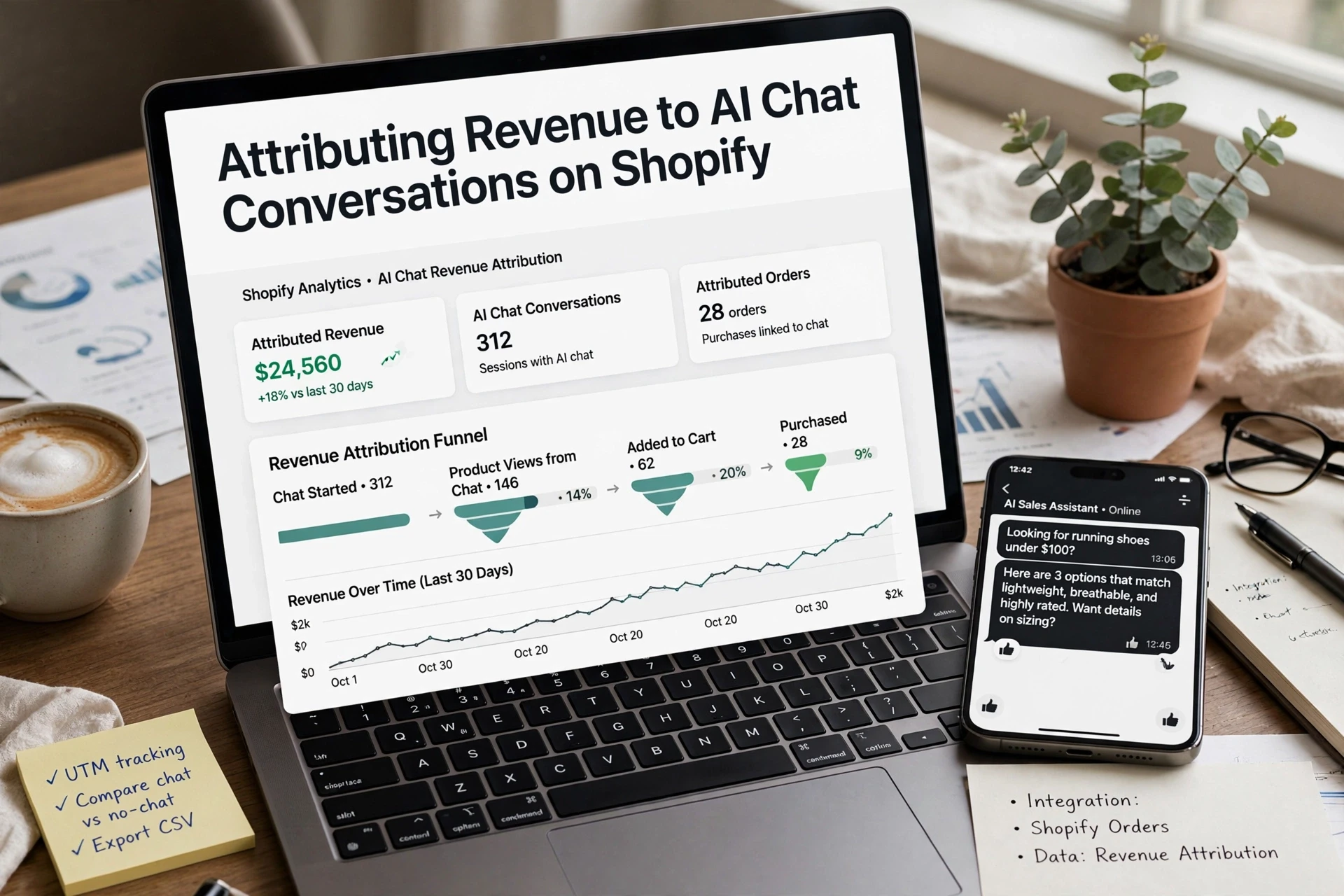
This is the core of attributed vs incremental revenue ecommerce, and it shapes how you attribute sales to a Shopify chatbot. Our conversion tracking guide covers the tagging setup in detail.
Set the Attribution Window and Name It
An ecommerce attribution window is how long after a chat an order still counts. Pick 7 days for impulse buys, 30 days for considered products. Then name it, for example "chat-last-click-30d," so reports match across teams. First interaction versus last interaction also changes the count, so record which one you use.
Step 2: Tag Every Chat Session With a Stable ID
Create the Session ID at First Message
Generate a unique chat session id the moment a shopper sends their first message. Store it in a cookie or localStorage so it survives page reloads and cart jumps. One ID per conversation, never per page view, or two visits from one shopper look like two buyers.

Fire Customer Events So the Trail Exists on Day One
Use Shopify customer events to carry that ID through the funnel. A custom pixel can subscribe to events like product_viewed and checkout_started, then send the session id alongside each one. When checkout completes, attach the same ID to the order as a tag or note. That gives you a joinable trail from first chat message to paid order, without guessing.
Step 3: Mark the Order So Shopify Reports the Chat Source
To attribute sales to a Shopify chatbot, mark each order at checkout with the chat source, then read that marker back in Shopify reports. Three steps do it: capture a chat session id, pass it through customer events, and stamp the order with a tag or sales channel.

Stamp Orders With a Tag or an App Sales Channel
The cleanest marker is an order tag, such as chat-last-click-30d, written through the Orders API when checkout completes. Some chat apps instead register as a Shopify sales channel app, so orders arrive pre-labeled with the app as source. Either works; pick one and stay consistent.
Read the Attribution Back in Shopify Reports
Open Shopify Analytics and filter orders by your tag, or use the app's attribution if the order source shows the channel. Compare average order value between chat-sourced orders and everything else. Keep the same window you chose earlier, for example 30 days, so numbers match across teams.
Step 4: Prove Which Part of That Revenue Is Actually Incremental
Attributed revenue tells you what followed a chat, not what the chat caused. To separate attributed vs incremental revenue ecommerce style, test it.
Run a Holdout Instead of Claiming Lift
- Split traffic: a holdout group never sees the chatbot; everyone else does.
- Run it for at least two full weeks, ideally four.
- Compare conversion rate and AOV between groups.
- State the limits: seasonality and sample size.
This is how you test whether chatbot revenue is incremental, not just attributed. We break the design down further in our guide to holdout groups.
Report Three Labelled Figures, Not One
Report attributed revenue, incremental lift, and assist influence as separate labelled lines. One blended number hides both over-claiming and undervaluing, and boards will ask which one they are funding.

Once your chat sessions and orders are joined, Kandid makes the reporting side easier. See how Kandid tracks chat-driven revenue on Shopify, then set up your attribution window this week.
Frequently Asked Questions
Q1: How to attribute sales to a Shopify chatbot?
Create a unique chat session id at the first message, pass it through Shopify customer events, then stamp the completed order with a tag like chat-last-click-30d via the Orders API. Filter Shopify Analytics by that tag to see chat-sourced revenue.
Q2: How long should my attribution window be?
Use 7 days for impulse purchases and 30 days for considered products. Name the window, such as "chat-last-click-30d," so every team reports the same number.
Q3: How do I prove chatbot revenue is incremental, not just attributed?
Run a holdout: keep a share of traffic chat-free for at least two weeks, then compare conversion rate and AOV. The gap between groups is your incremental lift, not just session matches.
Conclusion
Shopify chatbot attribution comes down to three habits: pick your rule and window first, join each chat session id to its order, then run a holdout before claiming lift. Attributed revenue and incremental revenue are different numbers, so report both with clear labels. Boards trust defined measures, not dashboards.