Shopify Conversion Measurement for Chatbot Sales
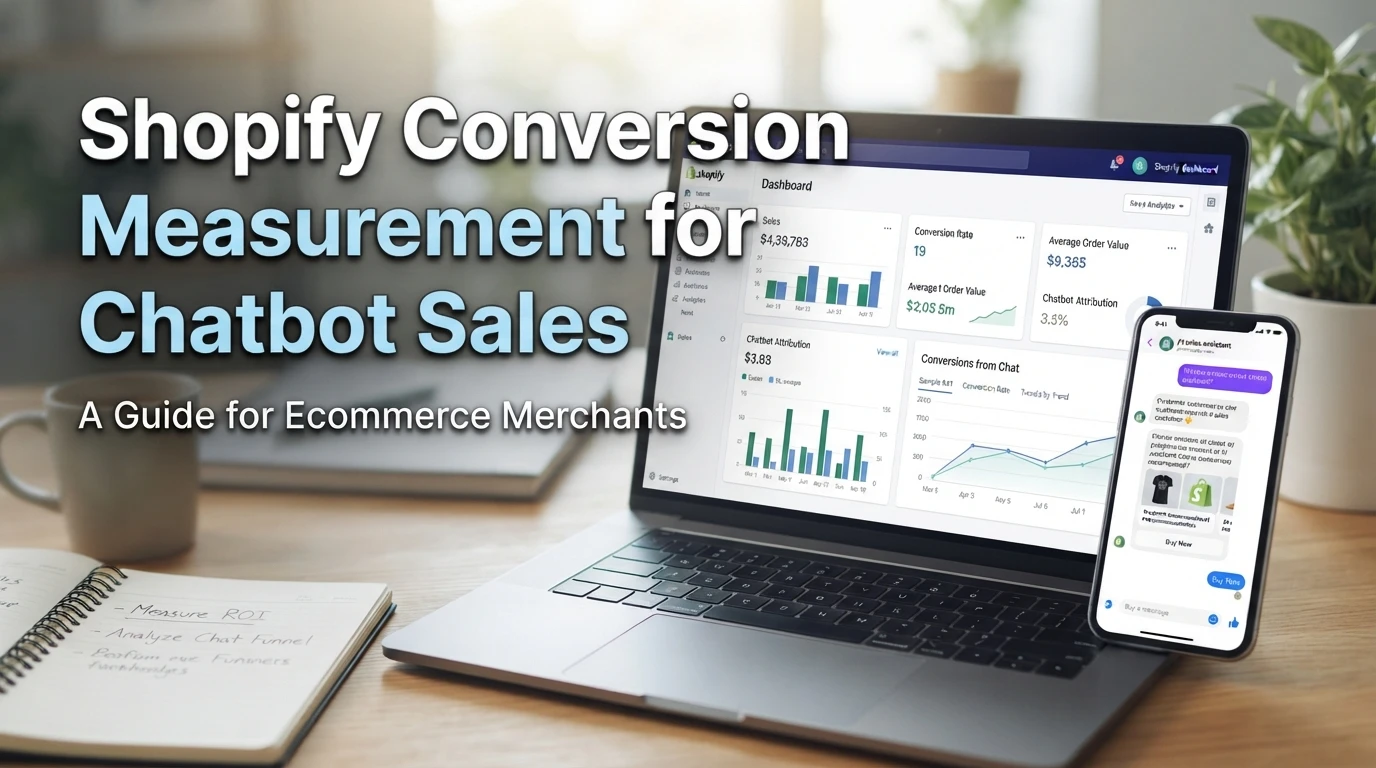
Quick Summary: Measure chatbot sales by tagging every shared link with consistent UTM parameters, then comparing Shopify’s sales by traffic source report with your own three-month baseline. Track engagement, chat-assisted conversion, attributed revenue, and average order value each month. Treat attributed revenue as an upper bound, and use a four-week holdout test with 10% to 20% of visitors excluded from chat to measure true incremental lift.
Your Shopify dashboard shows 40 orders this week. Your chatbot logs 12 conversations ending in a purchase. Neither number tells you whether chat actually produced that revenue or just intercepted shoppers who were already buying. That gap is the real challenge of Shopify conversion measurement for chatbot sales. This guide walks through the full workflow: UTM tagging for chat traffic, Shopify's own reports, and the difference between attributed versus incremental revenue. It leans on Shopify's native attribution logic and public benchmarks, not vendor dashboards.
How do I measure chatbot-driven conversions in Shopify?
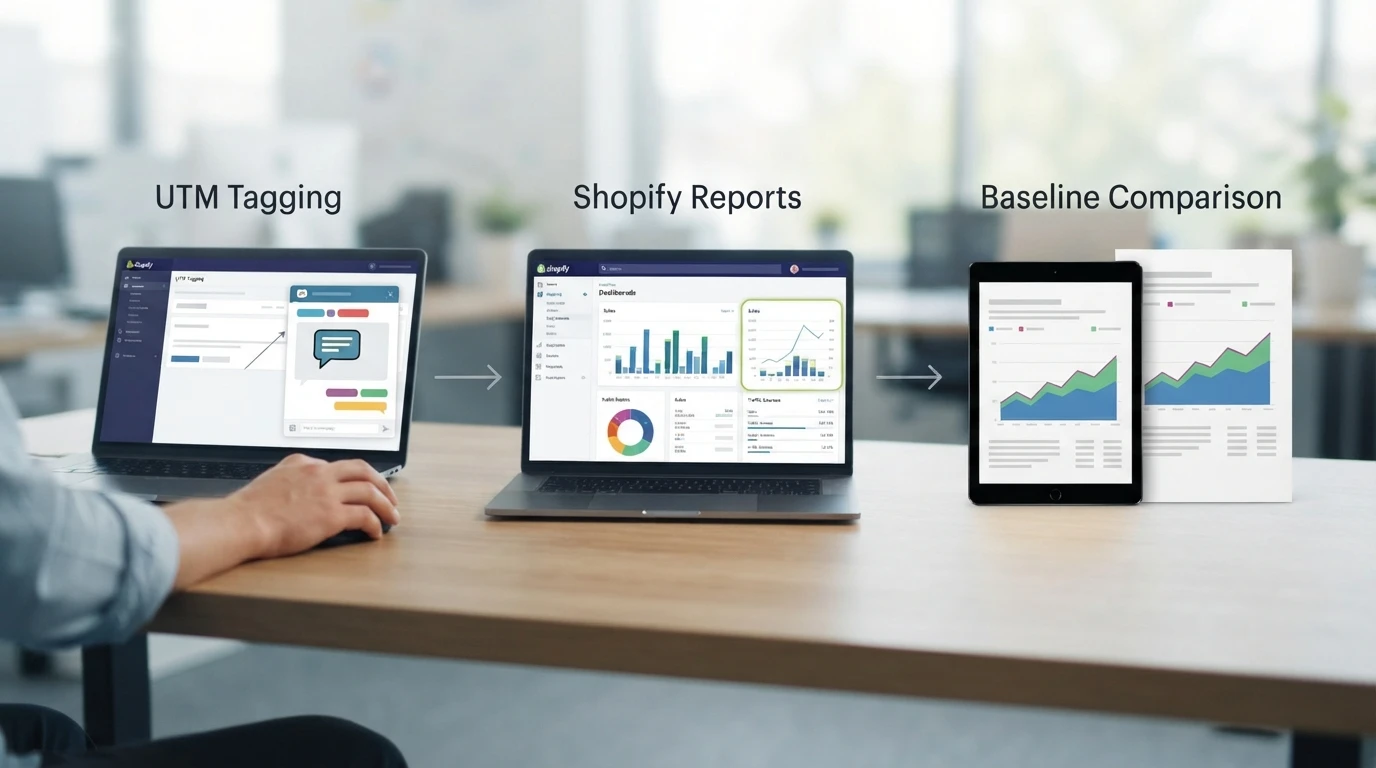
Measure chatbot sales in three steps: tag chat traffic, read Shopify's reports, then compare against a baseline. No plugin can do this for you.
The three-step measurement method
- Tag chat traffic. Add UTM parameters to every link your chatbot shares, so sessions show a consistent source.
- Read the reports. Open Shopify's marketing and sales reports and use the sales by traffic source report to see orders and revenue per source.
- Compare. Divide chat-attributed orders by chat sessions to get a chat-assisted conversion rate, and track average order value by channel alongside it.
Choose your attribution rule before reading results
Decide up front whether you count first interaction or last interaction referrer. A shopper might open chat, leave, then return through email. Last-click gives chat nothing. First-click credits it fully. Neither proves incremental revenue, so state your rule before anyone reads a dashboard. For a deeper breakdown, see our guide to chatbot purchase attribution.
Tag chat traffic so it shows up as its own source in Shopify
Add UTM parameters to every link your chatbot sends. Set utm_source=chat, utm_medium=chatbot, and utm_campaign={month-or-promo} on each URL. Shopify's sales by traffic source report then groups chat orders under their own line, instead of blending them into direct traffic.
Set one consistent UTM source and campaign
Pick one naming scheme and never change it. Use lowercase, no spaces: utm_source=chat, utm_medium=chatbot, utm_campaign=fall_launch. Mixing Chat and chat splits the report into two rows. Log the convention in a shared doc so new campaigns stay consistent.
[TECHNICAL DIAGRAM: UTM parameter flow: chatbot link with utm_source=chat → Shopify checkout → sales by traffic source report]
Match chat-attributed orders to Shopify order records
Export the chat platform's order list and Shopify's orders CSV. Compare order numbers, not names or emails. Any chat order missing in Shopify usually means the shopper clicked but bought later on another device. Expect some gap; Shopify reports the checkout's last touch, so these orders often land under direct or search instead.
Read the funnel metrics and set a baseline to compare against
Define the four numbers you will report every month
Track four numbers monthly: chat engagement rate, chat-assisted conversion rate, attributed revenue, and average order value by channel. What conversion rate should you expect for chat-assisted sessions? Site-wide, ecommerce conversion averaged about 2.68% across October 2025 to September 2026, but chat sessions run far higher. One vendor report covering 17 million shopper interactions found AI-assisted sessions converted at 12.3% versus 3.1% for non-assisted ones, so treat any vendor figure as assisted, not incremental.

Use your own history as the baseline, not a published average
Published averages mix industries, countries and traffic quality. Before your chatbot goes live, record three months of conversion rate, AOV and revenue by traffic source in your Shopify reports. Then compare chat-driven months against that history, not against a benchmark.
Separate attributed revenue from incremental revenue
Attributed revenue is credit; incremental revenue is change. Attribution assigns a sale to the chat touchpoint, but some of those buyers would have purchased anyway.
| Term | What it means | What it proves |
|---|---|---|
| Attributed revenue | Sales tagged to chat sessions | Correlation, not cause |
| Incremental revenue | Sales added by chat versus a control group | Actual lift |
What a chat tool's attribution can and cannot prove
Most tools use last-click logic: the chat gets full credit for any purchase it touched. That counts shoppers who opened chat, then bought through a session that would have converted anyway. Treat the reported figure as an upper bound, never as proof the chatbot caused the sale.
A practical holdout design for Shopify stores
Hide the chat widget for a random 10-20% of visitors for four weeks, then compare conversion and average order value between groups. The difference is your true lift. If the groups look alike and lift is small, your chatbot revenue may be mostly reallocated rather than added.
If you're ready to run these tests on live chats, Kandid gives your Shopify store an AI sales assistant built for measurable, attribution-aware results.
Frequently Asked Questions
Q1: How do I measure chatbot-driven conversions in Shopify?
Tag chat links with UTMs, read Shopify's sales by traffic source report, and divide chat-attributed orders by chat sessions to get your chat-assisted conversion rate.
Q2: Does chat-attributed revenue prove the chatbot caused the sale?
No. Most tools use last-click logic, so treat reported revenue as an upper bound and run a holdout test for true lift.
Q3: What baseline should I compare chat results against?
Your own store. Record three months of conversion rate and average order value before launch, then compare chat months against that history rather than published benchmarks.
Conclusion
Measure chatbot sales with a simple loop: tag chat traffic with UTMs, read Shopify's sales by traffic source report against your own three-month baseline, and treat attributed revenue as an upper bound. Run a holdout test when you need proof of true lift.